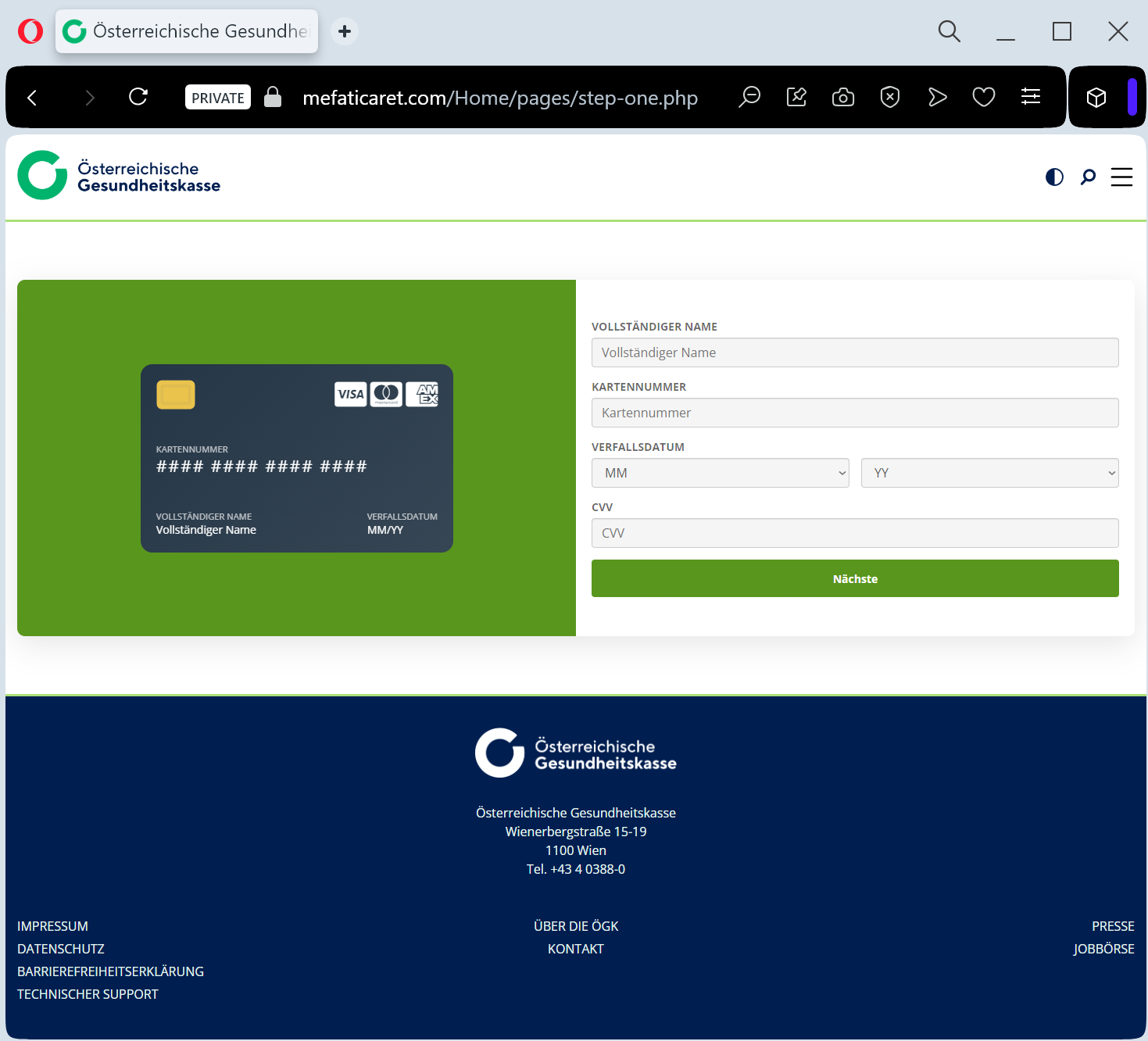
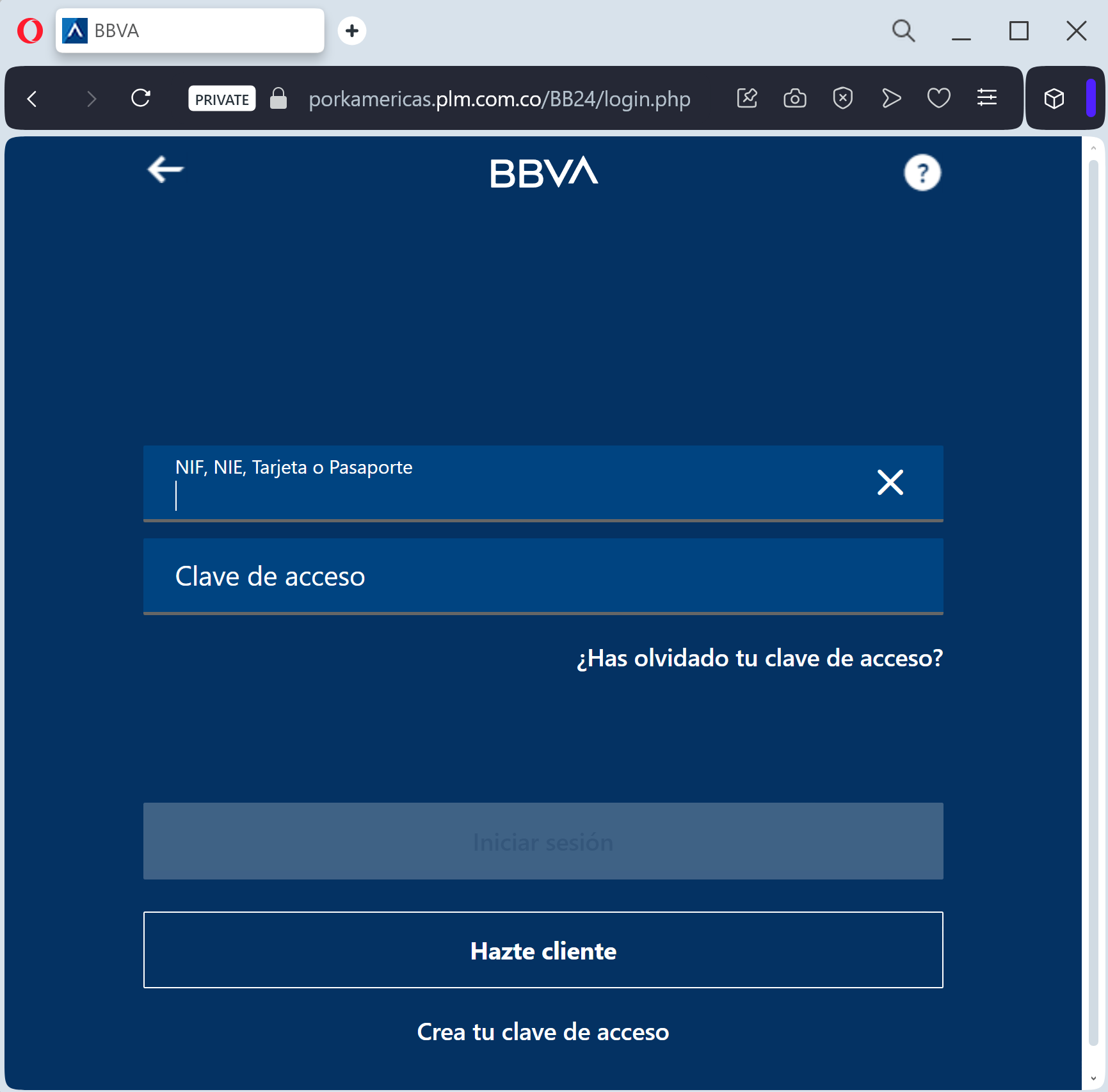
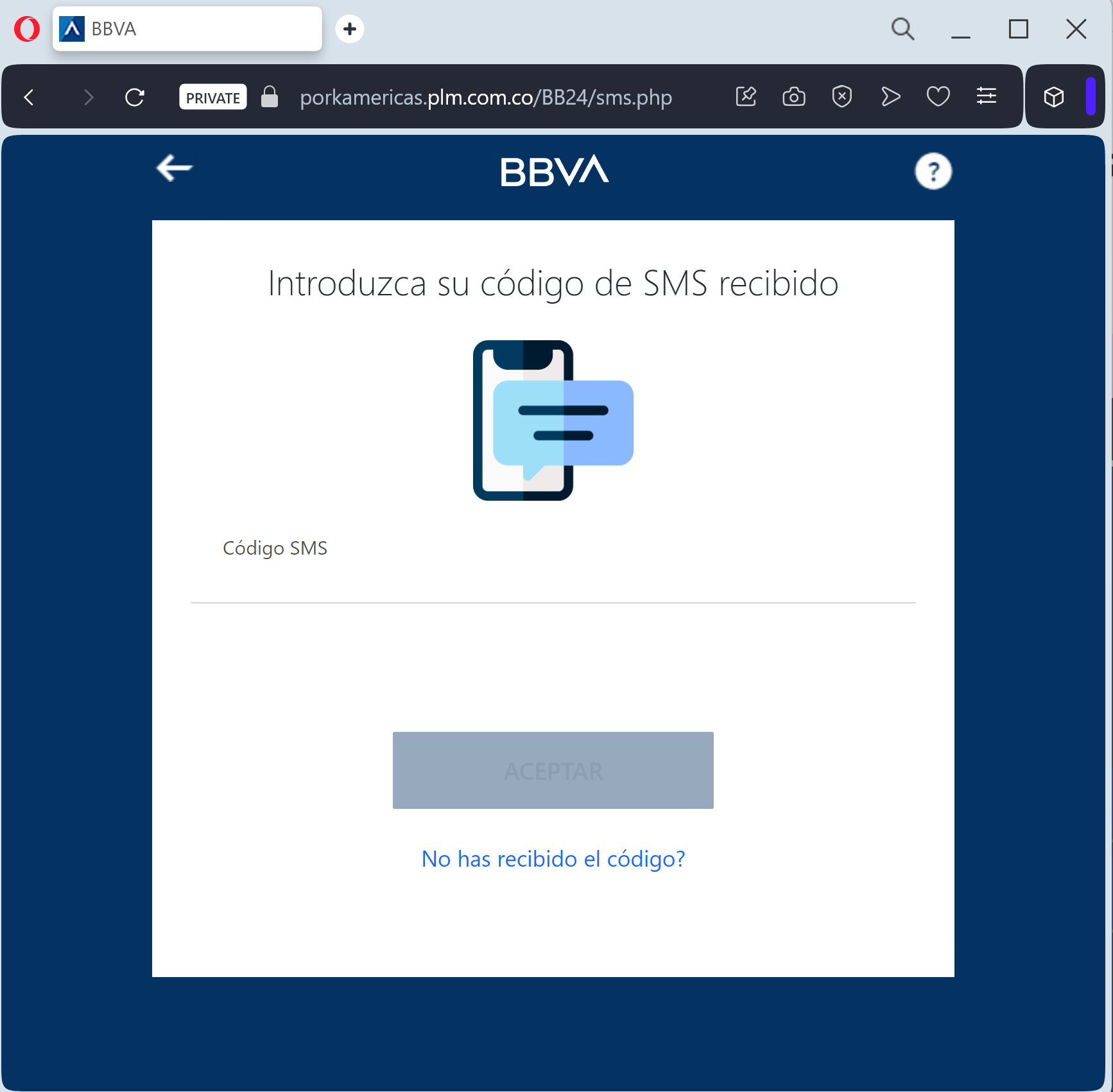
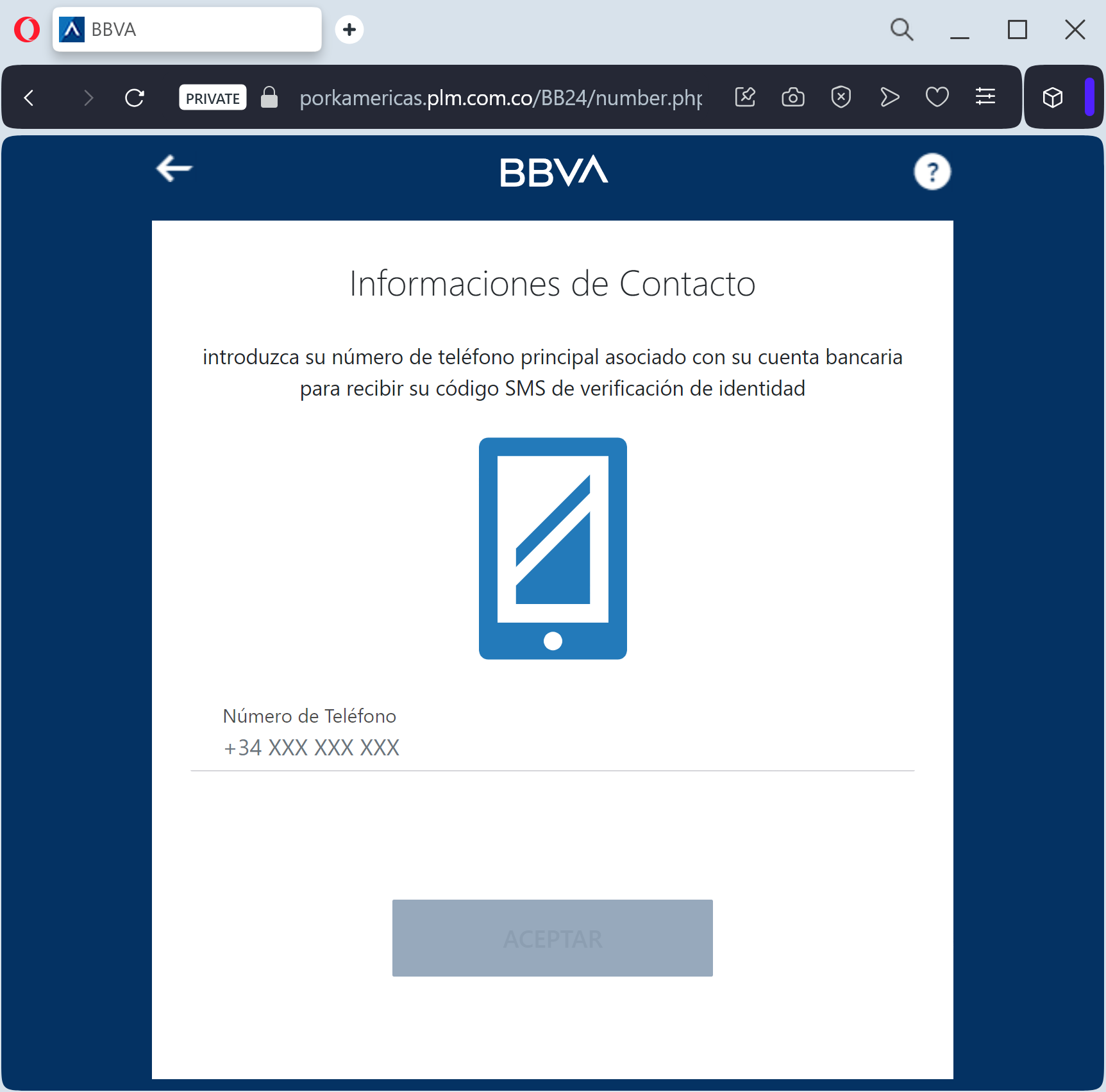
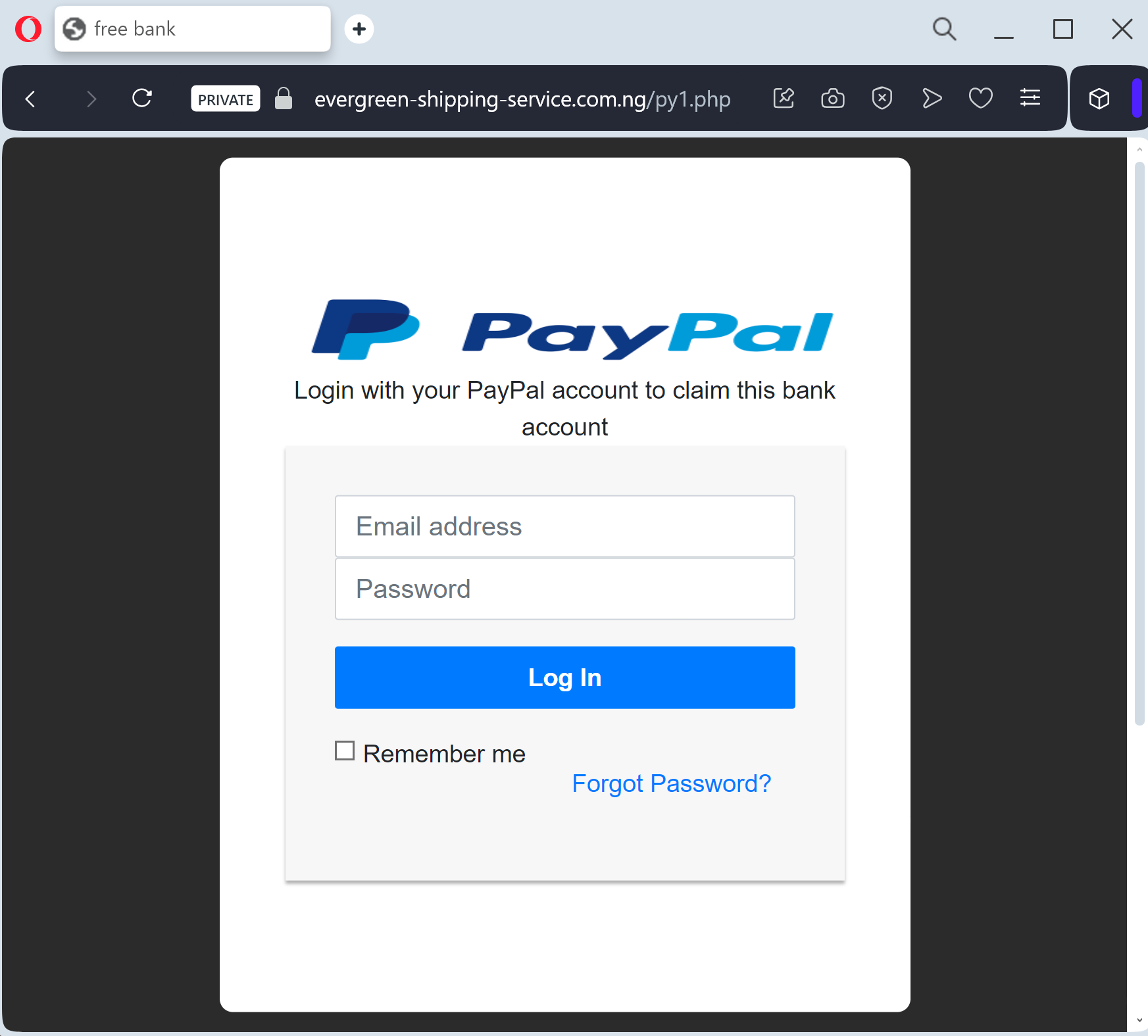
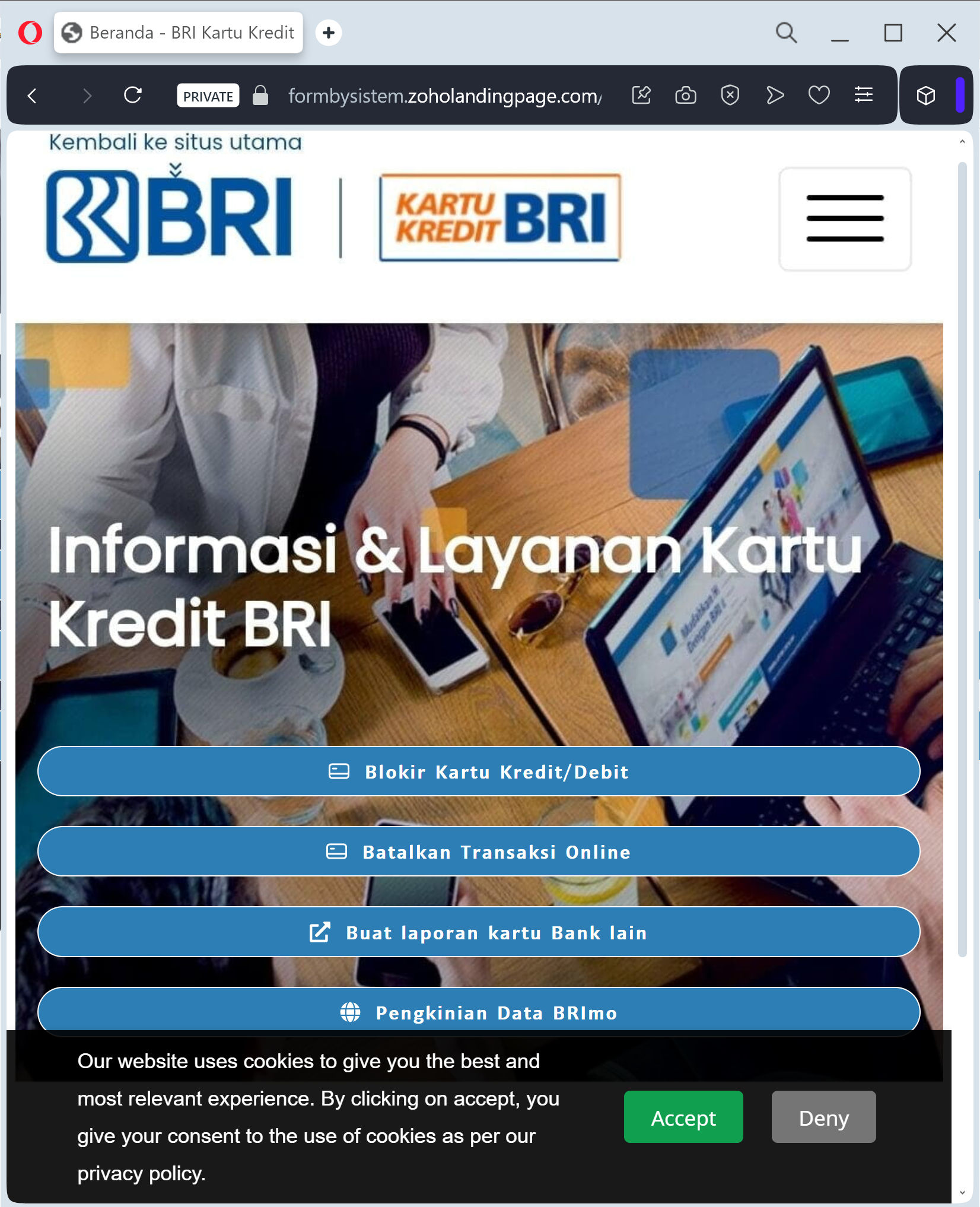
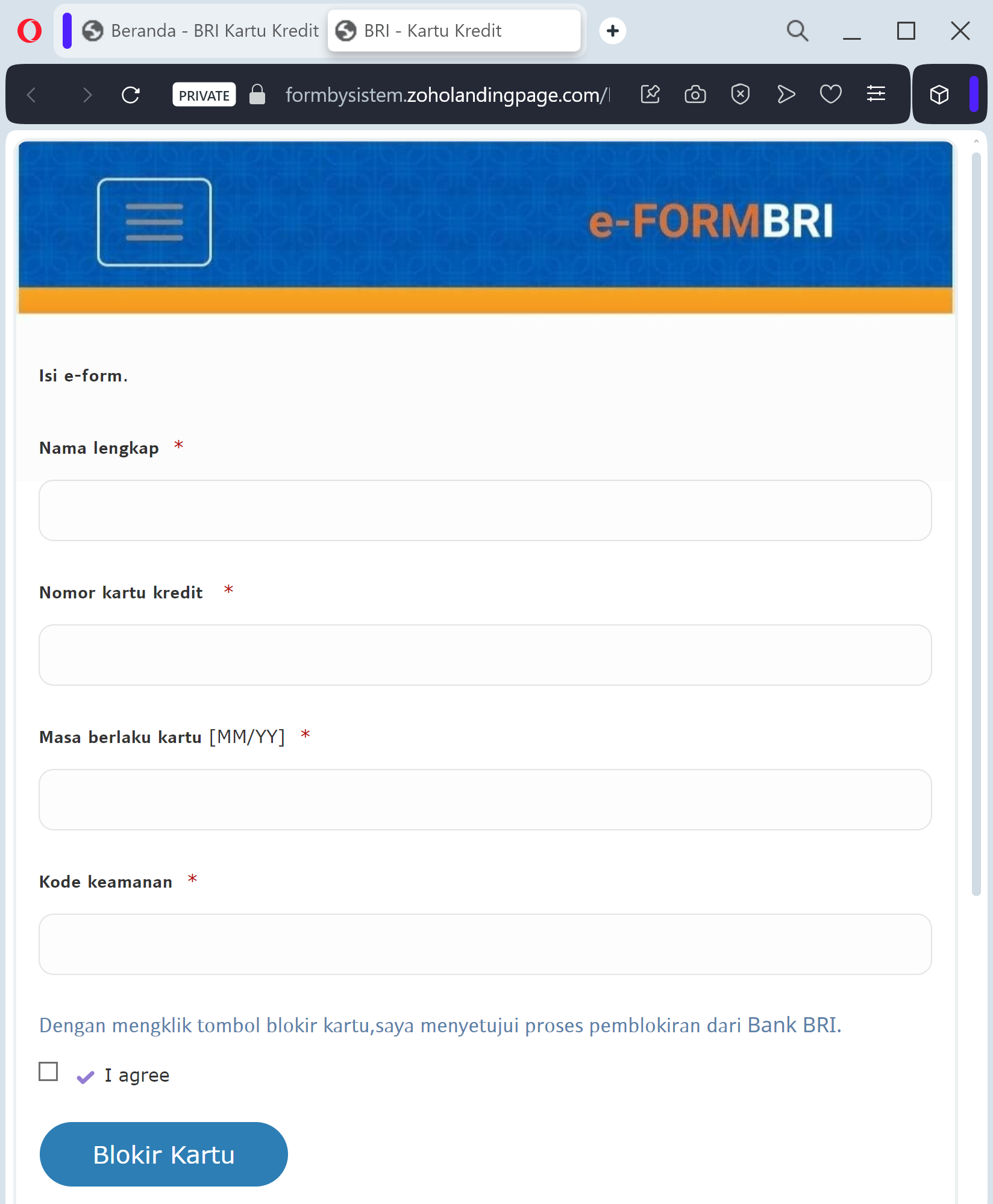
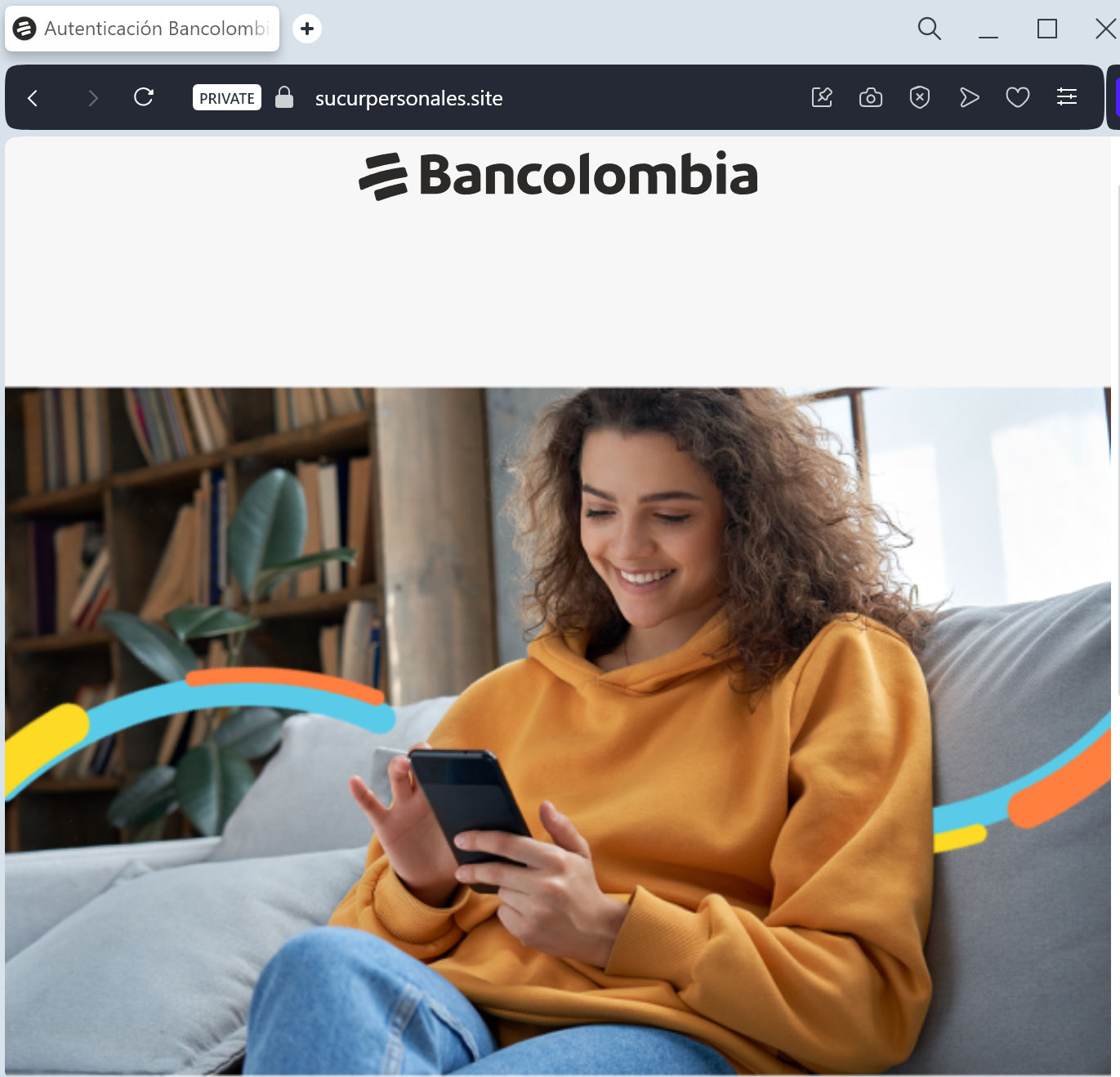
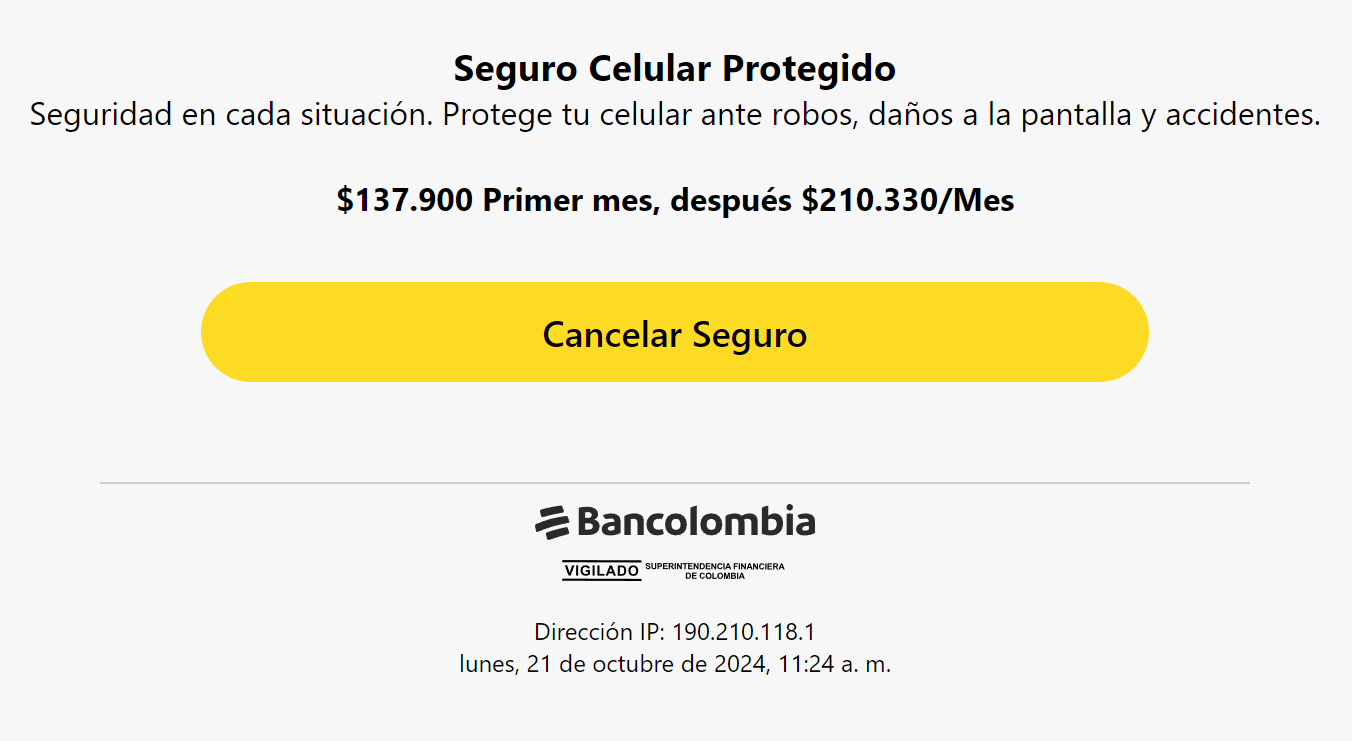
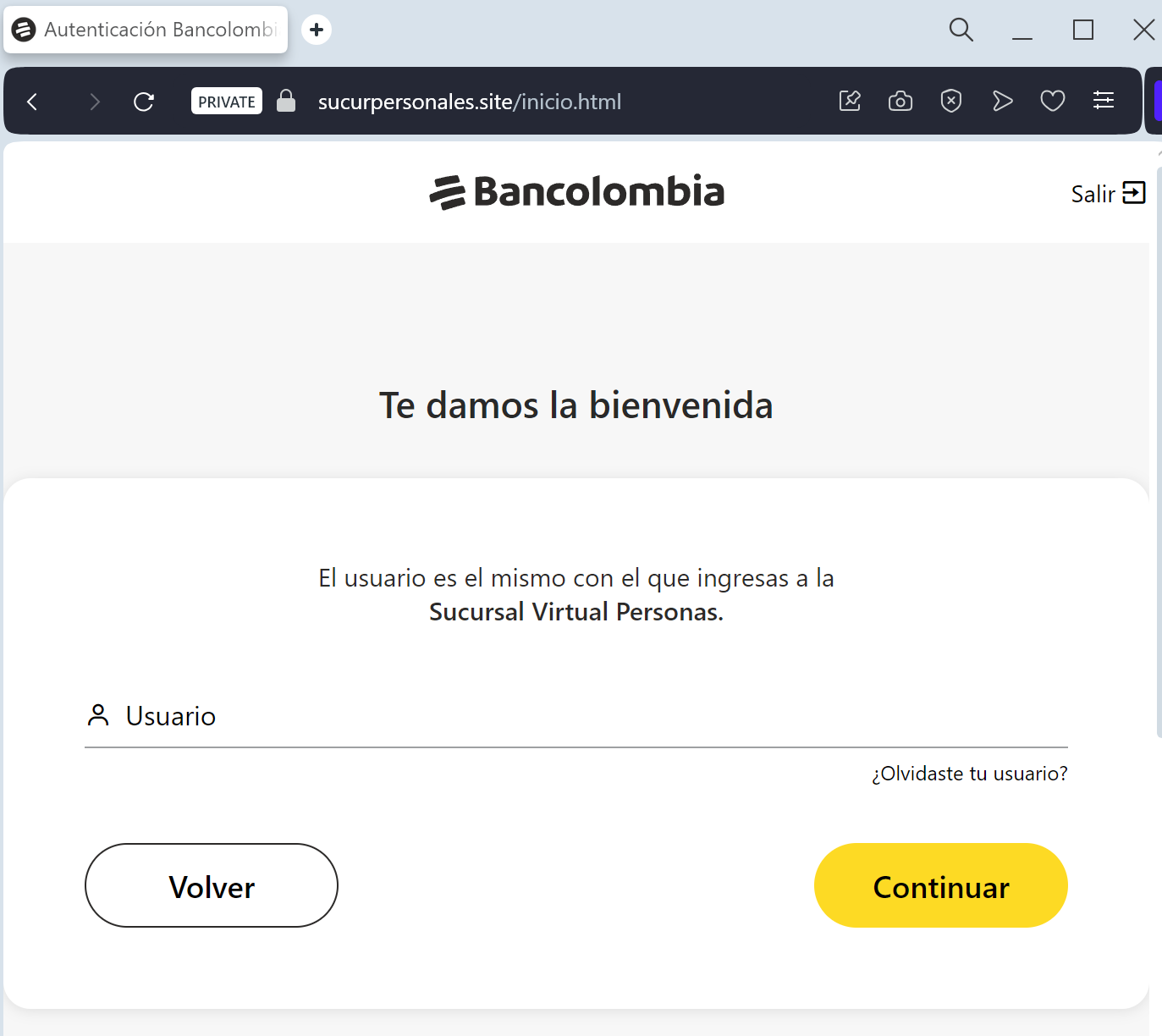
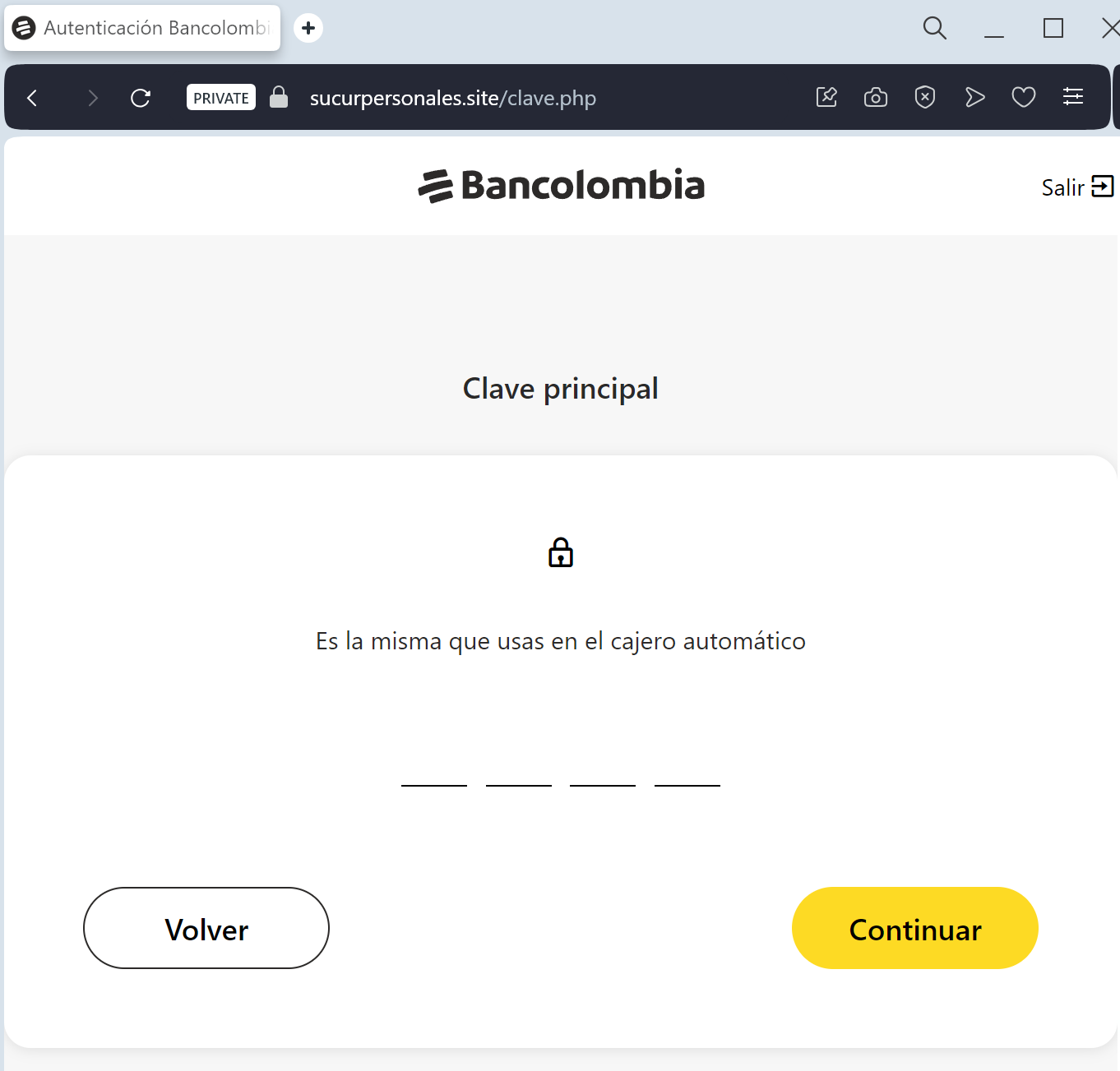
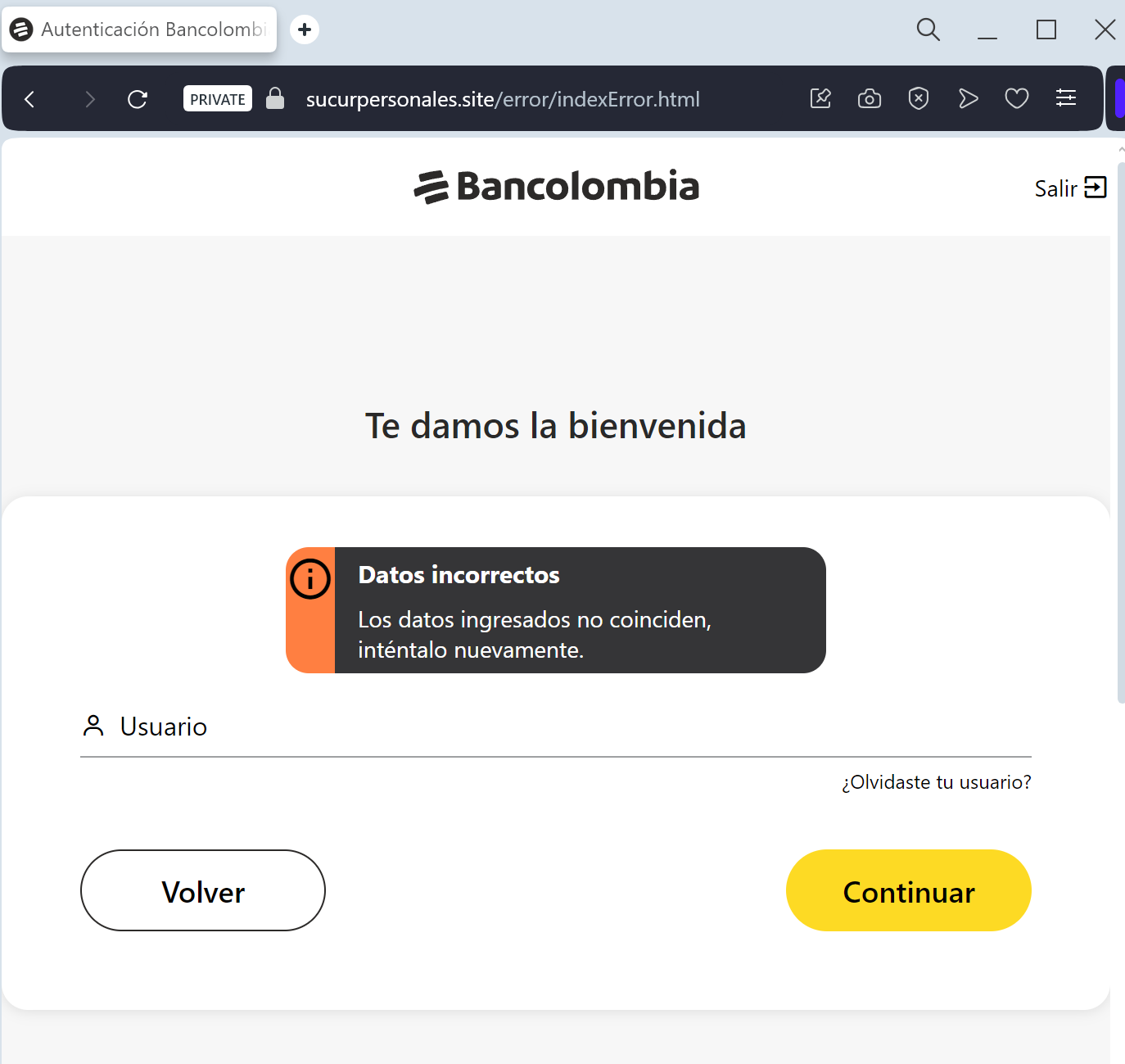
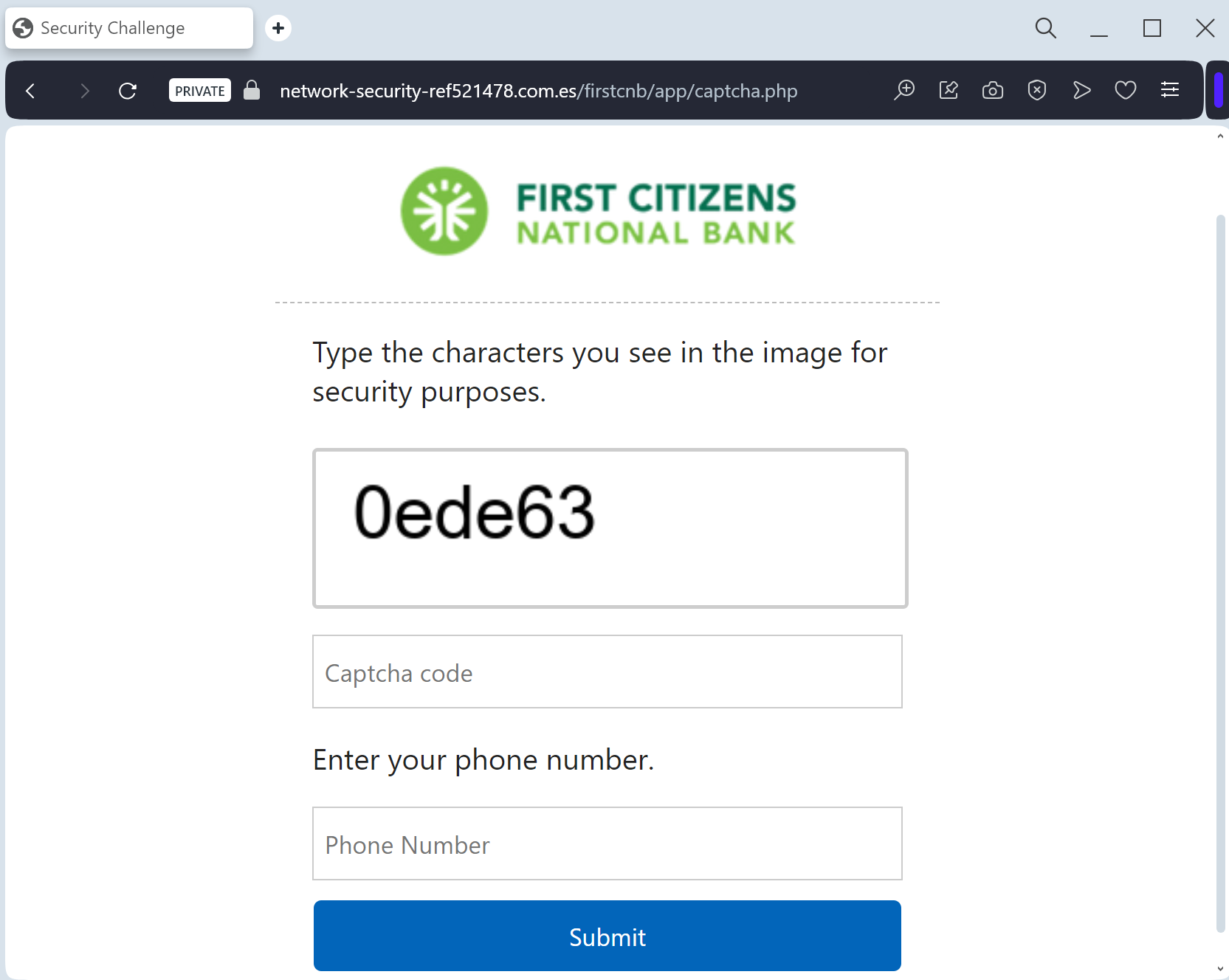
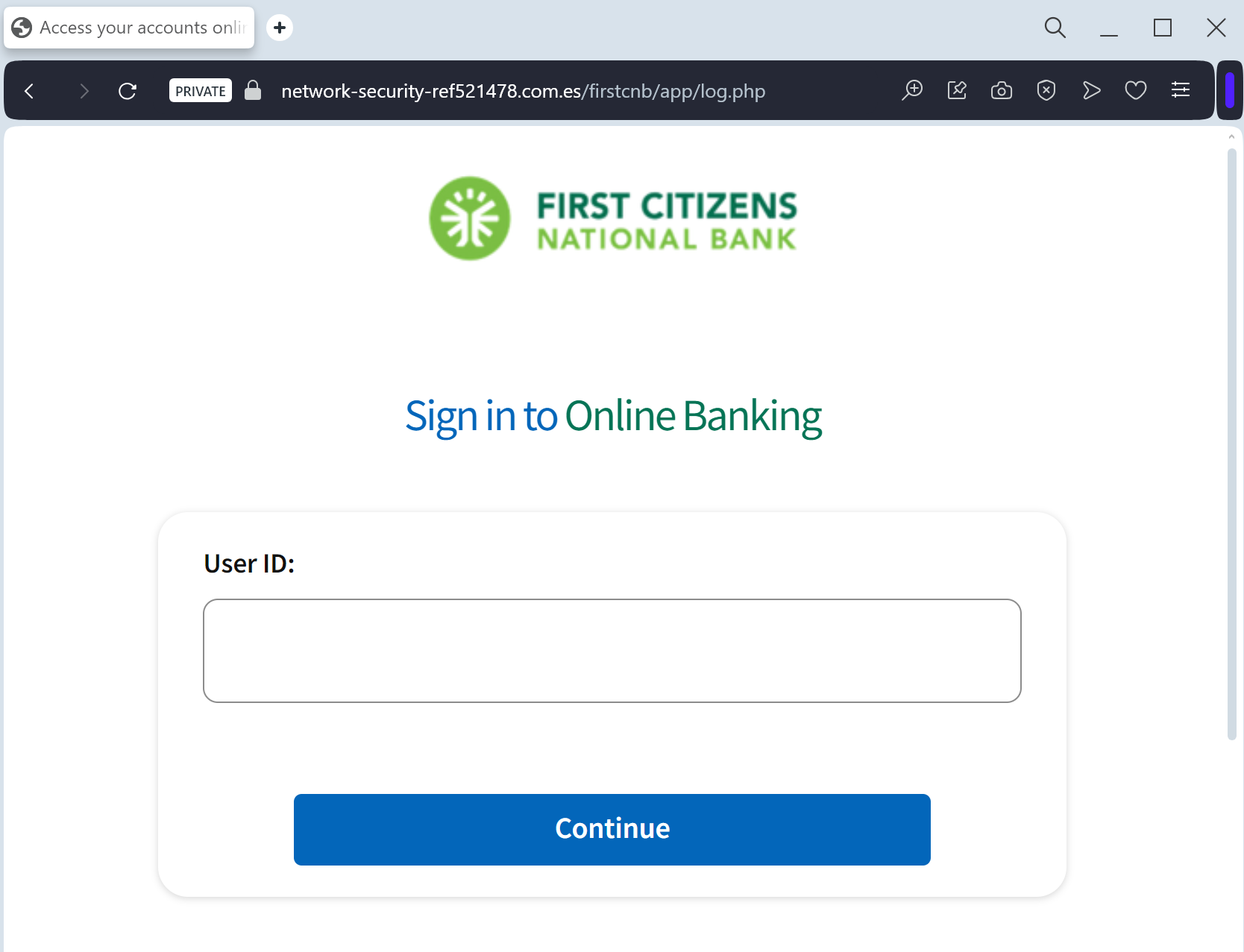
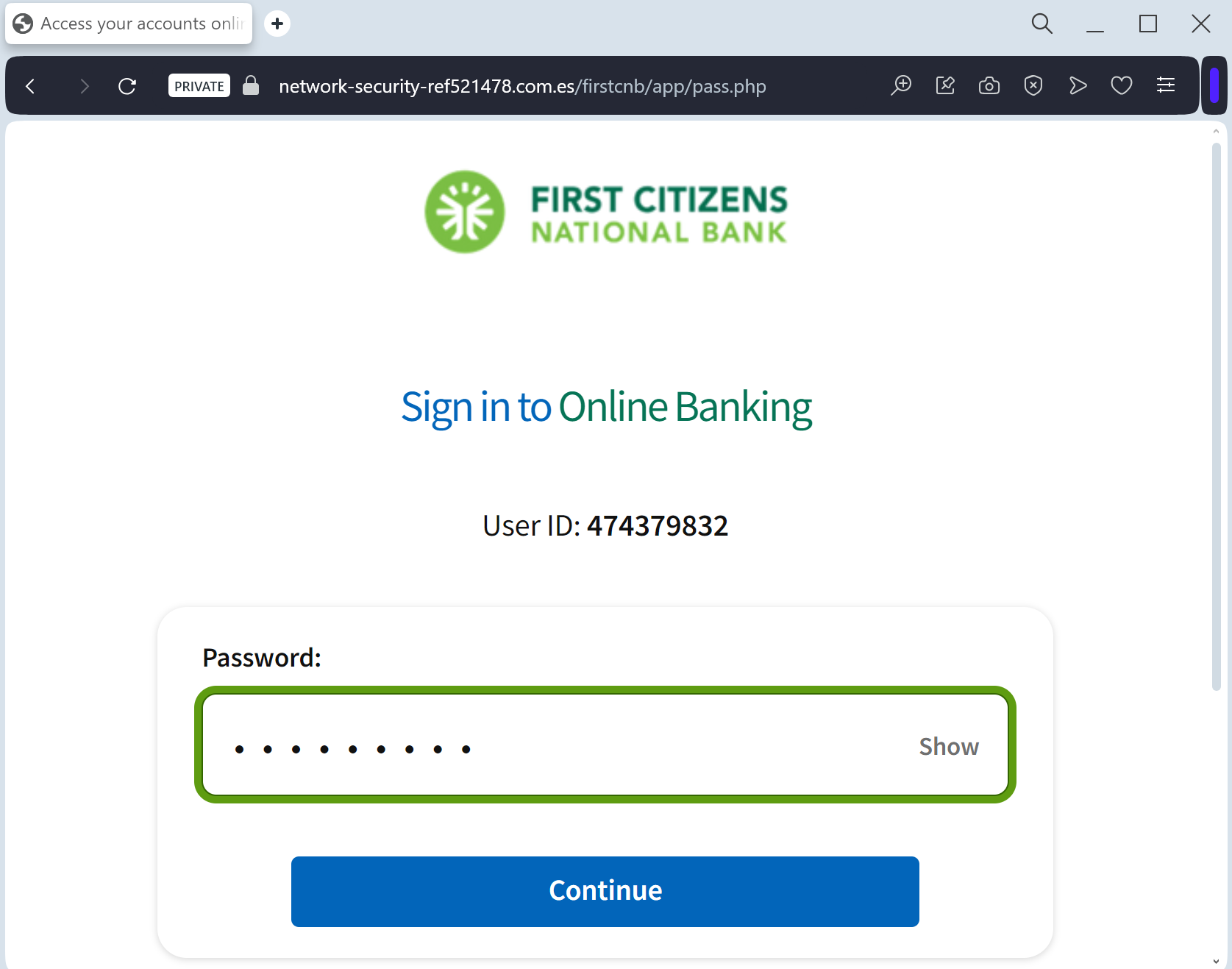
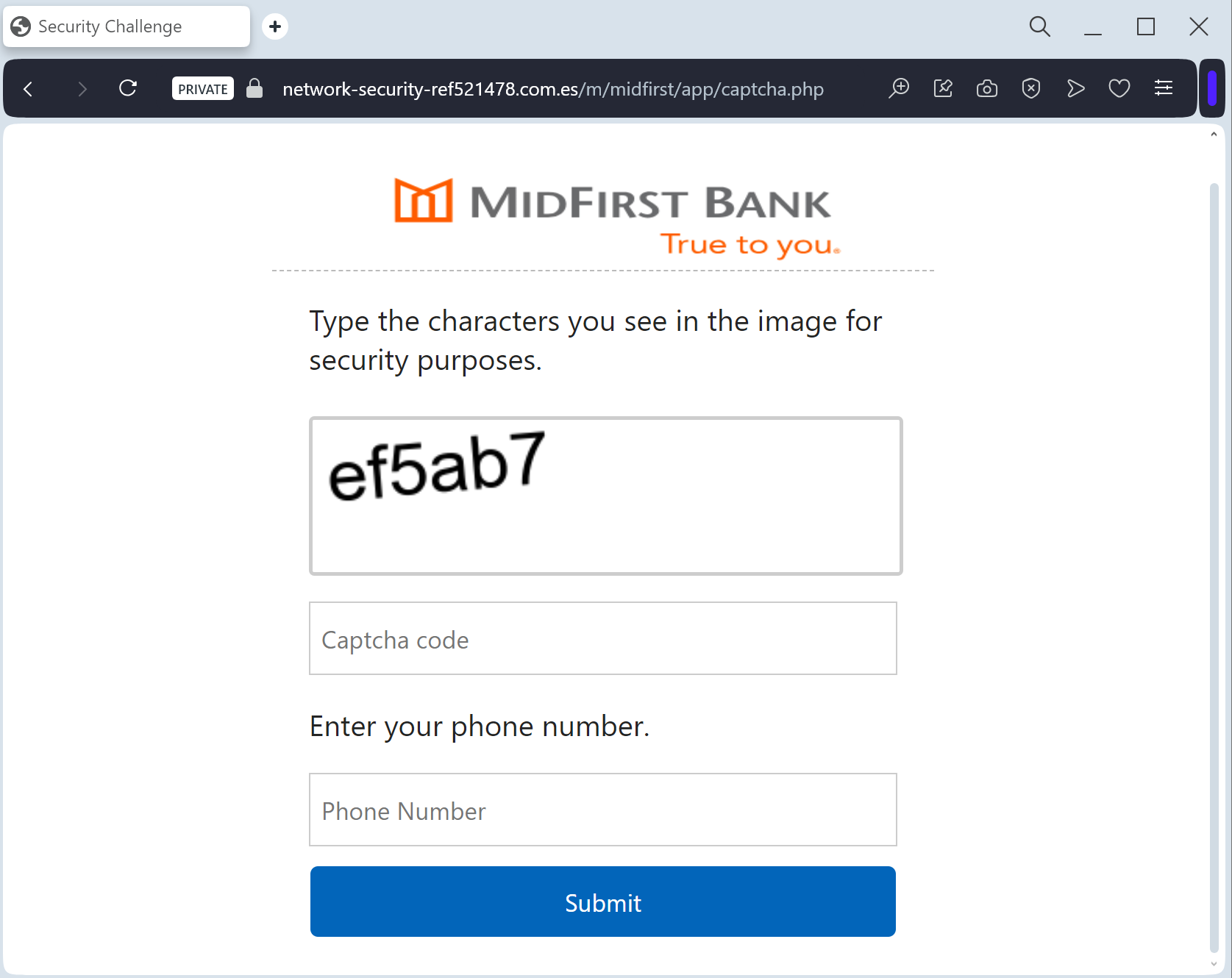
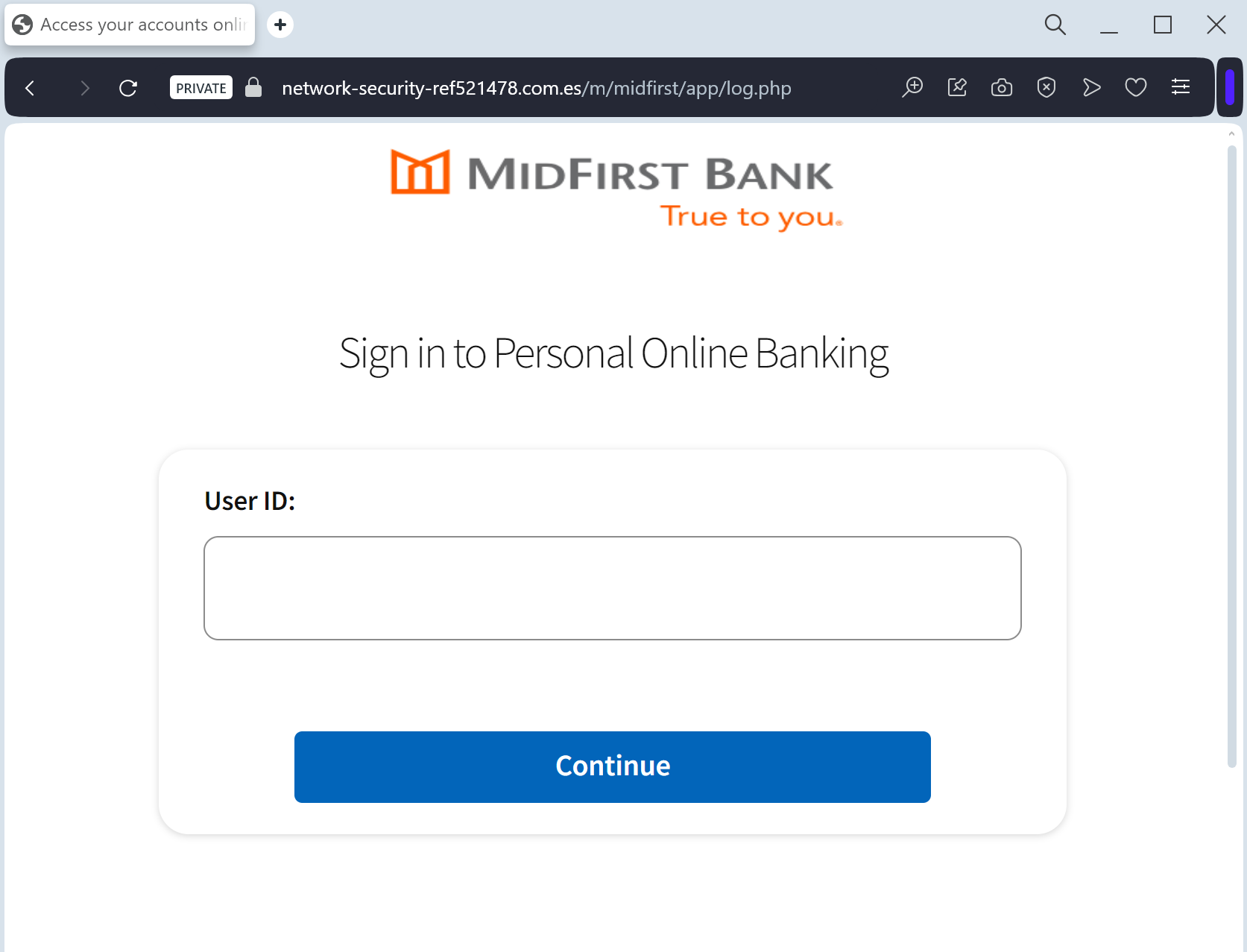
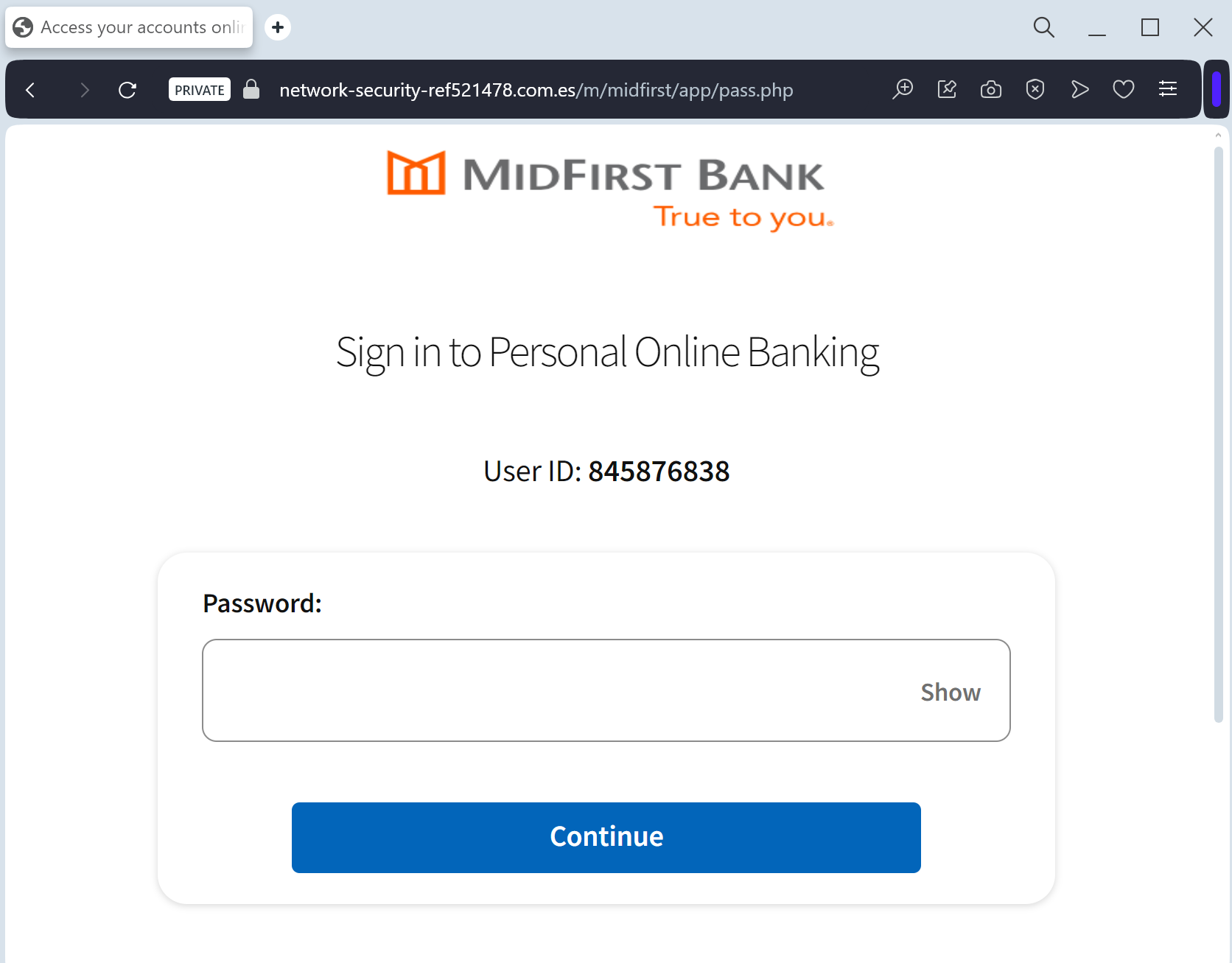
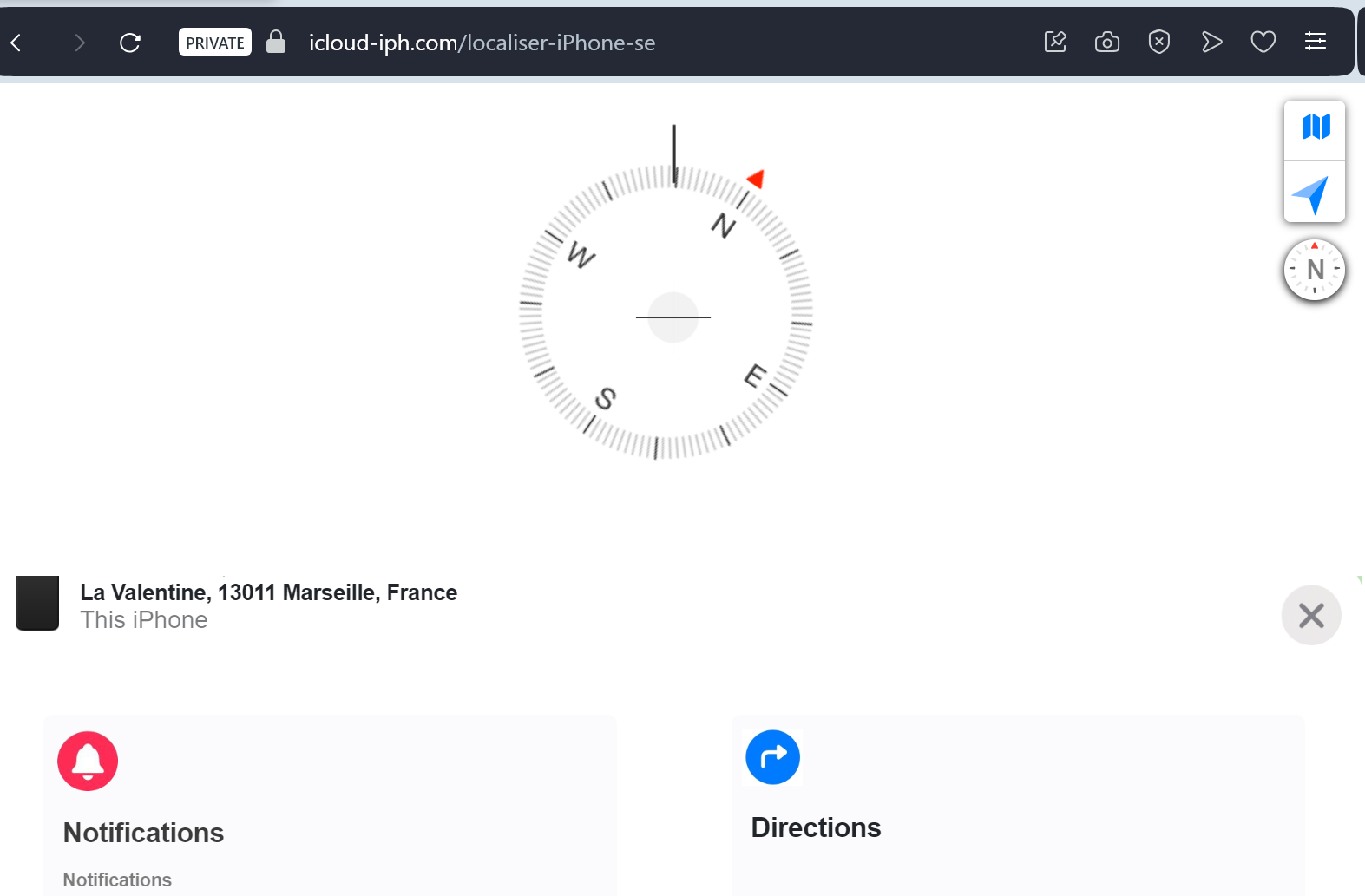
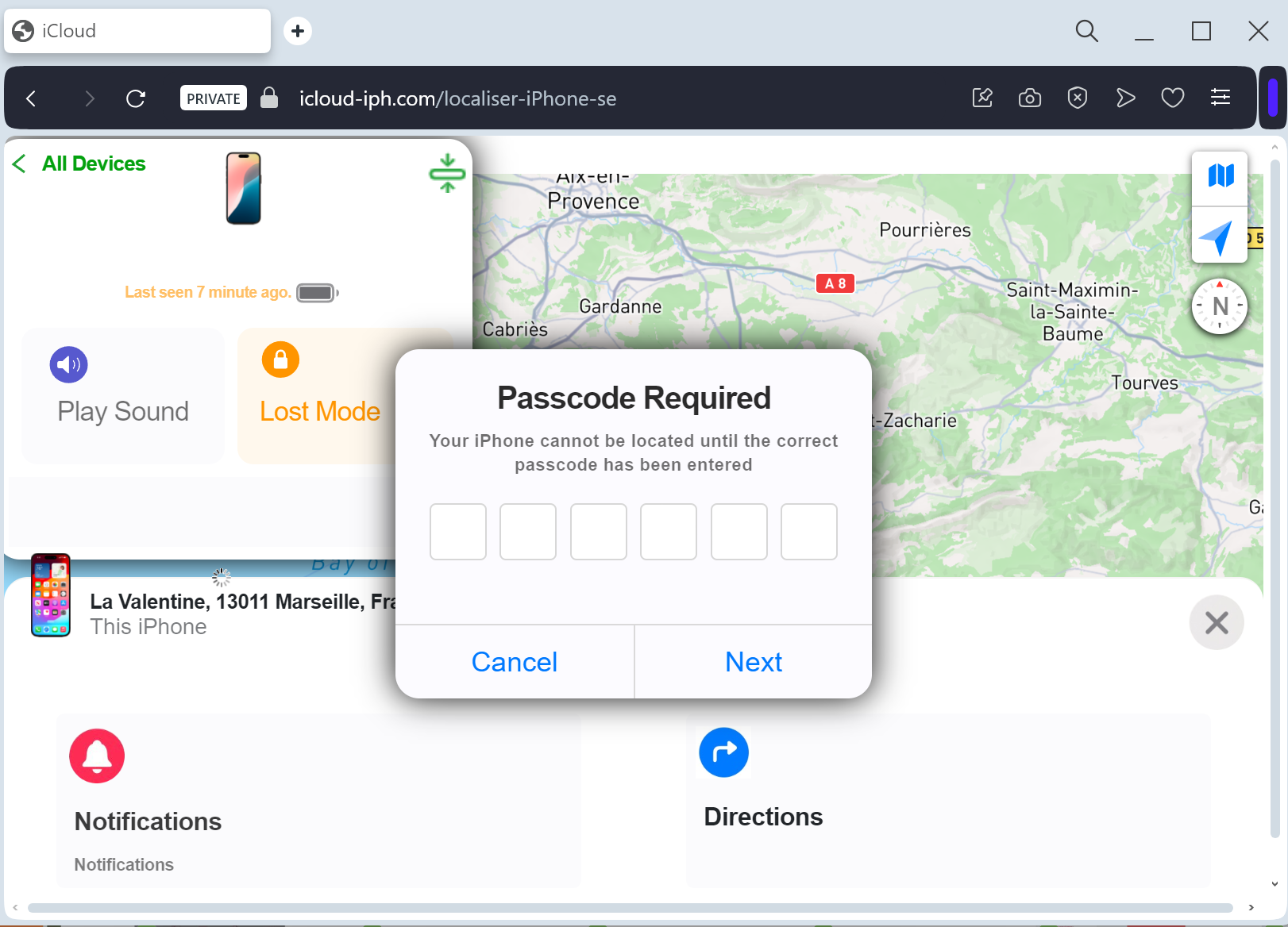
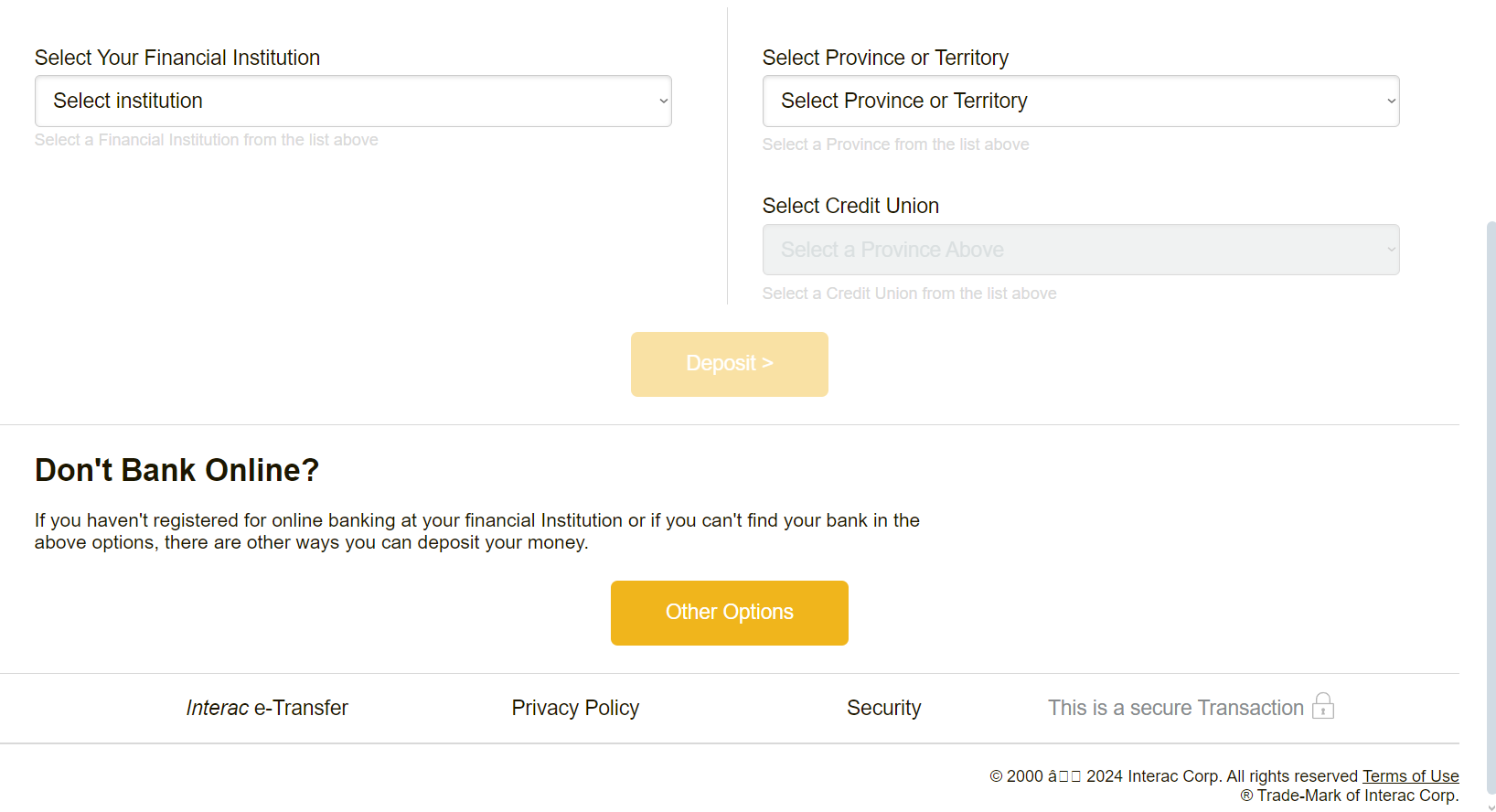
A phishing campaign targeting Banca Intesa Beograd customers uses fraudulent SMS and email messages to harvest login credentials and real-time SMS OTPs via a spoofed login page. This Man-in-the-Middle attack aims to steal credentials for the Banca Intesa Mobi app, with fake links often leading to lookalike domains rather than the official bancaintesa.rs site.
This phishing case targets Intesa Sanpaolo customers, employing smishing/phishing techniques to steal “MyKey” login credentials and real-time security codes to authorize fraudulent transactions. Scammers utilize realistic fake portals and phishing kits to bypass 2FA by acting as a middleman, prompting users to enter legitimate O-Key SMS/app codes directly into the malicious site. Expert Security Tip: Always manually enter the bank’s URL, and never input O-Key SMS codes on a website, as the attacker is likely proxying your credentials to a live, official banking session.
A sophisticated phishing campaign targeting BAC Credomatic customers uses “Token Synchronization” to steal credentials and real-time OTP codes via fake banking portals, often distributed through Smishing or email. The attackers use high-fidelity clones of the bank’s portal to trick users into entering their username, password, and Código BAC, aiming to bypass multi-factor authentication for fraudulent transactions. To avoid this, users are advised to never follow links in security messages and only enter tokens when initiating transactions within the official app.
This case highlights a critical phishing threat targeting BAC Credomatic users, employing a “Digital Security Update” pretext to steal credentials, credit card details, and real-time Banca Móvil/Código BAC security codes. Scammers act as a “middleman,” utilizing intercepted OTP codes immediately to authorize fraudulent transfers or register new devices to the victim’s account. To protect against this, never enter security tokens to verify or unblock an account, and always use the official app rather than clicking links in alerts.
A phishing campaign targeting La Poste customers in France uses “address confirmation” scams to harvest full credit card details and bypass 3D-Secure protections [1]. Attackers utilize SMS and emails prompting a small fee to lead victims to cloned sites, stealing credentials and real-time security codes.
This phishing campaign targeting BAC Credomatic users in Central America employs SMS and email threats to force victims to a fake “Banca en Línea” portal. The attack, which impersonates “Codigo BAC” synchronization, is designed for real-time hijacking of user credentials and 2FA tokens to perform unauthorized transactions. Key Defense Information
Method: Scammers act as a middleman to steal username, password, and the 6-digit security token (Codigo BAC) in real-time.
Warning Signs: Urgent language threatening account suspension and links to deceptive, non-official domains (e.g., sucursal-bac-seguridad.com).
Protection: Always manually type ://baccredomatic.com in the browser and never enter your security token on sites reached via links [1].
This BAC Credomatic phishing case demonstrates a real-time proxy attack where attackers act as a middleman to intercept 6-digit Codigo BAC security tokens in real time. By tricking users into entering this token, scammers authorize fraudulent transactions or register new devices immediately, highlighting that two-factor authentication can be bypassed if the user provides the code directly to the threat actor.
A Canada Post phishing campaign uses SMS and email, claiming an “incomplete address” to lure victims into paying a small fee on a fraudulent website. This scheme steals full name, address, and credit card details, including 3D-Secure codes, to facilitate larger fraudulent transactions.
This Canada Post phishing campaign targets residents with fraudulent SMS/email alerts regarding package delivery failures, directing them to a fake portal to steal personal information and credit card data. The scam utilizes a “micro-payment” tactic to harvest card details and 3D-secure codes for high-value transactions, disguised as a small re-delivery fee. To protect against this threat, users should inspect the URL for legitimacy, ignore requests for payment via text, and verify tracking numbers on the official Canada Post site.
Canada Post “Address Verification” Phishing Target: Residents of Canada and International Shippers Threat Level: High (Credit Card Skimming & Identity Theft) Phishing Method Description This attack leverages Logistics Impersonation, specifically targeting users expecting or sending packages through Canada Post. Victims receive a “Smishing” (SMS) or Phishing Email stating that a package is held at a warehouse due to an “incomplete address” or a “small unpaid shipping fee” (usually under $3 CAD). The link leads to a high-fidelity clone of the Canada Post tracking page. To “re-route” the package, the victim is prompted to enter: Full Name and Delivery Address (to build a profile for identity theft). Phone Number. Full Credit/Debit Card Details (Number, Expiration Date, and CVV). 3D-Secure SMS Codes: The fake site captures the verification code in real-time, allowing the attacker to authorize a much larger fraudulent purchase disguised as a small shipping fee. ⚠️ Red Flags to Watch For Deceptive Domain: The official Canada Post domain is canadapost-postescanada.ca. Phishing sites use lookalikes such as canadapost-redirection.com, postes-canada-verify.net, or free subdomains like canadapost-package.web.app. Insecure Links in SMS: Canada Post has stated they will never send unsolicited text messages with clickable links asking for personal or financial information. Unusual Payment Requests: A legitimate postal service will not hold a package for a $1.95 or $2.50 fee via a text message link. These “micro-payments” are a psychological trick to make the victim feel the risk is low. 💡 Expert Security Tip: The “Micro-Payment” Trap The Method: This case highlights a common Financial Skimming tactic known as the “Micro-Payment” hook. Scammers ask for a negligible amount (e.g., $1.50 – $3.00) to lower your critical thinking. The Trap: When you enter your card details for a $2.00 fee, you aren’t just losing two dollars. You are handing over your full credit card credentials to a criminal database. Furthermore, the SMS code you receive from your bank is often not for the $2.00 fee, but for a much larger “invisible” transaction the attacker is processing in the background (such as a $1,000 gift card purchase or a high-end electronics order). How to Protect Yourself: Verify via Official App: If you have a tracking number, enter it manually into the official Canada Post app or website. Do not use the link in the message. The CVV Rule: No shipping company needs your CVV code (the 3 digits on the back) to “confirm an address.” Requests for card security codes are a definitive sign of fraud. Check the Currency: Phishing sites sometimes forget to localize. If a “Canada Post” page asks for payment in Euros (€) or US Dollars ($), it is 100% a scam.
This phishing campaign targeting Ecuador’s Banco del Pacífico uses a fake “Intermático Security Sync” page to steal online banking credentials, security challenge questions, and One-Time Passcodes (OTP). Scammers employ a “sync” pretext in emails or SMS, directing victims to a malicious website that mimics the legitimate site to bypass multi-factor authentication and gain full account control. For protection, users must always access banking services by manually typing the official URL and never enter credentials through links provided in messages.
This phishing case highlights a sophisticated Real-Time Token Interception attack, where attackers use a fake Banco del Pacífico portal to steal credentials and prompt for 6-digit OTP security codes in real-time. By acting as a live “middleman,” the attacker uses the intercepted code to authorize fraudulent transfers or register a new device instantly, rather than just stealing credentials for later use. 💡 Expert Security Tip: Real-Time Session Hijacking If a website asks for a Token/OTP code immediately after you log in, and you have not initiated a transfer, it is a major red flag indicating a scam. Always type the official bank URL directly into your browser, as Banco del Pacífico will never ask for security tokens to “verify” your profile via an email or SMS link.
A phishing campaign targeting Banco Sabadell users in Spain employs SMS and email, mimicking a security update to steal credentials and Digital Signature (Firma Digital) codes. The attack uses lookalike domains, such as sabadell-online-seguridad.net or acceso-bancosabadell.com, to redirect victims to a Man-in-the-Middle site designed to harvest login data and authorize fraudulent transfers in real-time.
A Sabadell Bank phishing campaign uses SMS-based social engineering to falsely warn customers of a blocked account, directing them to a fake, pixel-perfect site designed to steal login credentials and digital signatures in real-time. This sophisticated scam tricks users into entering their app-generated security codes to authorize unauthorized wire transfers. Users are advised to avoid clicking links in SMS messages and only use official app channels.
This Banco Sabadell phishing case highlights a real-time Man-in-the-Middle attack, where criminals use urgent smishing tactics to steal credentials and SMS OTP codes instantly to authorize fraudulent transactions. Users must understand that SMS security codes are used for authorizing transactions, not for logging in, and that banks never send login links via text. To protect accounts, always log in manually via the official website and carefully read the purpose of every SMS code before entering it.
Crédit Mutuel de Bretagne (CMB) “Security Key” Phishing Target: Customers of Crédit Mutuel de Bretagne (France / Brittany region) Threat Level: Critical (Real-time Account Takeover & “Clé Digitale” Hijacking) Phishing Method Description This attack targets users of the CMB Online Banking and the “CMB suivi de compte” mobile app. Scammers use a “Security Alert” pretext, sending out Smishing (SMS) messages claiming that an “unauthorized transaction” has been detected or that the user’s “Digital Key” (Clé Digitale) must be synchronized immediately to avoid account suspension. The link leads to a professional-looking clone of the CMB portal, featuring the distinctive red and grey triskelion-style logo. This sophisticated phishing kit is designed to harvest: Identifiant / Login ID Password / PIN: Captured via a fake interactive virtual keyboard that mimics the bank’s security feature. Mobile Phone Number Real-time Authorization: The fake site prompts the victim to confirm a notification in their official CMB app or enter an SMS code. This allows the attacker to authorize a fraudulent wire transfer or register a new “Trusted Device” to the account instantly. ⚠️ Red Flags to Watch For The Deceptive URL: The official domain is cmb.fr. Phishing sites use addresses like votre-compte-cmb.online, securite-cmb-bretagne.net, or free subdomains like cmb-client.web.app. Virtual Keyboard Glitches: While the fake site mimics the official numeric keypad, it may load slowly or fail to respond correctly to clicks, as it is capturing your input in real-time. Unsolicited SMS with Links: CMB officially states they will never include a clickable link in an SMS regarding account security or “blocking” access. 💡 Expert Security Tip: The “Digital Key” Interception The Method: This case highlights a Man-in-the-Middle (MitM) attack targeting the French “Clé Digitale” (Digital Key) system. Scammers are not just looking for your password; they are waiting in real-time to intercept your app-based authorization. The Trap: When you enter your credentials on this fake page, the attacker simultaneously logs into the actual CMB server. The moment the bank sends a “Push Notification” to your phone to confirm your identity, the phishing site tells you to “Accept the notification on your smartphone to finish synchronization.” By tapping “Confirm,” you are actually authorizing the hacker’s login or a large fraudulent payment. How to Protect Yourself: Read Before You Tap: When you receive a confirmation prompt on your smartphone, read the text carefully. If it says “Confirm new device registration” or “Confirm a transfer of X €” while you were just trying to “log in” via a link, REJECT IT immediately. The “Context” Rule: A digital key notification should only appear if YOU manually accessed the official www.cmb.fr website or opened the official app. Zero Trust for SMS Links: If an SMS says your account is blocked and provides a link to “unblock” it, it is a scam. Log in directly through your official app to check for any real alerts.
Booking.com “Internal Messaging” Phishing Target: Travelers and Hospitality Partners Worldwide Threat Level: Critical (Authorized Account Access & Financial Fraud) Phishing Method Description This is a Multi-Stage Attack that exploits a chain of trust. Unlike typical phishing, the fraudulent message arrives directly within the official Booking.com app or your reservation chat. Phase 1 (The Initial Breach): Attackers first compromise a hotel’s professional account (Extranet) by sending malware to the staff, often disguised as a guest request. Phase 2 (The Customer Lure): Once inside the hotel’s account, scammers see real reservation details (names, dates, prices). They then message the guests through the official Booking.com system, claiming there is a “payment verification error”. Phase 3 (The Theft): The guest is urged to click a link to “re-verify” their card details to avoid cancellation. The link leads to a perfect clone of Booking.com that harvests full credit card data and even 2FA codes in real-time.
⚠️ Red Flags to Watch For Requests for Payment via Chat: Booking.com and legitimate hotels will never ask you to provide credit card details or make a payment directly through a chat, email link, or WhatsApp. Urgent & Threatening Tone: Phrases like “Verification required within 4 hours or your booking will be cancelled” are used to bypass your critical thinking. The URL Check: Even if the message is in the app, the link itself will lead to a non-official domain (e.g., booking-verification.online instead of booking.com).
💡 Expert Security Tip: The “Booking Confirmation” Rule The Method: This case is a prime example of Brand Identity Abuse. Scammers use the actual infrastructure of a trusted platform to hide their tracks. Because the message comes from the “official” account of the hotel you actually booked, it is almost impossible to distinguish from a real request at first glance.
The Trap: Attackers are exploiting social engineering rather than a flaw in Booking.com’s backend. They use your real travel dates and the hotel’s name to make the request feel 100% legitimate.
How to Protect Yourself: Check the App’s Payment Status: If you have already paid or have a “pay at property” policy, any request for “pre-payment” is 100% a scam. Call the Hotel Directly: If you receive an urgent payment request, do not use the link. Instead, find the hotel’s phone number on their official website (not from the chat message) and call them to verify the request. Pay Only on the Platform: Legitimate payments should be handled only through the official Booking.com checkout process, not through third-party links like Stripe or PayPal sent via chat. Enable 2FA Everywhere: If you are a hotelier or a traveler, multi-factor authentication is your final line of defense against account takeovers.
Raiffeisen Bank “Digital Security Update” Phishing Target: Raiffeisen Bank Customers (Central and Eastern Europe) Threat Level: Critical (Raiffeisen Identity & Digital Token Theft) Phishing Method Description This attack targets users of the Raiffeisen Online Banking and the Digital ID apps. Scammers distribute urgent notifications via SMS (Smishing) or Email, claiming that “New Security Regulations” or a “System Maintenance” requires the user to re-verify their profile to avoid account suspension. The link leads to a high-fidelity clone of the Raiffeisen “Login” portal. This sophisticated phishing kit is specifically designed to harvest: Customer ID / Username PIN / Password Mobile Phone Number One-Time Password (OTP) / Push Authorization: The fake site prompts the victim to enter the code from their SMS or confirm a notification in their official Raiffeisen app in real-time. This allows the attacker to authorize a fraudulent transfer or link a new device to the account instantly. ⚠️ Red Flags to Watch For The Lookalike URL: The official domains are raiffeisen.at, raiffeisen.ro, etc. Phishing sites use deceptive addresses like raiffeisen-securitate.online, verificare-raiffeisen.net, secure-raiffeisen-login.com, or free subdomains like raiffeisen.web.app. Urgent & Threatening Tone: Phrases like “Immediate action required” or “Your access will be blocked within 24 hours” are classic social engineering tactics. Link in SMS/Email: Raiffeisen Bank officially states they will never include a clickable link in an SMS or email that leads directly to a login page asking for your credentials. 💡 Expert Security Tip: The “Digital ID” Proxy Attack The Method: This case highlights a Real-Time Authentication Hijack. Scammers are not just looking for your password; they are acting as a “middleman” between you and the real bank server. The Trap: When you enter your credentials on the fake page, the attacker simultaneously enters them on the actual Raiffeisen website. This triggers a legitimate Push Notification or SMS OTP to your phone. The phishing site then asks you to “Confirm the notification to finish the update.” By doing so, you are not securing your account—you are signing a digital signature that authorizes the hacker to drain your funds. How to Protect Yourself: The “Context” Rule: Only confirm a notification or enter an OTP if YOU were the one who manually typed the official bank address into your browser. If a prompt appears after clicking a link, REJECT it. Read the Prompt Carefully: If the notification on your phone says “Authorize a payment” or “Register a new device” but you are just trying to “log in,” it is 100% a scam. Zero Trust for Links: Raiffeisen will never send you a link to “Log in” or “Update” your security credentials via SMS. Always use the official Raiffeisen Smart Mobile app.
Bankinter Portugal “Security Alert” Phishing Target: Bankinter Customers in Portugal Threat Level: Critical (Real-time Account Takeover & SMS OTP Theft) Phishing Method Description This attack targets users of Bankinter Particulares (Online Banking). Scammers use a “Fraud Alert” pretext, sending out Smishing (SMS) messages claiming that an “unauthorized access” or “unusual purchase” has been detected. To “cancel” the transaction or “secure” the account, the user is pressured to click a link immediately. The link leads to a high-fidelity clone of the Bankinter.pt portal. This sophisticated phishing kit is designed to harvest: User ID / NIF (Número de Identificação Fiscal) Access Password (Multichannel Key) Mobile Phone Number SMS One-Time Password (OTP): The fake site prompts the victim to enter the security code in real-time. The attacker immediately uses this code on the actual Bankinter server to authorize a fraudulent wire transfer or to register their own device as the primary security key. ⚠️ Red Flags to Watch For The Lookalike URL: The official domain is bankinter.pt. Phishing sites use deceptive addresses like seguranca-bankinter.online, verificar-acesso-bankinter.net, bankinter-portugal.com, or free subdomains like bankinter-login.web.app. Urgent & Alarming Tone: Phrases like “Acceso no autorizado detectado” or “Bloqueo preventivo” are used to bypass critical thinking and force an impulsive click. Link in SMS/Email: Bankinter officially states they will never include a clickable link in an SMS message regarding account security or “blocking” access. 💡 Expert Security Tip: The “Cancellation” Deception The Method: This case highlights a Social Engineering Trick known as the “Cancellation Scam.” Scammers create a fake “security threat” to make you panic. The Trap: When you enter an SMS OTP on a fake site to “cancel a fraudulent transaction,” you are actually doing the exact opposite. Because the attacker is logged into your real account in the background, they have just triggered a new fraudulent transfer. The code you just entered is the final digital signature they need to move your money out of the bank. How to Protect Yourself: OTP is for Authorization ONLY: A real bank will never ask you to enter an SMS code to cancel or block something. SMS codes are strictly for authorizing actions you started yourself. The “Manual Entry” Rule: If you receive a security alert via SMS, ignore the link. Open your browser and manually type www.bankinter.pt to log in safely. Read the SMS Content: Carefully read the text accompanying the code. If it says “Code to authorize a transfer of 1,000 €” but you are trying to “secure your account,” it is 100% a scam.
Manage Cookie Consent
We use cookies to optimize our website and our service.
Functional
Always active
The technical storage or access is strictly necessary for the legitimate purpose of enabling the use of a specific service explicitly requested by the subscriber or user, or for the sole purpose of carrying out the transmission of a communication over an electronic communications network.
Preferences
The technical storage or access is necessary for the legitimate purpose of storing preferences that are not requested by the subscriber or user.
Statistics
The technical storage or access that is used exclusively for statistical purposes.The technical storage or access that is used exclusively for anonymous statistical purposes. Without a subpoena, voluntary compliance on the part of your Internet Service Provider, or additional records from a third party, information stored or retrieved for this purpose alone cannot usually be used to identify you.
Marketing
The technical storage or access is required to create user profiles to send advertising, or to track the user on a website or across several websites for similar marketing purposes.