
A phishing campaign targeting First Citizens National Bank customers uses a fake “System Update” page to perform real-time MFA bypass and account hijacking. Attackers utilize lookalike URLs to harvest credentials and SMS codes, allowing them to instantly access authentic banking sessions.
Incident Report: This scam layout was logged, cross-checked, and neutralized firsthand by the
Antiphishing.bizsecurity team during our daily link moderation procedures. To protect the public, the dangerous destination URL has been fully defanged within our infrastructure. We document and analyze these live visual patterns to help security researchers and users recognize deceptive clone designs before financial damage occurs.
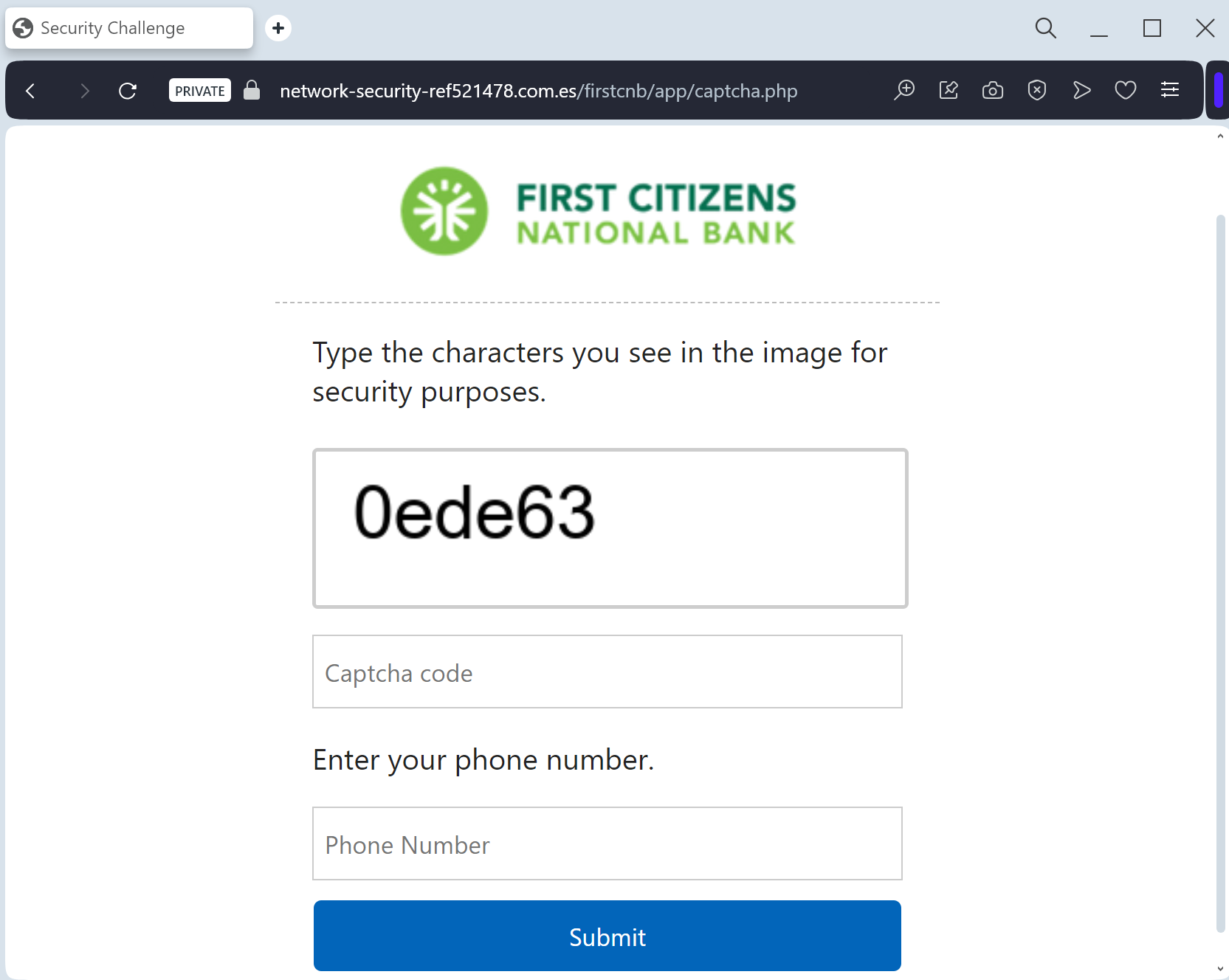
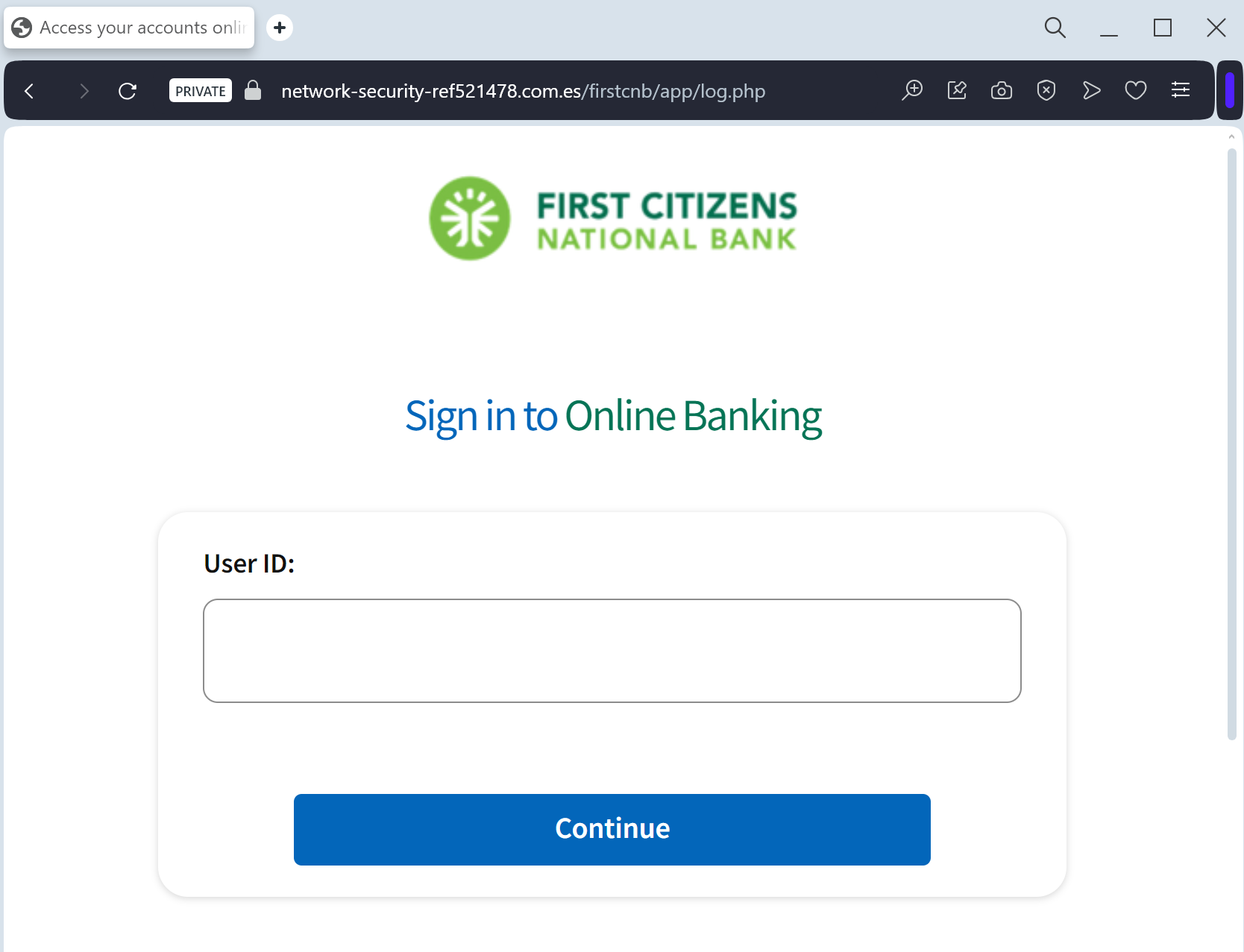
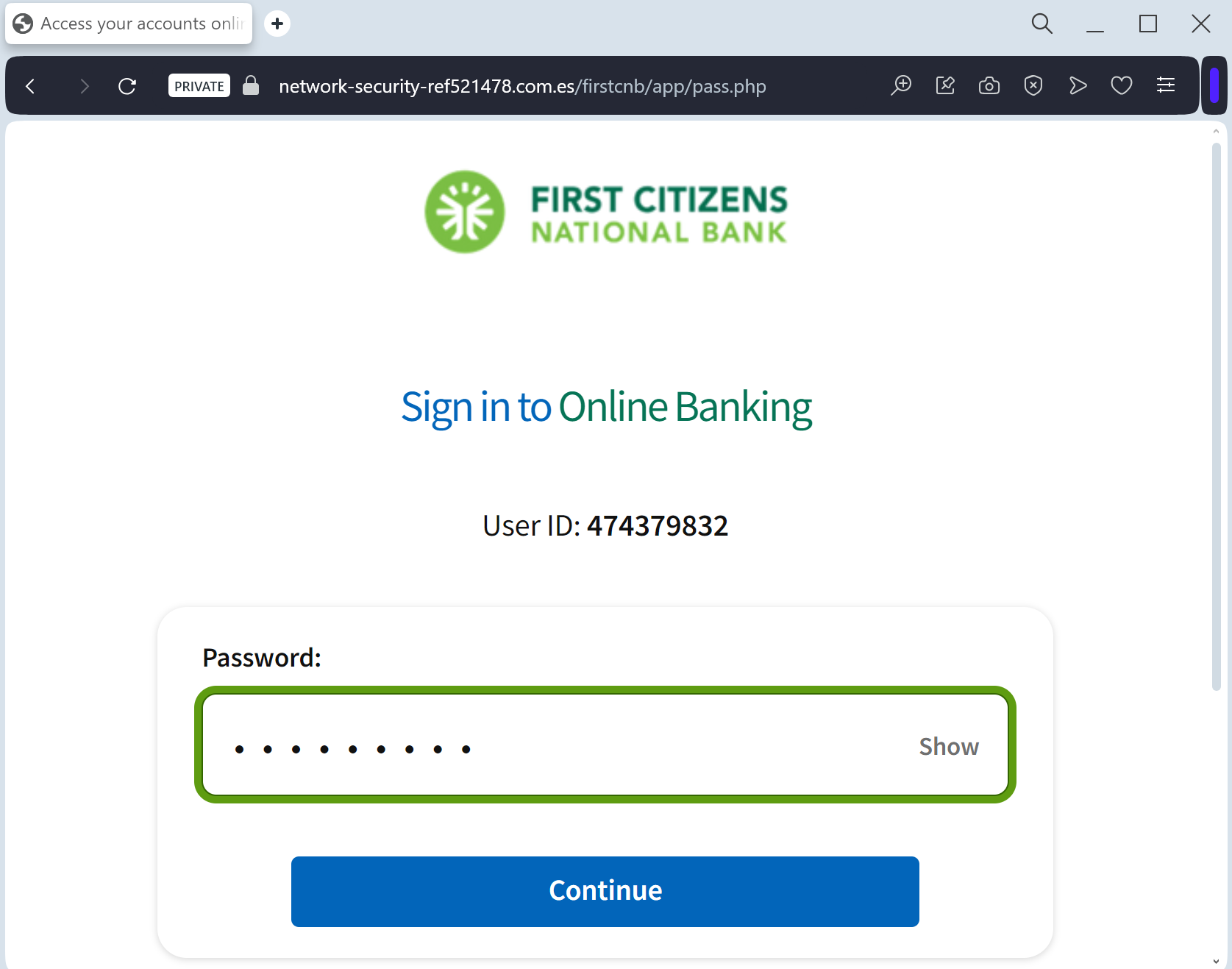
This phishing campaign against First Citizens National Bank uses fake “security sync” emails and SMS to drive victims to a spoofed, high-fidelity login page. It employs a man-in-the-middle technique to steal credentials and intercept real-time MFA codes to take over accounts, urging users to check for suspicious URLs and never enter MFA codes on linked pages.
First Citizens National Bank “Security Maintenance” Phishing
Target: Customers of First Citizens National Bank (USA)
Threat Level: High (Credential Harvesting & MFA Bypass)
Phishing Method Description
This attack targets the Digital Banking users of First Citizens National Bank. Scammers use a “Security Alert” or “Mandatory Update” pretext, sending out Smishing (SMS) or Phishing Emails claiming that an “Unauthorized Device” has logged into the account or that a “Security Maintenance” procedure is required to keep the account active.
The link leads to a high-fidelity clone of the official First Citizens login portal. The phishing kit is specifically designed to harvest:
Access ID / Username
Password
Multi-Factor Authentication (MFA) Codes: The fake site prompts the victim to enter the SMS or Email code in real-time. The attacker immediately uses this code on the actual bank site to gain full access and initiate fraudulent transfers.
Red Flags to Watch For
Deceptive Domain: The official domain is
firstcitizens-bank.com or FirstCitizens.com. Phishing sites use lookalikes such as firstcitizens-secure.online, login-firstcitizens.net, or free hosting subdomains like firstcitizens.web.app.Requests for MFA during Login: If a site asks for an MFA code immediately after you enter your password on an unfamiliar page you reached via a link, it is a sign of a real-time interception attack.
Expert Security Tip:
The “Middleman” MFA InterceptionThe Method:
This case highlights a sophisticated Real-Time Proxy Attack. Scammers are not just stealing your password; they are acting as a “middleman” (Man-in-the-Middle). When you enter your credentials on this fake page, the attacker simultaneously enters them on the actual bank’s server.
The Trap:
The bank then sends a legitimate Multi-Factor Authentication (MFA) code to your phone. The phishing site immediately asks you for that code. By providing it, you aren’t “securing” your account—you are handing the final key to the threat actor, allowing them to authorize a new device or empty your account in seconds.
How to Protect Yourself:
Read the SMS Carefully: If you receive an MFA code, read the full text. It often says: “Do not share this code with anyone. If you didn’t request this, contact us immediately.”
MFA is for YOU, not them: Never enter an MFA code on any website that you reached through a link in an email or text message.
The “Manual Entry” Rule: Always access your bank by typing the official address manually into your browser. If there is a real security issue, you will see a notification after a safe login.