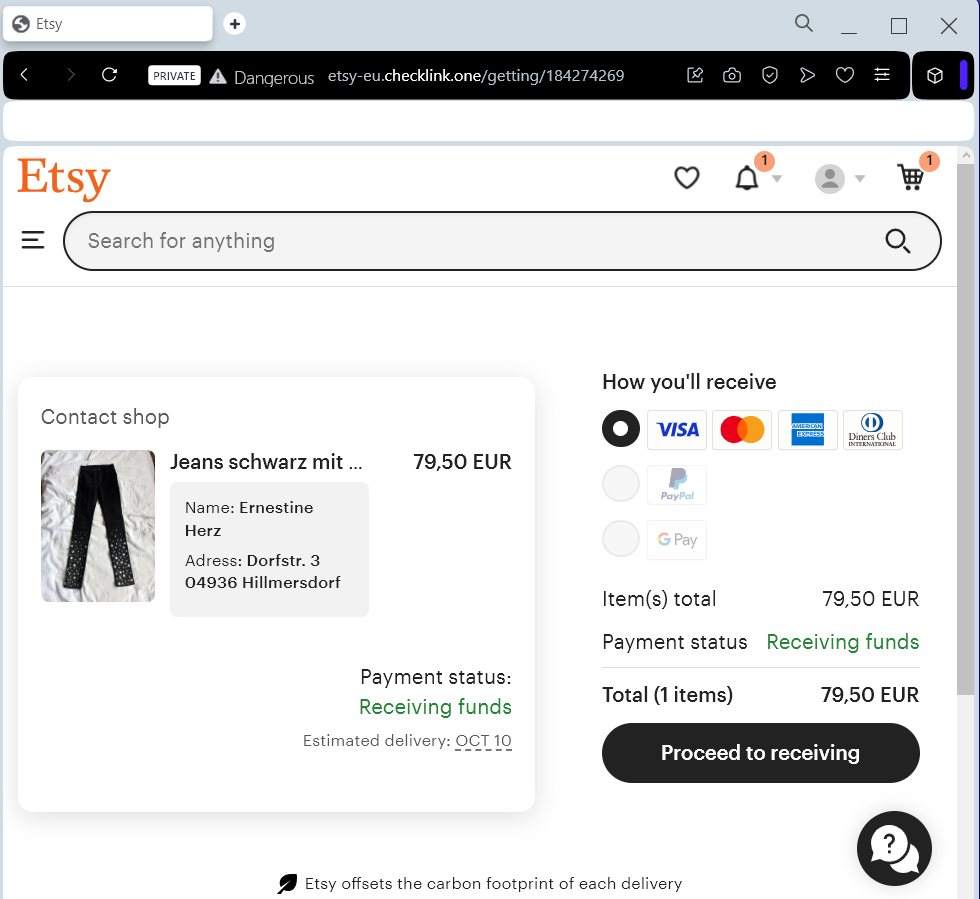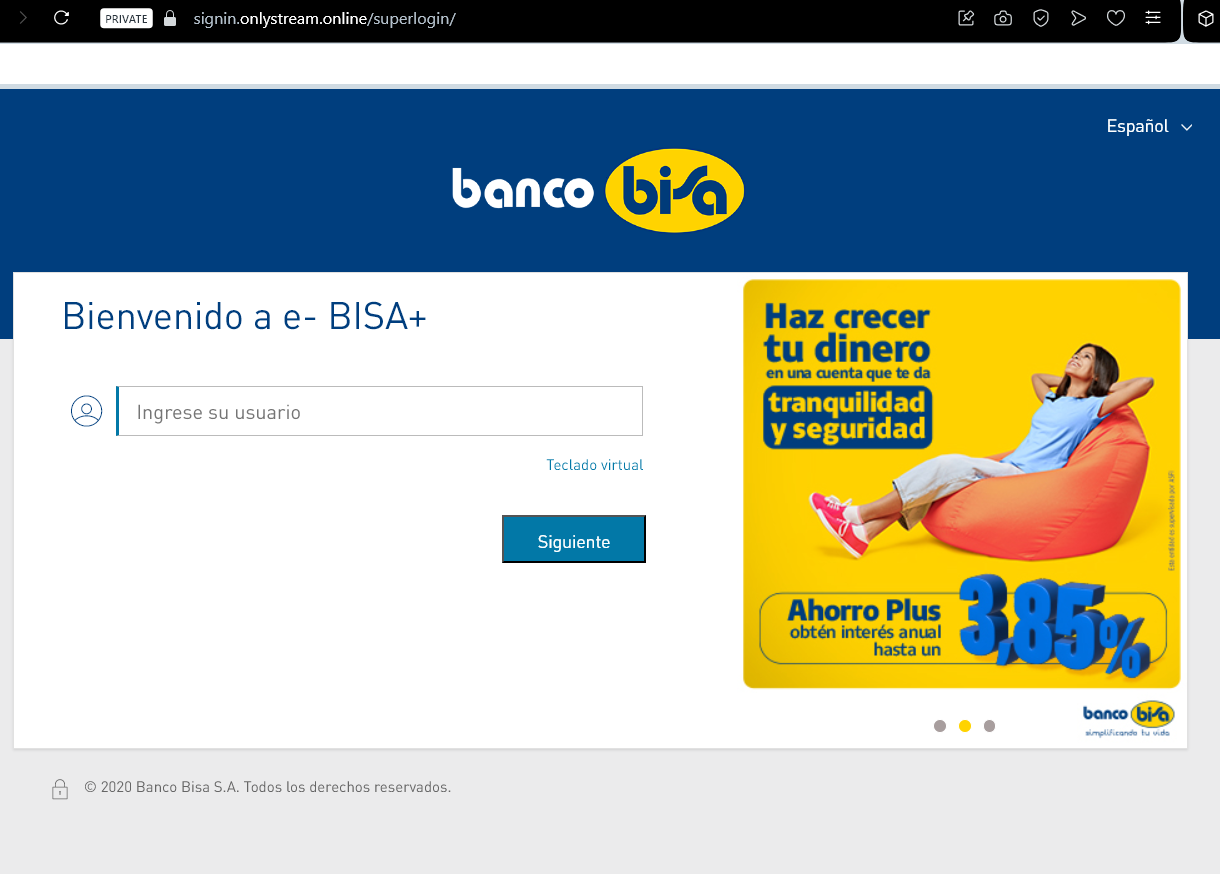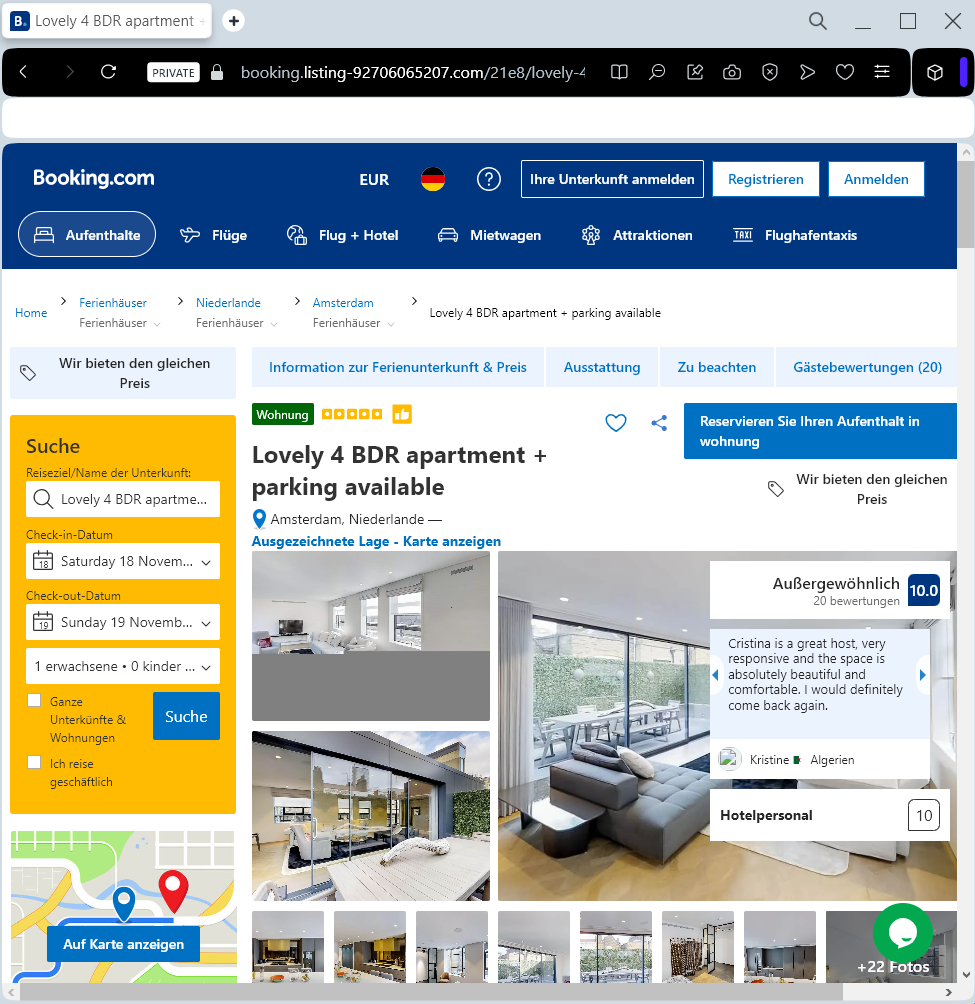
Booking.com “Internal Messaging” Phishing
Target: Travelers and Hospitality Partners Worldwide
Threat Level: Critical (Authorized Account Access & Financial Fraud)
Phishing Method Description
This is a Multi-Stage Attack that exploits a chain of trust. Unlike typical phishing, the fraudulent message arrives directly within the official Booking.com app or your reservation chat.
Phase 1 (The Initial Breach): Attackers first compromise a hotel’s professional account (Extranet) by sending malware to the staff, often disguised as a guest request.
Phase 2 (The Customer Lure): Once inside the hotel’s account, scammers see real reservation details (names, dates, prices). They then message the guests through the official Booking.com system, claiming there is a “payment verification error”.
Phase 3 (The Theft): The guest is urged to click a link to “re-verify” their card details to avoid cancellation. The link leads to a perfect clone of Booking.com that harvests full credit card data and even 2FA codes in real-time.
⚠️ Red Flags to Watch For
Requests for Payment via Chat: Booking.com and legitimate hotels will never ask you to provide credit card details or make a payment directly through a chat, email link, or WhatsApp.
Urgent & Threatening Tone: Phrases like “Verification required within 4 hours or your booking will be cancelled” are used to bypass your critical thinking.
The URL Check: Even if the message is in the app, the link itself will lead to a non-official domain (e.g., booking-verification.online instead of booking.com).
💡 Expert Security Tip: The “Booking Confirmation” Rule
The Method:
This case is a prime example of Brand Identity Abuse. Scammers use the actual infrastructure of a trusted platform to hide their tracks. Because the message comes from the “official” account of the hotel you actually booked, it is almost impossible to distinguish from a real request at first glance.
The Trap:
Attackers are exploiting social engineering rather than a flaw in Booking.com’s backend. They use your real travel dates and the hotel’s name to make the request feel 100% legitimate.
How to Protect Yourself:
Check the App’s Payment Status: If you have already paid or have a “pay at property” policy, any request for “pre-payment” is 100% a scam.
Call the Hotel Directly: If you receive an urgent payment request, do not use the link. Instead, find the hotel’s phone number on their official website (not from the chat message) and call them to verify the request.
Pay Only on the Platform: Legitimate payments should be handled only through the official Booking.com checkout process, not through third-party links like Stripe or PayPal sent via chat.
Enable 2FA Everywhere: If you are a hotelier or a traveler, multi-factor authentication is your final line of defense against account takeovers.