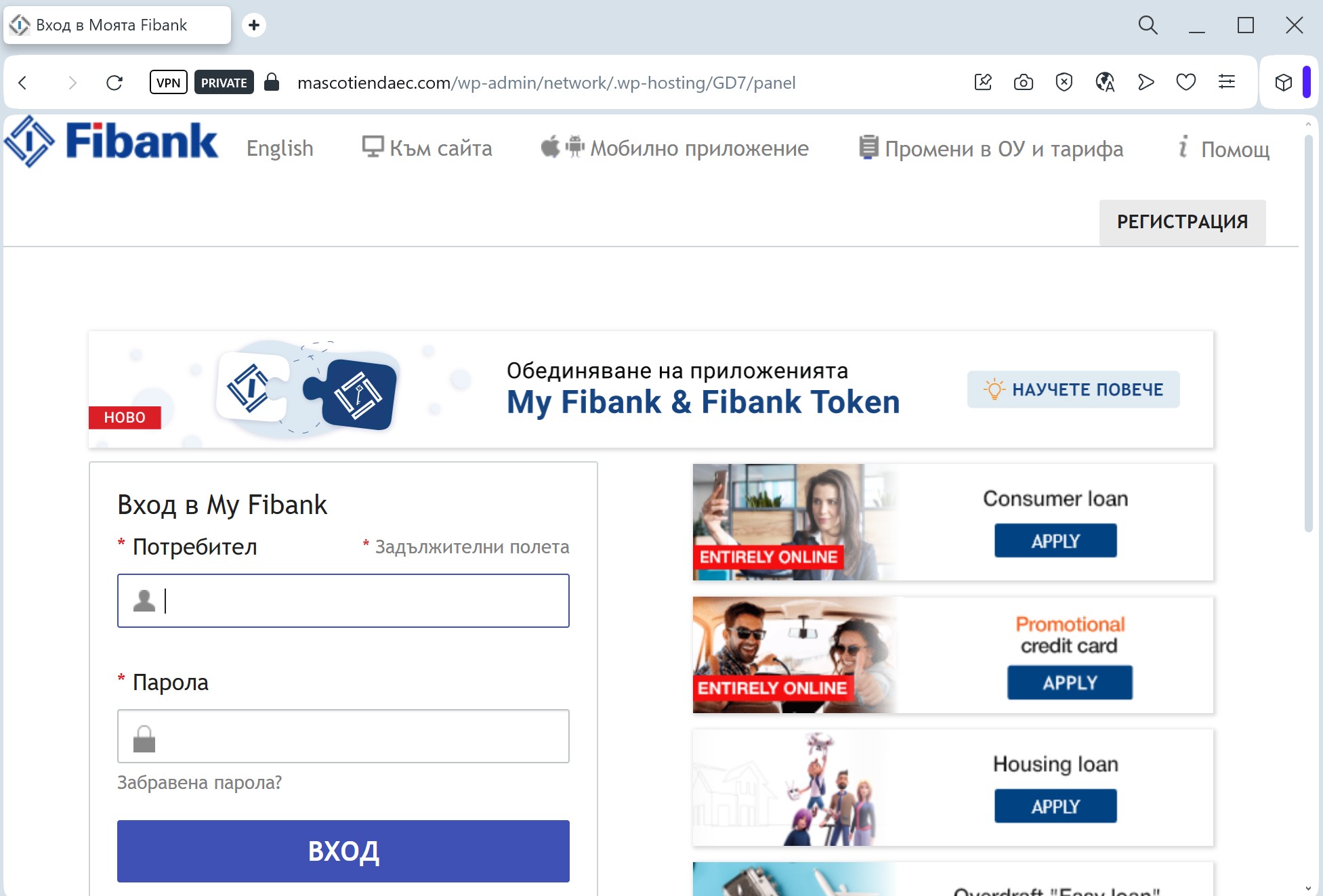
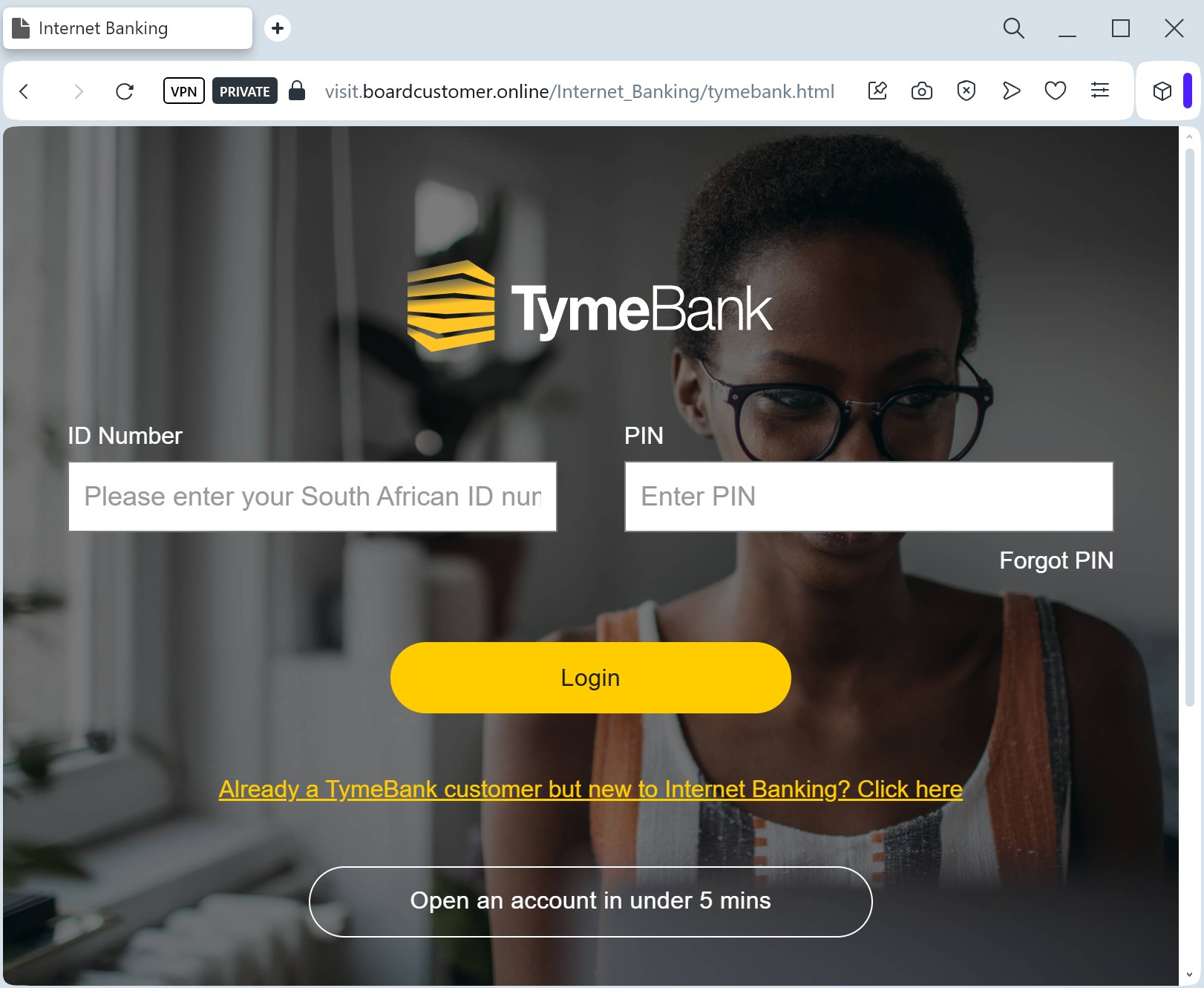
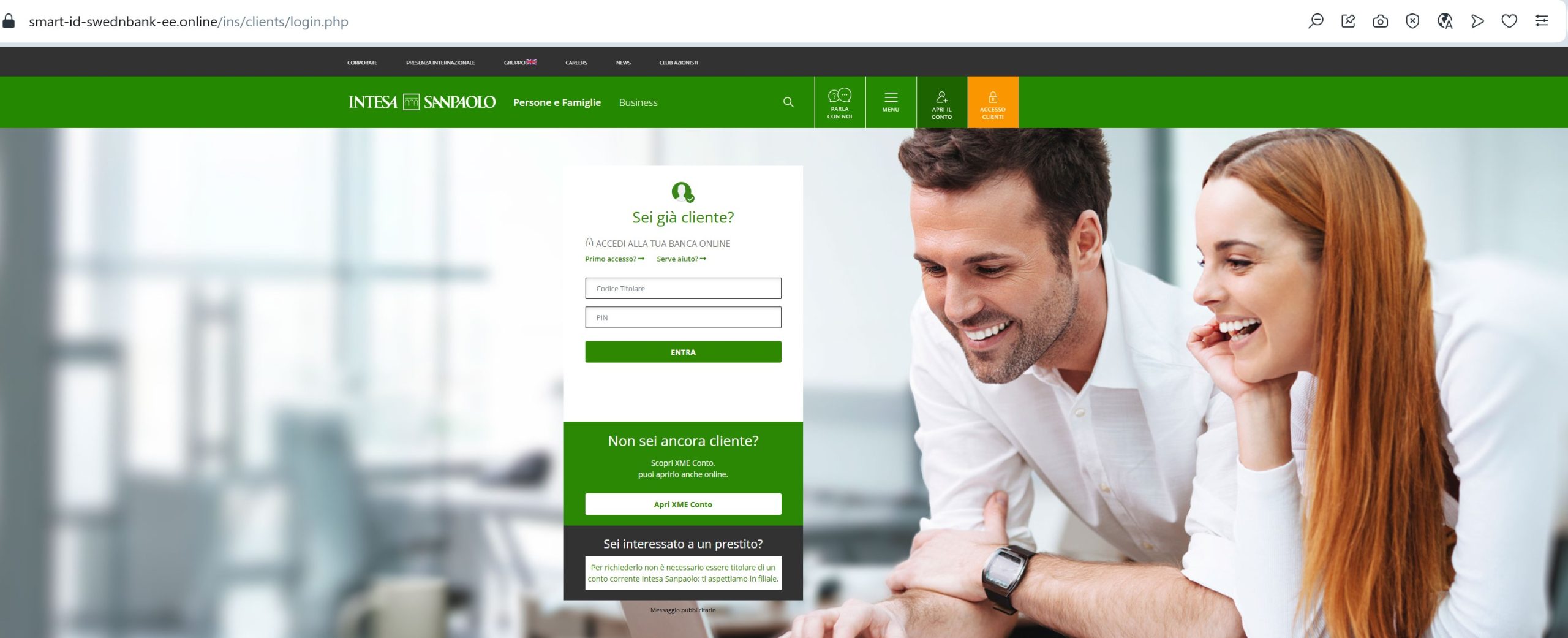
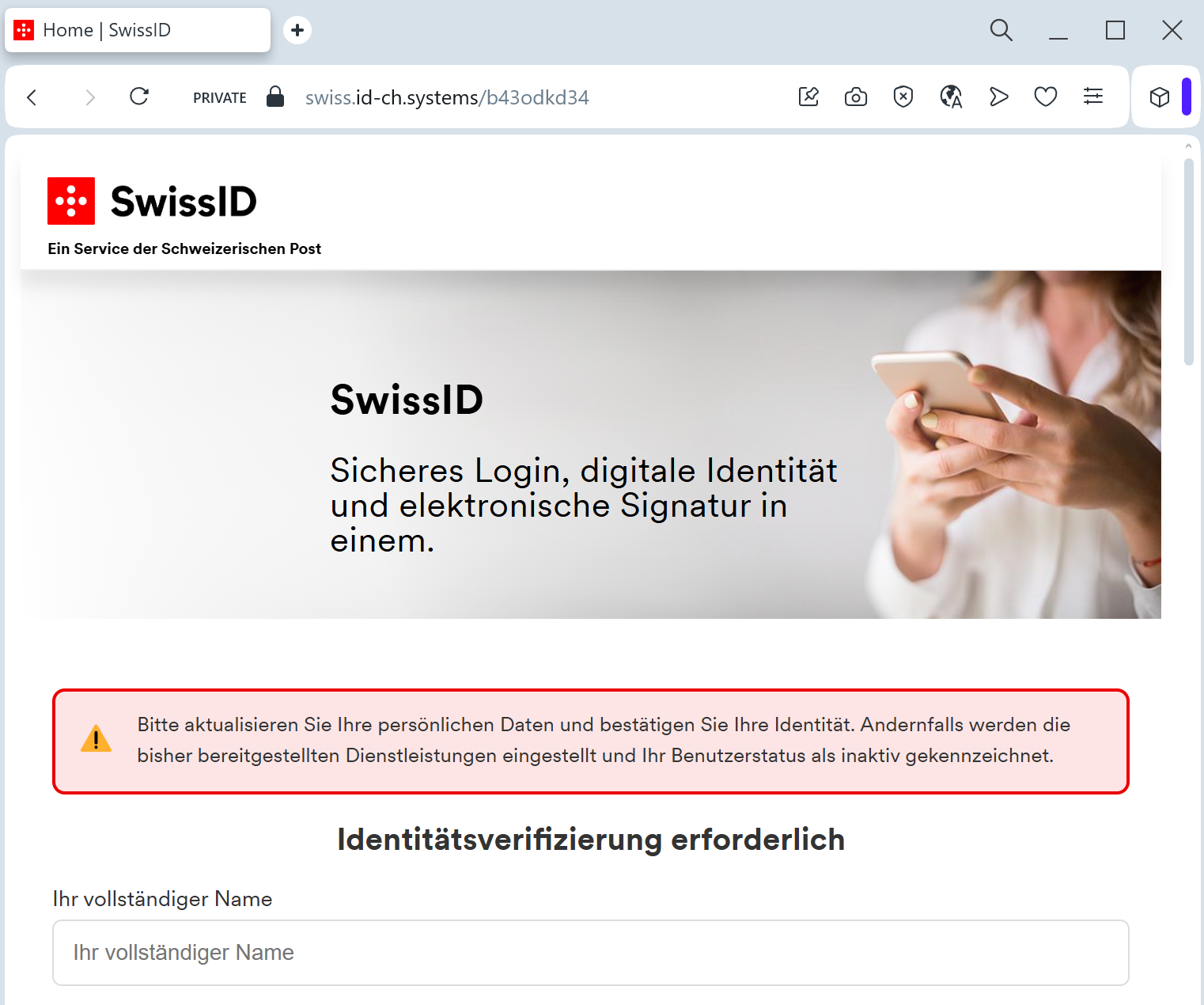
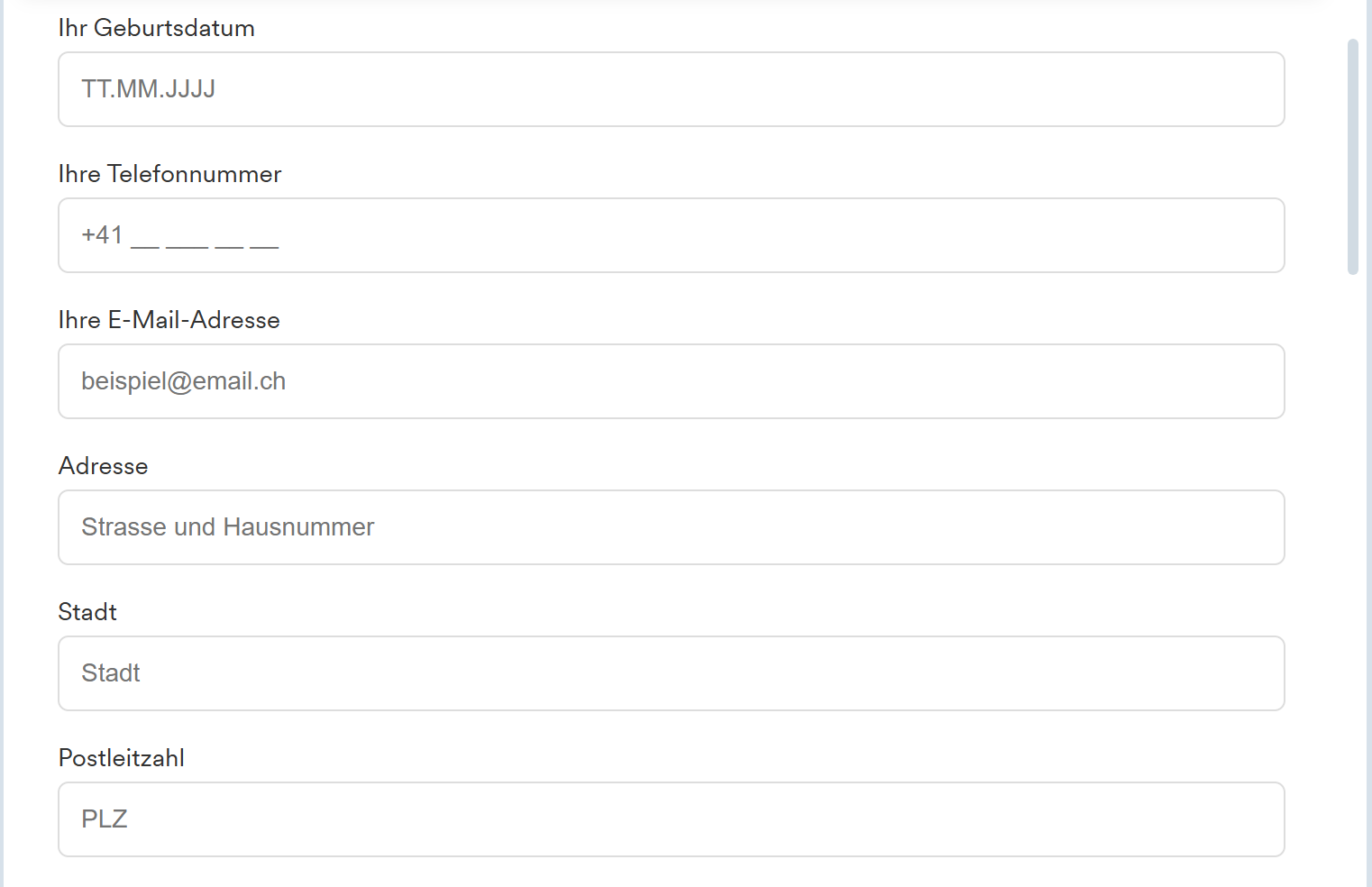
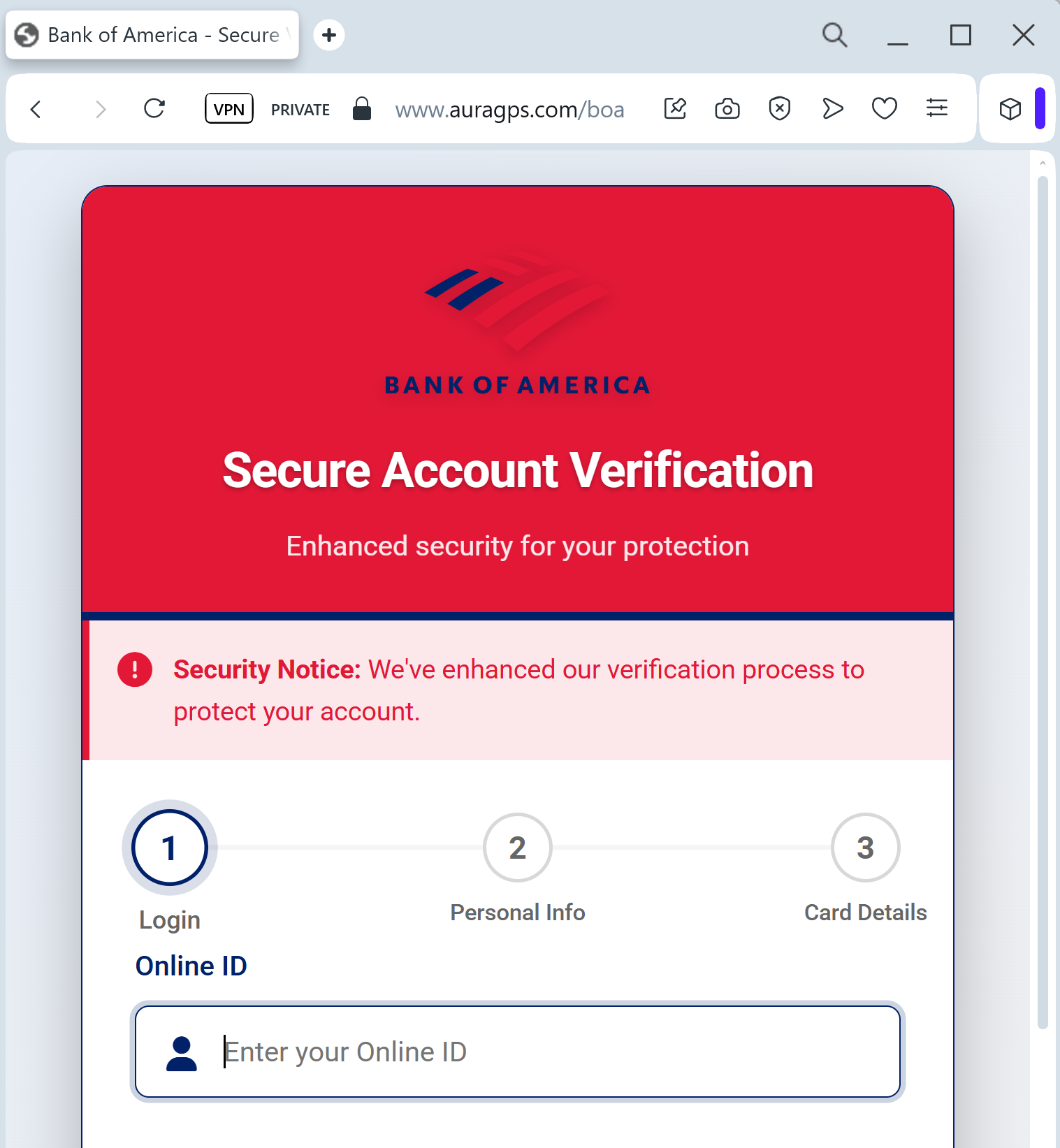
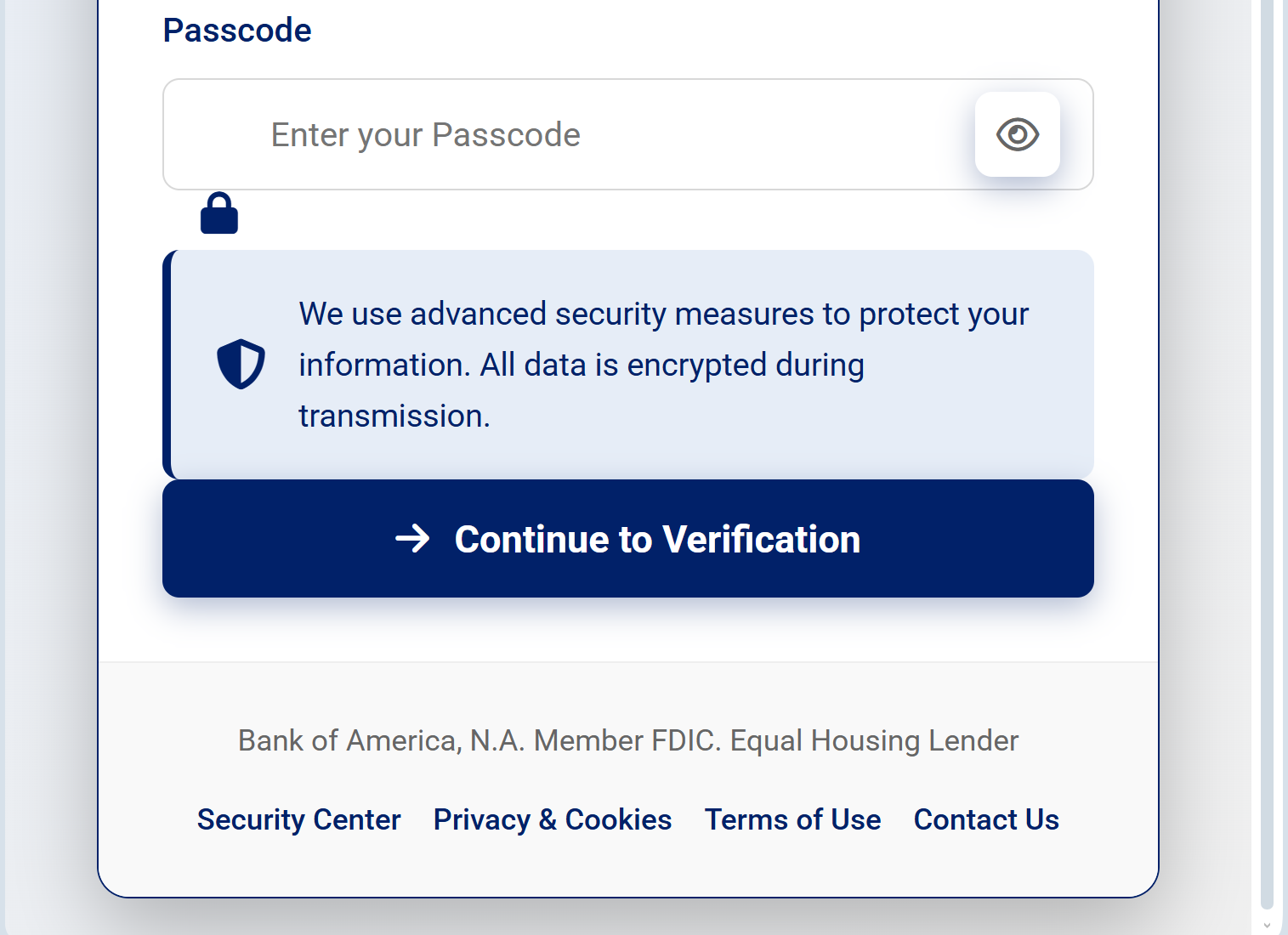
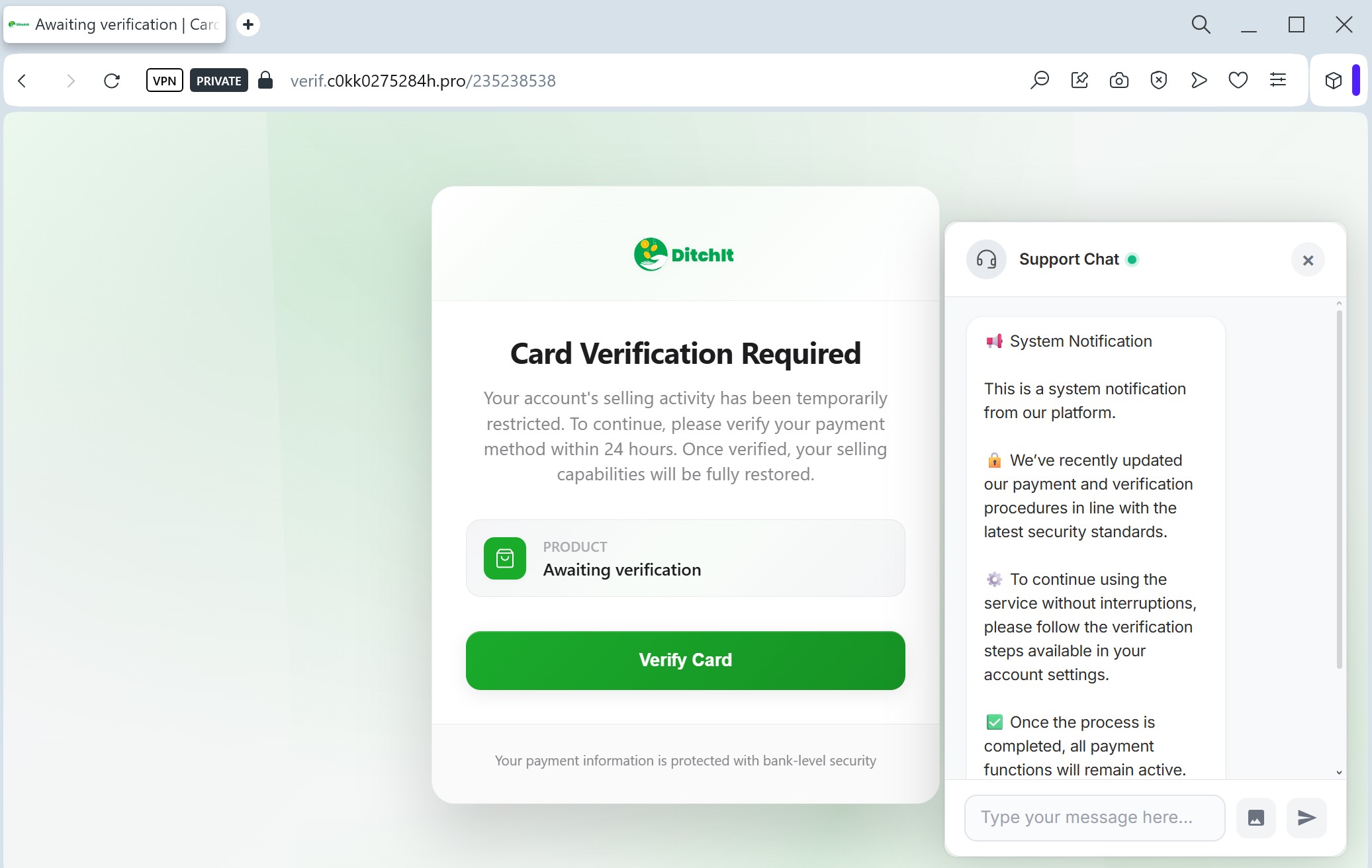
The fake DitchIt card verification scam is a high-level phishing threat targeting users on classified marketplaces, utilizing fake, secure-looking checkout pages to steal full credit card details and cardholder information. This fraud technique often involves directing users off-platform, requesting balance verification, and harvesting data to drain user accounts.
Threat Intel: This scam layout was detected, analyzed, and contained firsthand by the
Antiphishing.bizsecurity team during our automated link scanning workflows. To protect the public, the phishing source domain has been fully defanged within our infrastructure. We document and analyze these live visual patterns to help security researchers and users recognize deceptive clone designs before financial damage occurs.
Target: Users of DitchIt (Marketplace & Resale App)
Threat Level: High (Credit Card Skimming)
Phishing Method Description
This attack uses a “Payment Verification” pretext. Scammers often contact sellers on the DitchIt app, pretending to be interested buyers. They claim they have already paid for the item and send a link to “verify your card” or “receive your funds.”
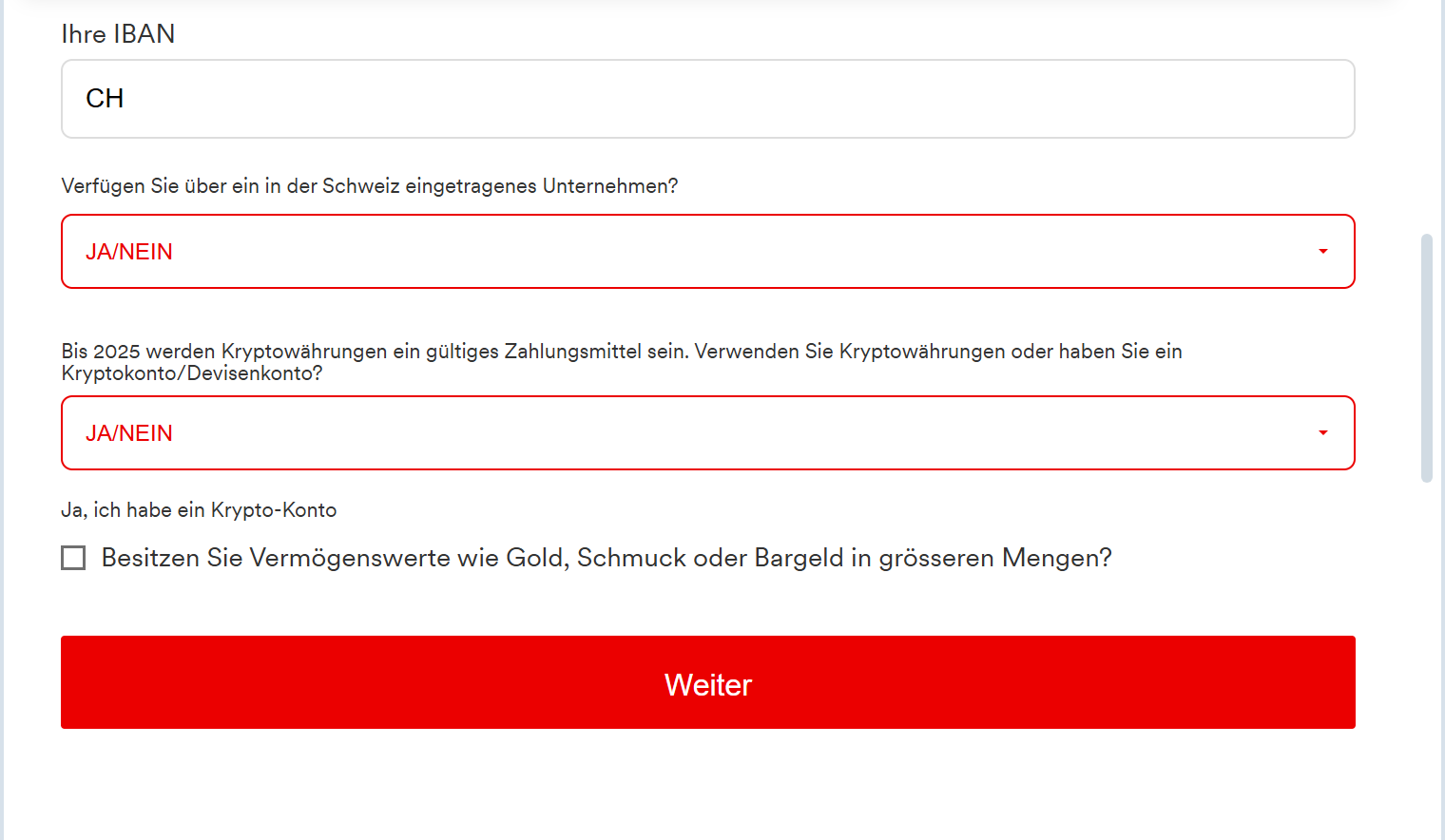
The link leads to a professional-looking clone of a DitchIt-branded page. Instead of a login, the page features a Card Data Entry Form designed to harvest:
Full Name
Credit/Debit Card Number
Expiration Date
CVV Code (Security code on the back)
Account Balance (Scammers ask for this to know how much they can steal immediately).
Red Flags to Watch For
Third-Party Links: DitchIt processes payments within the app. If a “buyer” sends you an external link to ditchit-payout.com or verification-ditchit.net, it is 100% a scam.
The “Balance” Request: Legitimate payment processors never ask you to type in your current card balance to receive money. This is a common tactic in Eastern European and North American marketplace scams.
Urgent Tone: The page often says, “You must verify your card within 10 minutes to receive the payment,” forcing the victim to act without thinking.
How to Protect Yourself
Stay In-App: Never leave the official DitchIt application to complete a transaction or “verify” your identity. All legitimate prompts will happen inside the app’s secure environment.
The “Receiving Money” Logic: To receive money, you usually only need to provide an email (for Interac) or a bank account number. You never need to provide your CVV or your card’s expiration date to get paid.
Check the URL: DitchIt’s official domain is ditchit.ca. Any other variation, especially those ending in .xyz, .top, or .info, should be closed immediately.
Zero Trust for SMS/Chat Links: If someone you don’t know sends you a link via the in-app chat or SMS claiming to be “Support,” treat it as a threat.