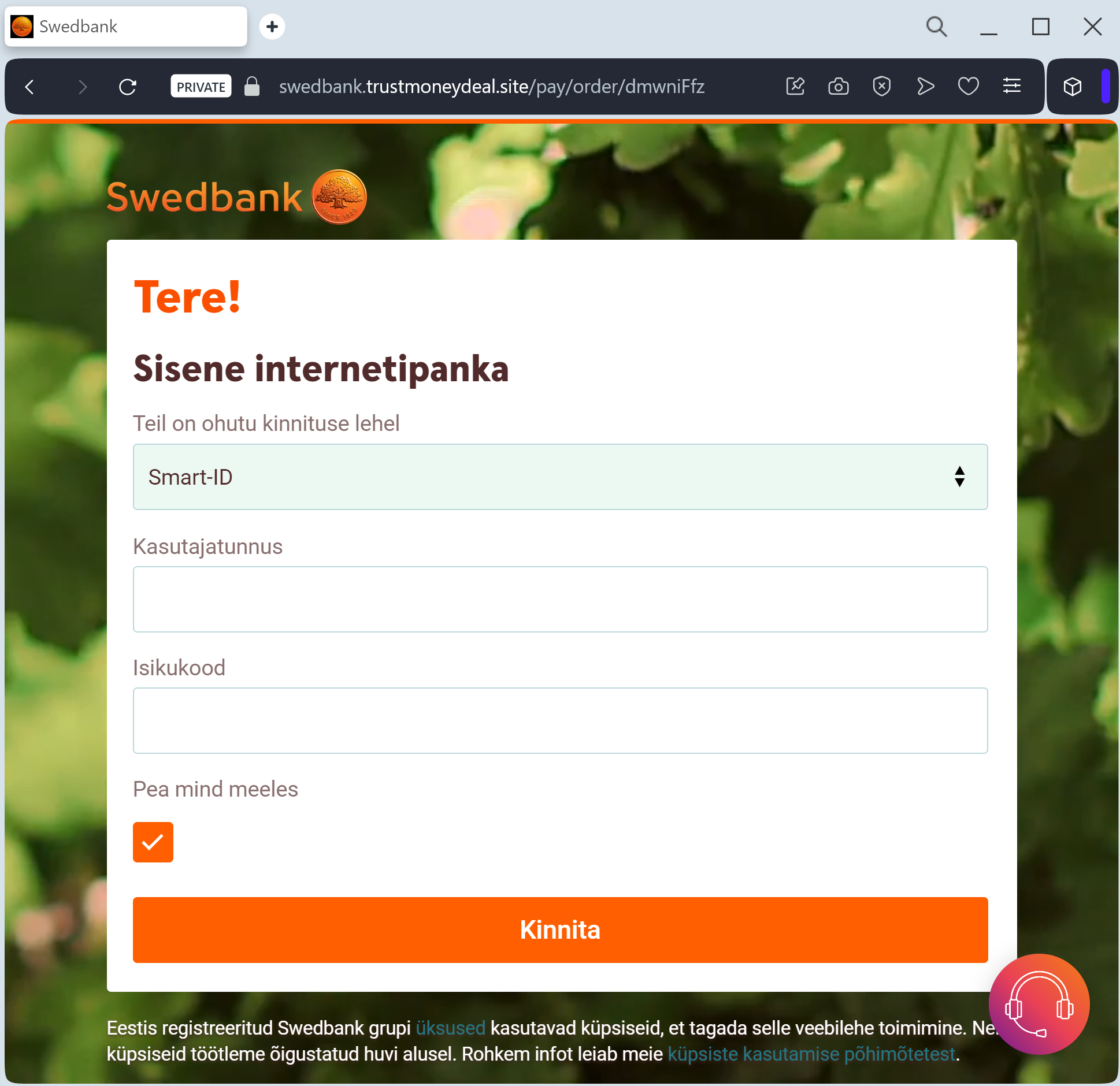
Bank Rakyat Indonesia (BRI) phishing page detected

A phishing campaign targeting Bank Rakyat Indonesia (BRI) customers utilizes WhatsApp and SMS to trick users with a fake 150,000 IDR service fee increase. The attack uses a fraudulent “BRImo” portal to harvest credentials and real-time OTPs to seize control of mobile banking accounts.
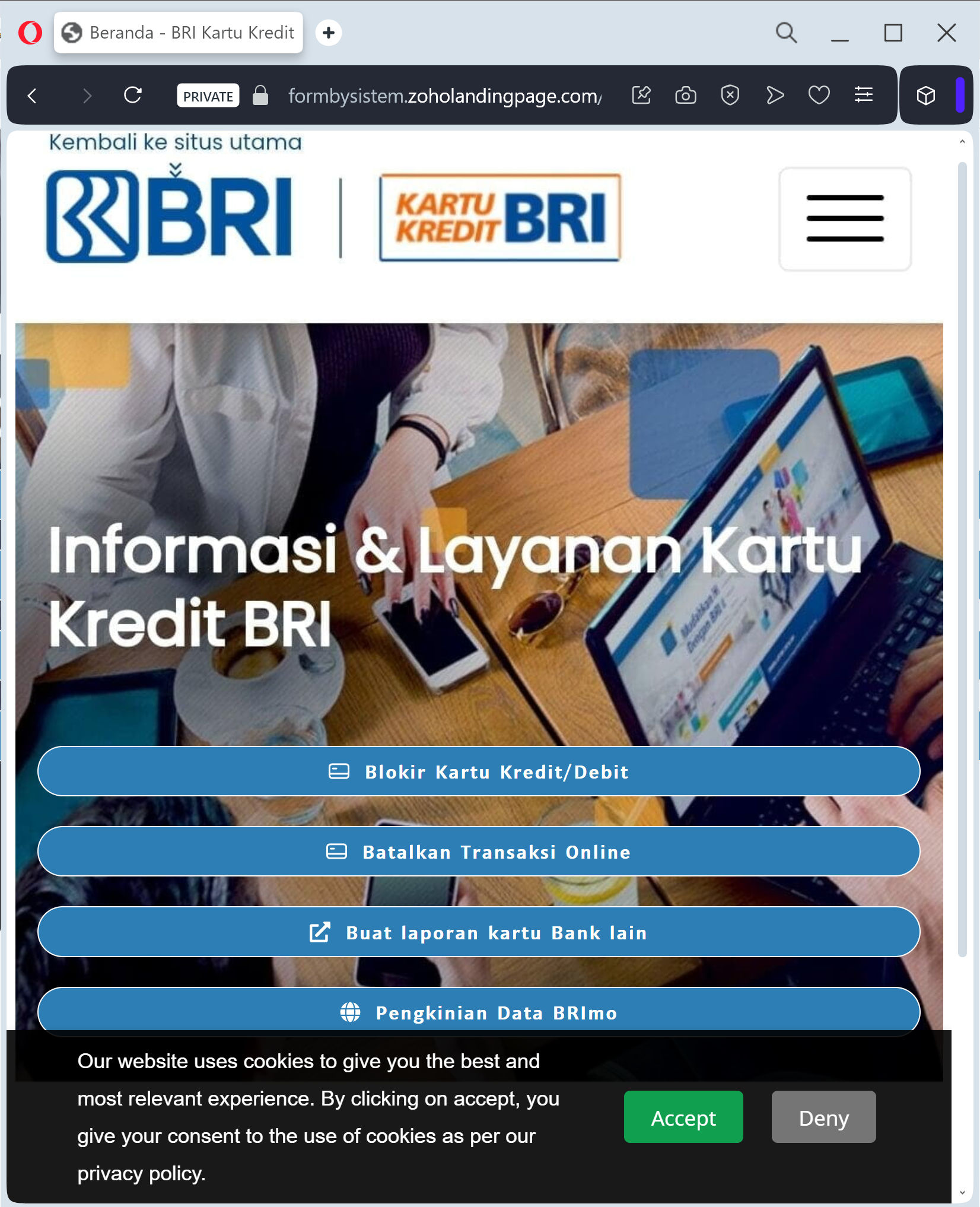
Bank Rakyat Indonesia (BRI) “Service Fee Change” Scam
Target: Customers of Bank Rakyat Indonesia (BRI)
Threat Level: Critical (BRIMO Mobile Banking & OTP Theft)
Phishing Method Description
This attack uses a “Price Hike Scare” tactic. Scammers distribute fraudulent messages via WhatsApp or SMS (Smishing), claiming that BRI is updating its monthly service fee to a much higher amount (e.g., 150,000 IDR). To “keep the old rate” or “refuse the increase,” the victim is pressured to click a link and provide their details.
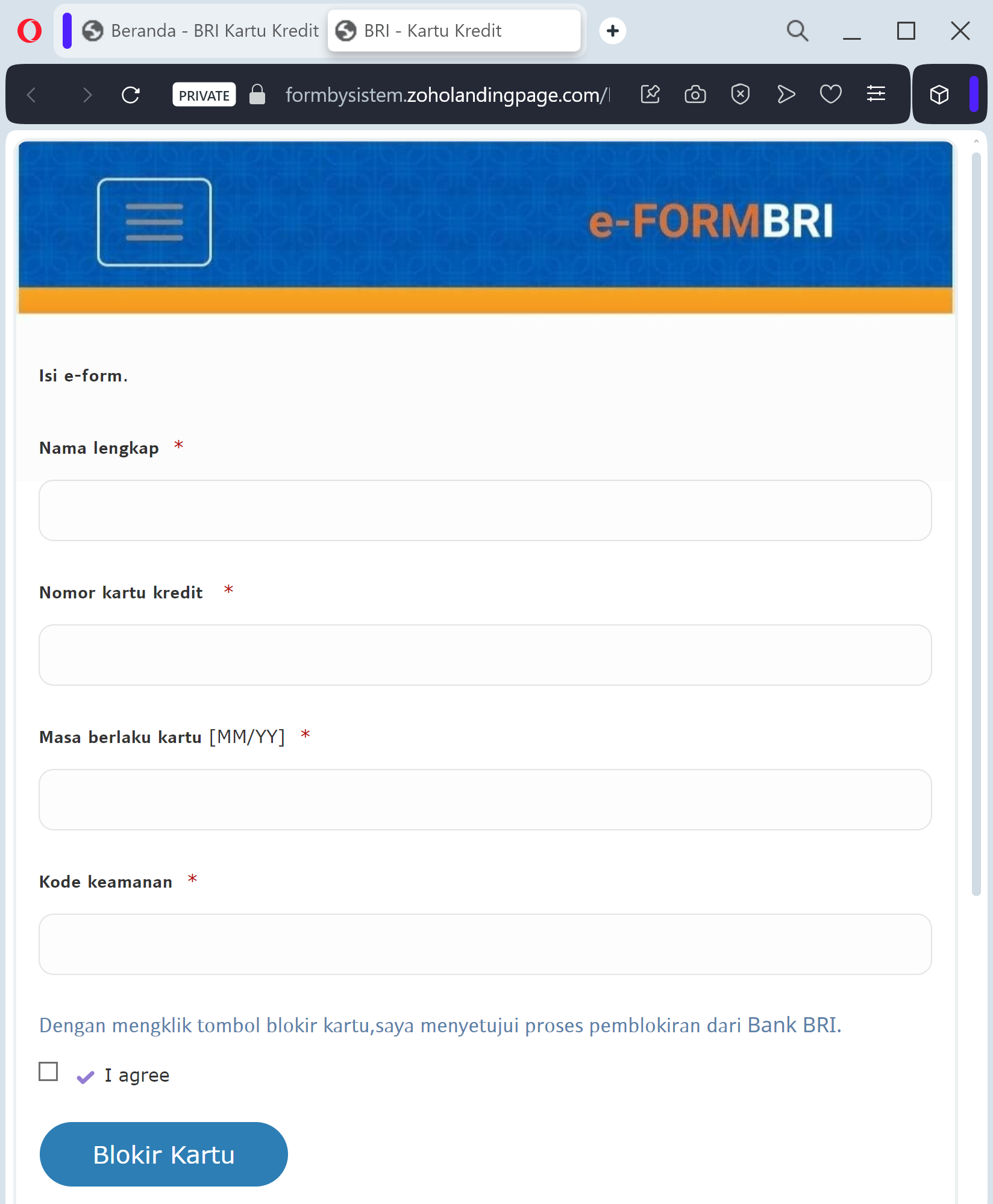
The link leads to a high-fidelity clone of the BRIMO (BRI Mobile) login portal. This phishing kit is specifically designed to harvest:
Username and Password
ATM/Debit Card Number
Mobile Phone Number
SMS OTP (One-Time Password): The fake site prompts the victim for the 6-digit code in real-time. The attacker uses this code to authorize a fraudulent transfer or to register the victim’s account on their own device.
⚠️ Red Flags to Watch For
The Deceptive URL: The official domain is bri.co.id. Phishing sites use lookalikes such as bri-tarif-baru.com, konfirmasi-bri.net, update-layanan-bri.online, or free subdomains like brimo-login.web.app.
Urgent WhatsApp Messages: BRI officially communicates through verified channels. If you receive a fee-change notice from a random mobile number on WhatsApp, it is 100% a scam.
Requesting your PIN/OTP: BRI will never ask for your mobile banking PIN or SMS OTP through a website link to “cancel a fee.”
🛡️ How to Protect Yourself
Use the BRIMO App: Trust only the notifications and settings found inside your official BRIMO mobile app.
The “No Link” Rule: BRI states they will never send links via WhatsApp or SMS asking for personal login credentials. Always type www.bri.co.id manually into your browser.
Verify with Contact BRI: If you receive a suspicious message, call the official BRI hotline at 1500017 or visit an official branch to verify any policy changes.
OTP Security: Treat your SMS OTP as a secret key. Never share it, and never enter it on a page reached through a link.
💡 Expert Security Tip:
This is a Social Engineering & Real-time Interception attack. Scammers create a fake “financial threat” (the new fee) to make you panic and give up your OTP. Remember: Banks do not ask you to “log in and verify” to cancel a service fee. If a site asks for your Username and OTP at the same time, it is a phishing trap.
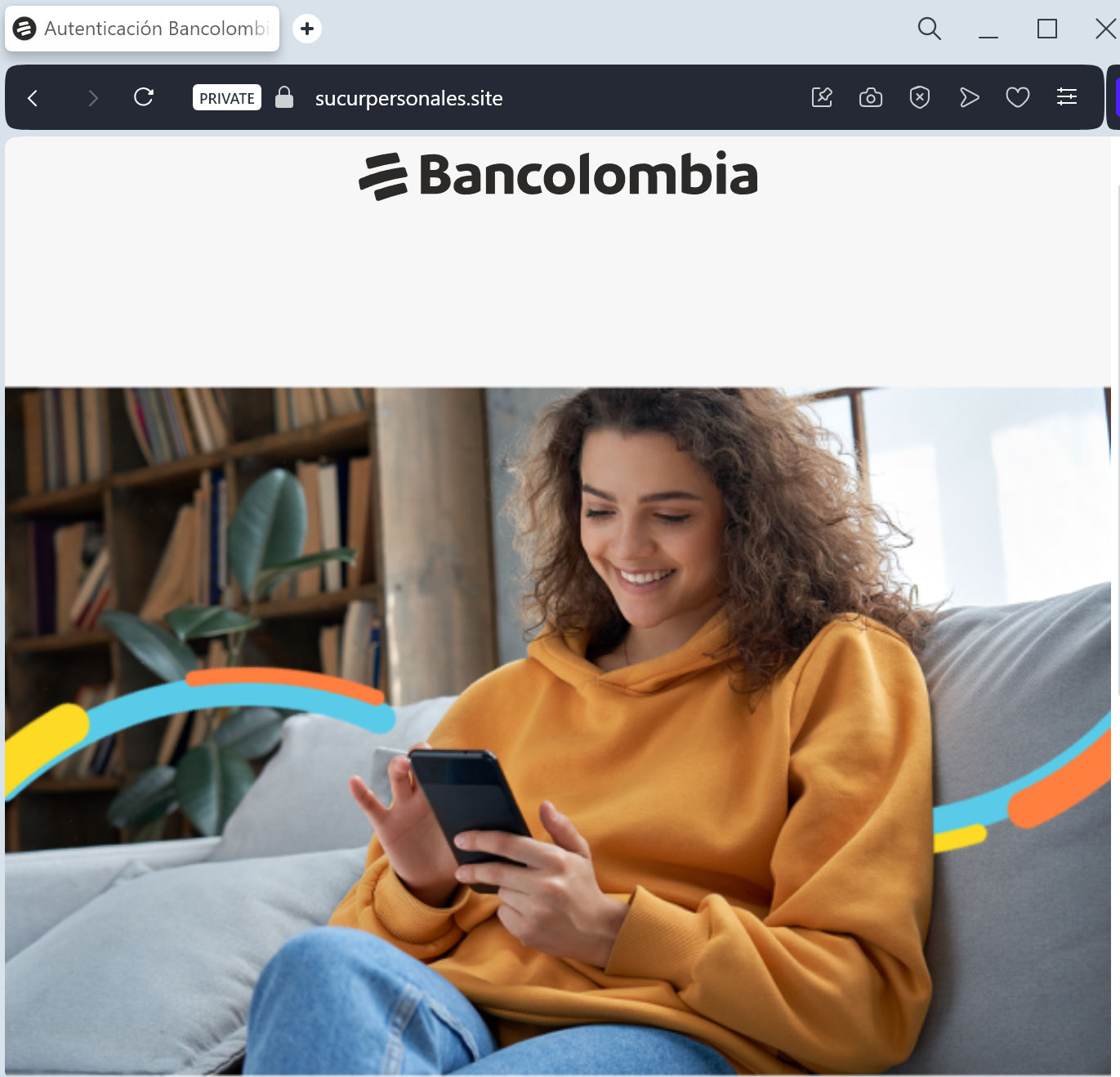
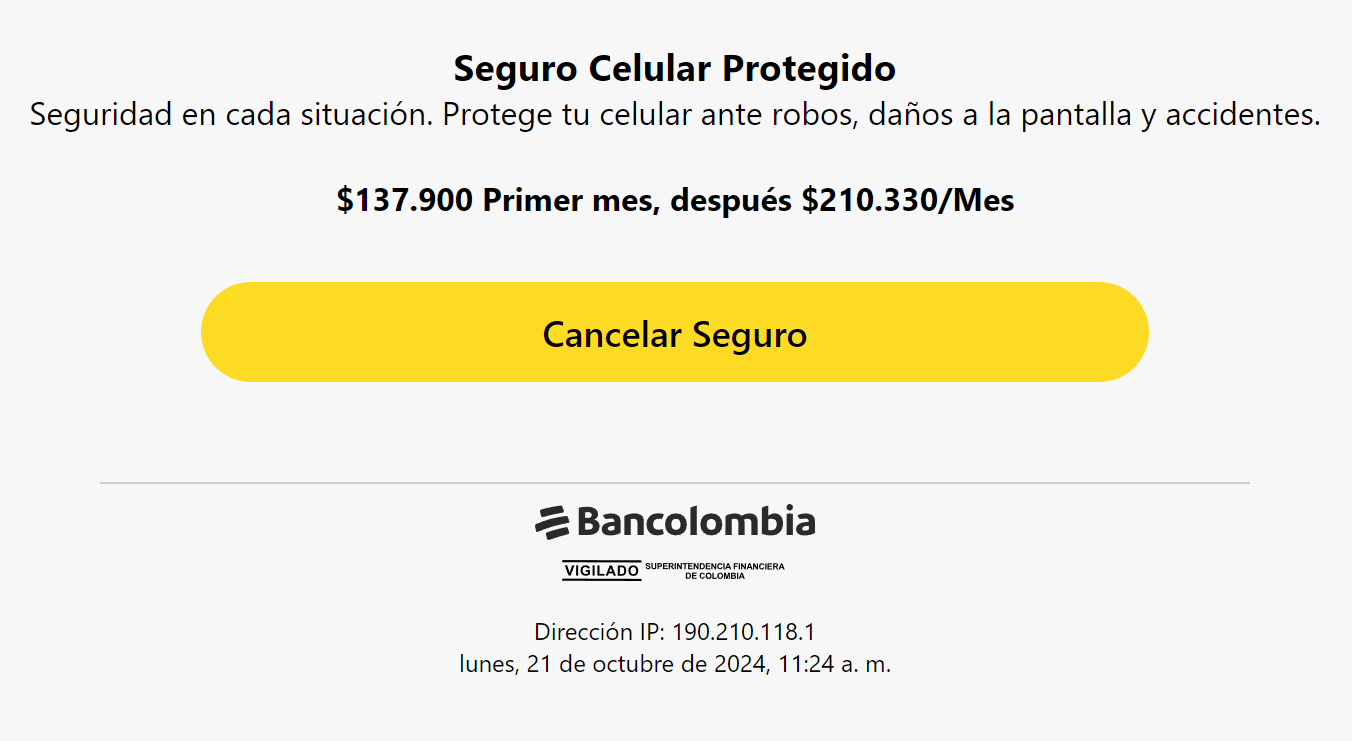
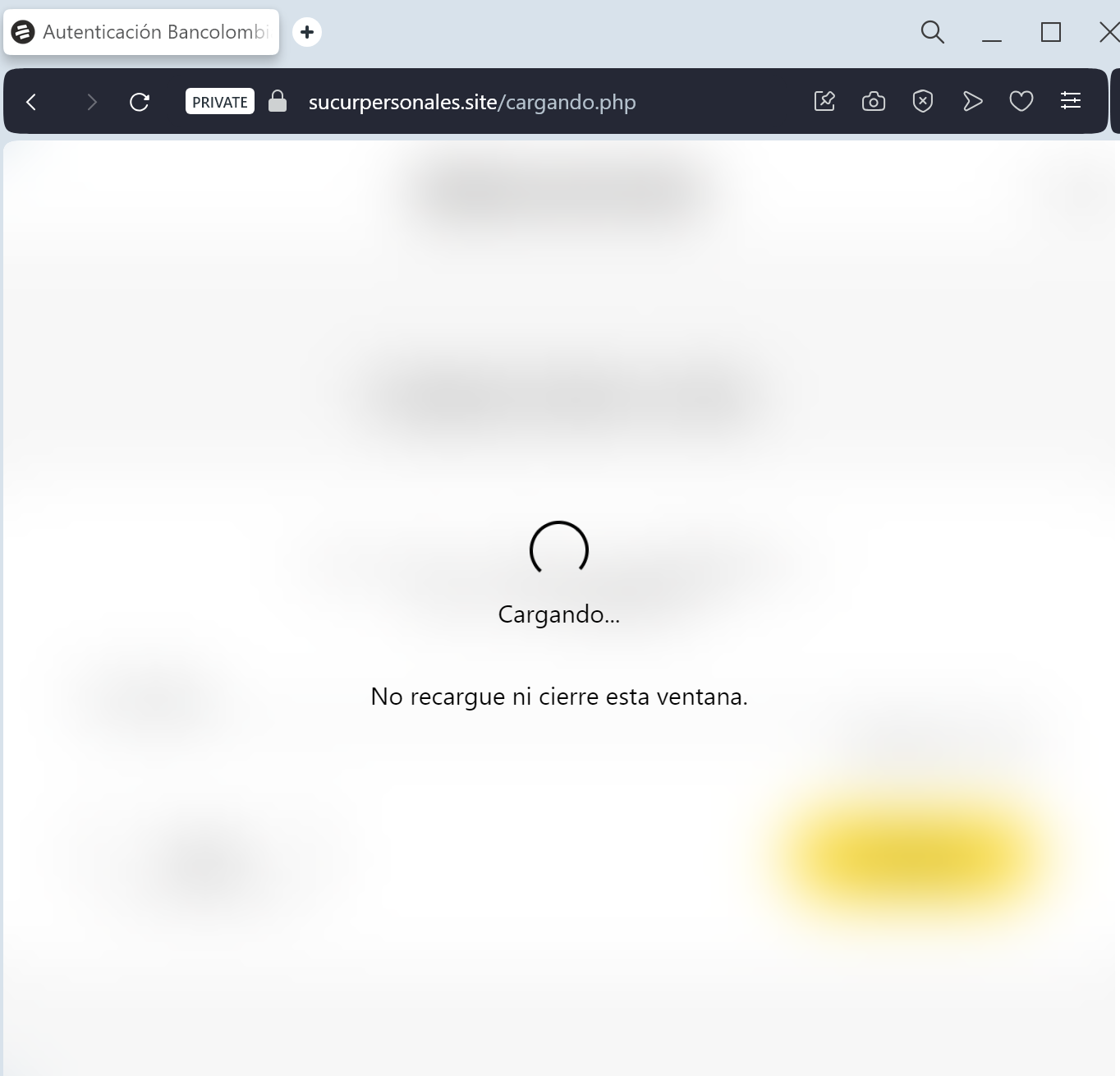
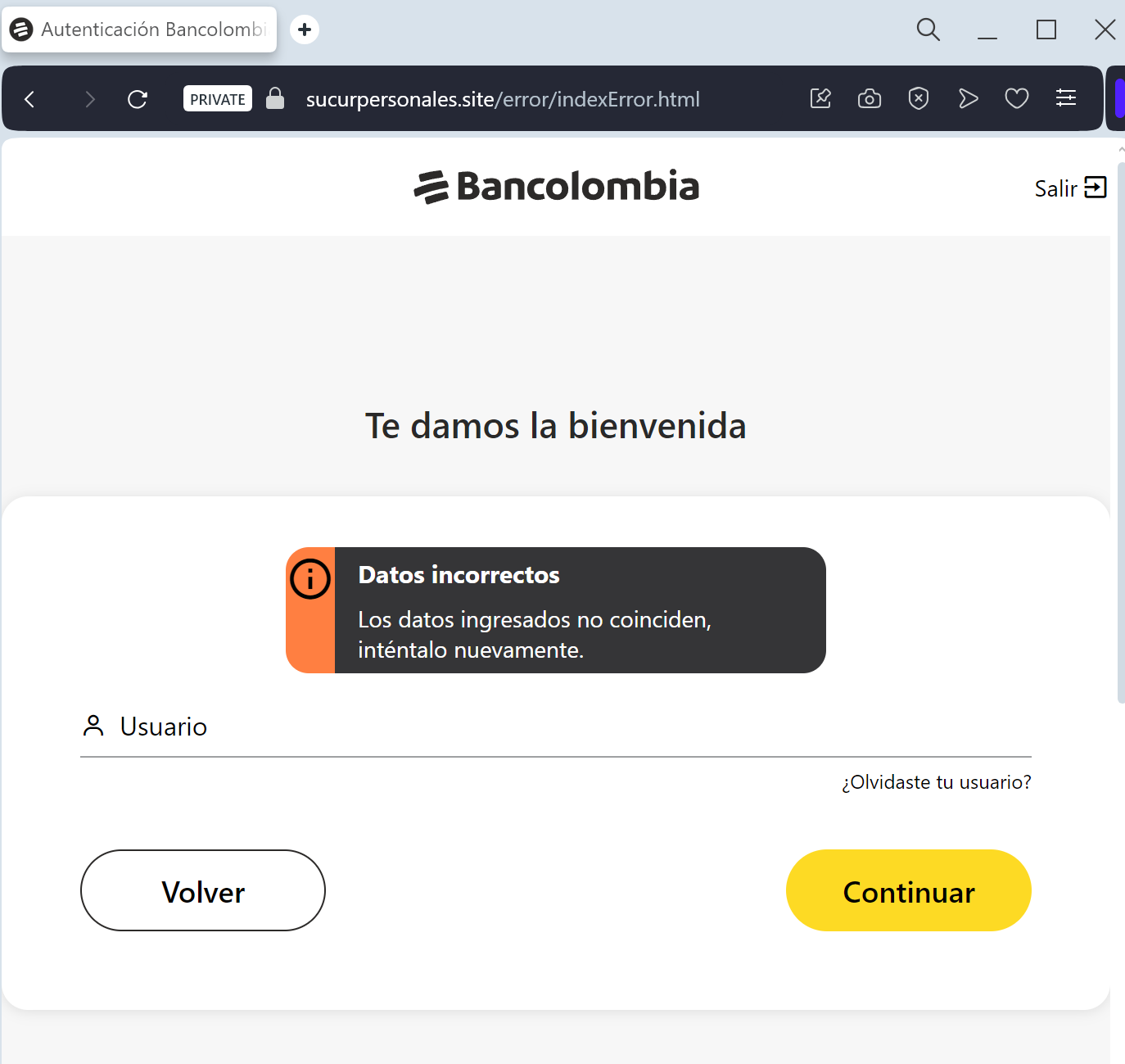
Bancolombia phishing page detected

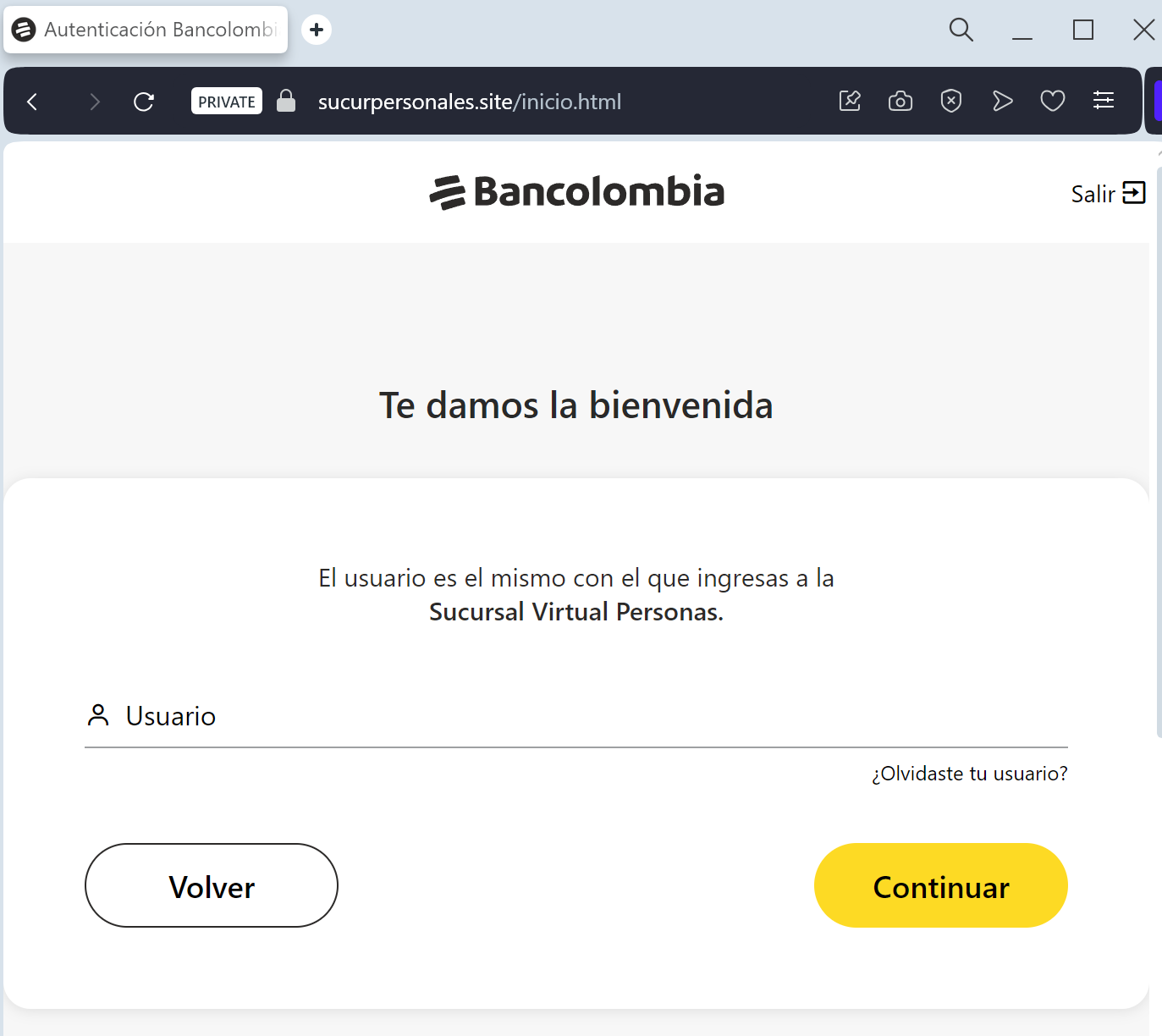
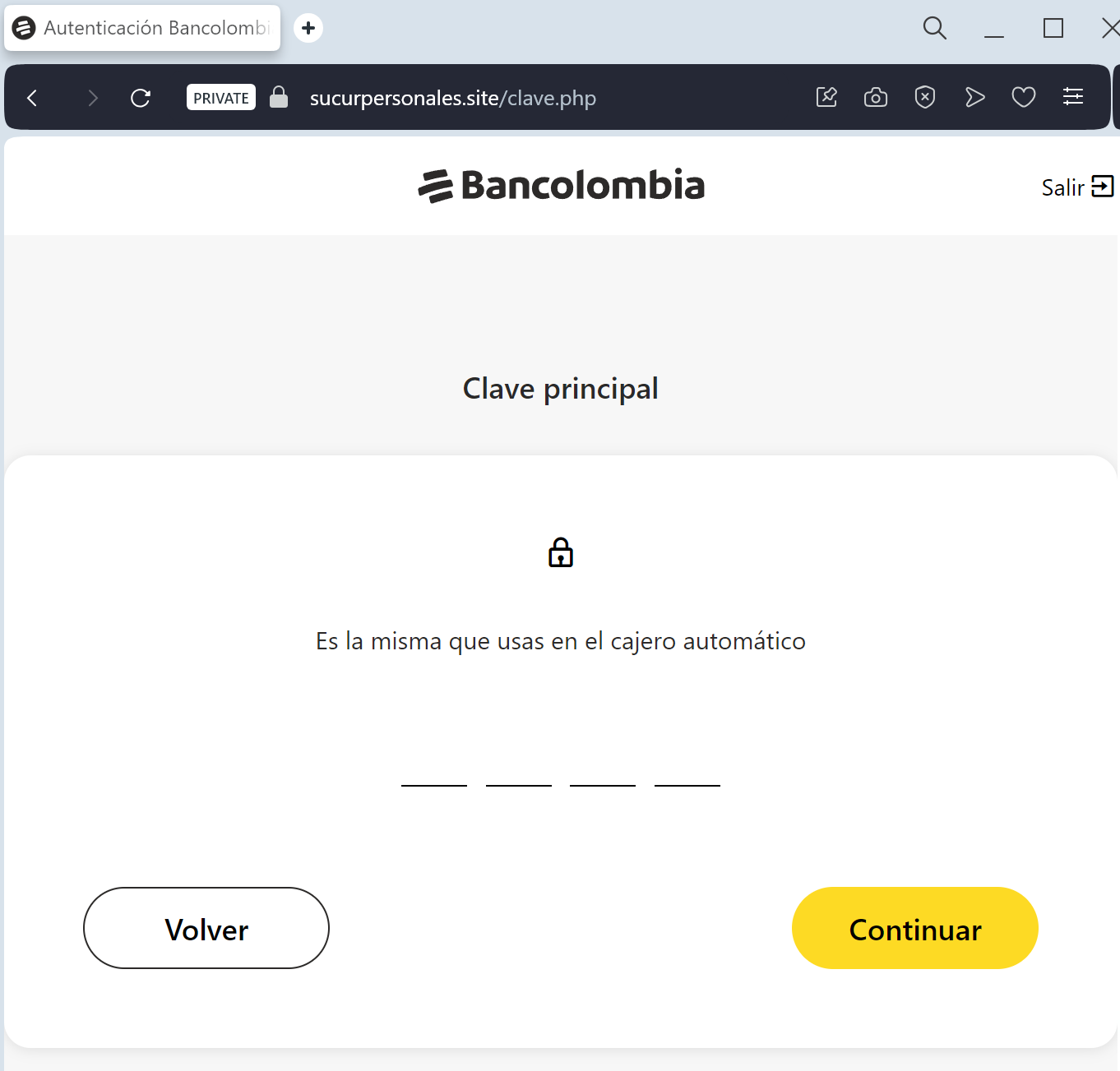
A phishing campaign targeting Bancolombia users employs fake “account blocked” alerts via SMS to steal credentials for the Bancolombia Personas mobile application, including usernames and real-time OTPs. The attack uses fraudulent websites to impersonate the bank’s login portal and pressures victims into entering sensitive information.

This phishing campaign against Bancolombia uses urgent SMS messages to lure victims to a fake “Sucursal Virtual Personas” portal. Attackers utilize a Man-in-the-Middle (MitM) method to harvest user credentials and dynamic keys, facilitating unauthorized access to financial accounts.

Expert Security Tip: Real-Time Dynamic Key Interception
The Method:
This Bancolombia phishing attack is a high-level Man-in-the-Middle (MitM) exploit. Scammers aren’t just looking for your password; they are waiting in real-time to intercept your Clave Dinámica (Dynamic Key).
The Trap:
When you enter your credentials on this fake page, the attacker simultaneously logs into the actual Bancolombia server. The moment the bank asks for your 6-digit security code, the phishing site prompts you to enter it. By providing that code, you are giving the hacker a “one-time pass” to authorize a fraudulent transfer or register a new device to your account.
How to Protect Yourself:
The “Context” Rule: If a website asks for your Dynamic Key (Clave Dinámica) immediately after you enter your password — without you performing a specific transaction — it is 100% a phishing trap.
App-Only Authorization: Treat your Dynamic Key as a digital signature. Only use it inside the official Bancolombia App or on the bank’s official website that you accessed by typing ://bancolombia.com manually.
Zero Trust for Links: Bancolombia will never send you a link via SMS or Email to “synchronize” or “update” your security keys. Any such request is a scam.

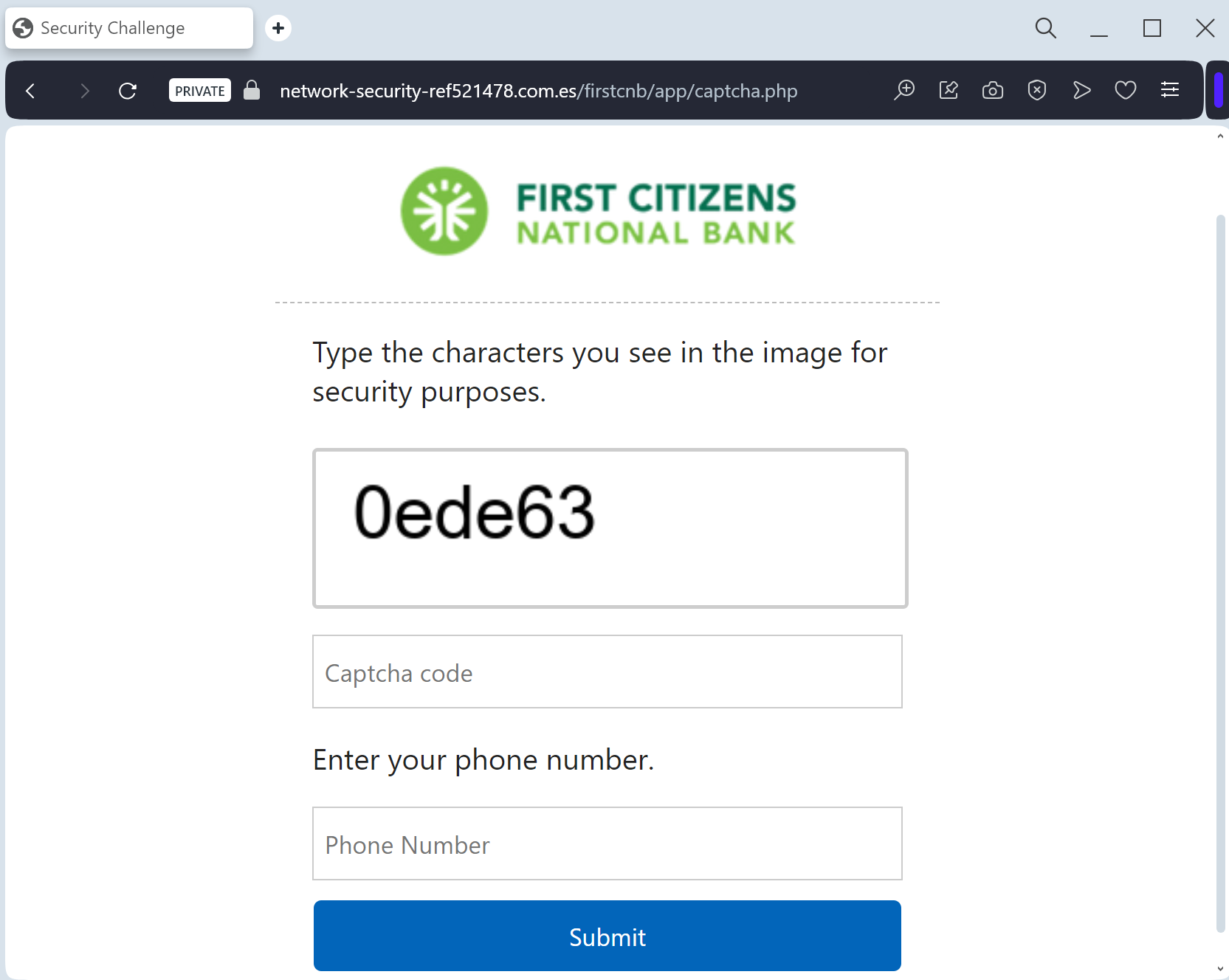
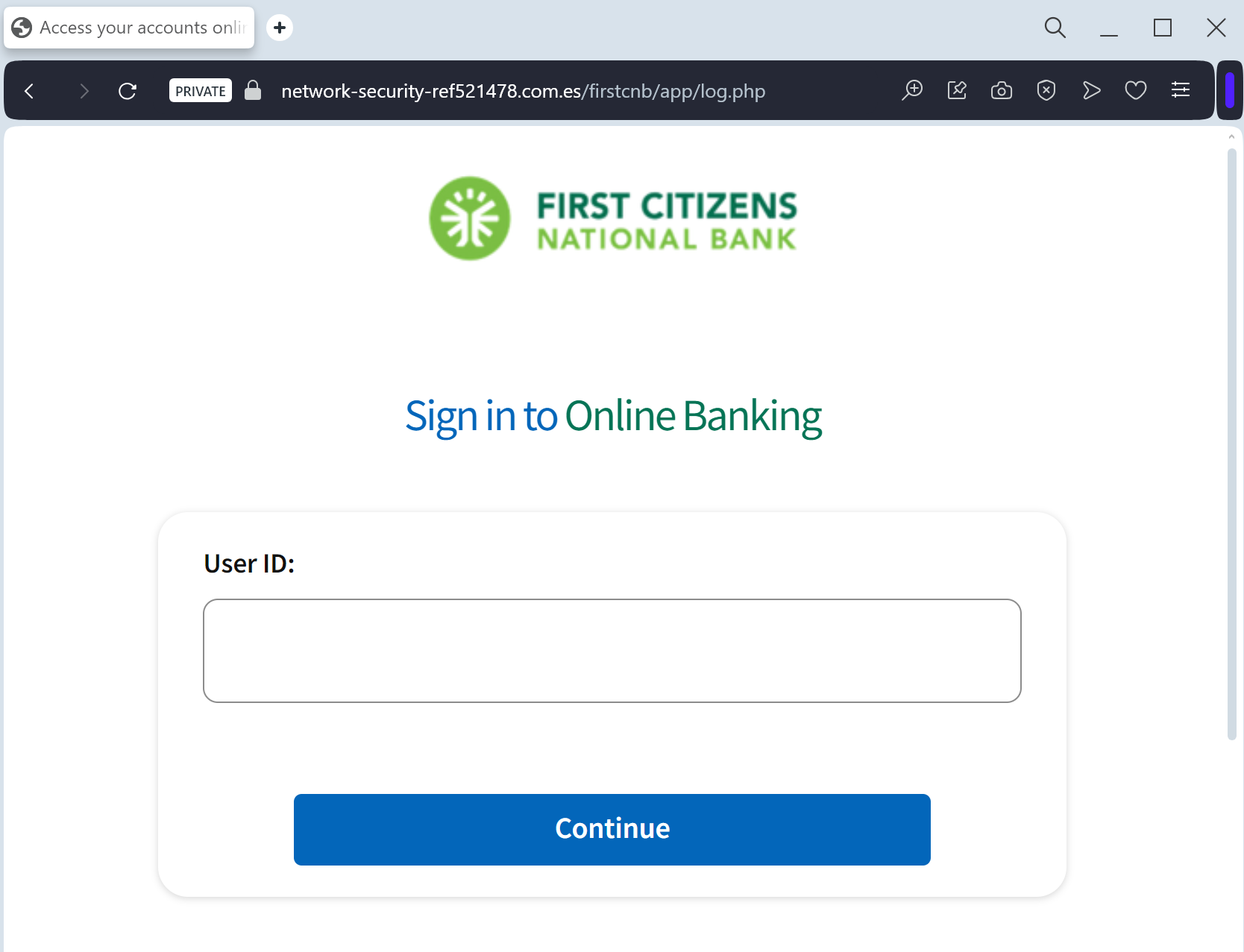
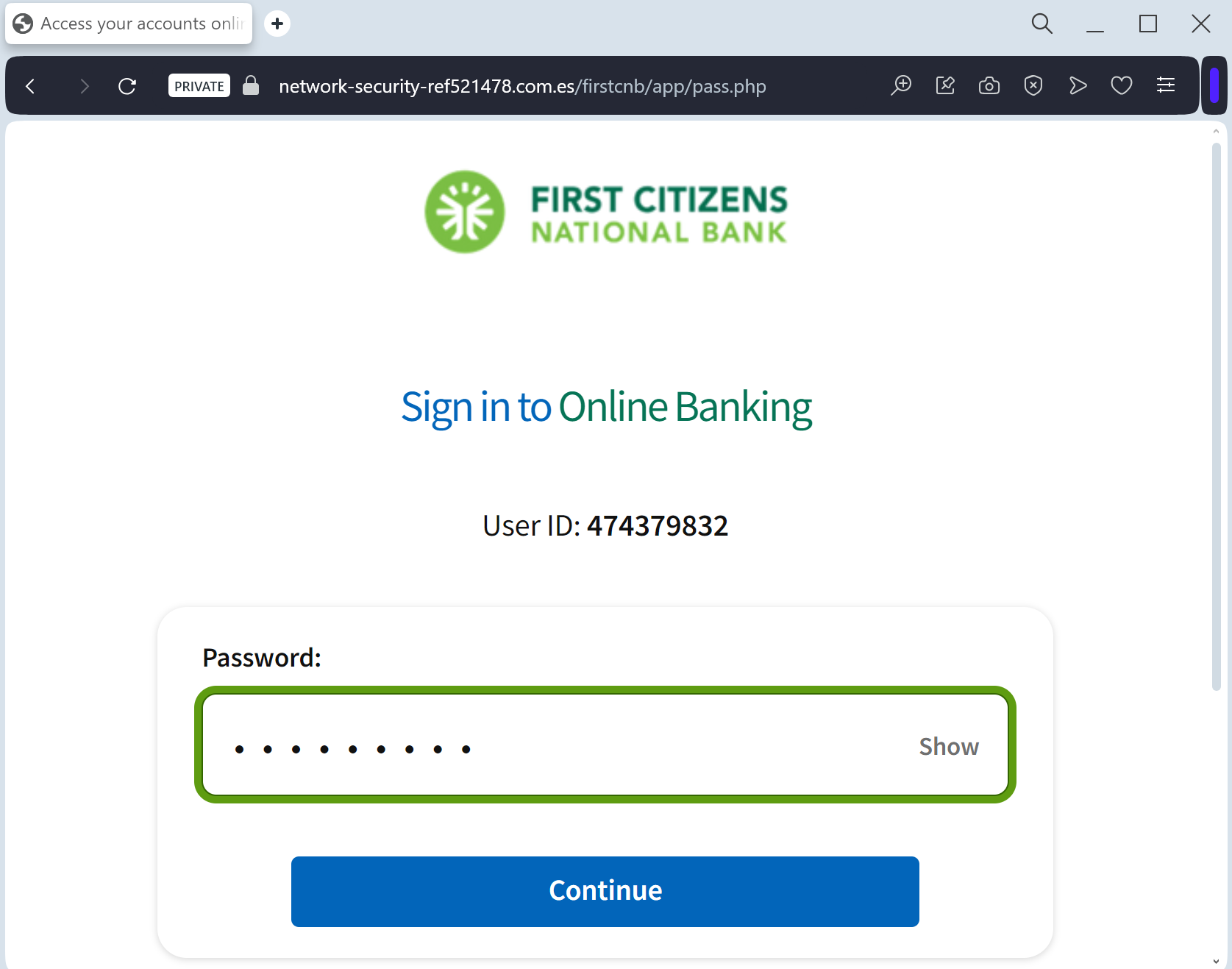
First Citizens National Bank phishing page revealed

A phishing campaign targeting First Citizens National Bank customers uses a fake “System Update” page to perform real-time MFA bypass and account hijacking. Attackers utilize lookalike URLs to harvest credentials and SMS codes, allowing them to instantly access authentic banking sessions.

This phishing campaign against First Citizens National Bank uses fake “security sync” emails and SMS to drive victims to a spoofed, high-fidelity login page. It employs a man-in-the-middle technique to steal credentials and intercept real-time MFA codes to take over accounts, urging users to check for suspicious URLs and never enter MFA codes on linked pages.

First Citizens National Bank “Security Maintenance” Phishing
Target: Customers of First Citizens National Bank (USA)
Threat Level: High (Credential Harvesting & MFA Bypass)
Phishing Method Description
This attack targets the Digital Banking users of First Citizens National Bank. Scammers use a “Security Alert” or “Mandatory Update” pretext, sending out Smishing (SMS) or Phishing Emails claiming that an “Unauthorized Device” has logged into the account or that a “Security Maintenance” procedure is required to keep the account active.
The link leads to a high-fidelity clone of the official First Citizens login portal. The phishing kit is specifically designed to harvest:
Access ID / Username
Password
Multi-Factor Authentication (MFA) Codes: The fake site prompts the victim to enter the SMS or Email code in real-time. The attacker immediately uses this code on the actual bank site to gain full access and initiate fraudulent transfers.
⚠️ Red Flags to Watch For
Deceptive Domain: The official domain is firstcitizens-bank.com or FirstCitizens.com. Phishing sites use lookalikes such as firstcitizens-secure.online, login-firstcitizens.net, or free hosting subdomains like firstcitizens.web.app.
Requests for MFA during Login: If a site asks for an MFA code immediately after you enter your password on an unfamiliar page you reached via a link, it is a sign of a real-time interception attack.
💡 Expert Security Tip: The “Middleman” MFA Interception
The Method:
This case highlights a sophisticated Real-Time Proxy Attack. Scammers are not just stealing your password; they are acting as a “middleman” (Man-in-the-Middle). When you enter your credentials on this fake page, the attacker simultaneously enters them on the actual bank’s server.
The Trap:
The bank then sends a legitimate Multi-Factor Authentication (MFA) code to your phone. The phishing site immediately asks you for that code. By providing it, you aren’t “securing” your account—you are handing the final key to the hacker, allowing them to authorize a new device or empty your account in seconds.
How to Protect Yourself:
Read the SMS Carefully: If you receive an MFA code, read the full text. It often says: “Do not share this code with anyone. If you didn’t request this, contact us immediately.”
MFA is for YOU, not them: Never enter an MFA code on any website that you reached through a link in an email or text message.
The “Manual Entry” Rule: Always access your bank by typing the official address manually into your browser. If there is a real security issue, you will see a notification after a safe login.

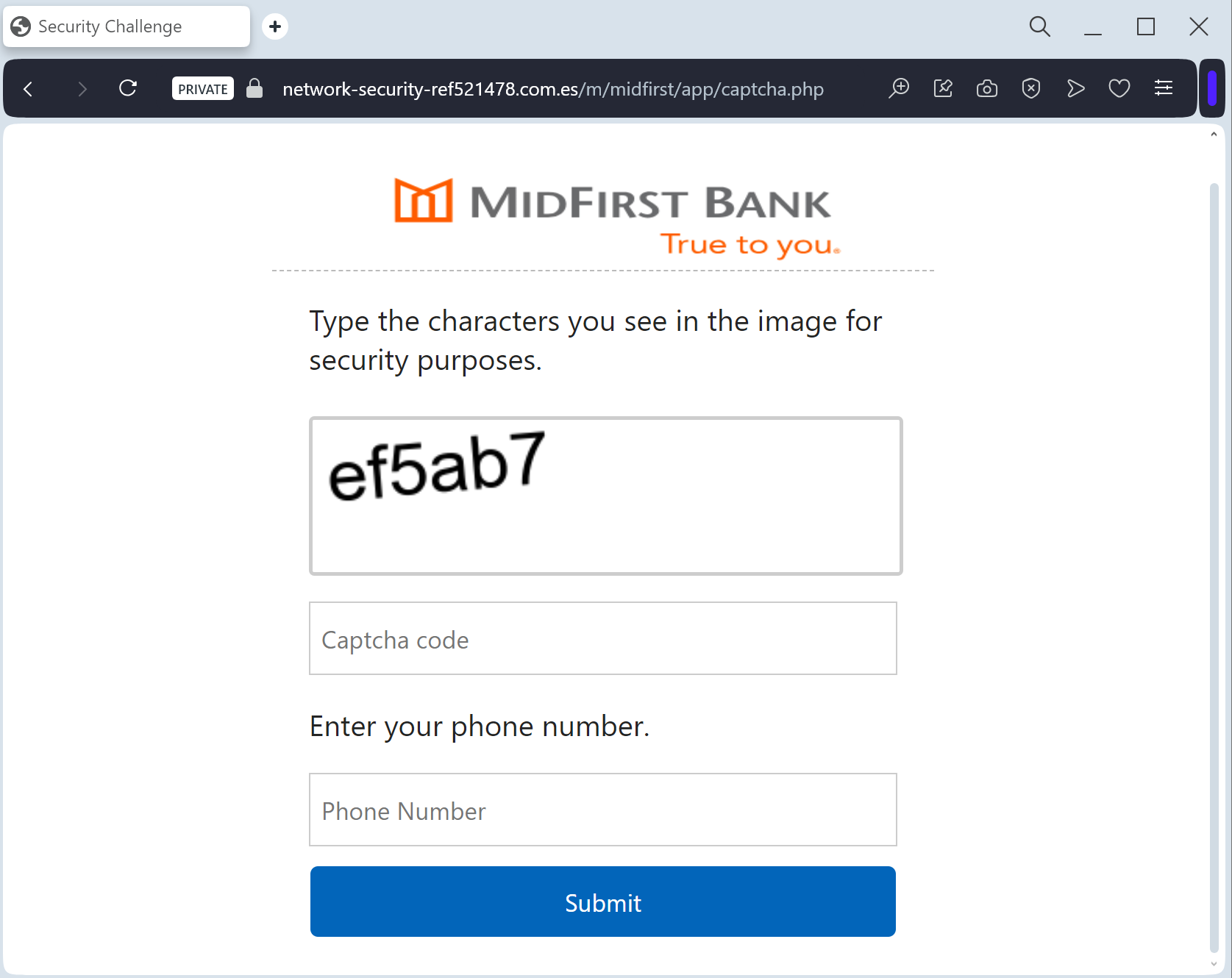
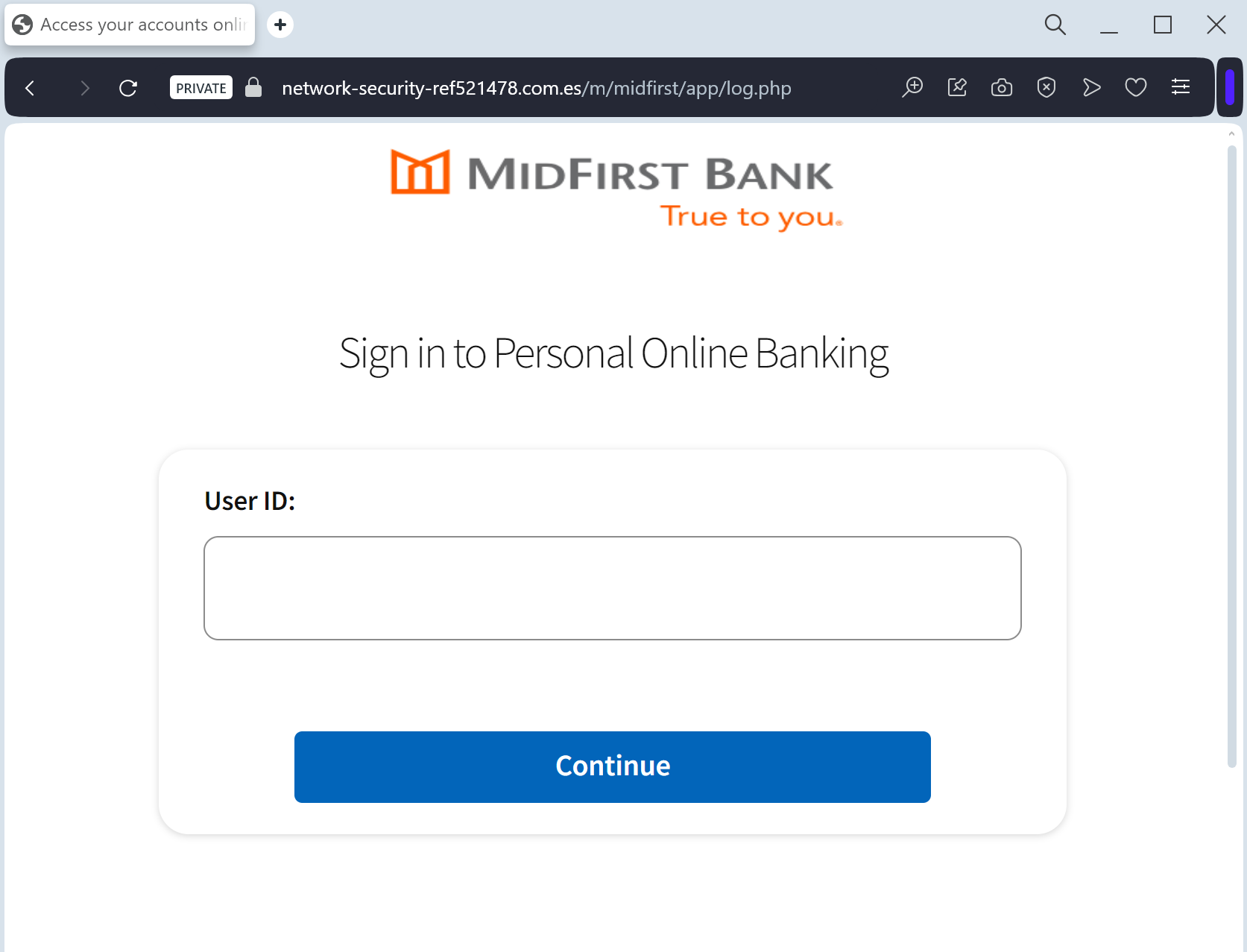
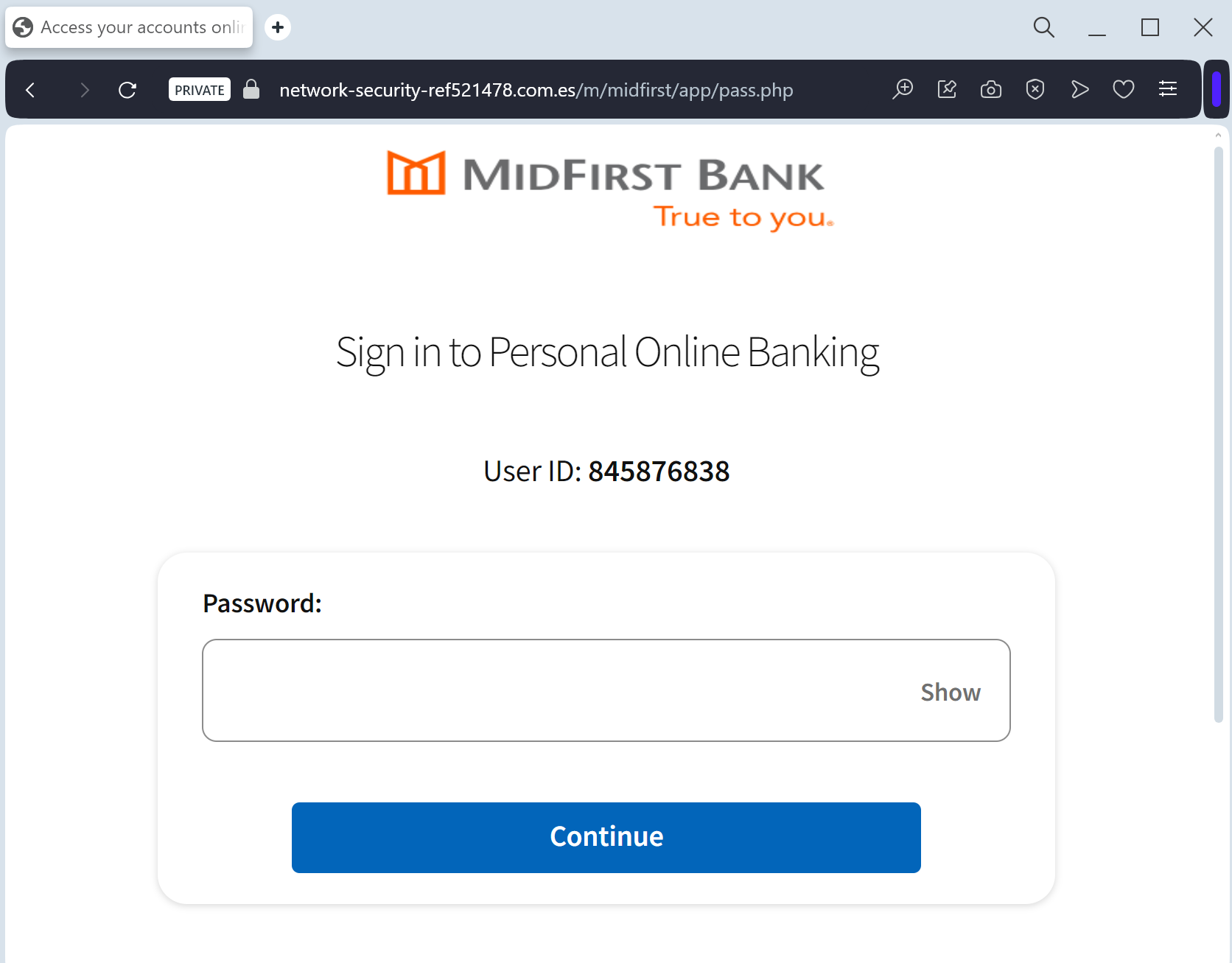
MidFirst Bank phishing page detected

A phishing campaign targeting MidFirst Bank customers utilizes a “Security Update” pretext, employing SMS or email to prompt users to sync accounts on a fraudulent website. This high-level threat harvests login credentials and real-time One-Time Passcodes (OTP) via a clone of the official MidFirst login page, enabling immediate account takeover.

MidFirst Bank “Personal Banking Security” Phishing
Target: Customers of MidFirst Bank (USA)
Threat Level: Critical (Identity Theft & Full Account Takeover)
Phishing Method Description
This attack targets the Personal Banking users of MidFirst Bank. Scammers use a “Security Update” or “Unauthorized Login” pretext, sending out Smishing (SMS) or Phishing Emails claiming that an “Unauthorized Device” has logged into the account or that a “Security Maintenance” procedure is required to keep the account active.
The link leads to a high-fidelity clone of the official MidFirst login portal. This sophisticated phishing kit is specifically designed to harvest:
Online Banking ID / Username
Password
Social Security Number (SSN) (Full or last 4 digits)
Security Challenge Questions & Answers: The fake site prompts the victim to provide answers to their secret questions (e.g., Mother’s maiden name, childhood pet).
MFA / One-Time Passcodes (OTP): Intercepted in real-time to bypass two-factor authentication.
⚠️ Red Flags to Watch For
Deceptive Domain: The official domain is midfirst.com. Phishing sites use lookalikes such as midfirst-secure-login.com, midfirst-online-verify.net, or free hosting subdomains like midfirst-portal.web.app.
Excessive Information Requests: A legitimate bank will never ask you to provide your full Social Security Number and answers to all your security questions on a single page just to “log in.”
Requests for MFA during Login: If a site asks for an MFA code immediately after you enter your password on an unfamiliar page you reached via a link, it is a sign of a real-time interception (MitM) attack.
🛡️ How to Protect Yourself
The “Manual Entry” Rule: Always access MidFirst Bank by typing ://midfirst.com manually into your browser’s address bar. Never use links from unexpected emails or text messages.
Use the Mobile App: Manage your accounts through the official MidFirst Bank Mobile App. Authentic security alerts will be delivered inside the secure app environment.
Never Share Security Answers: Treat your security question answers like secondary passwords. No bank will ask for them via an unsolicited link.
Verify the SMS Source: Official alerts come from short codes. If you receive a banking alert from a standard 10-digit mobile number, treat it as a scam.
💡 Expert Security Tip: Security Question Harvesting
The Method:
This case highlights an Identity Profiling Attack. Scammers are not just looking for your password; they want to harvest your Security Challenge Questions.
The Trap:
By providing these answers, you are giving the hackers a permanent “backdoor” to your account. Even if you change your password, they can use these stolen answers to reset it or bypass future security checks.
How to Protect Yourself:
Treat Security Answers as Passwords: Never enter them on any website that you reached through a link.
The “Context” Rule: A bank already knows your security answers; they should only ask for one at a time for verification, never all of them at once in a bulk “update” form.
MFA is Your Shield: Always use an app-based authenticator if possible, as it is much harder to phish than SMS codes or secret questions.

iCloud phishing page detected

A critical iCloud phishing campaign that uses fraudulent “Find My” and “Storage Full” notifications to steal Apple ID credentials and bypass 2FA. Attackers use pixel-perfect fake login pages to capture credentials in real-time, allowing them to unlock stolen devices and gain full access to personal data.

iCloud “Find My iPhone” & Account Security Phishing
Target: Apple ID / iCloud Users Worldwide
Threat Level: Critical (Full Identity, Photo, and Device Control Theft)
Phishing Method Description
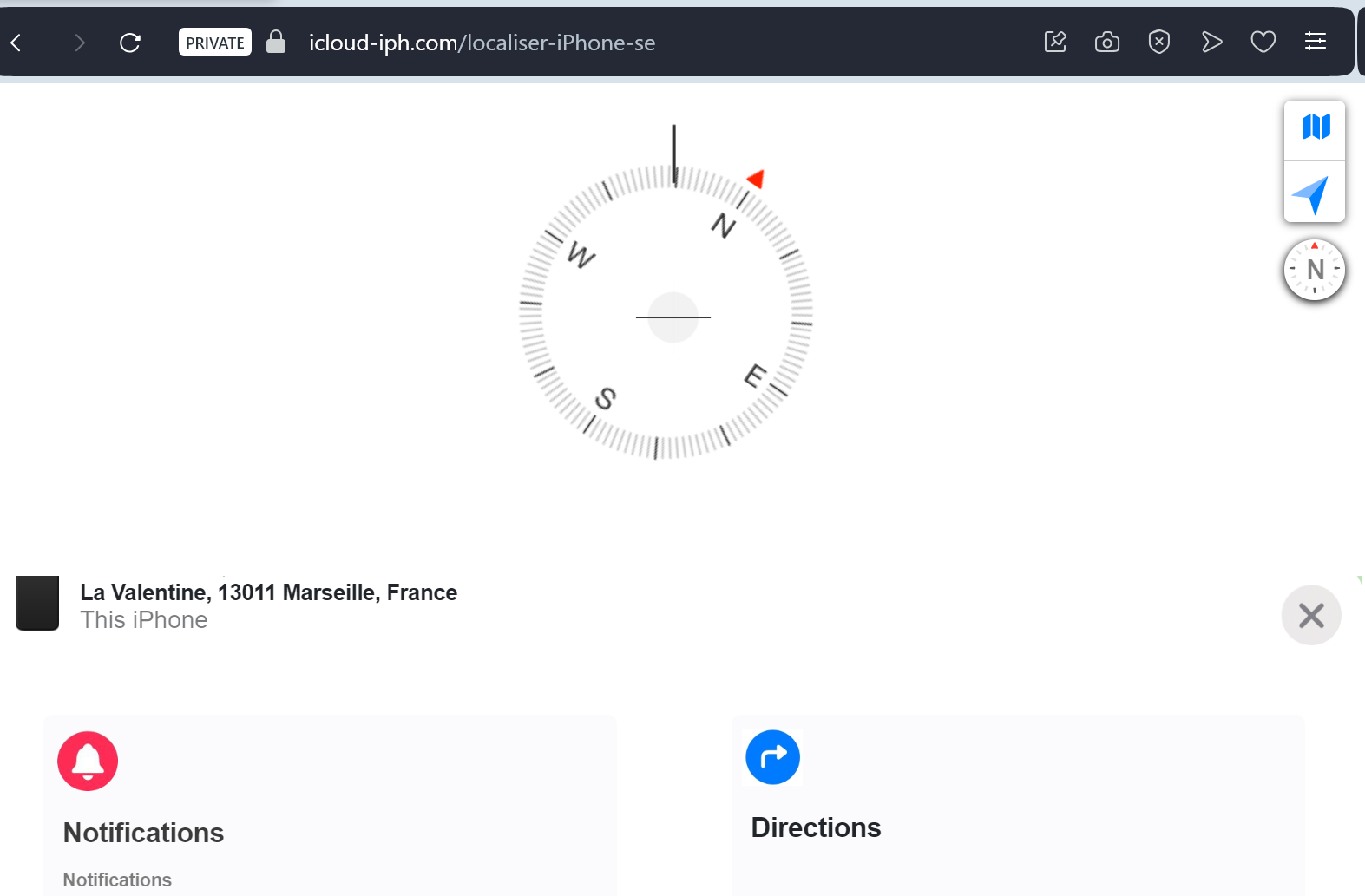
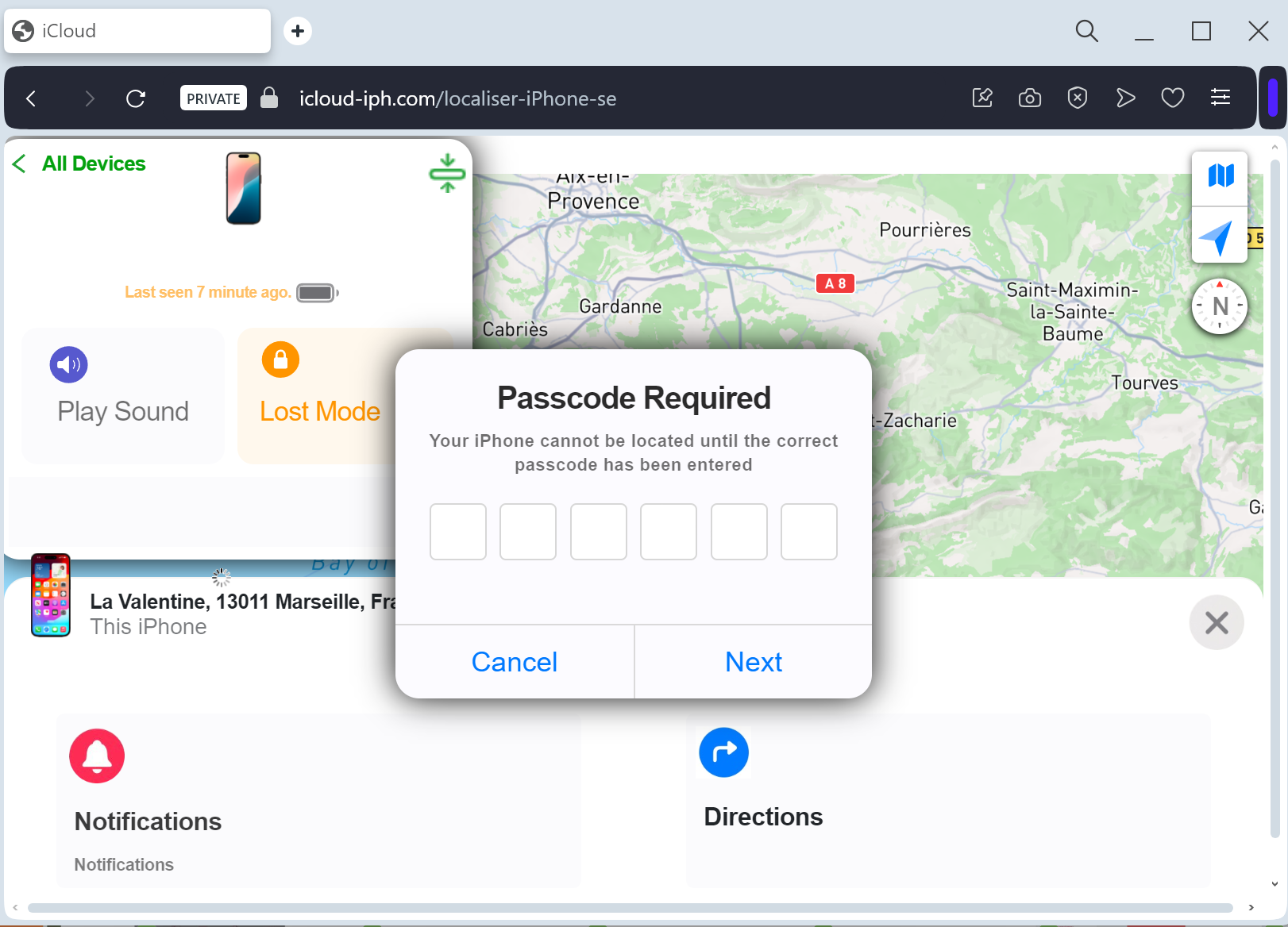
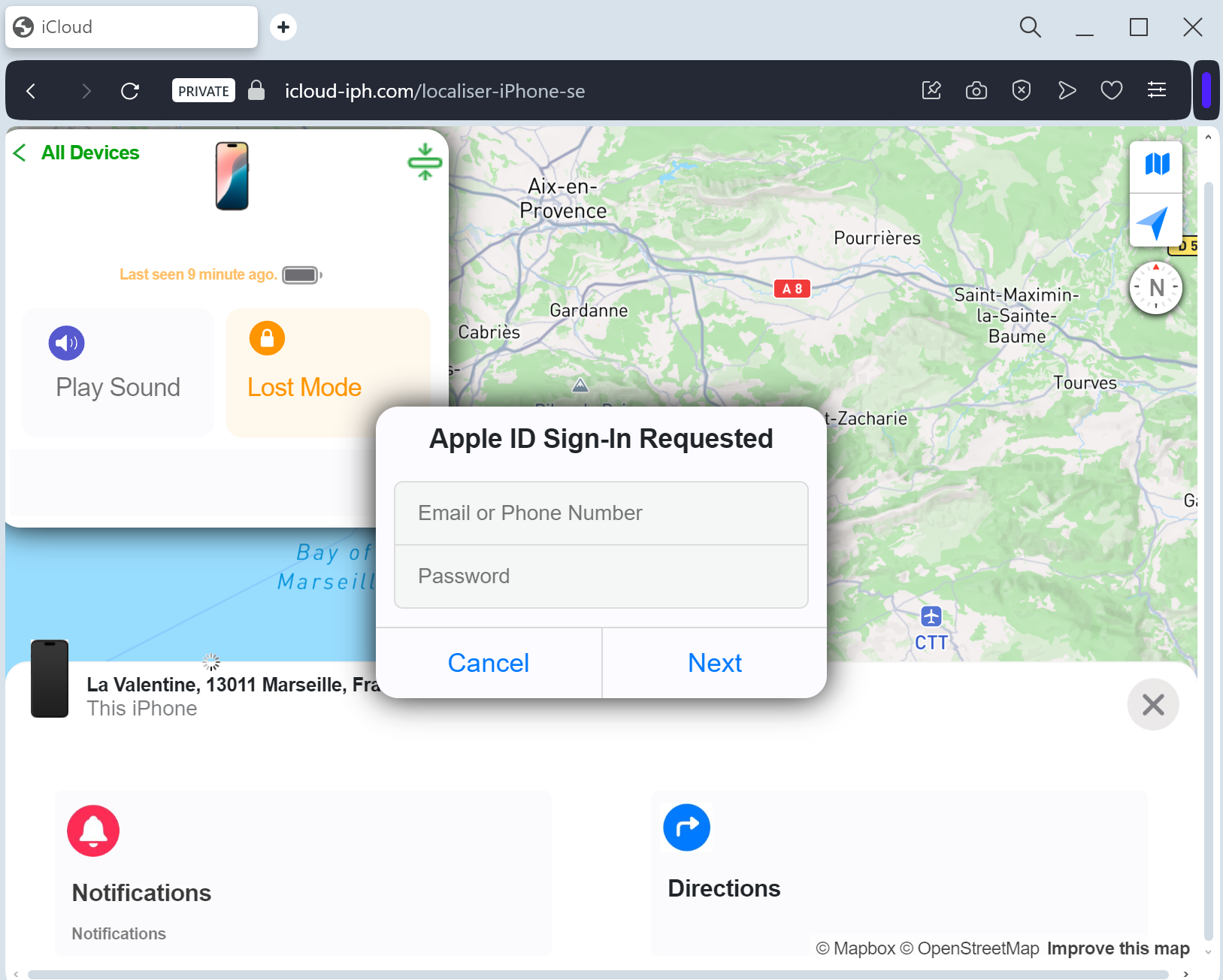
This attack often uses a “Lost Device Recovery” or “Unauthorized Access” pretext. Victims receive an urgent SMS (Smishing) or Email claiming that their “Lost iPhone has been located” or that “Your iCloud account has been logged into from a new location.”
The link leads to a pixel-perfect clone of the iCloud Sign-in portal. This sophisticated phishing kit is designed to harvest:
Apple ID Email / Username
Password
Two-Factor Authentication (2FA) Codes: The fake site prompts the victim for their 6-digit SMS or device code in real-time, allowing the attacker to bypass security instantly.
Device Passcode: In some versions, the site asks for your iPhone passcode to “verify ownership.”
⚠️ Red Flags to Watch For
The Deceptive URL: The official domain is strictly icloud.com or ://apple.com. Phishing sites use lookalikes such as find-my-iphone-cloud.com, secure-icloud-login.net, apple-support-verify.org, or free subdomains like icloud-apple.web.app.
Non-Official SMS Senders: Apple does not send SMS alerts for “found” phones from standard 10-digit mobile numbers. Official notifications usually appear directly on your other Apple devices or come from a verified short code.
Requesting a Device Passcode: Apple will never ask for your physical iPhone/iPad passcode on a website login page.
🛡️ How to Protect Yourself
The “Sign-In” Habit: Never log into iCloud through a link in an email or SMS. If you need to check your account, manually type ://icloud.com into your browser.
Check “Find My” Directly: If you lost your phone, only use the official Find My app on another Apple device or go directly to the official ://icloud.com.
Never Share 2FA Codes: If you receive a 2FA code that you didn’t request, do not enter it anywhere. It means someone already has your password and is trying to get the final key.
Lock Your SIM: Use a SIM PIN to prevent scammers from receiving your SMS 2FA codes if they have stolen your physical phone.
💡 Expert Security Tip: The “Found Phone” Trap
The Method:
This is a Double-Victimization Attack. If your iPhone was recently stolen, the thieves will send you this phishing link. They aren’t trying to help you “find” your phone; they want your Apple ID credentials.
The Trap:
Once you enter your password and 2FA code, the scammers can remove the “Find My” Activation Lock from your stolen device. This allows them to wipe the phone and sell it for a high price, while also gaining access to all your private photos, messages, and saved passwords in Keychain.
How to Protect Yourself:
Ignore “Found” Links: If you get a text saying your lost phone is located at a specific address with a link, do not click it. It is a trap to unlock your device remotely.
Trust only the App: Use only the official Apple “Find My” app on a trusted device to track your hardware.

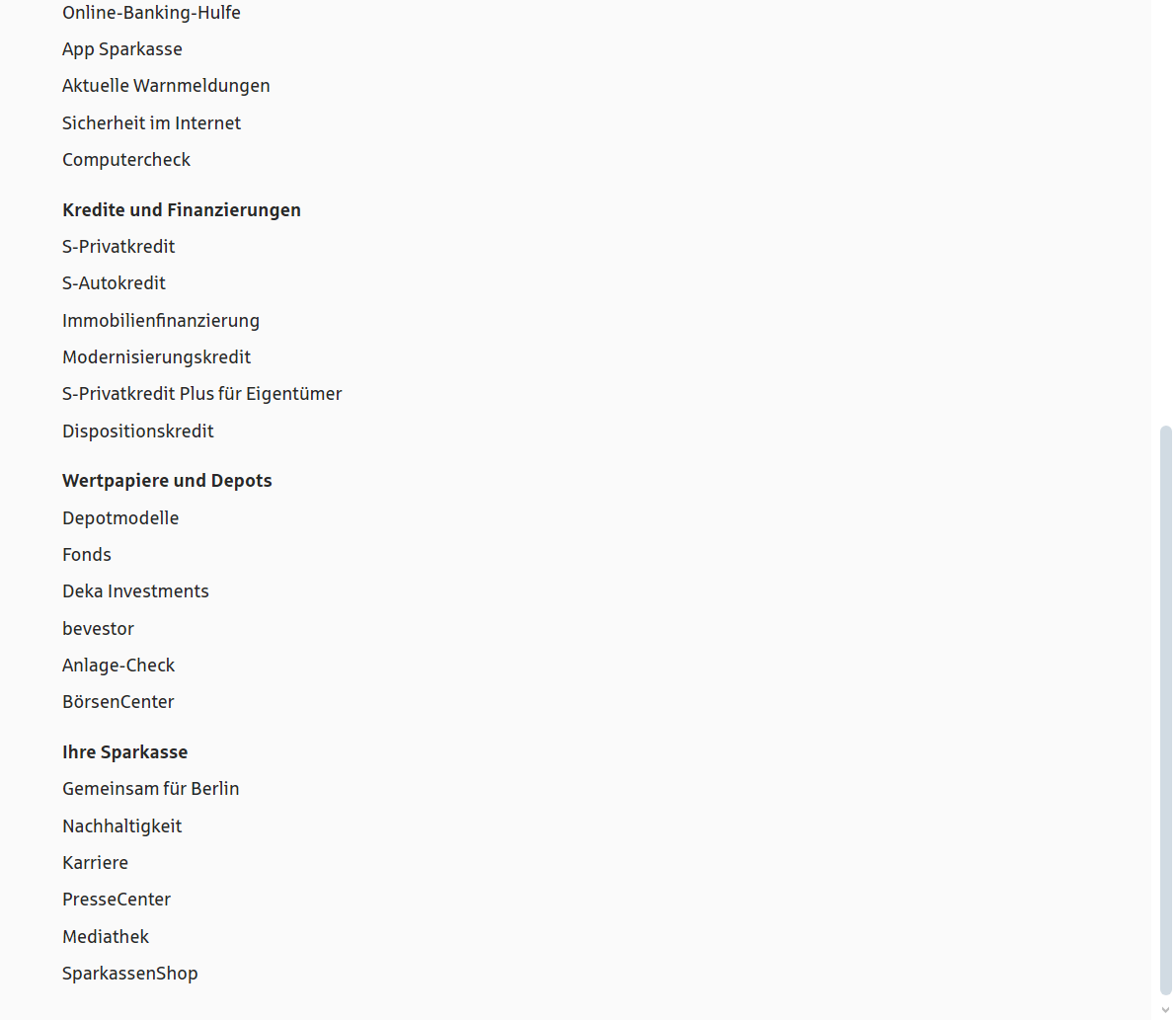
Sparkasse phishing page revealed

This phishing case targets Sparkasse customers in Germany using a sophisticated “PushTAN/S-ID-Check” scam. Attackers utilize smishing and email to direct users to fraudulent, pixel-perfect sites, harvesting credentials and using Man-in-the-Middle techniques to trick users into authorizing fraudulent device registration through the official app. Protection involves disregarding links, using only the official app, and carefully verifying push notifications.

Sparkasse “S-pushTAN Activation” Phishing
Target: Customers of Sparkasse Banks (Germany)
Threat Level: Critical (Real-time Account Takeover & pushTAN Hijacking)
Phishing Method Description
This attack uses a Security Compliance pretext. Victims receive an SMS (Smishing) or Email claiming that their “S-pushTAN access is expiring” or that a “New Security Standard” requires an immediate update to their digital signature method.
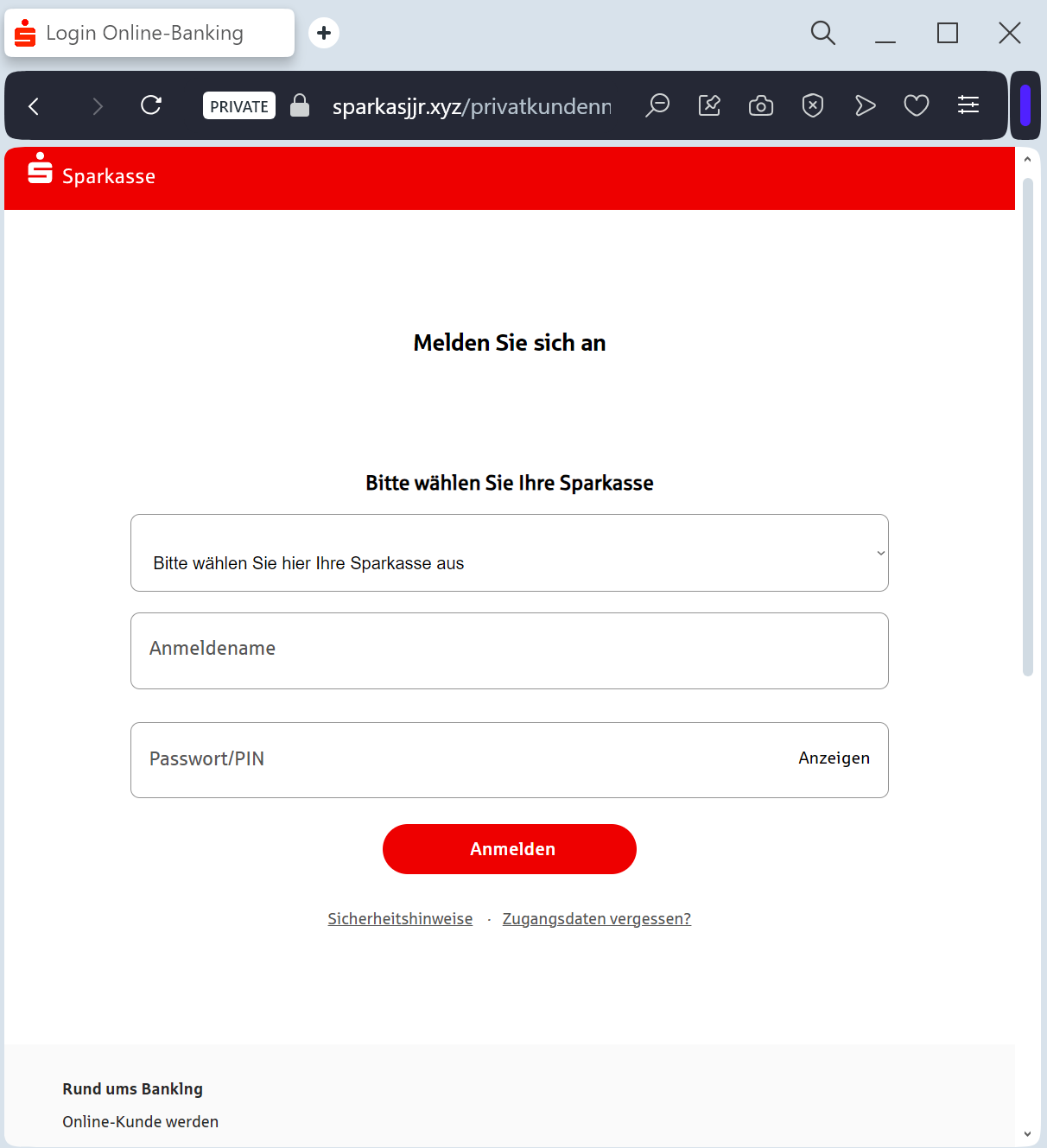
The link leads to a high-fidelity clone of the Sparkasse “Online-Banking” portal. This sophisticated phishing kit is designed to perform a Man-in-the-Middle (MitM) attack, harvesting:
Anmeldename / Legitimations-ID (Login ID)
PIN (Online banking password)
Mobile Phone Number
pushTAN / SMS-TAN Codes: The fake site prompts the victim to authorize a “test” or “synchronization” in their pushTAN app. In reality, the victim is authorizing the attacker to link a new device to the account or to perform a large wire transfer.
⚠️ Red Flags to Watch For
The Lookalike URL: The official domain structure is sparkasse.de or specific city domains like berliner-sparkasse.de. Phishing sites use deceptive addresses like s-pushtan-aktualisierung.com, sparkasse-sicherheit.net, meine-sparkasse-login.online, or free subdomains like sparkasse.web.app.
Urgent Deadlines: Messages like “Action required by midnight to avoid account lock” are classic social engineering tactics.
Requesting a TAN for “Security Updates”: A real bank will never ask you for a TAN (Transaction Number) just to “update” your profile or “verify” your identity. TANs are strictly for authorizing outgoing payments or sensitive changes.
🛡️ How to Protect Yourself
The “Manual Entry” Rule: Always access your bank by typing the address of your local Sparkasse manually into your browser. Never follow links from SMS or emails.
Use the Official App: Manage your finances and security settings only through the official Sparkasse and S-pushTAN apps.
Read the TAN Content: Before confirming any pushTAN request on your phone, read the description carefully. If it says “New Device Registration” or shows a transaction amount you didn’t initiate, REJECT it immediately.
Immediate Action: If you have entered your data on a suspicious page, call the central emergency blocking number in Germany: 116 116.
💡 Expert Security Tip: The “pushTAN” Hijack
The Method:
This case highlights a Device Binding Scam. Scammers are not just after your password; they want to steal your pushTAN authorization.
The Trap:
By tricking you into “synchronizing” your security, they are actually trying to register their own smartphone as the authorized device for your account. Once they have successfully linked their device, they can empty your account without needing any further codes from you.
How to Protect Yourself:
Never “test” your TAN: Banks do not conduct “test” synchronizations via web links.
Zero Trust for SMS Links: Sparkasse will never send you an SMS with a link to a login page. If there is a link, it is a scam.

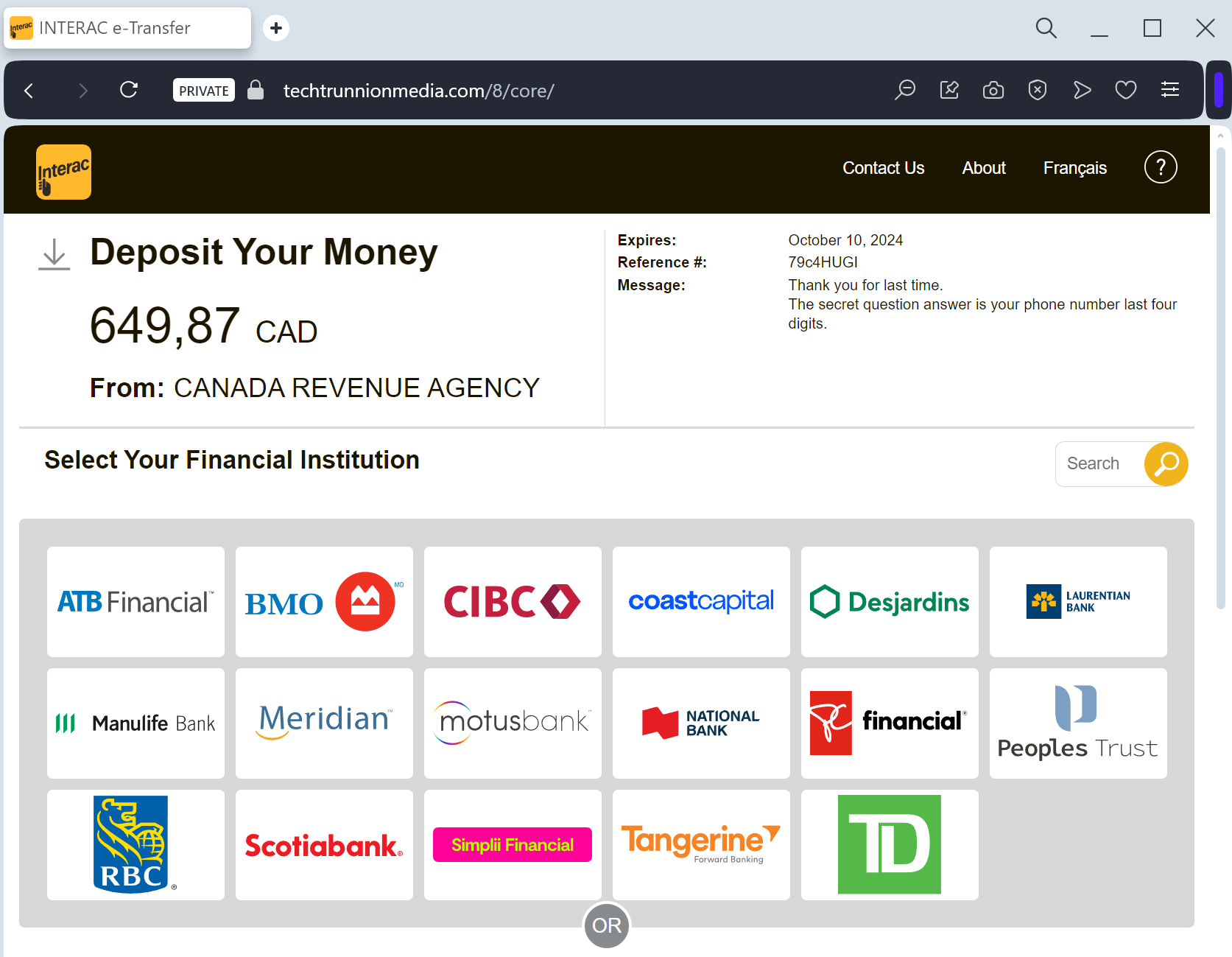
Interac phishing page detected

An Interac phishing campaign, often targeting Canadian bank customers, uses a sophisticated gateway to impersonate the instant money transfer system and harvest banking credentials, security questions, and OTP codes. Victims are lured via SMS or email to fake portals that perfectly clone major financial institutions to facilitate account takeovers.

This phishing campaign targeting Canadian bank customers, particularly through Interac e-Transfers, lures victims with fake “unexpected money” notifications via SMS or email to harvest credentials. Victims are directed to a spoofed “Interac e-Transfer” portal that clones major Canadian bank login pages, allowing attackers to steal User IDs, passwords, security answers, and 2FA codes in real-time. Users are advised to enable Autodeposit and avoid clicking links in unexpected transfer notifications to avoid this credential harvesting attack.

Interac e-Transfer “Deposit Notification” Phishing
Target: Canadian Bank Customers (RBC, TD, Scotiabank, BMO, CIBC, etc.)
Threat Level: Critical (Bank Account Takeover & Identity Theft)
Phishing Method Description
This attack uses Financial Bait. Victims receive an SMS (Smishing) or Email claiming that an “Interac e-Transfer” is waiting for them (e.g., a tax refund, a utility rebate, or a payment from a contact).
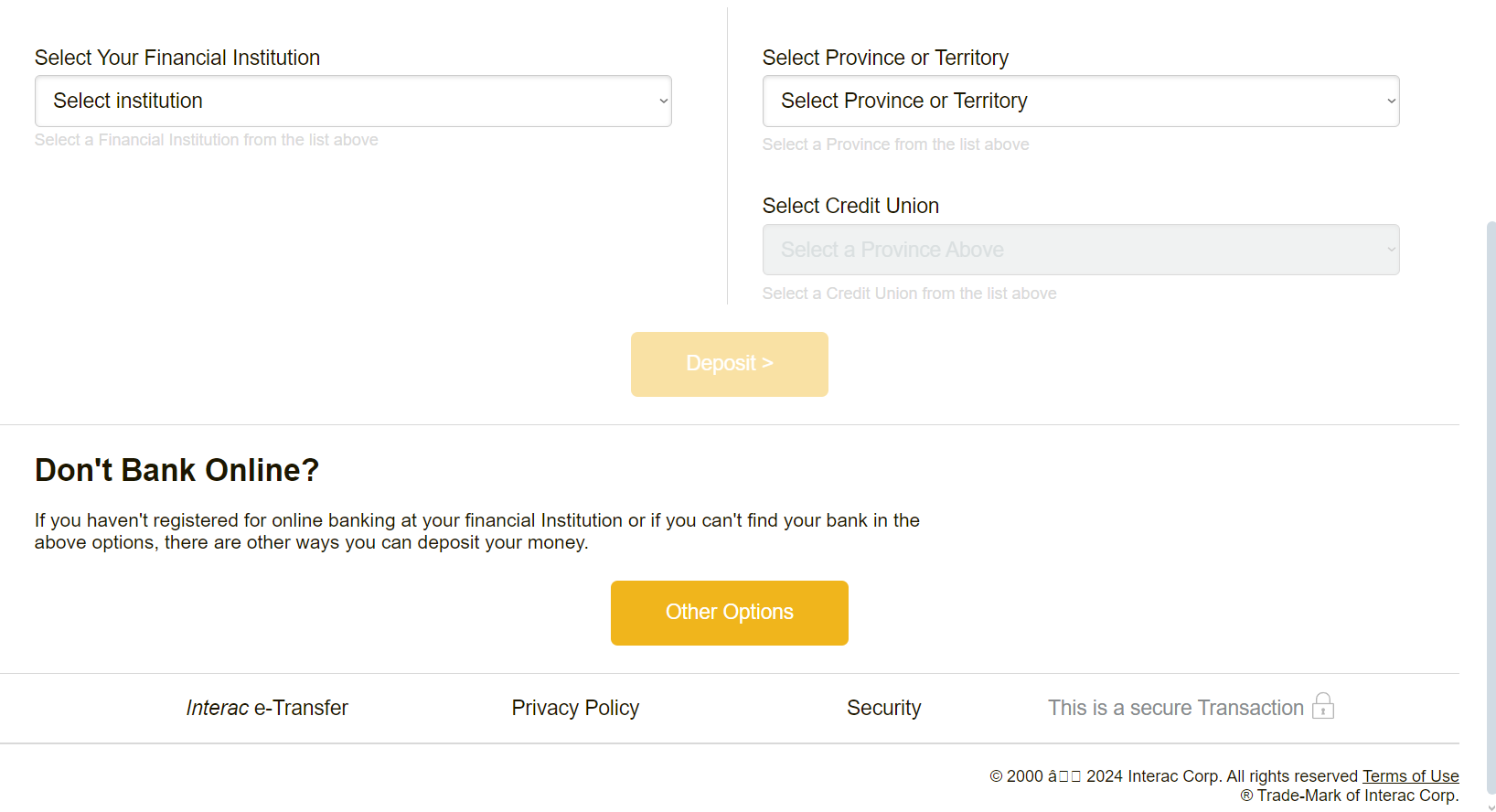
The link leads to a fake Interac Gateway page that looks identical to the real portal. It presents a list of major Canadian banks. Once the victim selects their bank, they are redirected to a pixel-perfect clone of that bank’s login page. This kit is designed to harvest:
Online Banking Credentials (Card Number/Username and Password)
Security Challenge Questions & Answers
Mobile Phone Number (for intercepting 2FA codes in real-time)
⚠️ Red Flags to Watch For
The URL Trap: Official Interac transfers use domains like interac.ca or links directly from your bank’s official domain. Phishing sites use interac-deposit-mobile.com, e-transfer-notify.net, or free subdomains like interac.web.app.
Unexpected Money: If you aren’t expecting a transfer, any “surprise” money notification is a scam.
Direct Bank Selection: Real Interac notifications usually allow you to select your bank, but phishing sites often have “broken” buttons for all but the major banks they are targeting.
💡 Expert Security Tip: The “Autodeposit” Defense
The Method:
This case highlights a Credential & Security Question Harvesting attack. Scammers are not just trying to log in; they want the answers to your secret questions so they can bypass future security checks and change your contact information.
The Trap:
By clicking “Deposit,” you are voluntarily walking into a trap designed to steal your entire banking identity. Once they have your credentials and security answers, they can drain your account in minutes.
How to Protect Yourself:
Enable Interac Autodeposit: This is your best defense. If you have Autodeposit enabled in your official banking app, any legitimate e-Transfer will go straight into your account without you ever needing to click a link or answer a security question. If you have Autodeposit on and you still get a link to “deposit” money, it is 100% a scam.
Never Click SMS Links: If you receive an e-Transfer notification via SMS, ignore the link. If you think it’s real, log into your official banking app directly to see if the funds are there.
Identity is Key: Your bank will never ask you to “verify your identity” by answering all your security questions just to receive a deposit.

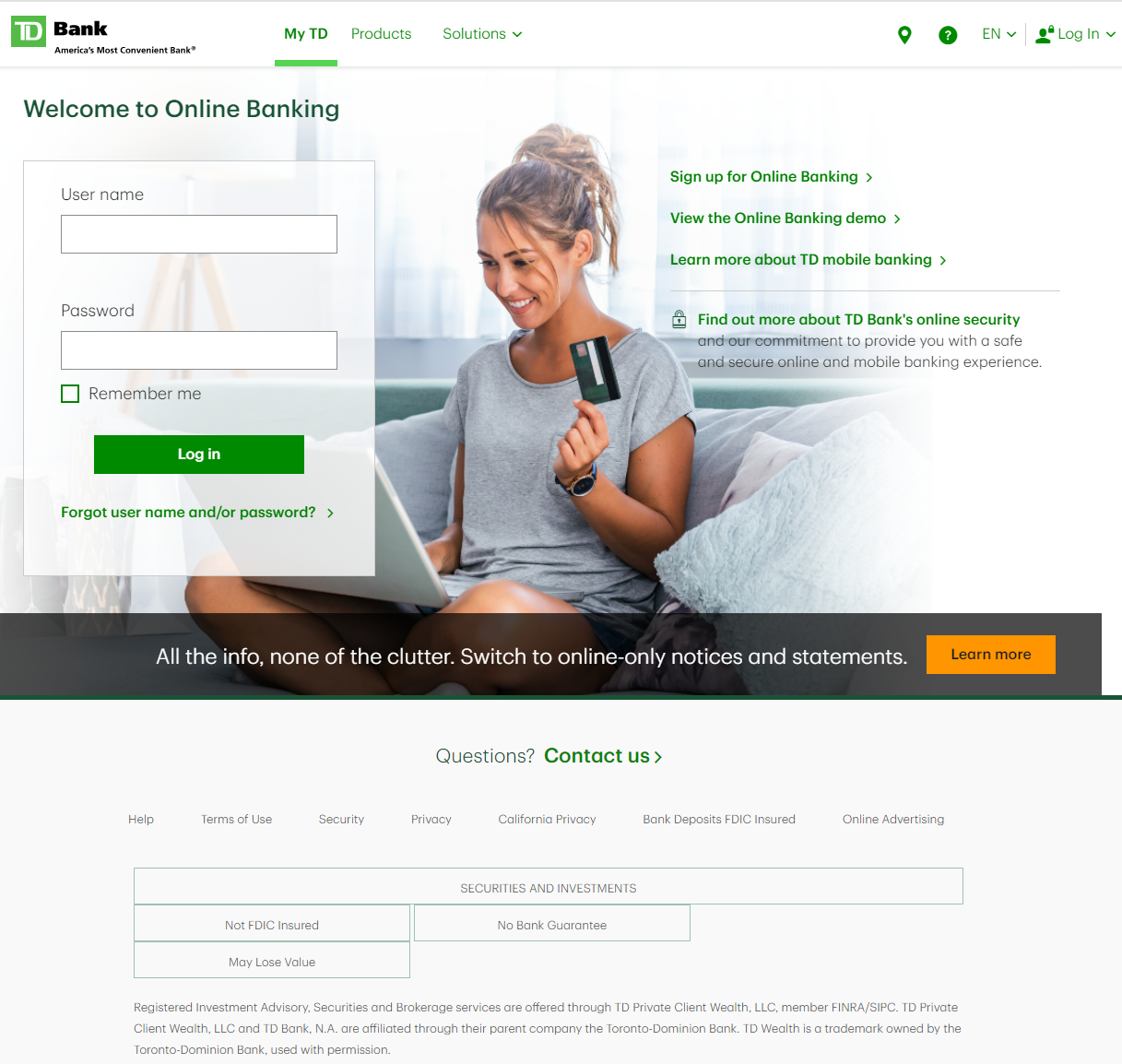
TD Bank phishing page revealed

A sophisticated TD Bank phishing campaign targets Canadian and US customers using fraudulent SMS and emails to harvest EasyWeb credentials, security answers, and real-time OTP codes. The phishing kit, dubbed “EasyWeb Security Update,” utilizes a high-fidelity clone of the login portal to bypass multi-factor authentication, with scammers aiming for full account takeover via stolen security questions. Users are urged to avoid links in messages and to only access banking services by typing the official td.com URL.

This phishing campaign targets TD Bank customers in North America via fraudulent “EasyWeb Security Sync” alerts, aiming to steal credentials, 2FA codes, and security answers. The scam utilizes lookalike domains to steal sensitive information through a simulated security update process.

TD Bank “EasyWeb Account Alert” Phishing
Target: Customers of TD Bank (Canada and USA)
Threat Level: Critical (Full Identity & EasyWeb Access Hijacking)
Phishing Method Description
This attack targets users of the TD EasyWeb online banking portal. Scammers distribute urgent notifications via SMS (Smishing) or Email, claiming that “Your account has been temporarily disabled” or that “A new device has accessed your EasyWeb profile.” To “restore access,” the user is pressured to click a link.
The link leads to a high-fidelity clone of the TD EasyWeb login page. This multi-step phishing kit is designed to harvest:
Username / Access Card Number
Password
Security Challenge Questions & Answers: The fake site systematically asks for your secret questions (e.g., your first pet’s name, your mother’s maiden name).
Mobile Phone Number (for intercepting 2FA codes in real-time).
⚠️ Red Flags to Watch For
Lookalike URL: The official domain is td.com or tdcanadatrust.com. Phishing sites use deceptive addresses like td-online-verification.net, secure-td-bank.com, easyweb-access-update.online, or free subdomains like tdbank.web.app.
Requesting Multiple Security Answers: TD Bank will never ask you to provide the answers to all your security questions on a single page or as a part of a “login update.”
Urgent & Alarming Tone: Phrases like “Immediate action required” or “Failure to verify will lead to permanent account closure” are classic social engineering tactics.
🛡️ How to Protect Yourself
The “Manual Entry” Rule: Always access your bank by typing the address manually into your browser. Never use links from unexpected emails or text messages.
Use the TD App: Manage your accounts through the official TD Bank mobile app. Authentic security alerts will be delivered inside the secure app environment.
Never Share Security Answers: Treat your security question answers like secondary passwords. No bank will ask for them via an unsolicited link.
Verify by Phone: If you receive a suspicious alert, call the official TD customer service number (usually on the back of your card) to verify the status of your account.
💡 Expert Security Tip: The “Identity Restoration” Trap
The Method:
This case highlights a Complete Credential & Recovery Data Theft. Scammers are not just looking for your password; they are harvesting the recovery data (security questions) used to reset your password.
The Trap:
By providing your security answers, you are giving the hackers a permanent “backdoor” to your account. Even if you change your password later, they can use these stolen answers to impersonate you, call the bank’s support, or reset your credentials again.
How to Protect Yourself:
Questions are Passwords: Treat your security answers with the same level of secrecy as your main password. Never enter them on a page you reached via a link.
The Context Check: A real bank already knows your answers. If a site asks you to “update” or “confirm” them for no reason, it is 100% a scam.
Enable Two-Step Verification: Always use the strongest form of 2FA available (like the TD MySpend app or hardware tokens) to add an extra layer of defense.

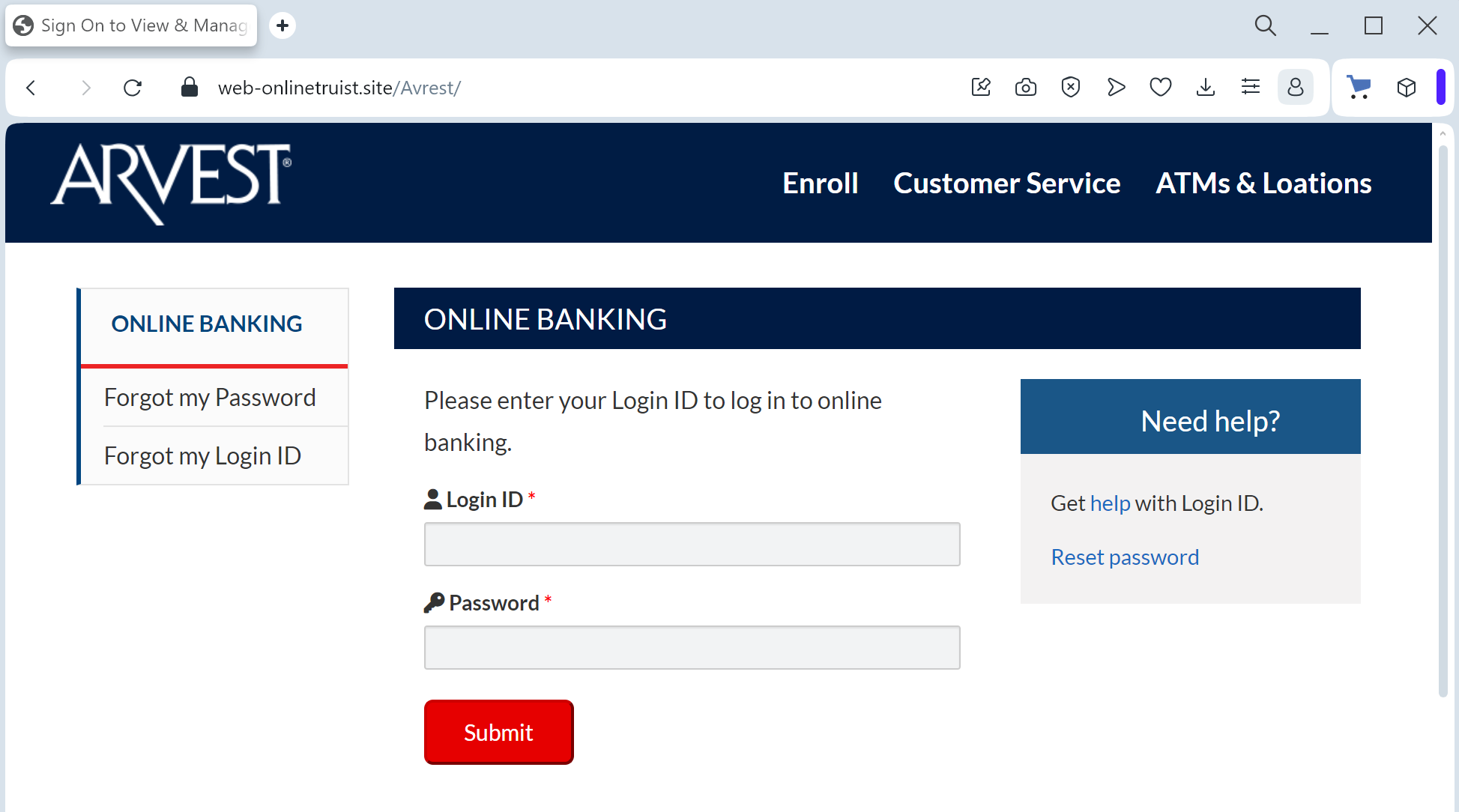
Arvest bank phishing page detected

A high-fidelity Arvest Bank phishing campaign targets U.S. customers using SMS and email to steal credentials and intercept real-time MFA codes via fraudulent “sync” pages. Scammers use lookalike domains to trick users into providing login IDs, passwords, and security codes to bypass two-factor authentication, with official, manual access to arvest.com being the primary defense.

This phishing campaign targeting Arvest Bank customers uses fraudulent SMS or email alerts claiming account security issues to direct victims to a spoofed, high-fidelity login portal. Scammers utilize a real-time proxy attack to harvest usernames, passwords, Social Security Numbers, and multi-factor authentication (MFA) codes, allowing them to bypass security and seize full account control.

Arvest Bank “Account Verification” Phishing
Target: Customers of Arvest Bank (USA – Arkansas, Oklahoma, Missouri, Kansas)
Threat Level: Critical (Online Banking Access & Personal Data Theft)
Phishing Method Description
This attack targets users of Arvest Online Banking. Scammers use a “Service Interruption” or “Security Alert” pretext to create a sense of urgency. Victims typically receive a Phishing Email or SMS (Smishing) stating that their account has been “locked for security reasons” or that they must “validate their profile” to comply with new federal banking regulations.
The link in the message directs the victim to a high-fidelity clone of the official Arvest Bank login portal. This sophisticated phishing kit is designed to perform a multi-step harvesting process:
Initial Credentials: The site captures the Online Banking Login ID and Password.
Identity Verification: Once the login is “submitted,” the victim is redirected to a second form asking for highly sensitive data: Social Security Number (SSN), Date of Birth, and Mothers Maiden Name.
Real-Time 2FA Bypass: The fake site prompts for the Secure Access Code (MFA). The attacker intercepts this code in real-time to gain full control of the actual account.
⚠️ Red Flags to Watch For
Domain Irregularities: The official Arvest Bank website is arvest.com. Phishing sites use deceptive lookalikes such as arvest-online-secure.net, verify-arvest.com, login-arvest-bank.org, or free subdomains like arvest.web.app.
Excessive Data Requests: Arvest Bank will never ask you to provide your full Social Security Number or all your security challenge answers in a single session just to “verify” your identity via a link.
Inconsistent Branding: Look for subtle differences in the logo resolution, font styles, or broken links in the footer (e.g., the “Privacy” or “Locations” buttons often do not work on fake sites).
🛡️ How to Protect Yourself
The “Manual Entry” Rule: Always access your accounts by typing ://arvest.com manually into your browser. Never use links from unexpected emails or text messages.
Use the Arvest App: Manage your banking through the official Arvest Go mobile app. Real security notifications will be delivered inside the secure app environment.
Verify by Phone: If you receive a suspicious alert, call the official Arvest customer service at (866) 952-9523 before taking any action.
💡 Expert Security Tip: The “Data Over-Collection” Red Flag
The Method:
This Arvest Bank case is a prime example of Full Identity Harvesting. Scammers are not just looking for a one-time login; they are looking to steal your Full Identity (Fullz).
The Trap:
By asking for your SSN and Security Questions alongside your password, the hackers are building a comprehensive profile that allows them to bypass future security checks, open new credit lines in your name, and even take over your other financial accounts.
How to Protect Yourself:
The “Minimalist” Rule: A legitimate bank already knows your SSN and your security answers. They will never ask you to provide all of them at once in a bulk “update” form.
MFA Awareness: Treat every Secure Access Code as the “keys to the kingdom.” If you receive a code that you did not personally trigger by logging in via the official app/site, delete it immediately—it means a hacker is trying to get into your account right now.
Zero Trust for Links: If an email or text message contains a link to a sensitive login page, it is almost certainly a scam. Banks send notifications, not links.

Swedbank phishing page revealed

A sophisticated Man-in-the-Middle (MitM) phishing campaign targeting Swedbank customers across the Baltic and Nordic regions, utilizing fraudulent Smart-ID and BankID authentication requests to steal credentials in real-time [1]. Attackers deploy malicious clones of the Swedbank login portal to harvest Personal Identity Numbers, phone numbers, and PINs, using them instantly on the legitimate site to hijack sessions and authorize fraudulent transfers.

Swedbank “Security Synchronization” Phishing
Target: Customers of Swedbank (Sweden & Baltic States)
Threat Level: Critical (Smart-ID / BankID Interception)
Phishing Method Description
This attack targets the Digital Banking users of Swedbank. Scammers use a “Security Alert” or “Account Update” pretext, sending out Smishing (SMS) or Phishing Emails claiming that your “Personal Identification” is expiring or that “Unusual activity” requires a manual login to verify your identity.
The link leads to a pixel-perfect replica of the Swedbank login portal. This sophisticated phishing kit is specifically designed to harvest:
Personal Identity Number (Personnummer / Isikukood)
Security Method Selection (Smart-ID, BankID, or Mobile BankID)
Authentication Codes: The fake site triggers a real authentication request on the victim’s phone (Smart-ID or BankID app). The victim, thinking they are logging in, enters their PIN1 or PIN2 on their mobile device, which effectively signs a fraudulent transaction or authorizes a session for the attacker.
⚠️ Red Flags to Watch For
Deceptive Domain: The official domain is swedbank.se (Sweden), swedbank.ee (Estonia), etc. Phishing sites use lookalikes such as swedbank-verifying.online, secure-swedbank-login.net, or free hosting subdomains like swedbank.web.app.
Unexpected App Prompts: If your Smart-ID or BankID app suddenly asks for a PIN when you didn’t manually type the official bank address into your browser, it is a 100% phishing attempt.
Links in Security Messages: Swedbank has a strict policy: they will never include clickable links in SMS messages regarding account security or login verification.
🛡️ How to Protect Yourself
The “Manual Entry” Rule: Always access your bank by typing the official address manually (e.g., www.swedbank.se). Never click links in messages.
Check the App Context: Before entering your PIN in the Smart-ID/BankID app, check the control code (the 4-digit number). It must match the one shown on a website you personally accessed.
Never Confirm Unsolicited Requests: If an app prompt appears “out of the blue,” Cancel it immediately. It means someone has already entered your ID number on a fraudulent site.
💡 Expert Security Tip: The “Invisible Authorization” Trap
The Method:
This case highlights an Advanced Session Hijacking attack. Scammers are not just stealing a password; they are tricking you into using your Smart-ID or BankID to let them in.
The Trap:
When you enter your ID on the fake site, the hackers trigger a legitimate login request to the real bank. You then receive a notification on your phone. If you enter your PIN, you are not “verifying your identity” on the fake site—you are signing a digital signature that hands over full control of your real bank account to the attacker in seconds.
How to Protect Yourself:
Control Codes are Key: Always verify that the Control Code on the website matches the one in your app. If you are on a phishing site, the codes might match (because the hacker is mirroring the real bank), but the context is wrong.
The “Initiator” Rule: Only enter your PIN if YOU were the one who initiated the login process via a trusted browser or the official app.
Zero Trust for Links: Swedbank and other Baltic/Nordic banks will never send you a link to “Log in” or “Update” your security credentials via SMS or email.