Who This Guide Is For
This guide is written for you – a member of Germany’s largest statutory health insurance provider, AOK. With more than 20 million members nationwide, the AOK family of regional funds is a cornerstone of the German healthcare system. You use Meine AOK to submit claims, update your personal data, request reimbursement, and communicate with your insurer.
You are not a cybersecurity professional. You probably do not spend your days analyzing email headers or inspecting SSL certificates. You have a job, a family, and a life outside of worrying about online scams. When an official-looking message lands in your inbox claiming you are entitled to a refund of several hundred euros, your first instinct is not suspicion but curiosity.
That is precisely what the criminals behind the Meine AOK phishing campaign are counting on.
In 2025 alone, German authorities recorded an unprecedented number of phishing reports, with health insurance scams among the fastest-growing categories. Attackers have become exceptionally sophisticated, crafting emails that appear indistinguishable from official AOK communications, complete with logos, legal disclaimers, and regional contact details. AOK Plus, which serves 3.5 million members in Thuringia and Saxony, has issued urgent warnings, as have consumer protection centers across the country.
The attack documented on the next page was intercepted, verified, and neutralized by the Antiphishing.biz security team during automated link scanning procedures. The phishing source domain has been fully defanged to protect the public. But new domains appear constantly, using the same deceptive templates, the same fake refund promises, and the same psychological pressure to separate you from your money.
This guide will walk you through exactly how the attack unfolds, share real stories of German citizens who lost significant sums, describe how others recognized the trap before it was too late, and provide expert-backed recommendations to keep your personal data and finances safe.
The Anatomy of the Attack: How the Fake Meine AOK Page Steals Your Identity
Based on the live phishing page captured by Antiphishing.biz and corroborated by warnings from Verbraucherzentrale NRW and multiple AOK regional funds, here is exactly how the criminals operate.
Step One: The Bait That Triggers Greed
The attack begins with an unsolicited email. The subject line reads something like “Rückerstattungsformular” – Refund Form. The sender address appears official but does not match the legitimate AOK domain. Inside the email, a promise is made: you are entitled to a refund of several hundred euros, typically 400 to 470 euros, due to an alleged overpayment.
The message is professionally written. It uses formal German, includes reference numbers and transaction IDs, and may even reproduce the address of the AOK Federal Association and a seemingly authentic phone number to create an illusion of legitimacy. A central, prominently placed link beckons you to claim your money.
To increase the pressure, the email imposes a tight deadline: you have only 14 days to submit your claim through the linked “AOK online portal,” or you risk losing access to your account. This manufactured urgency is designed to override rational thought. When you believe money is about to vanish, you stop checking details and start clicking.
Step Two: The Trap That Looks Exactly Like the Real Meine AOK Portal
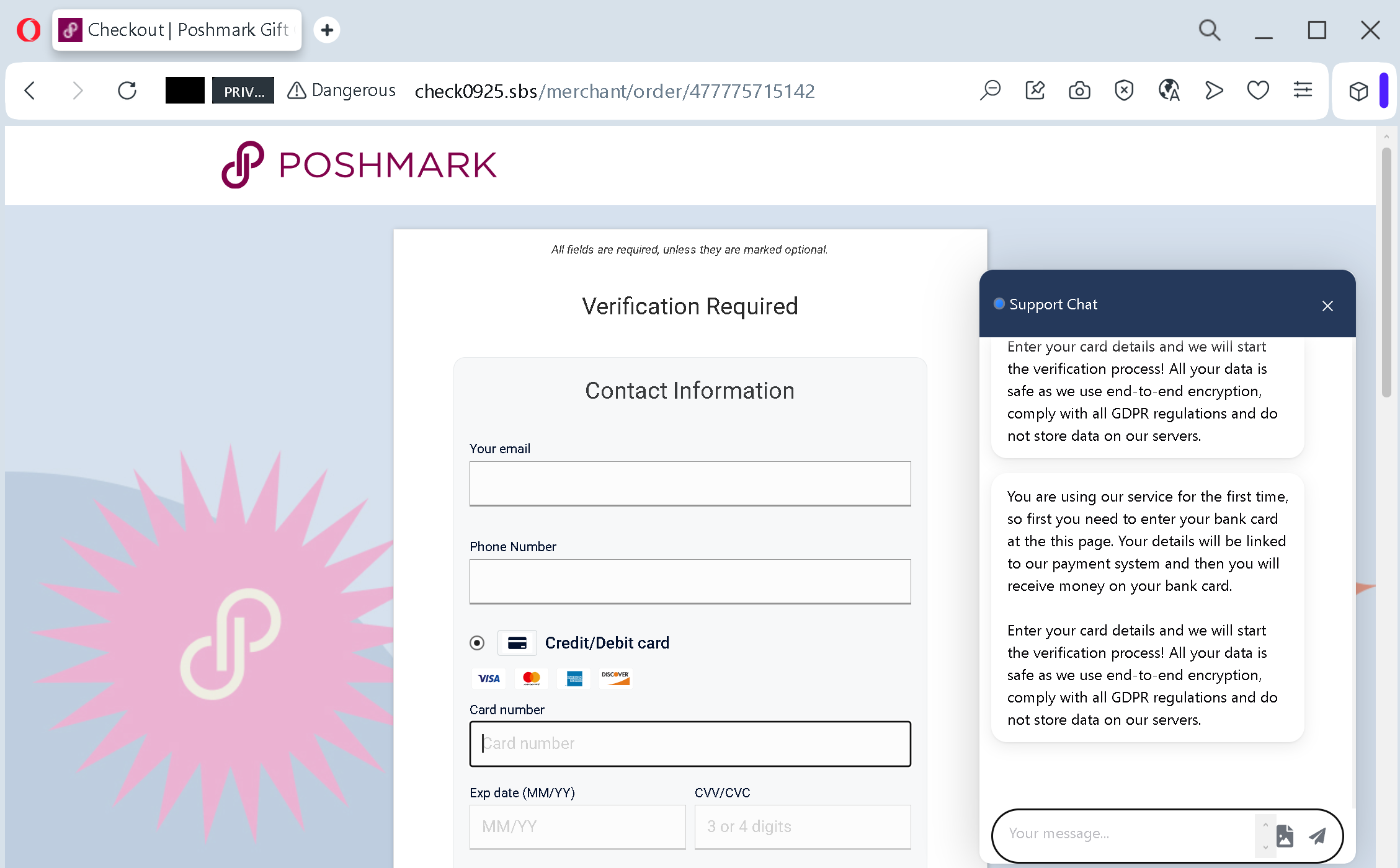
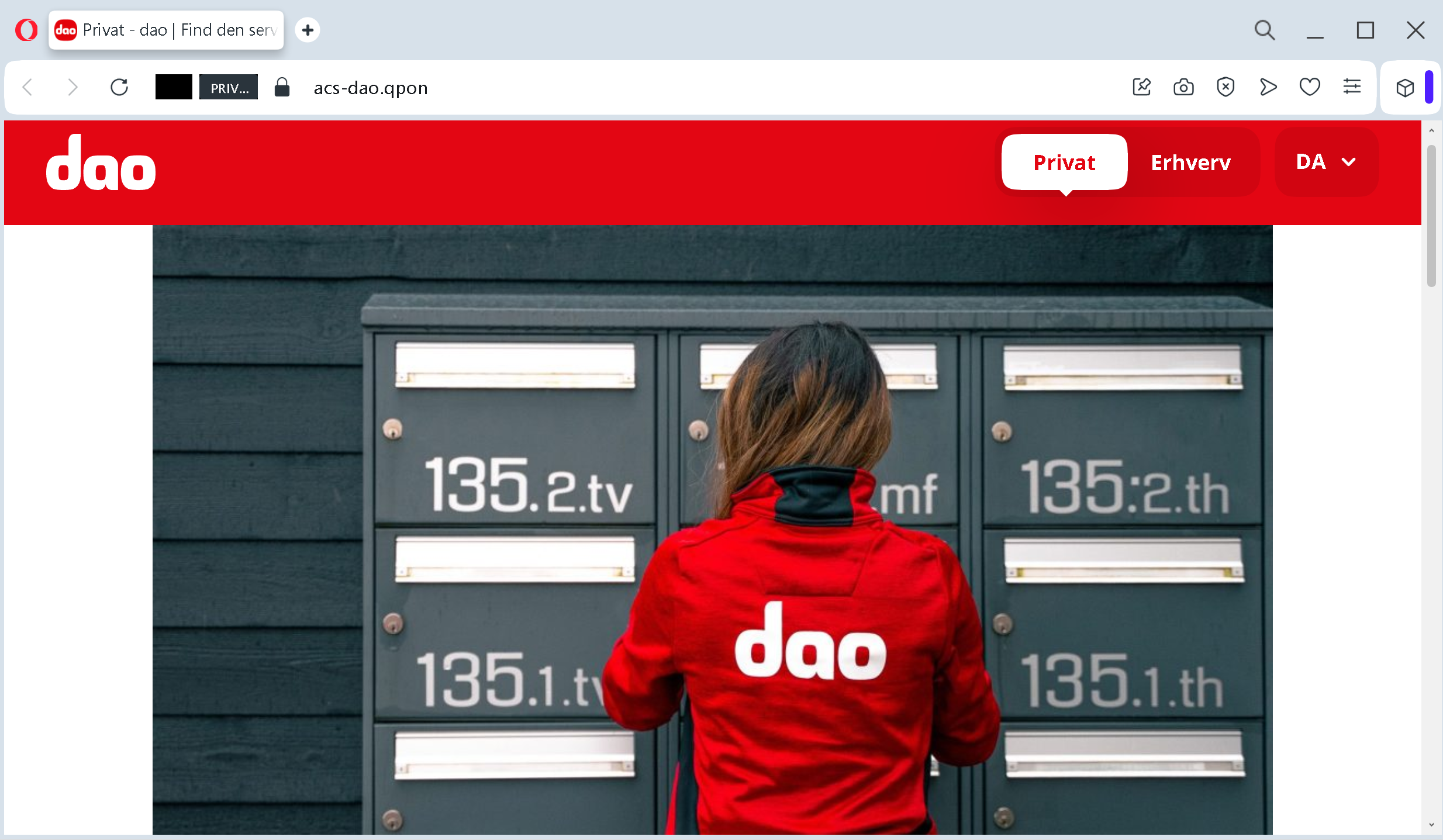
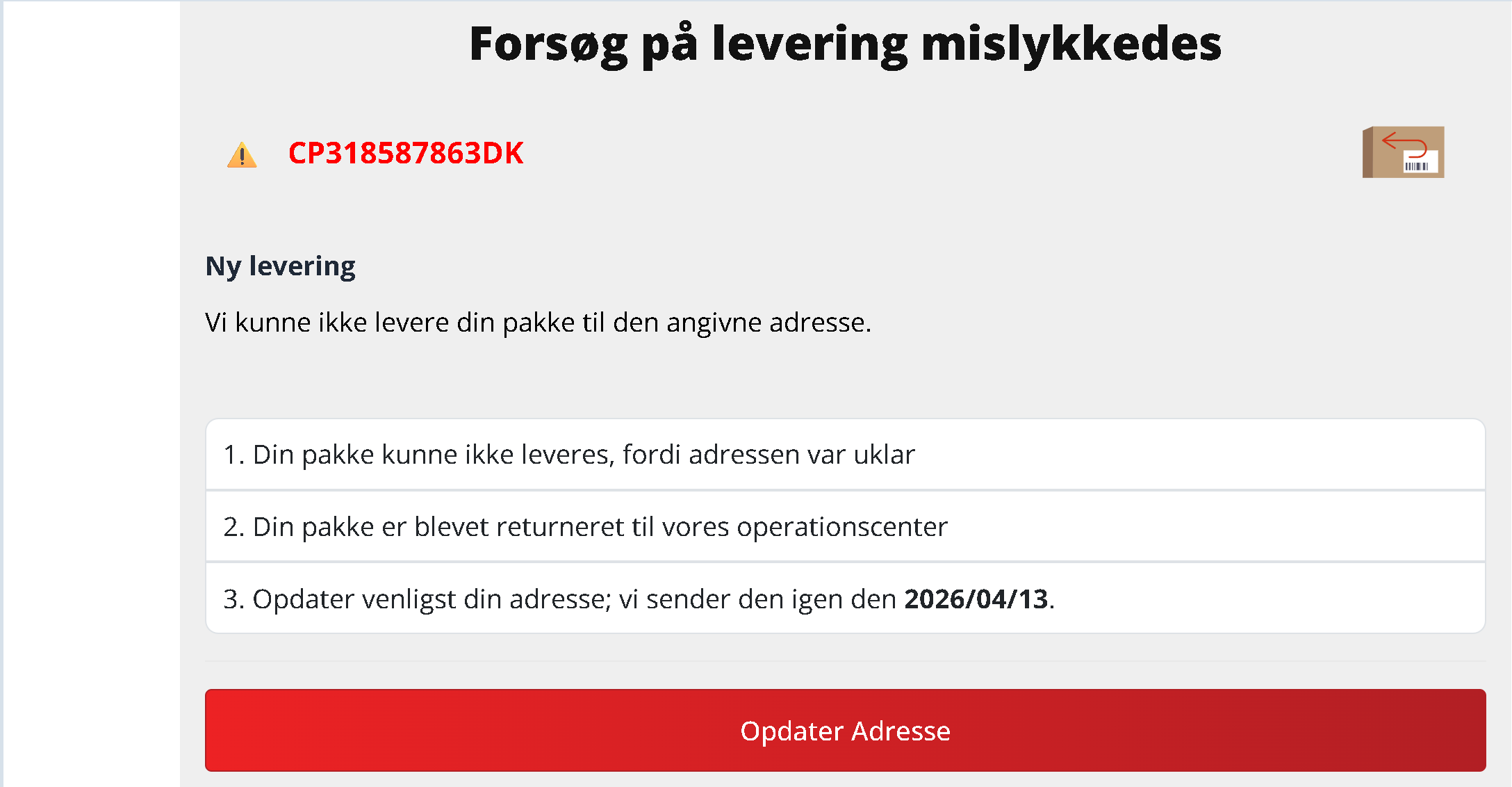
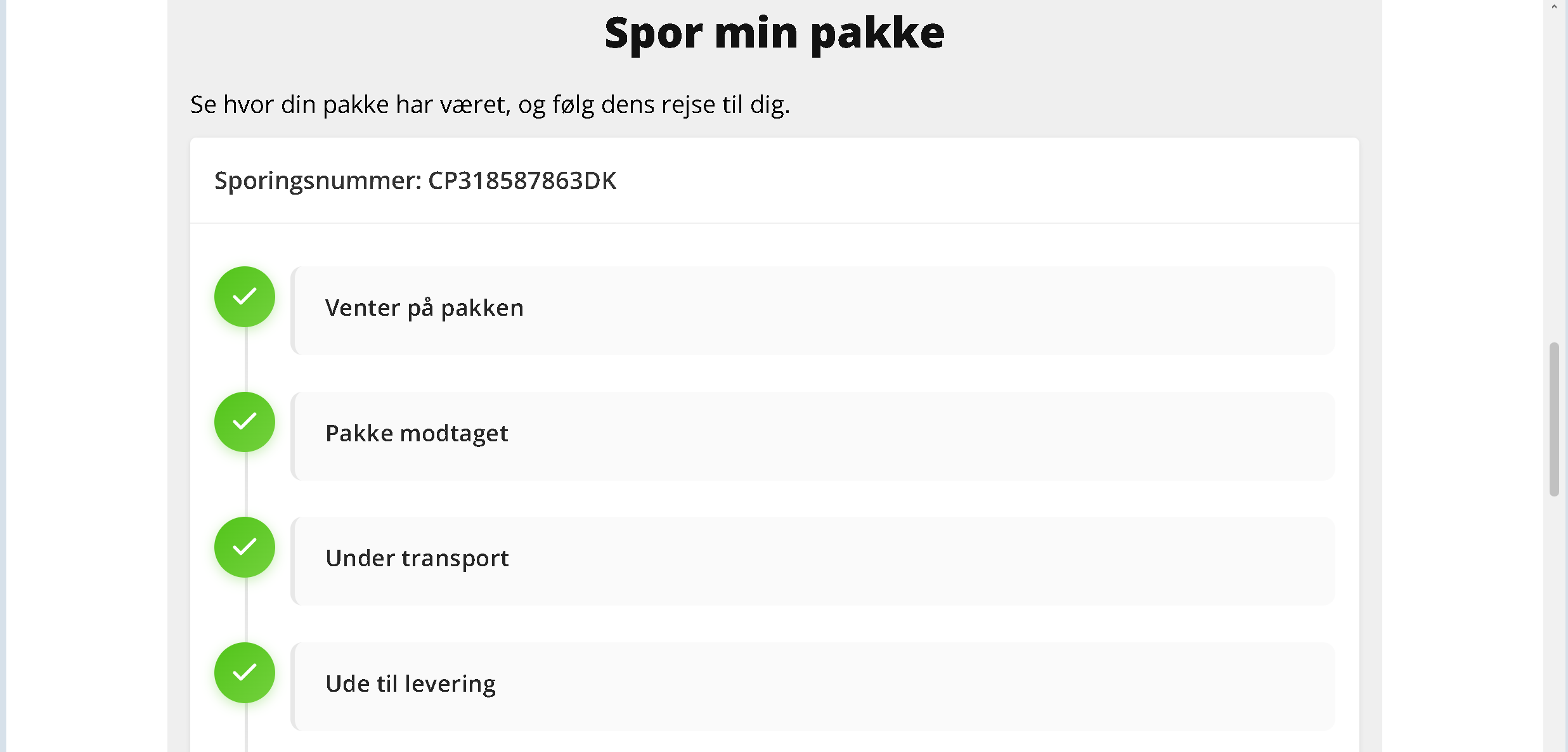
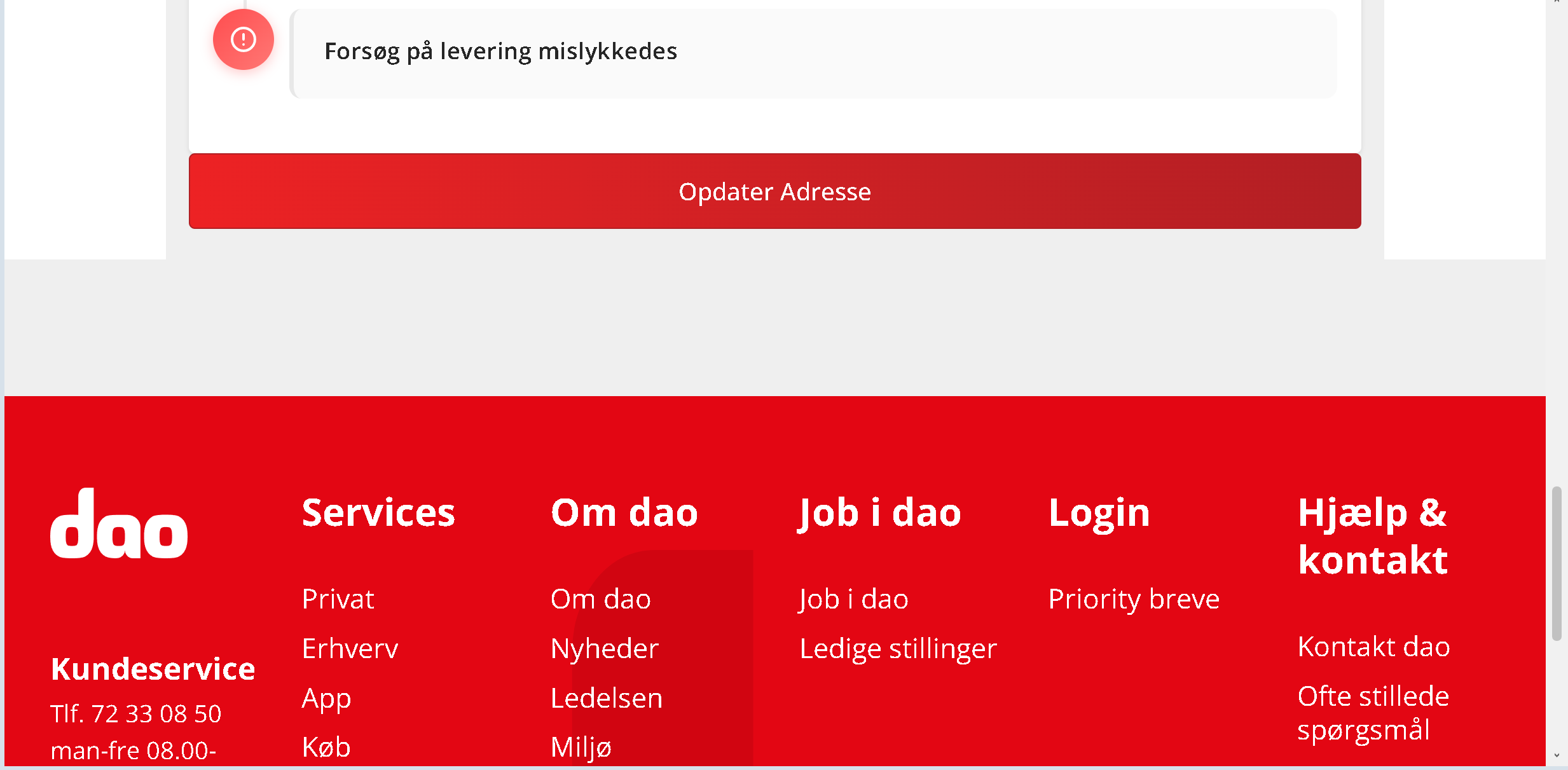
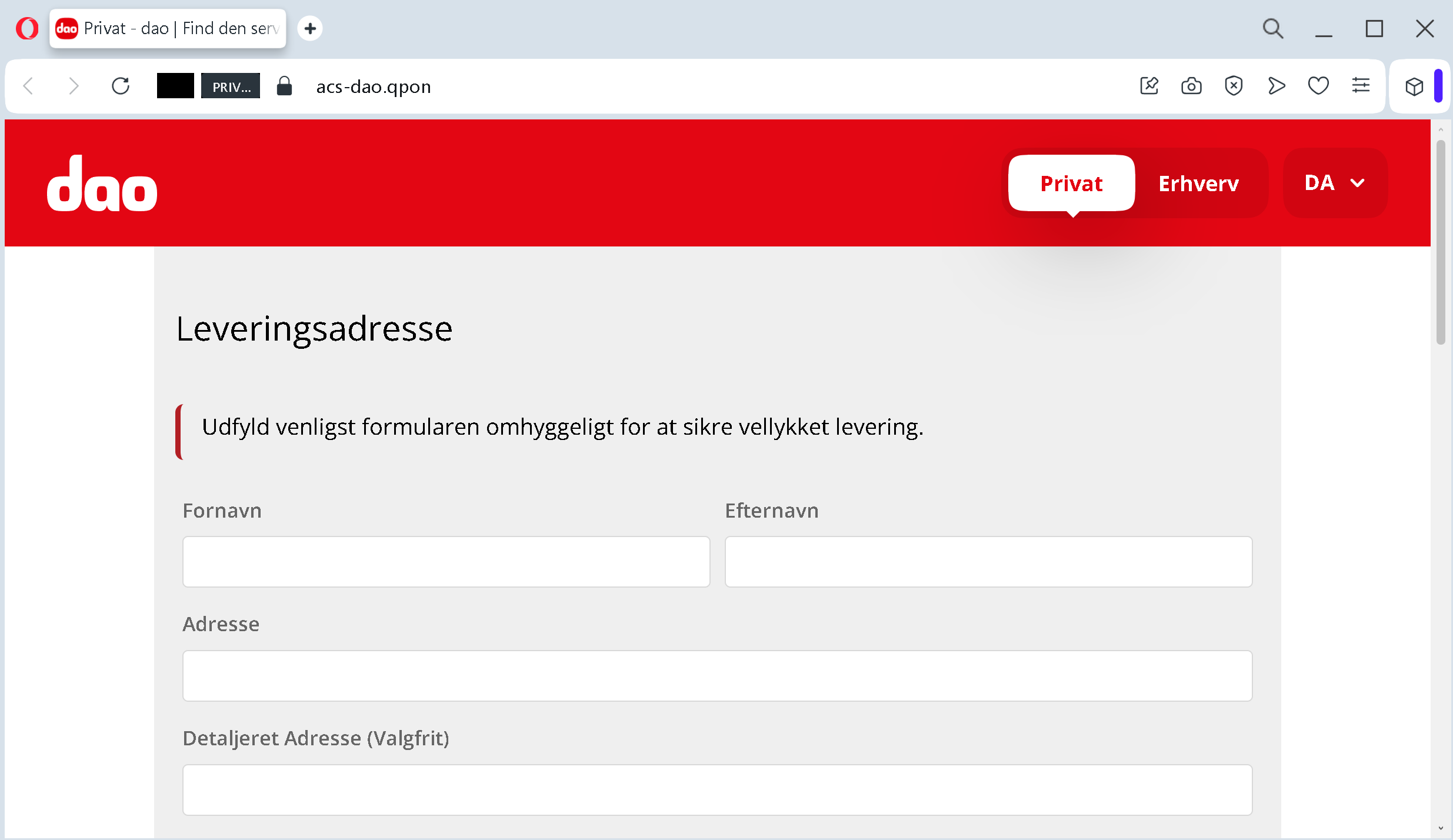
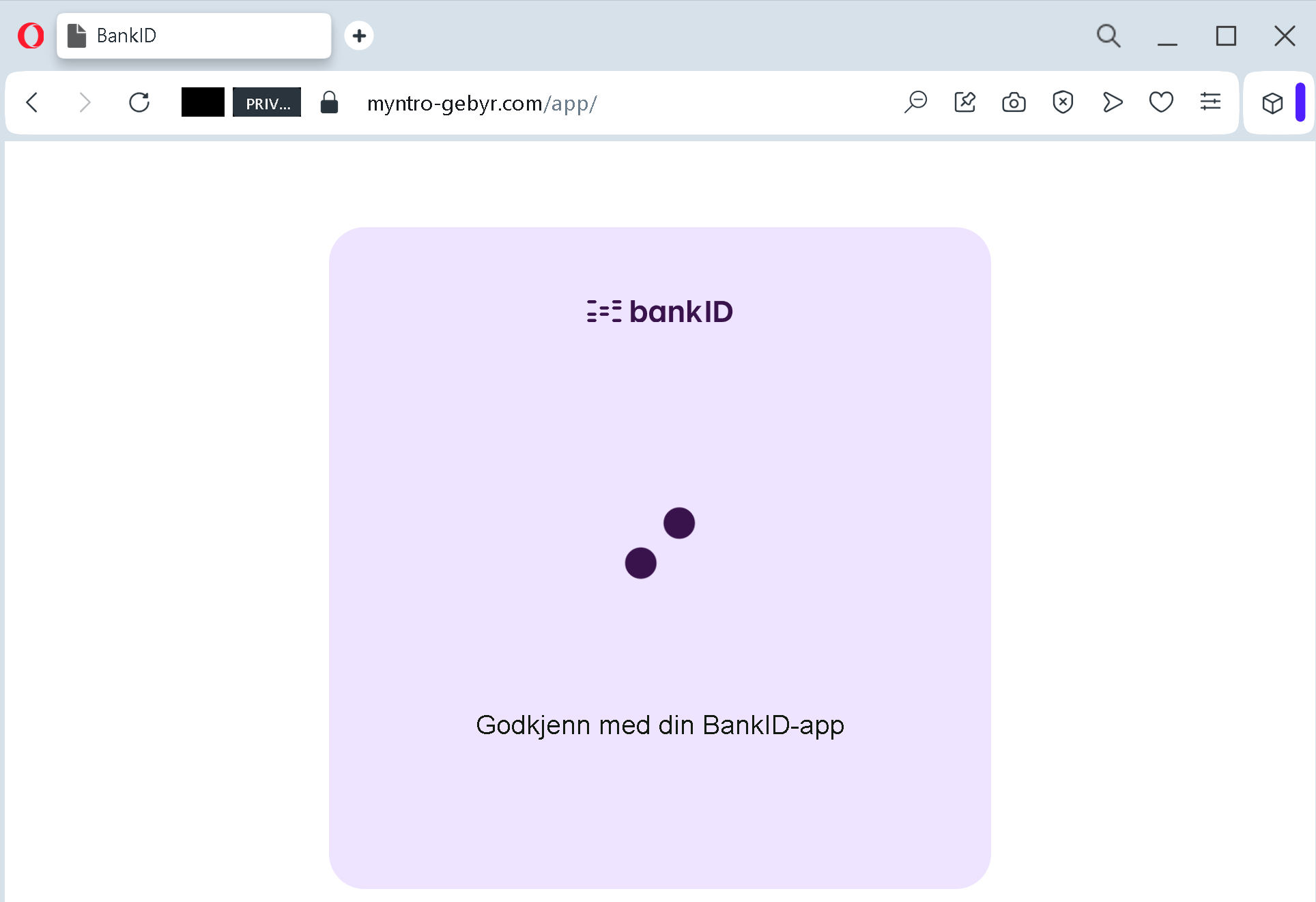
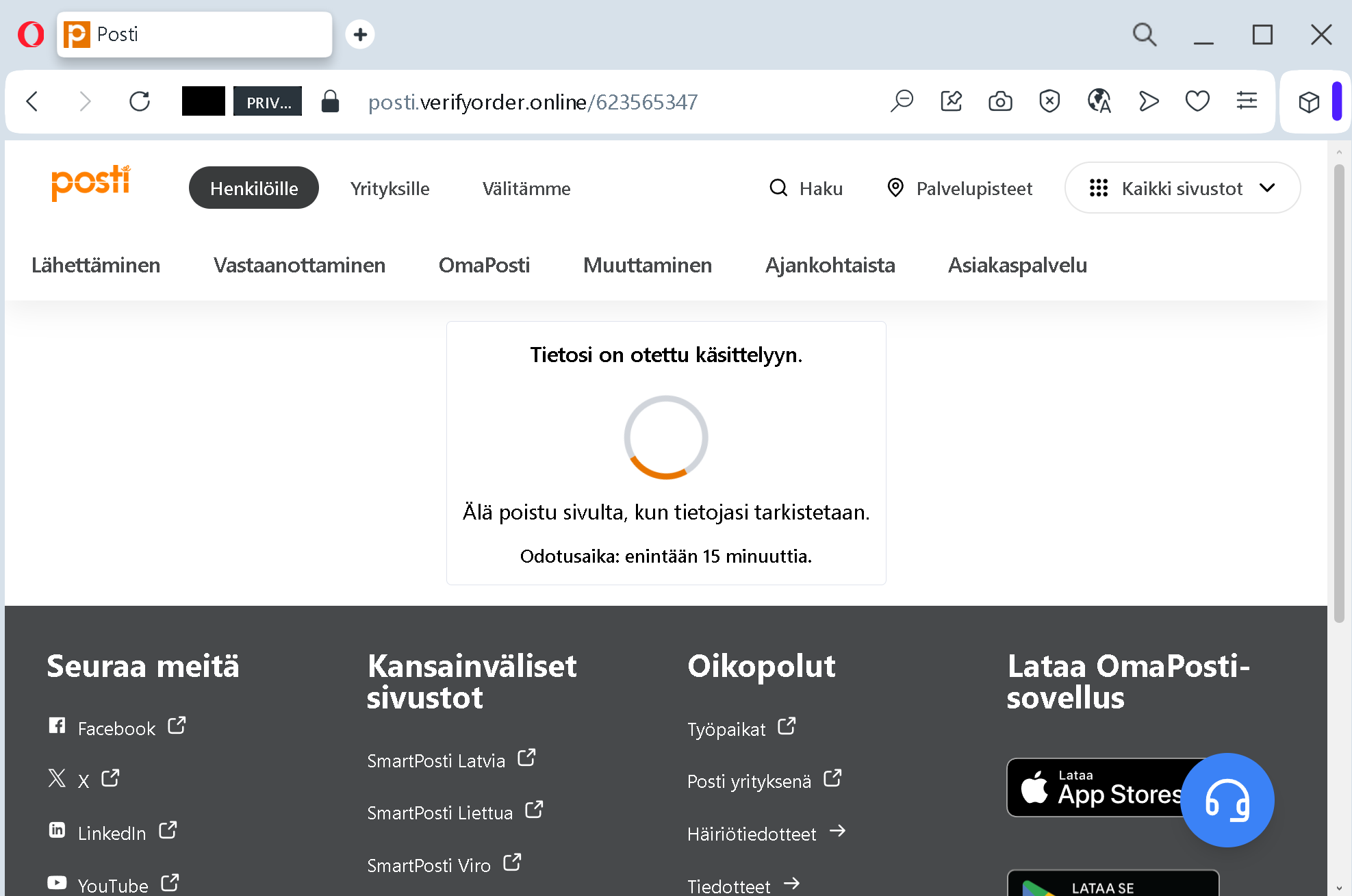
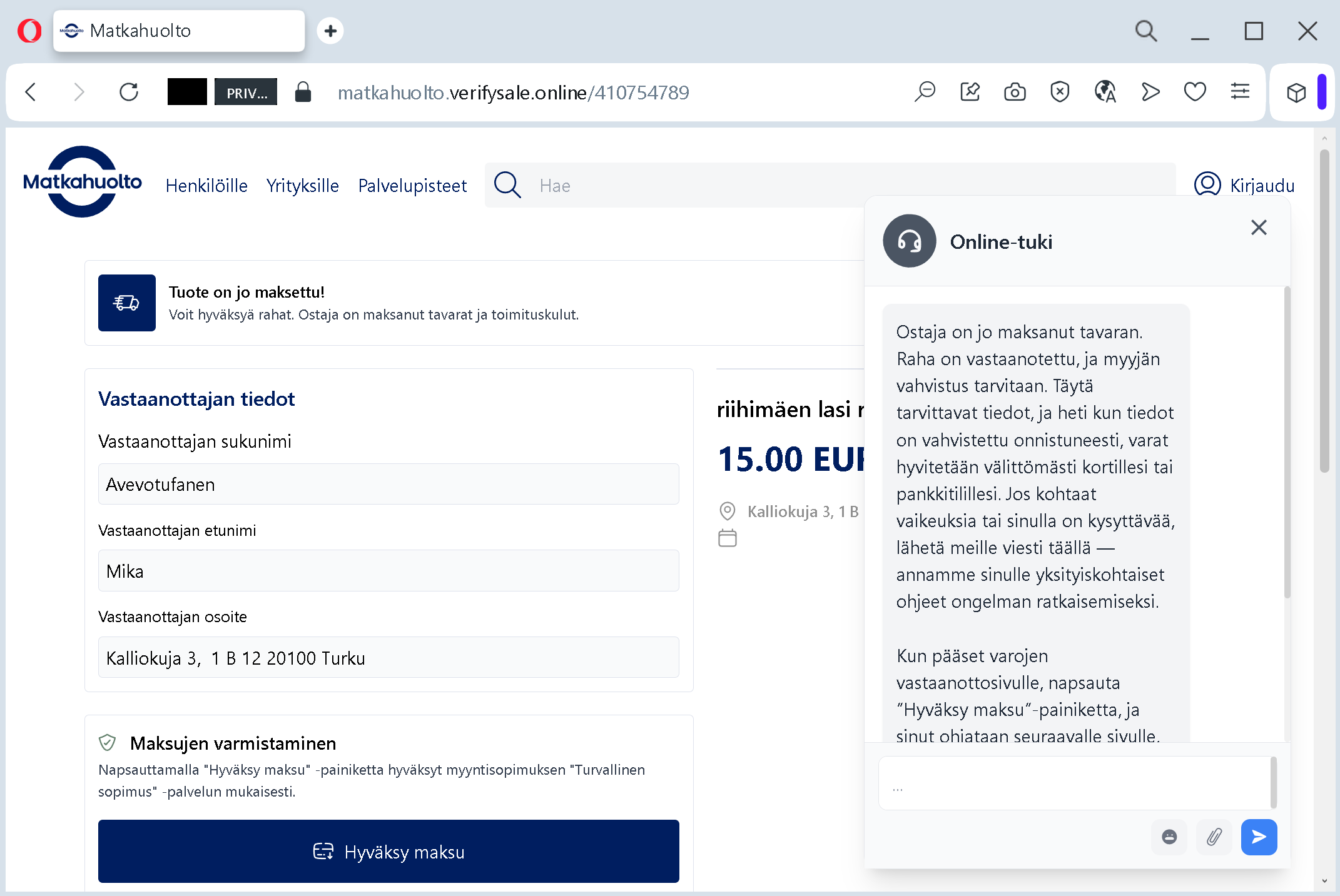
Clicking the link does not take you to aok.demeine.aok.deAntiphishing.biz analysis noted that the fake page used the domain meine-aok.digitalaok.de
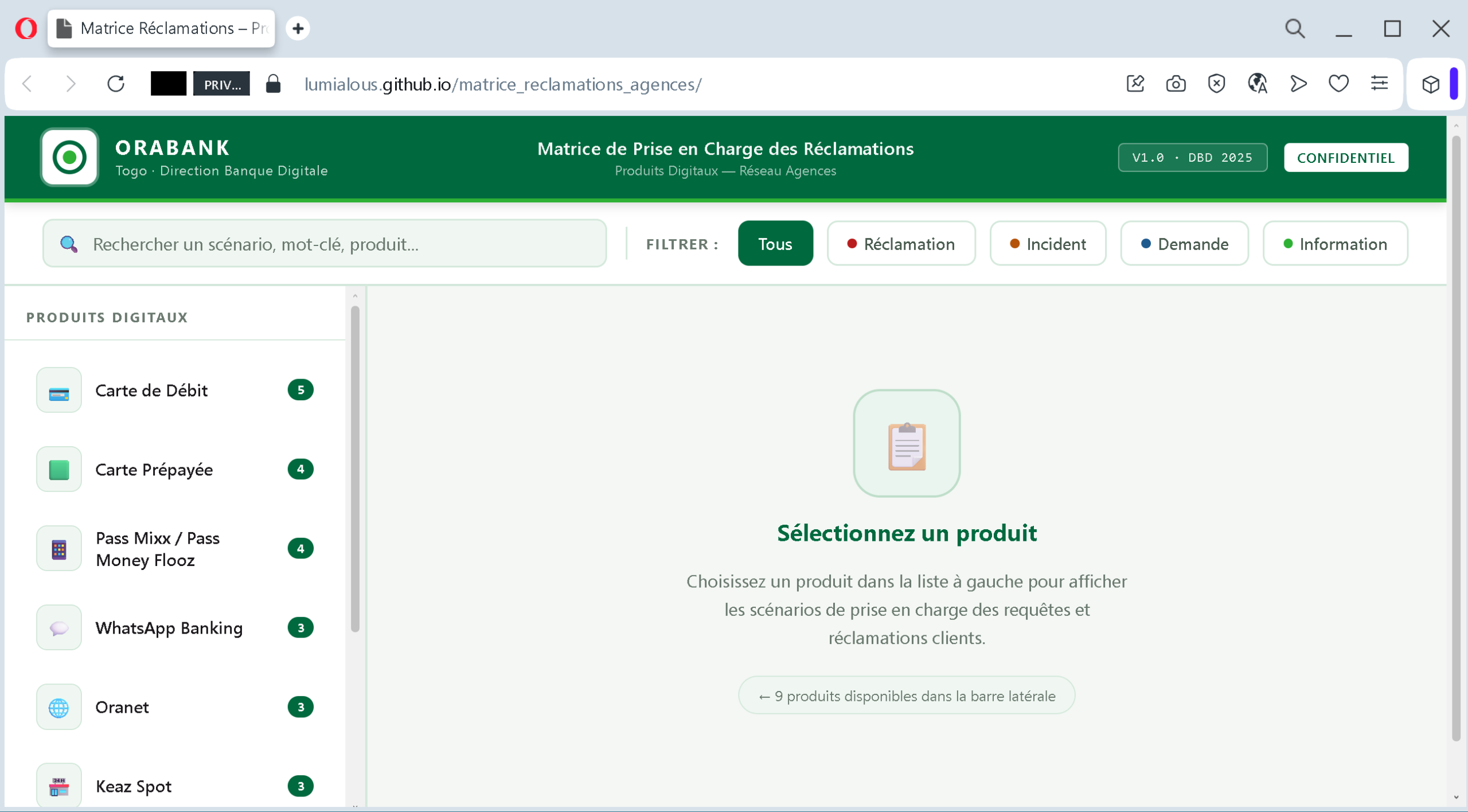
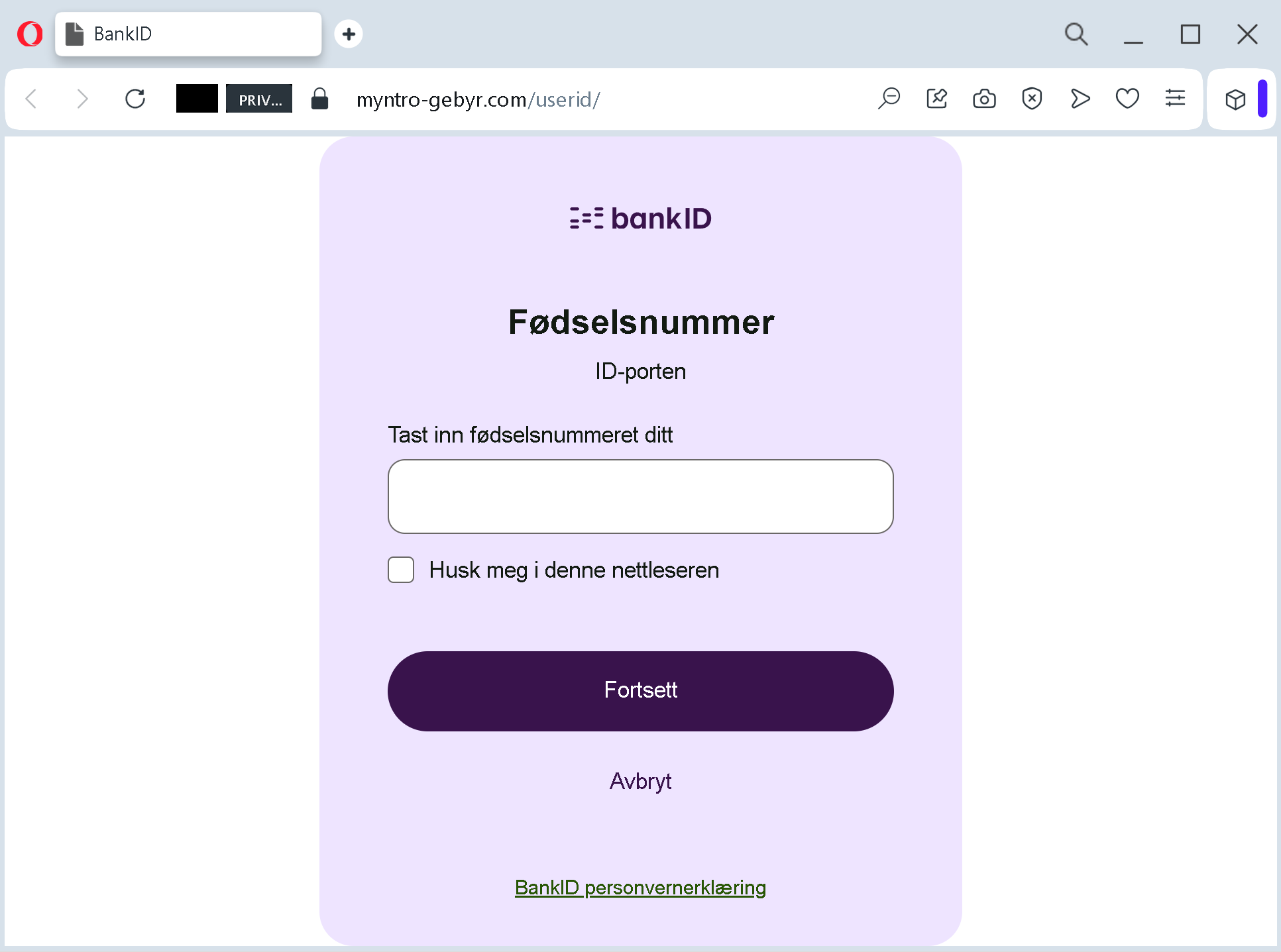
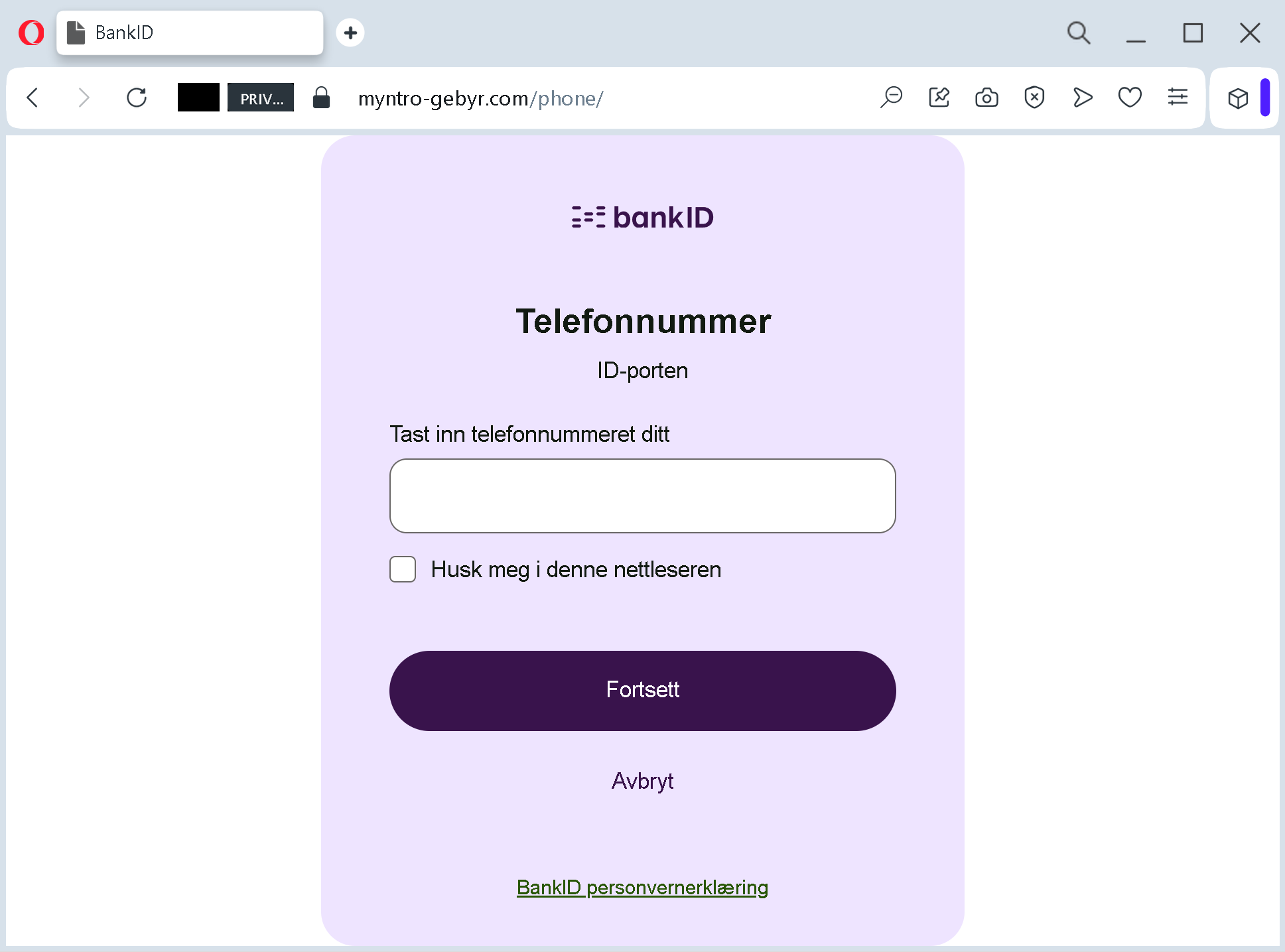
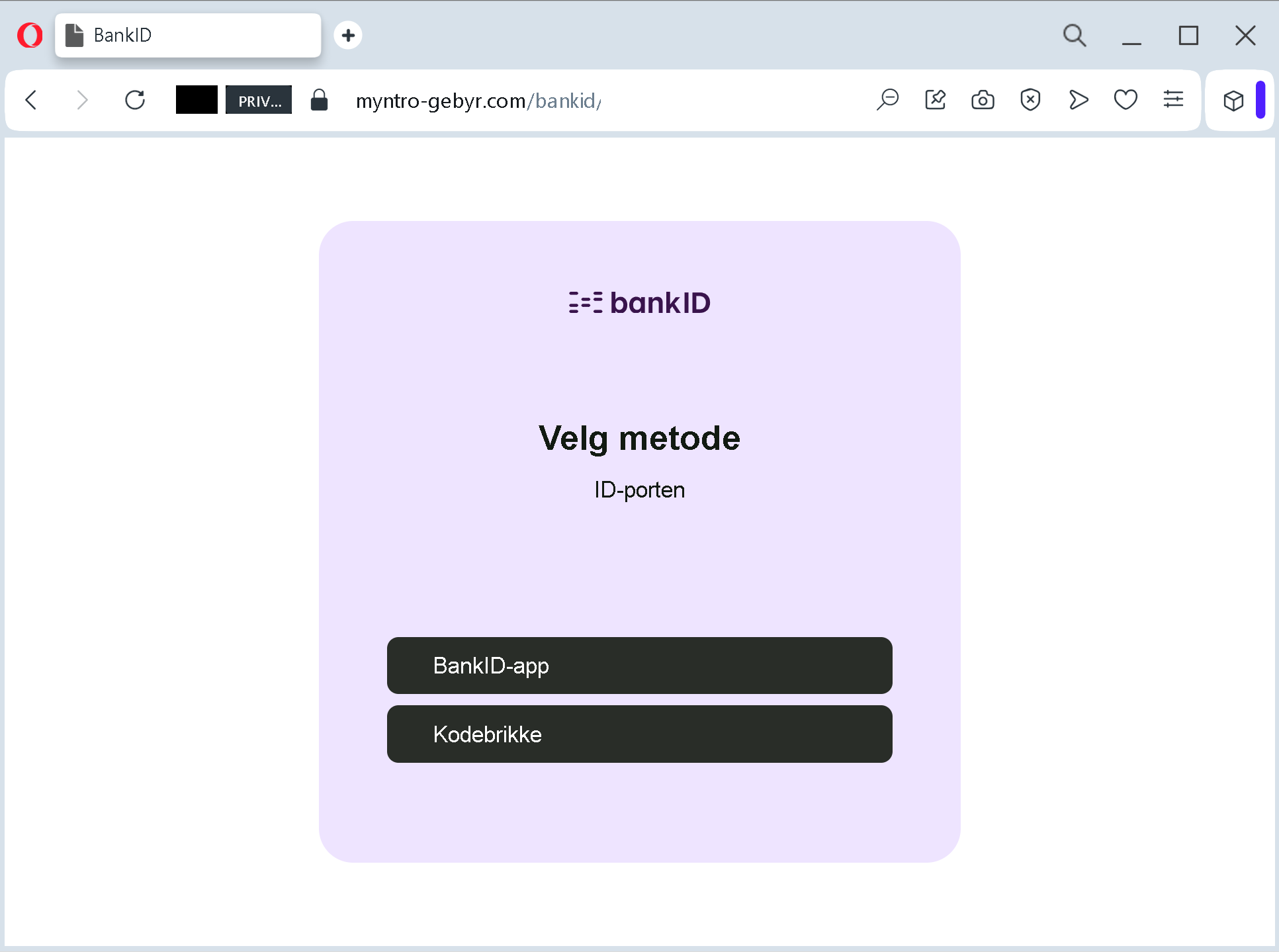
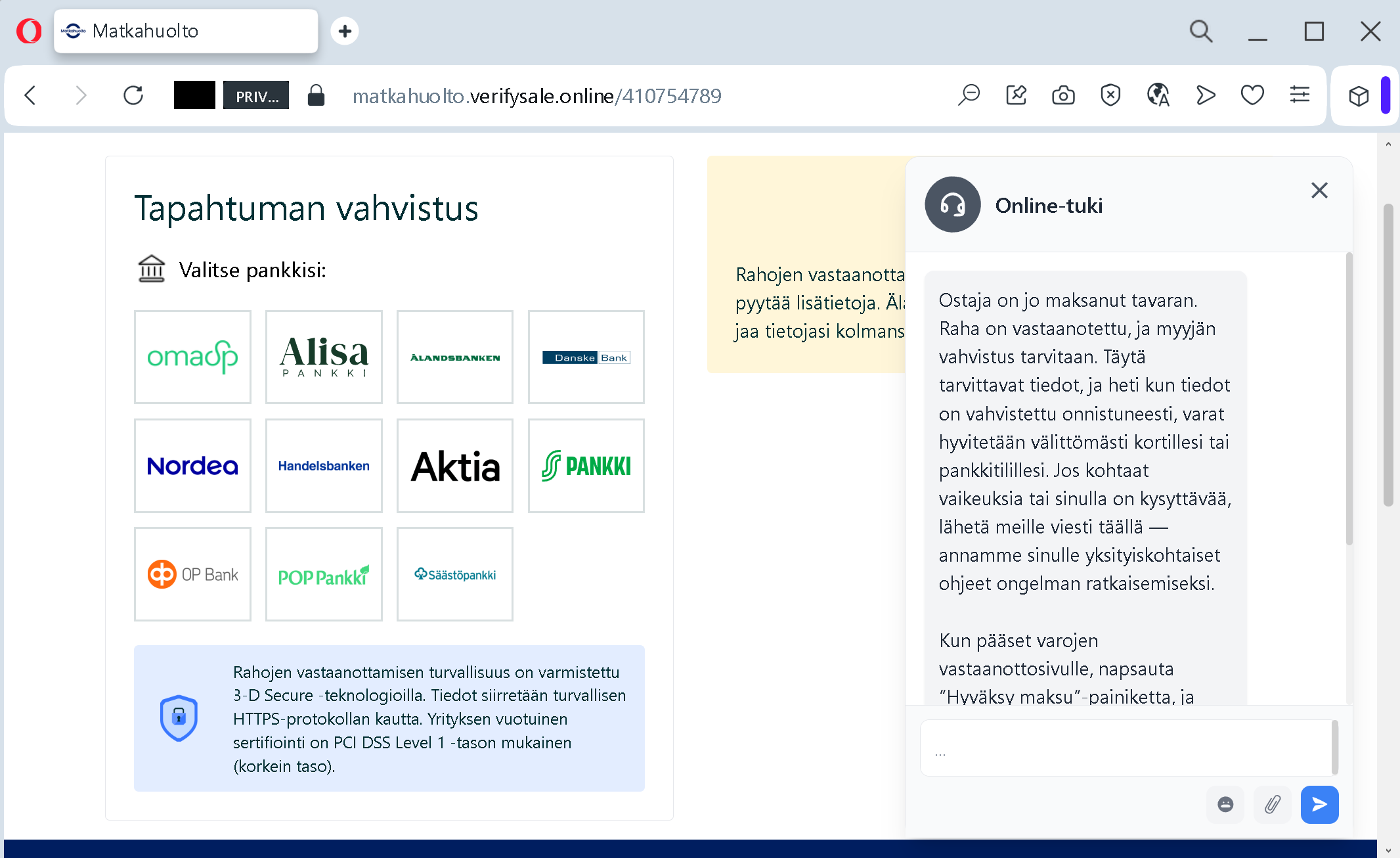
Analysis Memo: This deceptive layout was intercepted, verified, and locked down firsthand by the
Antiphishing.bizsecurity team during our standard URL vetting operations. To protect the public, the phishing source domain has been completely disabled within our infrastructure. We document and analyze these live visual patterns to help security researchers and users recognize deceptive clone designs before financial damage occurs.
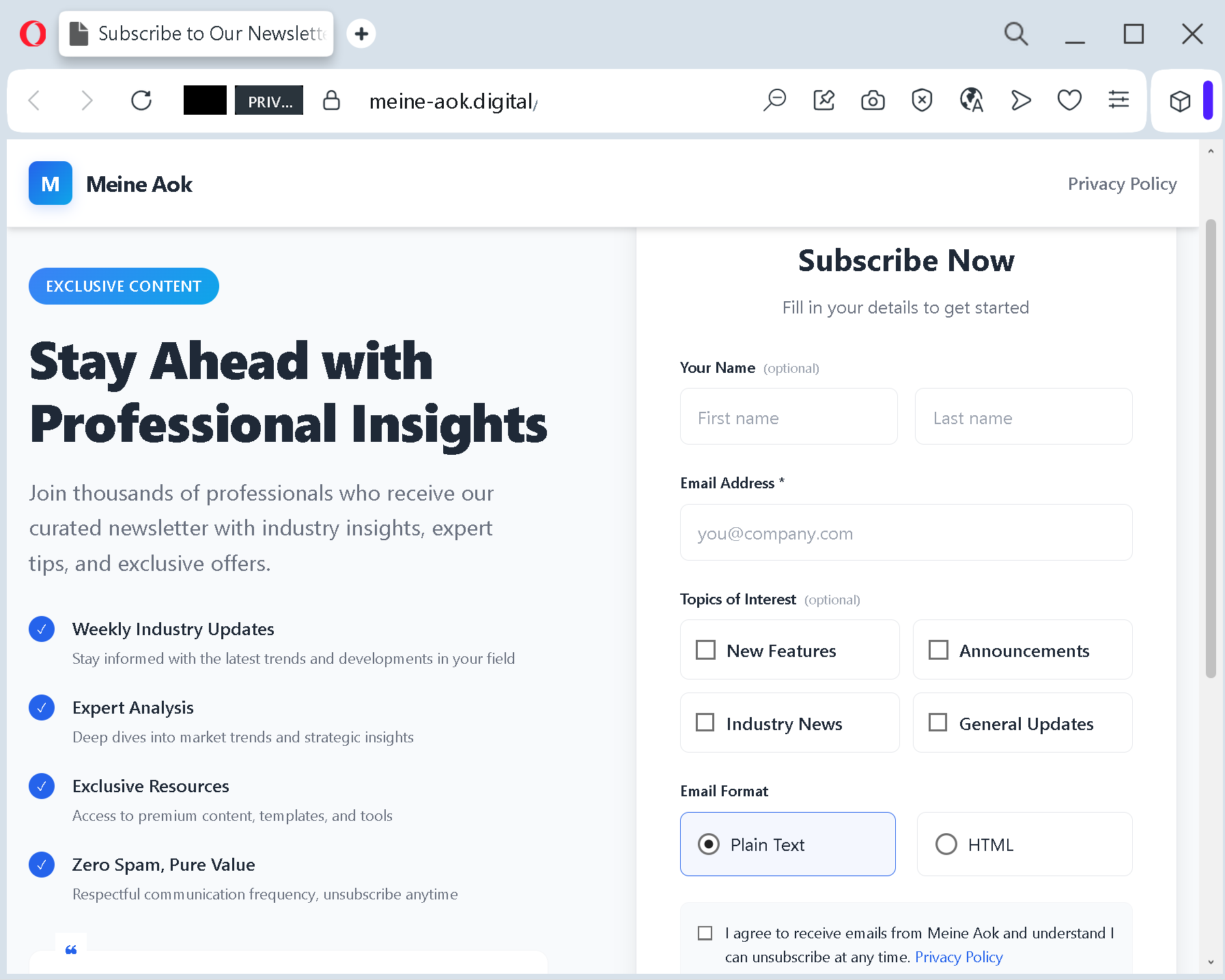
The landing page itself is a flawless imitation. It reproduces the AOK logo, the signature red and white color scheme, and the clean professional layout of the real member portal. It promises “Exclusive Content” and “Expert Analysis” – generic language that does not align with AOK’s actual services but is designed to make the page feel valuable.
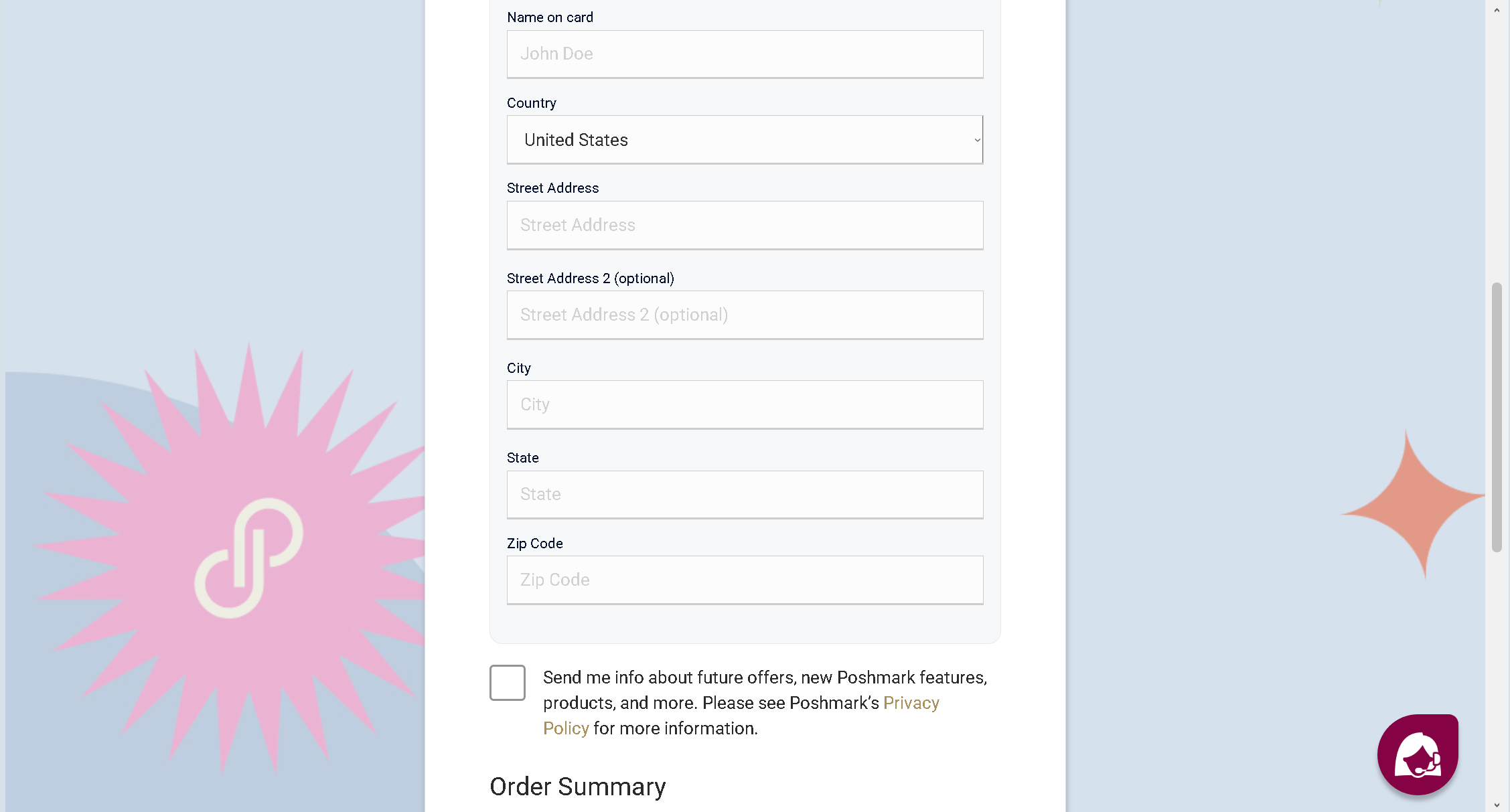
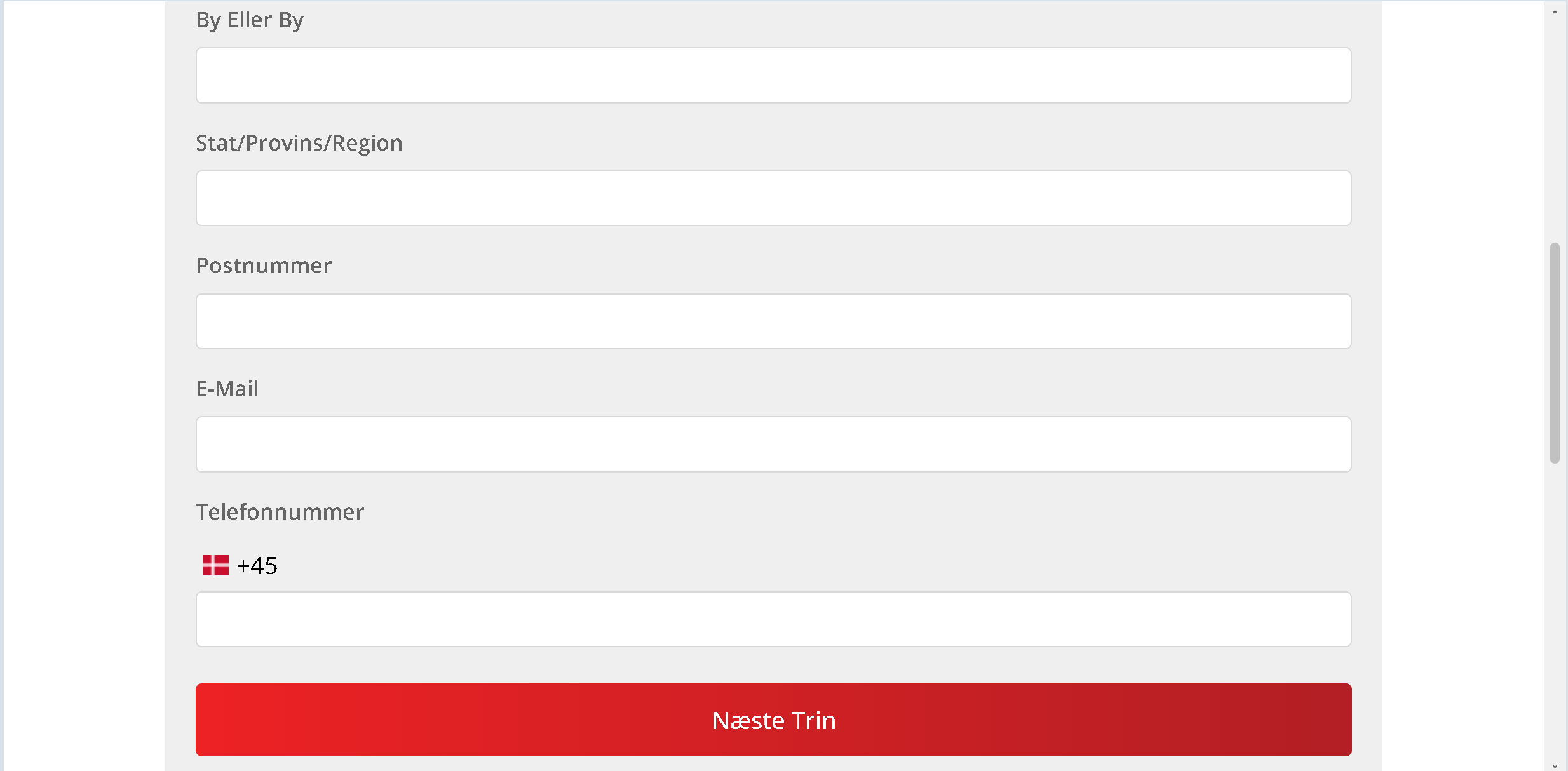
Beneath these decorative elements lies a data‑harvesting form. It asks for your full name and email address. While this looks like a standard newsletter sign‑up, it is actually the first step in a larger identity theft operation. The criminals use this information to build detailed profiles for spear‑phishing attacks or to sell your details on dark web marketplaces.
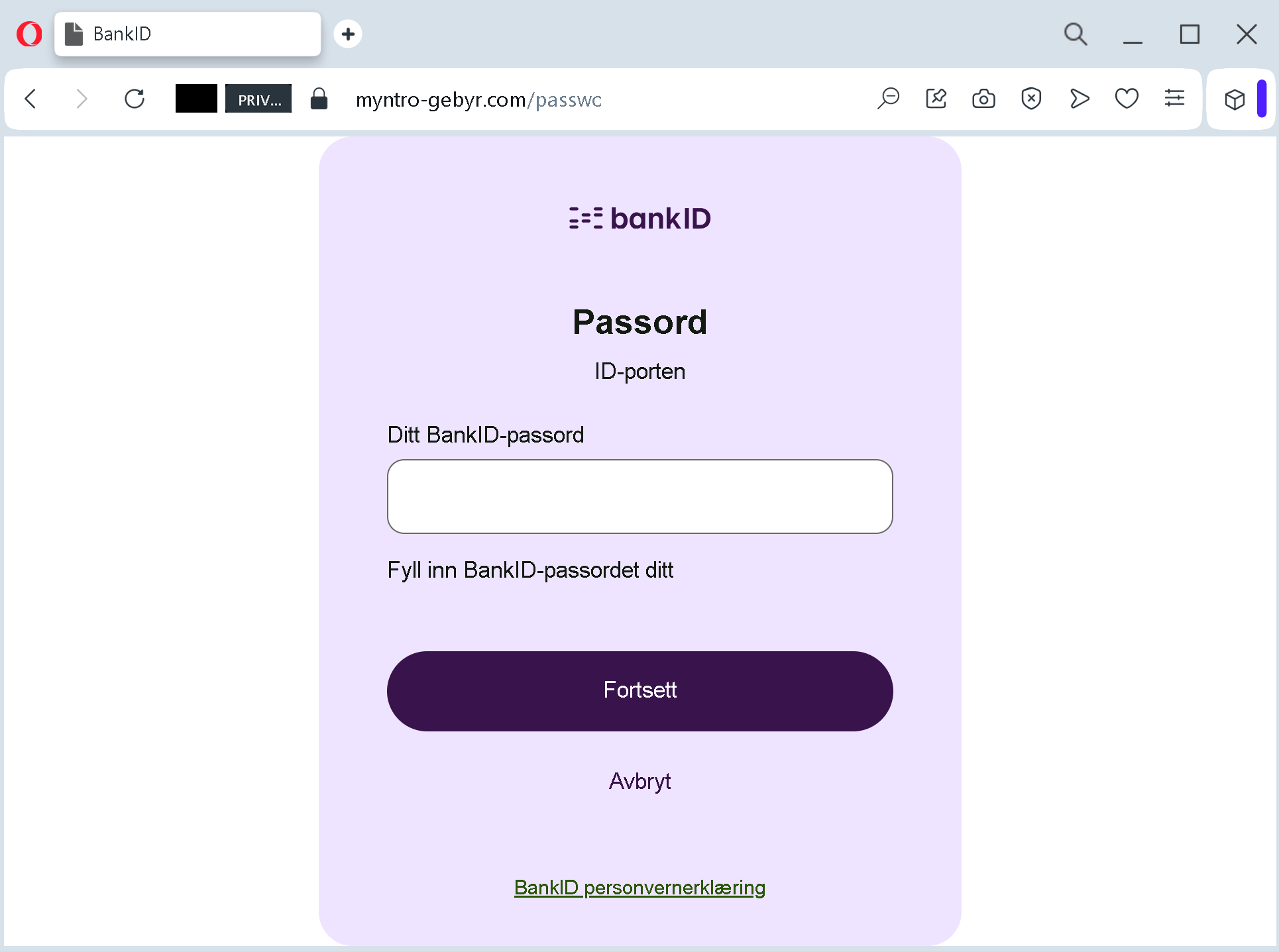
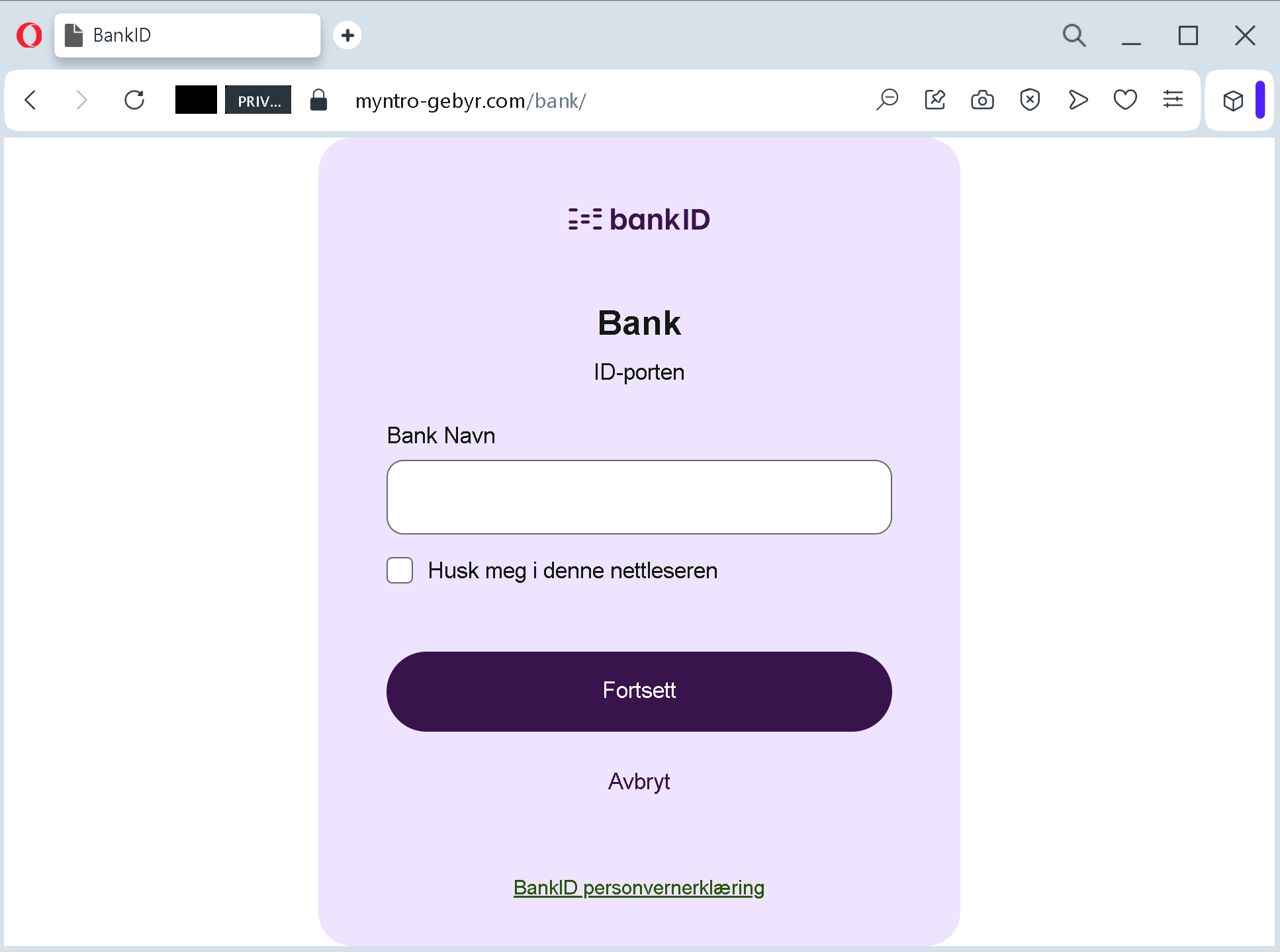
In more aggressive variations of the scam – also widely reported – the fake page does not stop at name and email. It demands that you complete an “identity verification” by logging into your online banking, thereby handing over your bank credentials and one‑time transaction numbers directly to the attackers.
Step Three: The Extraction That Leaves No Trace
Once you submit your information, the criminals have what they came for. They can use your name and email to impersonate you in future communications, reset passwords on other accounts, or attempt to access your online banking using the credentials you provided. In the worst cases, they initiate transfers immediately, draining your account of thousands of euros.
The AOK itself has stated clearly that it does not offer refunds or similar services via unencrypted email. The only legitimate way to check for refunds or manage your account is through the secure Meine AOK portal after logging in directly, not through a link in an email.
Real German Stories That Will Make You Think Twice
These are not hypothetical examples. They are the actual experiences of AOK members who either suffered devastating losses or narrowly avoided them.
The Pensioner Who Lost €35,000 to a Fake AOK “Verification”
In a case that made headlines across Germany, a retired pensioner in Berlin received an email claiming that his Meine AOK access would be permanently blocked unless he verified his identity within 24 hours. The email looked authentic, featuring the AOK logo and what appeared to be official letterhead. A large blue button invited him to “Jetzt verifizieren” – Verify Now.
The pensioner, who was not particularly tech‑savvy and relied on his online account to manage his health claims and pension supplements, clicked the button without hesitation. The page that opened asked for his full name, date of birth, address, health insurance number, and – most damagingly – his online banking login credentials and a TAN number.
Believing he was protecting his access, he typed everything in.
Within two hours, the criminals had initiated a series of transfers totaling €35,000 from his savings account. By the time his bank’s fraud detection system flagged the unusual activity, the money had already been moved through multiple accounts and converted into cryptocurrency, making recovery impossible.
The pensioner later told investigators: “I have been with AOK for over 40 years. I trust them completely. That is why I did not question the email. I never imagined that someone would use that trust to destroy me financially.”
The Young Mother Who Nearly Lost Her Family’s Savings
A mother of two in North Rhine‑Westphalia received an SMS message that appeared to come from AOK. The text warned that her family’s health insurance cards would expire within one week and that she needed to request new cards by clicking a link. The SMS included a shortened URL with the words “erneuerung‑aok.com”.
At first glance, the address looked plausible. But the mother had recently attended a cybersecurity awareness session at her workplace. She paused. She remembered being told that official AOK communications never come via SMS asking you to click links. She opened her browser manually, typed aok.de
She then forwarded the suspicious SMS to her local AOK customer center. The representative confirmed that it was a phishing attempt and thanked her for reporting it. By the time the AOK issued a public warning about that specific SMS campaign, the mother had already saved her own finances – and those of her children.
The Frankfurt Professional Who Asked One Question Too Many
A finance professional in Frankfurt received an email that appeared to be from AOK, offering a refund of 470 euros for an alleged “overpayment of contributions.” The email was exceptionally well crafted. It included the correct regional AOK address, a phone number that matched the official one, and even a fake employee name.
The professional was busy. He had deadlines to meet and a team to manage. He almost clicked the link without thinking. But a small detail stopped him. The email began with “Sehr geehrter Versicherter” – Dear Insured – rather than his actual name. He had never received an official AOK communication that did not include his name.
Instead of clicking, he picked up the phone and called the AOK service hotline at 0800 2265726, the number printed on his physical insurance card. The representative confirmed that no refund was pending and that the email was a phishing attempt. The professional then forwarded the email so that consumer protection authorities could track the campaign.
His refusal to trust the generic greeting saved him from what could have been a devastating loss.
The Hamburg Couple Who Were Saved by a Bank Teller
An elderly couple in Hamburg received a phone call from someone claiming to be an AOK representative. The caller informed them that their health insurance contributions had been overpaid by 3,200 euros and that the money would be transferred immediately – but only after they “verified” their bank account details by providing their online banking credentials.
The couple, both in their late 70s, were confused but did not want to miss out on a refund. They went to their local bank branch to check their account balance. The teller noticed that they seemed agitated and asked if everything was all right. They explained the phone call.
The teller immediately recognized the scam. She explained that AOK never asks for banking credentials over the phone and that any legitimate refund would be processed automatically using the bank details already on file. She helped the couple block their online banking access temporarily and instructed them to call the real AOK hotline to confirm the situation.
The couple later sent a letter of thanks to the bank branch. “You saved us from losing our life savings,” they wrote. “We did not know that such things could happen.”
The Six Red Flags That Give Away the Fake Meine AOK Page – Every Single Time
You do not need to be a cybersecurity expert to spot these attacks. You just need to know what to look for.
Red Flag One: The Domain Is Not aok.de
aok.deThe official AOK website uses the domain aok.demeine.aok.deAntiphishing.biz used meine-aok.digital
Before you enter any personal information, look at the browser’s address bar. Does the domain end with exactly aok.de.digital.info.top.xyz
Red Flag Two: The Email Begins with “Sehr geehrter Versicherter”
Real AOK communications are personalized. They address you by the name associated with your insurance file. Phishing emails often begin with generic salutations such as “Sehr geehrter Kunde” or “Sehr geehrte Versicherte” because the criminals do not know your name.
If an email about your account does not include your name, treat it as highly suspicious.
Red Flag Three: The Message Threatens Account Blockage
Fake AOK emails frequently claim that your Meine AOK access will be suspended unless you act immediately. This manufactured urgency is designed to panic you into clicking. The real AOK does not communicate this way. Legitimate notifications about account issues appear inside the Meine AOK portal after you log in normally, not through threatening emails.
Red Flag Four: The Message Asks for Banking Credentials or TANs
No legitimate AOK representative will ever ask you for your online banking login credentials, your transaction authorization numbers (TANs), or your credit card details. If an email or phone caller asks for any of this information, you are not dealing with AOK. You are dealing with a criminal.
Red Flag Five: The “Refund” Amount Is a Round, Attractive Number
Scammers frequently offer refunds of exactly 400, 470, or 473 euros – amounts that are large enough to be enticing but not so large as to seem implausible. Real refunds from AOK, when they occur, are based on actual overpayments and vary from case to case. They are not round numbers broadcast to millions of members simultaneously.
Red Flag Six: The Privacy Policy Links Are Broken
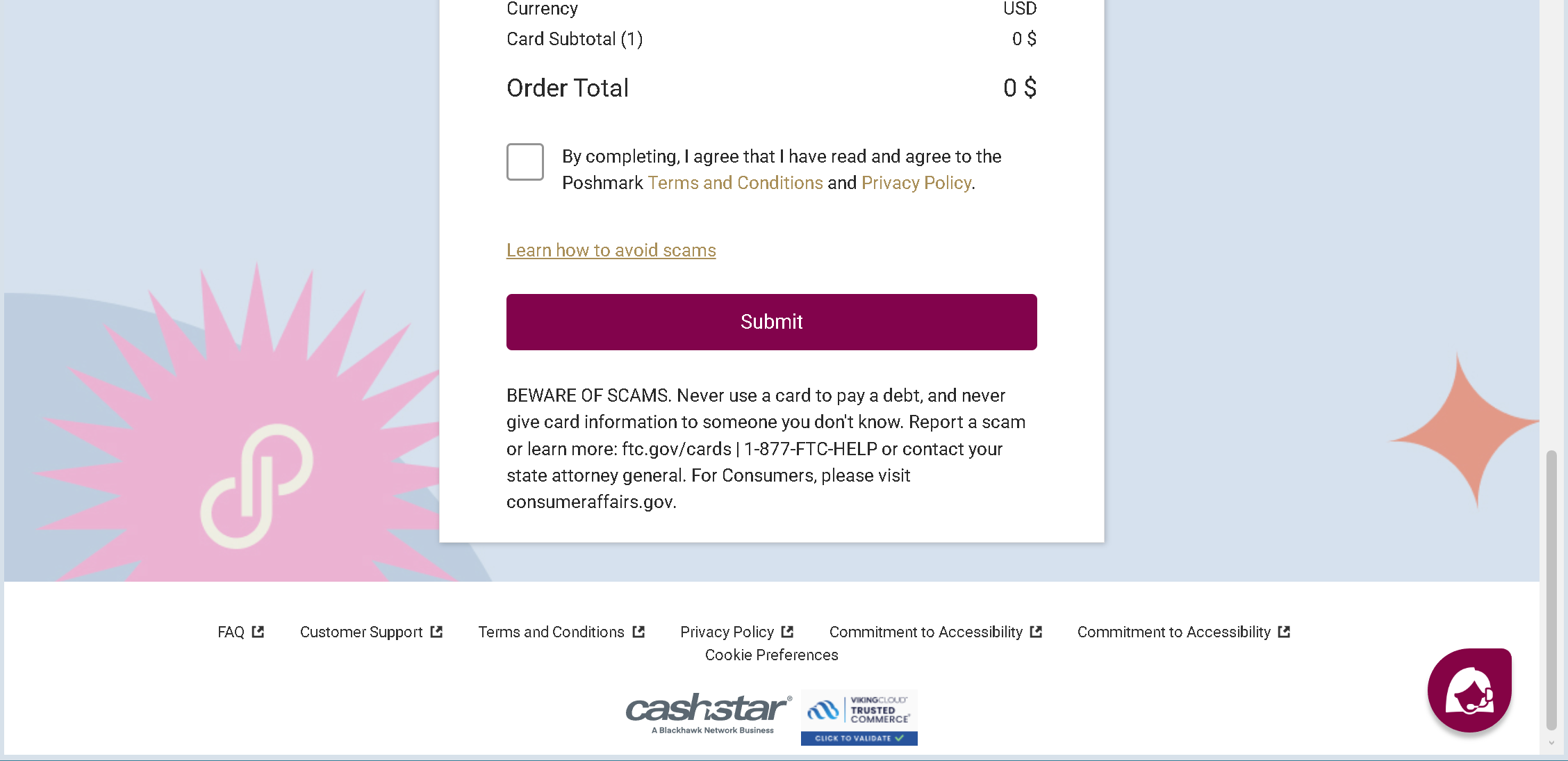
On fake pages, the “Privacy Policy” and “Terms of Service” links are often either broken or redirect back to the same page. Real AOK pages have functional, professional legal sections. If you click a link and nothing happens, or if the link leads nowhere, you are probably on a fake site.
The People Who Saved Themselves (And How You Can Too)
The most important lessons come from those who recognized the scam before it was too late.
The Construction Company Owner Who Made One Phone Call
A construction company owner in Bavaria received an email claiming that his company’s AOK business health insurance account needed immediate verification. The email included a link and a threat that his employees’ coverage would be suspended if he did not act within 24 hours.
Instead of clicking, he did something simple. He looked up the phone number of his local AOK customer center on the official AOK website – not the number in the email – and called. The representative confirmed that no such verification was required and that the email was a phishing attempt.
The owner then gathered his entire administrative team and showed them the fake email. He explained the red flags: the generic greeting, the suspicious domain, the threat of immediate suspension. That 20‑minute training session may have saved his company from future attacks.
The Teacher Who Noticed the Missing “s”
A secondary school teacher in Lower Saxony received an SMS message that appeared to come from AOK, warning that his health insurance card would expire soon. The link in the SMS was aok-karte-erneurung.com
That single missing letter stopped him cold. He did not click. He later reported the SMS to the AOK fraud hotline. The AOK subsequently issued a public warning about SMS phishing campaigns using similar misspelled domains.
His eye for detail – noticing one missing character in a sea of text – saved his personal information from being stolen.
The Retiree Who Asked Her Daughter First
An elderly woman in Baden‑Württemberg received an email offering a 400 euro refund from AOK. She was about to click the link when she remembered something her daughter had told her: “If an email asks you to click a link to receive money, call me first.”
She called her daughter, who worked in IT security. The daughter opened the email on her own computer, examined the headers, and quickly identified it as a phishing attempt. The domain was aok‑rueckerstattung.info
The retiree later said: “I almost lost everything because I was too proud to ask for help. Now I ask every time. It takes two minutes and could save me years of regret.”
Expert Advice: How to Keep Your AOK Account Safe Starting Today
The following rules will protect you from the Meine AOK phishing attack and every future variation.
Rule One: Never, Ever Click Links in Unsolicited Messages About Refunds or Account Verification
This is the single most important rule. If you receive an email or SMS claiming that you are entitled to a refund, that your Meine AOK access will be blocked, or that your health insurance card is expiring – do not click any links. Do not call any phone numbers in the message. Do not reply.
Instead, open a new browser tab. Type aok.de
Rule Two: Memorize the Official AOK Domains
The official AOK domains are aok.demeine.aok.de.digital.info.top
In documented attacks, scammers have used domains such as erneuerung-aok.comaok‑rueckerstattung.info
Rule Three: Understand What AOK Will Never Ask You
AOK has stated its communication policy clearly. The health insurer will never contact you unsolicited by email or SMS with the request to disclose confidential data. Legitimate communications are conducted through the secure Meine AOK portal, by encrypted email, or by traditional letter.
Furthermore, AOK will never ask you for your online banking credentials, your TAN numbers, or your credit card details over the phone, by email, or via SMS. If someone asks for this information, you are not talking to AOK. You are talking to a criminal.
Rule Four: Enable Two‑Factor Authentication on Meine AOK
Two‑factor authentication (2FA) adds an essential layer of security. Even if a scammer manages to obtain your password through a fake page, they cannot access your account without the second factor – typically a code sent to your phone or generated by an authenticator app.
AOK offers secure authentication methods for Meine AOK. Ensure that yours is enabled. If you are unsure how to do this, contact your regional AOK customer center.
Rule Five: Never Reply to Suspicious Messages
Do not engage. Do not argue. Do not attempt to “scam the scammer.” The moment you reply, the criminal knows that your email address is active and monitored. This increases the likelihood that you will be targeted again in future campaigns.
Rule Six: Report Suspicious Emails and SMS
If you receive a phishing message, do not just delete it. Report it. You can forward suspicious emails to AOK.
Your report may help protect other AOK members from falling into the same trap.
Rule Seven: If Something Feels Wrong, Trust That Feeling
Every successful prevention story in this guide shares a common thread. The person who avoided disaster listened to an inner voice of doubt. The mother who remembered her cybersecurity training. The teacher who noticed the missing letter. The retiree who called her daughter first.
When you receive an unexpected message about money, refunds, or account problems, pause. Take a breath. Ask yourself: “Did I ask for this message? Does AOK really communicate this way?”
If the answer is no, do not click. Do not type. Do not call the number in the message. Instead, take the extra two minutes to verify through official channels. That small investment of time could save you from a devastating financial loss.
What to Do If You Have Already Fallen for This Scam
If you realize that you have clicked a link, entered your personal information, or provided banking credentials on a suspicious website, do not panic. But do not wait, either. Time is the enemy. Act immediately using this step‑by‑step checklist.
First, contact your bank immediately using the phone number printed on your debit or credit card. Do not use any phone number from the suspicious message. Tell them that your personal and financial information may have been compromised in a phishing attack. Ask them to block your cards, monitor your accounts for suspicious activity, and reverse any unauthorized transactions. The faster you act, the more likely you are to recover lost funds.
Second, change your Meine AOK password immediately. If you can still log in, do so and change your password. If you cannot log in because the criminals have already locked you out, contact your regional AOK customer center by phone to regain access.
Third, review your recent bank transactions carefully. Look for small test charges – often 1 euro or less – as well as larger amounts. Criminals sometimes test a compromised account with a tiny transaction before making a major transfer. If you see anything you do not recognize, report it to your bank immediately.
Fourth, place a fraud alert on your credit file. Contact the relevant credit reporting agency in Germany – for example, SCHUFA – and request a fraud alert. This makes it harder for criminals to open new accounts in your name using the personal information you provided.
Fifth, file a police report. Report the incident to your local police station. Many victims delay reporting because they feel embarrassed or ashamed. Do not let that stop you. These criminal networks defraud thousands of people every year. There is nothing shameful about being targeted by a sophisticated attack. The shame belongs to the criminals.
Sixth, report the phishing attempt to AOK. Forward the fake email to AOK. Call the AOK service hotline to inform them of the attack. Your report could help protect other members from falling into the same trap.
Seventh, check your other online accounts. If you used the same email address and password combination on any other websites – your email provider, your social media accounts, your online shopping accounts – change those passwords immediately. Scammers will try the stolen credentials on other popular services to see where else they work. Use strong, unique passwords for each service.
The Bottom Line
The fake Meine AOK phishing attack is a sophisticated piece of psychological manipulation, not a technical compromise. It uses a false refund promise to trigger your hope and greed. It uses a threat of account blockage to trigger your fear. It uses a flawless copy of the AOK design to short‑circuit your critical thinking. And it relies entirely on you clicking before you look.
But the scam has a fatal weakness. It falls apart the moment you pause, take a breath, and ask one simple question: “Did I ask for this message?”
If the answer is no – and it almost always is – do not click. Do not type. Do not call the number in the message. Open your browser. Type aok.de
The criminals are counting on your speed, your hope, and your momentary distraction. Do not give them any of those things. Stay slow. Stay skeptical. And always, always type the address yourself.
This attack was detected, analyzed, and contained firsthand by the Antiphishing.biz security team during automated link scanning workflows. The phishing source domain has been fully defanged within their infrastructure to protect the public. If you found this guide helpful, share it with every AOK member you know. The more people understand this scam, the harder it becomes for criminals to profit.