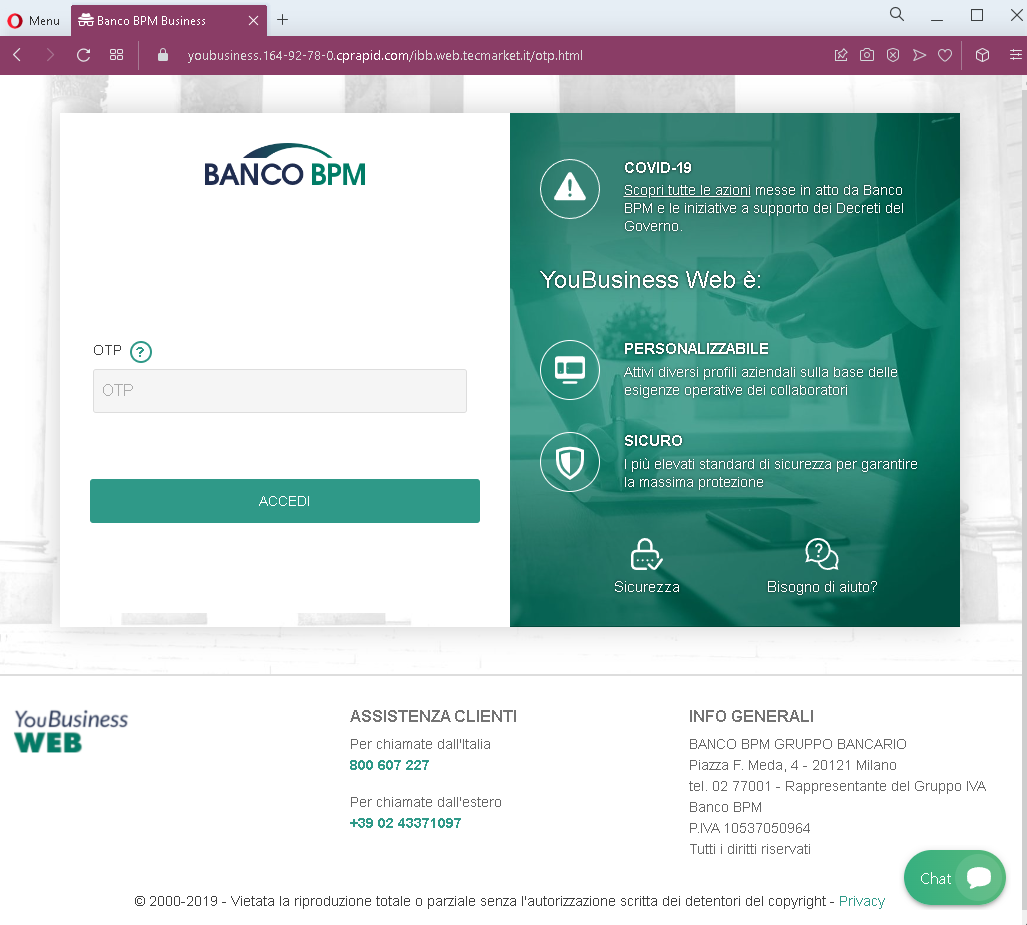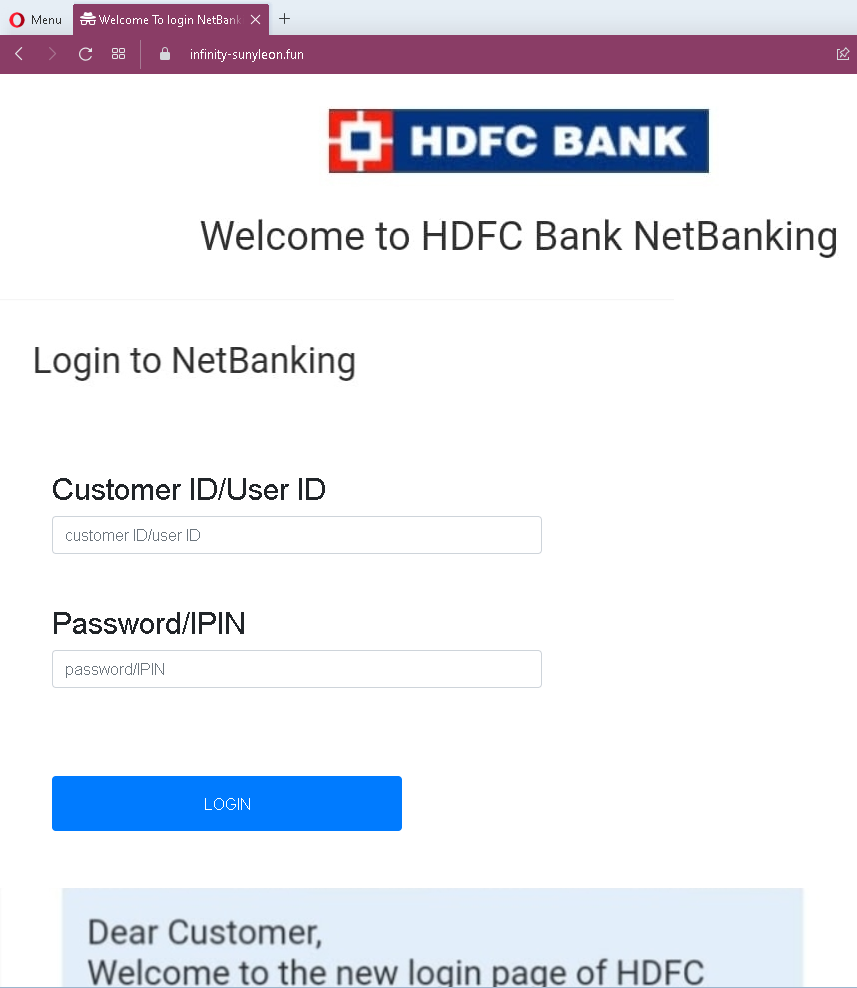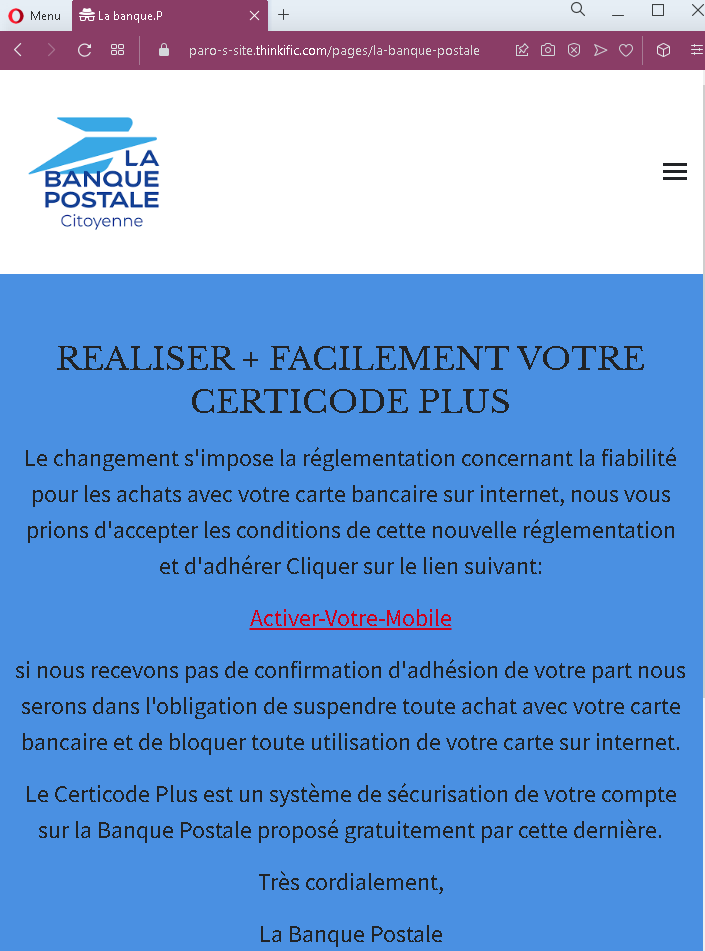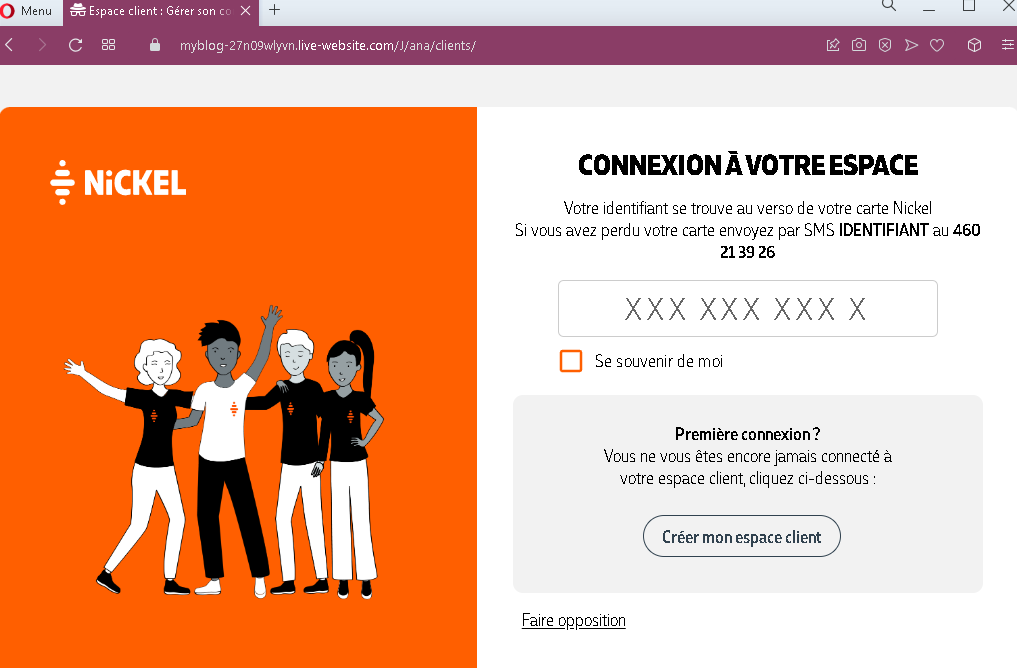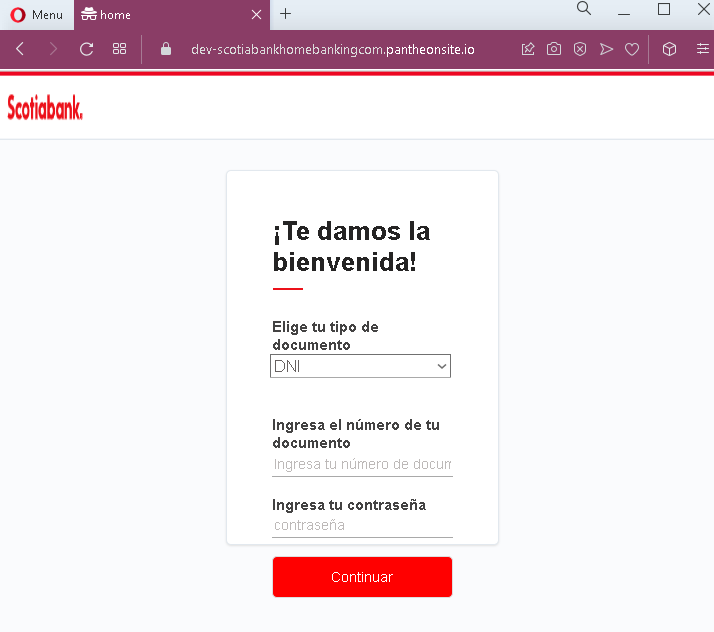
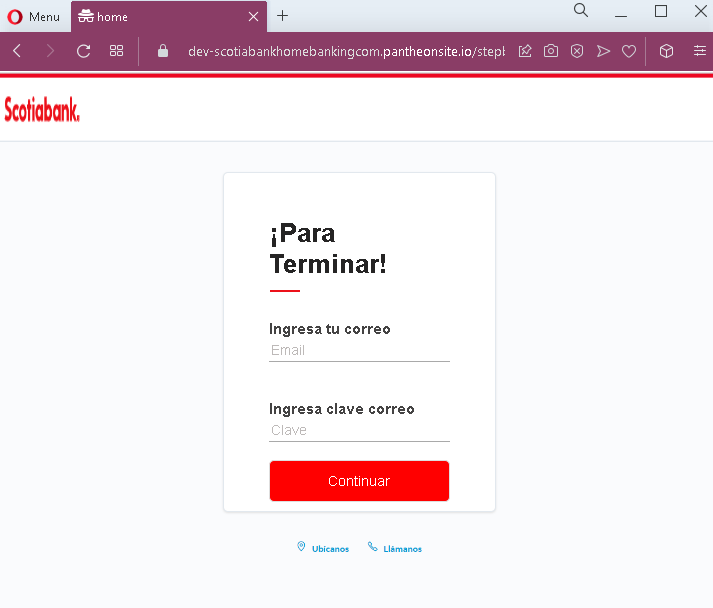
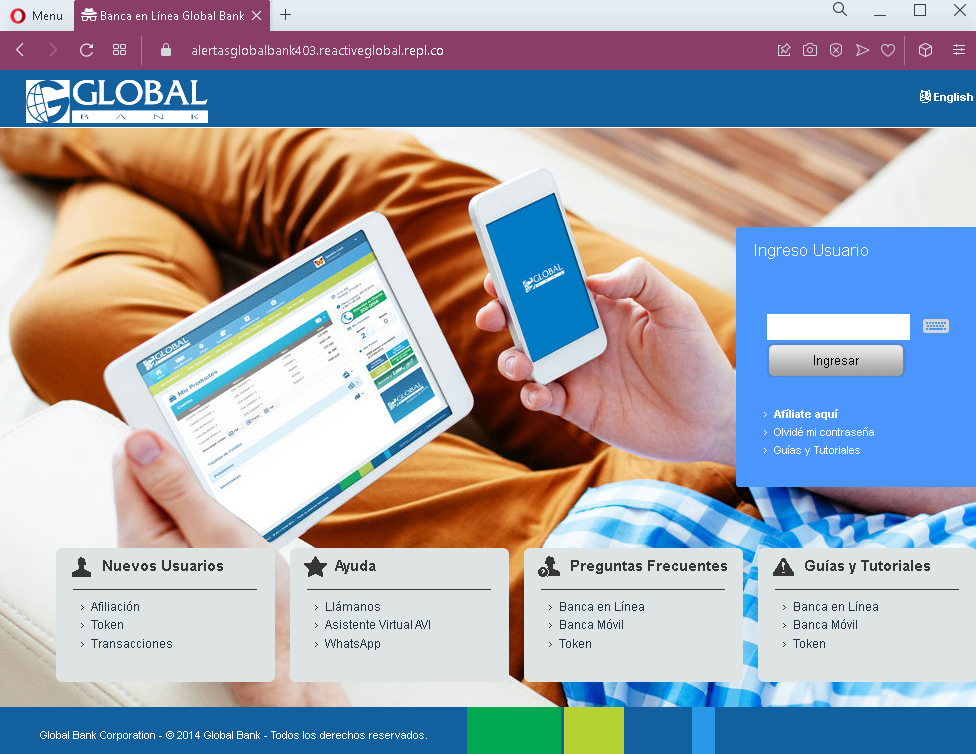
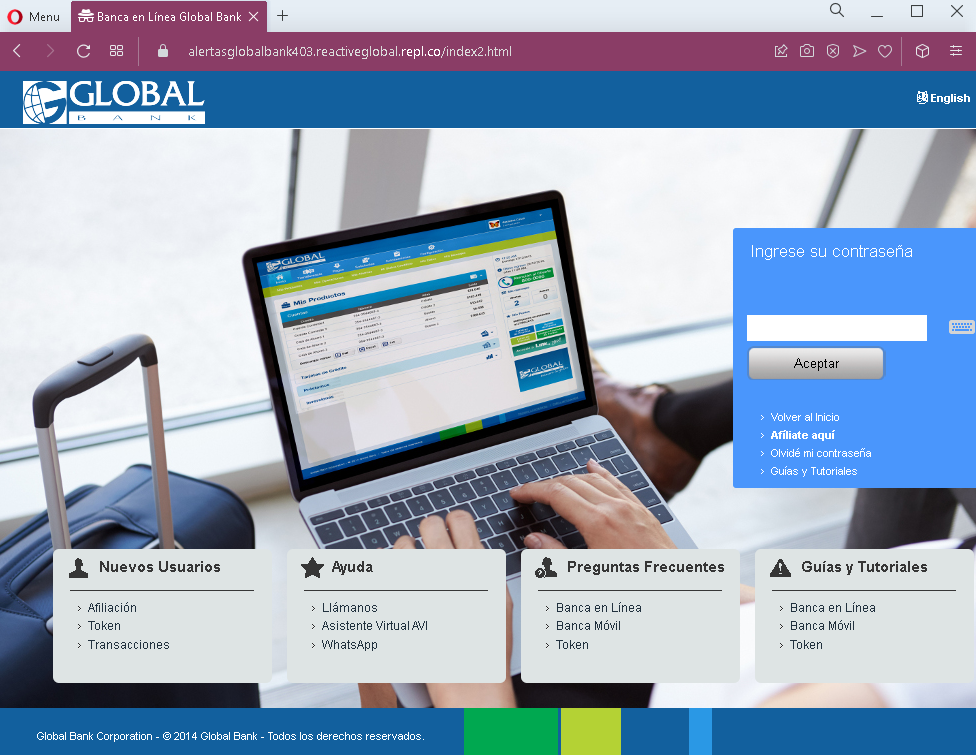
Bank of America pishing pages in Spanish detected


Threat Analysis: Bank of America Phishing – Email Credential & Card Data Harvesting

This phishing campaign impersonates Bank of America, targeting Spanish-speaking customers. The scam uses a multi-page flow to capture:

  • The victim’s email address and email password
  • Full credit/debit card details (card number, expiration date, security code)

By compromising both the email account and the payment card, attackers can gain persistent access to sensitive communications and conduct unauthorized transactions.

How it works:
The victim receives a phishing email, SMS, or other message in Spanish claiming a security alert, account verification issue, or the need to confirm their identity. The message includes a link to the first phishing page.

Step 1 – Simple Entry Page (First Screenshot)
A minimal page with Bank of America branding and a call to “verify your online account.” This likely leads to the next step.

Step 2 – Fake Identity Verification – Email & Email Password Page (Third Screenshot)
This page asks for:

  • Correo electrónico (Email address)
  • Clave del correo (Email password)
  • Aim o Pin (likely “ATM PIN” – a banking PIN)

The page includes a fake Bank of America dashboard preview (with a greeting “Hello, Jane”) to appear legitimate. This step captures the victim’s email credentials and banking PIN.

Step 3 – Fake Identity Verification – Card Details Page (Fourth Screenshot)
This page asks for:

  • Card number
  • Expiration date
  • Security code (CVV)

It claims these details are needed to “verify identity” for security purposes.

The goal:
The attacker aims to:

  • Steal the victim’s email account credentials to intercept bank communications, reset passwords, and maintain long-term access
  • Obtain the victim’s debit/credit card details for unauthorized purchases, cloning, or selling on criminal marketplaces
  • Gather a banking PIN for ATM or transaction authorization

Red flags to watch for:

  • Suspicious URL: The pages are hosted on domains that are not bankofamerica.com. Legitimate Bank of America online services are accessed through the official website.
  • Request for email password: A legitimate bank never asks for your email account password. This is a clear indicator of a phishing attack designed to take over your email.
  • Multiple sensitive data requests in one flow: Asking for email credentials, banking PIN, and full card details in sequence is not part of any legitimate bank verification process.
  • Fake dashboard elements: The page includes a mock-up of a Bank of America dashboard (“Hello, Jane”) with reward points and account numbers. This is copied from the real site but appears out of context on a verification page.
  • Outdated copyright: The footer shows “© 2021” (the screenshots are from late 2022), a common oversight in phishing pages.
  • Mixed languages: The page uses Spanish for instructions but includes English text in the fake dashboard, which may indicate copied content.
  • Unsolicited “identity verification” request: Bank of America does not send emails or messages with links requiring customers to enter email credentials and card details to verify identity.

What to do if you encounter this:

  • Do not enter your email address, email password, banking PIN, or card details on these pages.
  • If you are a Bank of America customer, always access online banking by typing bankofamerica.com directly into your browser or using the official app.
  • If you have already entered your email credentials, change your email password immediately and enable two-factor authentication. Check for any unauthorized forwarding rules.
  • If you have entered card details, contact Bank of America immediately to block your card and dispute any unauthorized transactions.
  • Report the phishing pages to Bank of America’s fraud department (e.g., [email protected]).

Why this scam is particularly dangerous:
This phishing kit targets two critical assets simultaneously: email account access and payment card details. With email access, the attacker can intercept password reset links, delete fraud alerts, and take over other accounts. With card details, they can make fraudulent purchases. The combination of Spanish language and Bank of America branding is designed to reach a large Spanish-speaking customer base in the United States.

Protective measures:

  • Bookmark the official Bank of America login page and use that bookmark to access online banking—never click links in emails or messages.
  • Use a password manager: It will autofill only on legitimate bankofamerica.com domains.
  • Never provide your email password on any banking site. Legitimate banks never ask for it.
  • Enable two-factor authentication (2FA) on both your email and bank accounts, preferably using an authenticator app rather than SMS.
  • Be suspicious of any unsolicited message that creates urgency and asks you to “verify” your identity by providing extensive personal information.
  • Check the URL carefully: Legitimate Bank of America domains end with bankofamerica.com. Look for misspellings, extra words, or unusual top-level domains.
  • If in doubt, contact Bank of America directly using a phone number from your bank statement or the official website—never use contact information provided in a suspicious message.
Massachusetts Unemployment Insurance phishing page detected


Threat Analysis: Massachusetts Unemployment Insurance Phishing – SSN & Account Takeover Scam

This phishing campaign impersonates the Massachusetts Unemployment Insurance (UI) Online Application portal, used by the state’s Department of Unemployment Assistance (DUA). The scam targets unemployment claimants, aiming to steal their Social Security Number (SSN), password, and email verification code—the credentials needed to access benefit accounts and redirect payments.

How it works:
The victim receives a phishing email, SMS, or other message claiming an issue with their unemployment claim, an overpayment waiver, or the need to verify their account. The message includes a link to the first phishing page.

Step 1 – Fake Login / SSN Entry Page (First Screenshot)
This page mimics the Massachusetts UI Online Application interface. It asks for:

  • Social Security Number (SSN)
  • Password

The page includes a lengthy “WARNING” notice copied from official government websites, stating that unauthorized access is monitored and may be subject to criminal penalties. This warning is intended to make the page appear legitimate. A checkbox is used to acknowledge the terms.

Step 2 – Fake Account Verification Page (Second Screenshot)
After submitting the SSN and password, the victim is taken to a second page that claims a verification code has been sent to their email. The victim is asked to either click a link in the email or enter the verification code directly on the page.

The goal:
The attacker aims to:

  • Steal the victim’s SSN and the password they use for the unemployment portal
  • Capture the email verification code (2FA) to complete the login on the real DUA site
  • Gain full access to the victim’s unemployment benefits account to redirect payments, change banking information, or commit identity theft

Red flags to watch for:

  • Suspicious URL: The pages are hosted on a domain that is not mass.gov or any official Massachusetts state government domain. The presence of “WIX.com” website builder branding at the top is a strong indicator that this is not an official government site.
  • SSN and password on the same page: Legitimate Massachusetts UI login uses a different flow (often a username or email with password, not SSN directly on the login page). Asking for SSN and password together in this manner is unusual and a red flag.
  • Copied government warnings: The warning notice about unauthorized access is copied from real government websites, but it is being used out of context on a fake page. The inclusion of such text does not make the page legitimate.
  • Unsolicited verification request: The state DUA does not send emails or messages with links requiring claimants to log in and then verify via a code entered on a third‑party site.
  • WIX.com branding: Official government websites are not built on free website builders like WIX. The visible “designed with WIX.com” text is a clear sign of a fraudulent page.
  • Generic design: The pages lack the full branding, security seals, and personalized account details that would appear on a legitimate state UI portal after login.

What to do if you encounter this:

  • Do not enter your SSN, password, or any verification code on these pages.
  • If you are a Massachusetts unemployment claimant, always access the UI Online system by typing mass.gov directly into your browser and navigating to the DUA section, or by using the official mobile app. Never click links in unsolicited emails or messages.
  • If you have already entered your SSN and password, contact the Massachusetts DUA immediately to secure your account, change your password, and report the incident. Also monitor your credit and consider placing a fraud alert on your SSN.
  • Report the phishing page to the Massachusetts DUA and to the appropriate authorities (such as the FBI’s IC3).

Why this scam is particularly dangerous:
Unemployment benefit accounts are high‑value targets for fraudsters. By stealing SSNs and passwords, attackers can redirect benefit payments to their own bank accounts or use the stolen identities to file fraudulent claims. The addition of a “verification code” step is designed to bypass any two‑factor authentication (2FA) that the real system may use, giving the attacker full control.

Protective measures:

  • Always access government benefits portals by typing the official URL directly (e.g., mass.gov) – never click links in emails or messages.
  • Use a password manager: It will autofill only on legitimate domains, not on phishing sites.
  • Never enter your SSN and password on a page that appears to be a login form unless you are 100% sure of the URL. Legitimate state portals often use separate steps for identity verification.
  • Enable two‑factor authentication (2FA) on your unemployment account if available.
  • Be suspicious of any unsolicited message that creates urgency and asks you to log in to your benefits account, especially if it involves SSN or verification codes.
  • Check the URL carefully: Official Massachusetts government domains end with mass.gov. Look for misspellings, extra words, or unusual top‑level domains. Also watch for free website builder URLs (e.g., wixsite.com, weebly.com).
  • If in doubt, contact the Massachusetts DUA directly using a phone number from the official website—never use contact information provided in a suspicious message.

Credit Agricole Bank phishing page detected


Threat Analysis: Crédit Agricole Phishing – Multi‑Stage SécuriPass & Credential Theft

This phishing campaign impersonates Crédit Agricole. The scam uses a long, multi‑page flow to capture:

  • The victim’s online banking identifier and personal code (password)
  • The victim’s SMS verification code (2FA)
  • An email verification code (second 2FA channel)

By harvesting both the SMS and email codes, attackers can bypass multiple security layers and gain full account access.

How it works:
The victim receives a phishing email claiming they have not activated SécuriPass (a real security feature) and must update their contact details.

Step 1 – Fake Security Alert Email (First Screenshot)
A convincing email impersonating Crédit Agricole. It claims SécuriPass is not activated and urges the victim to click a link to verify their phone and email details. A threat is implied by referencing “article 30” (contract modification), adding false legitimacy.

Step 2 – Fake Bank Homepage (Second Screenshot)
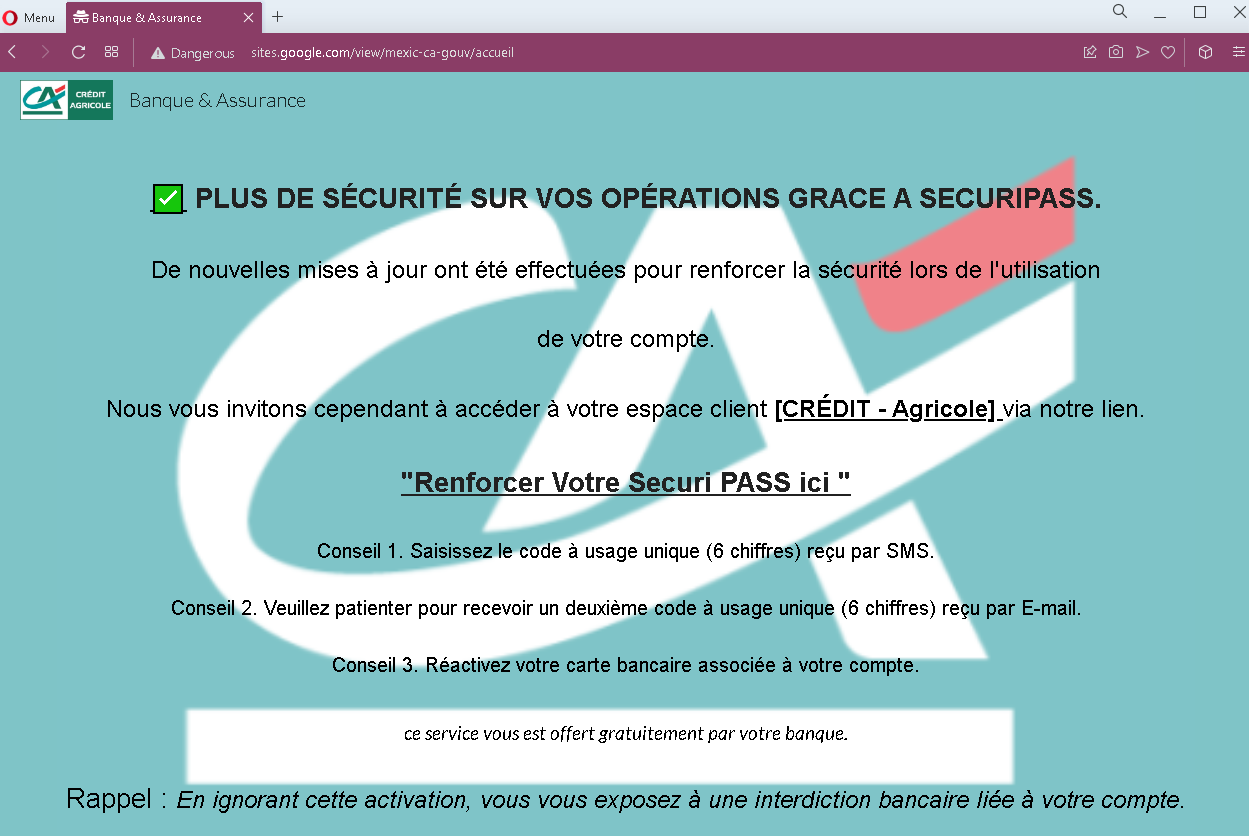
After clicking the link, the victim lands on a page that mimics the Crédit Agricole public website. It includes navigation menus, app download links, and a prominent “MON ESPACE” (My Space) button. This page is designed to look like the official bank portal before login.

Step 3 – Fake Login Page (Third Screenshot)
Clicking “MON ESPACE” leads to a fake login page asking for:

  • Identifiant (11‑digit identifier)
  • Code personnel (6‑digit personal code/password)

This captures the victim’s primary credentials.

Step 4 – Fake “First Connection” SMS Code Page (Fourth Screenshot)
The victim is told it is their first visit and asked to enter a 6‑digit code sent by SMS. This is a classic 2FA capture step. The attacker, having the credentials from Step 3, likely triggers the real SMS code on the legitimate site.

Step 5 – Fake SécuriPass Activation – Two‑Code Page (Fifth Screenshot)
The final page presents a “SécuriPass activation in two steps”:

  • First, an SMS code (another 6‑digit code)
  • Second, a 6‑digit email code

The page instructs the victim not to close the window and to enter both codes. This captures both SMS and email‑based authentication codes, giving the attacker persistent access.

The goal:
The attacker aims to:

  • Steal the victim’s Crédit Agricole credentials (identifier + personal code)
  • Capture SMS 2FA codes
  • Capture email verification codes
  • Gain full access to the victim’s bank account and email account, enabling fund transfers and identity theft

Red flags to watch for:

  • Suspicious URL: All pages are hosted on domains that are not credit-agricole.fr. Legitimate Crédit Agricole services are accessed through the official domain.
  • Multi‑page flow with redundant code requests: Asking for an SMS code twice, and then also an email code, is highly unusual. Legitimate SécuriPass activation is a one‑time process within the app or after login, not a multi‑code web flow.
  • Inconsistent messaging: The victim is told they have an existing account (step 3), then treated as a “first‑time” user (step 4), and then asked to activate SécuriPass (step 5). This is illogical and a sign of a phishing kit stitching together different templates.
  • Copied legitimate content: The pages contain real Crédit Agricole branding, menus, and legal text copied from the genuine site. Attackers use this to appear legitimate.
  • Request for email code: No legitimate bank asks for an email verification code in addition to SMS codes during a simple login or activation flow. This is designed to compromise the email account.
  • Unsolicited activation request: Crédit Agricole does not send emails with links to “activate SécuriPass” by entering credentials and multiple codes.

What to do if you encounter this:

  • Do not enter any identifiers, personal codes, SMS codes, or email codes on these pages.
  • If you are a Crédit Agricole customer, always access online banking by typing credit-agricole.fr directly into your browser or using the official mobile app.
  • If you have already entered credentials but not the later codes, contact Crédit Agricole immediately to change your password.
  • If you have entered SMS or email codes, assume your account is compromised. Contact Crédit Agricole’s fraud department immediately and also secure your email account (change password, check for forwarding rules).
  • Report the phishing pages to Crédit Agricole ([email protected]).

Why this scam is particularly dangerous:
This is a full account takeover kit that harvests both authentication factors and the victim’s email credentials. By asking for two separate SMS codes, the attacker can maintain a logged‑in session while also capturing a second code for a later transaction. The request for an email code suggests the attacker is also aiming to compromise the victim’s email account, which is often the “master key” for resetting passwords across other services.

Protective measures:

  • Bookmark the official Crédit Agricole login page and use that bookmark to access your account—never click links in emails.
  • Use a password manager: It will autofill only on legitimate credit-agricole.fr domains.
  • Never enter an SMS or email code on a page you reached via a link. Legitimate banks only ask for 2FA codes after you initiate a login on their official site.
  • Activate SécuriPass through the official mobile app, not via web links.
  • Be suspicious of any message that creates urgency and asks you to “activate” security features through a link.
  • Check the URL carefully: Legitimate Crédit Agricole domains end with credit-agricole.fr. Look for misspellings or unusual top‑level domains.
  • If in doubt, contact Crédit Agricole directly using a phone number from your bank statement or the official website—never use contact information from a suspicious message.

BAC Credomatic phishing page detected


Threat Analysis: BAC Credomatic Phishing – Fake “Banca en Línea” Login Page

This phishing campaign impersonates BAC Credomatic, one of the largest banks in Central America. The page mimics the bank’s “Banca en Línea” (Online Banking) login interface to steal customers’ username and password. It also includes a “Usar Token” option, suggesting the attacker may attempt to capture two‑factor authentication codes in a subsequent step.

How it works:
The victim receives a phishing email, SMS, or other message claiming a security alert, account issue, or the need to verify their information. The message includes a link to this fake BAC Credomatic login page. When the victim enters their Usuario and Contraseña and clicks the login button (likely labeled “Ingresar” or similar), the credentials are captured and sent to the attacker.

The goal:
The attacker aims to steal the victim’s BAC Credomatic online banking credentials. With these, they can log into the victim’s real bank account, view balances, transfer funds, pay bills, and commit fraud.

Red flags to watch for:

  • Suspicious URL: The page is hosted on a domain that is not baccredomatic.com or any official BAC domain. Legitimate BAC online banking is accessed through the bank’s official website. Always check the address bar.
  • Unsolicited login request: BAC Credomatic does not send emails or messages with links requiring customers to log in to resolve account issues. Customers should always access online banking by typing the official URL directly or using the official mobile app.
  • Typographical errors: The page contains a typo: “Recorzar Usuario” instead of “Recordar Usuario”. Official bank interfaces do not contain such errors.
  • Unusual or out-of-place text: The page includes a promotion about auto loans (“Listo para estrenar auto?”) and credit cards that may appear plausible but can be copied from the real website. The presence of such content does not make the page legitimate.
  • No personalization or security image: Legitimate BAC login pages often display a security image or personalized greeting. This page lacks those features.
  • “Usar Token” option: While the real bank uses tokens for two‑factor authentication, the inclusion of this option on a fake page is intended to make the flow appear authentic. However, the page itself is not the genuine login portal.

What to do if you encounter this:

  • Do not enter your username, password, or any other personal information on this page.
  • If you are a BAC Credomatic customer, always access online banking by typing the official BAC website URL for your country directly into your browser (e.g., baccredomatic.com) or by using the official BAC mobile app.
  • If you have already entered your credentials, contact BAC Credomatic immediately through their official customer service hotline to secure your account and change your password.
  • Report the phishing page to BAC Credomatic’s fraud department.

Why this scam is effective:
BAC Credomatic has millions of customers across Central America. The page uses the bank’s logo, familiar branding, and a layout that resembles the real login page. The inclusion of product promotions and a token option adds to the illusion of legitimacy. The typo “Recorzar” is a subtle red flag that careful users might notice.

Protective measures:

  • Bookmark the official BAC Credomatic login page for your country and use that bookmark to access online banking—never click links in emails or messages.
  • Use a password manager: It will autofill only on legitimate baccredomatic.com domains, not on phishing sites.
  • Enable two‑factor authentication (token or mobile app) on your BAC account if available, to add an extra layer of protection.
  • Be suspicious of any unsolicited message that creates urgency and asks you to log in to your bank account.
  • Check the URL carefully: Legitimate BAC domains end with baccredomatic.com or country‑specific subdomains (e.g., bac.gt for Guatemala). Look for misspellings, extra words, or unusual top‑level domains.
  • If in doubt, contact BAC Credomatic directly using a phone number from your bank statement or the official website—never use contact information provided in a suspicious message.
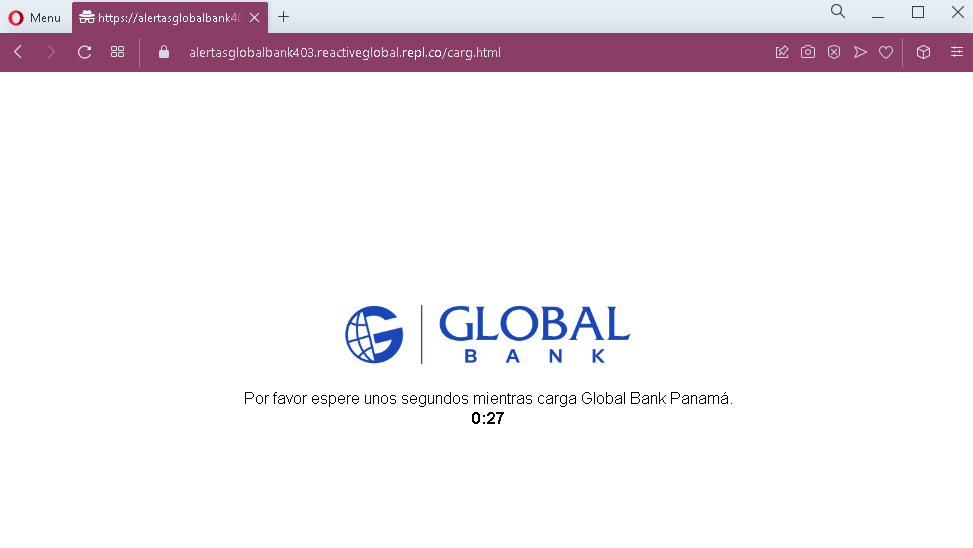
BanReservas phishing page detected (Banco de Reservas de la República Dominicana)

Thank you for sharing these three screenshots. They show a multi-step phishing campaign impersonating Banreservas (Banco de Reservas de la República Dominicana) , the largest bank in the Dominican Republic. The scam is designed to capture the victim’s online banking username, password, and then their email credentials along with the numeric code from their “tarjeta de códigos” (codes card) —a two‑factor authentication (2FA) tool used by the bank. This combination gives attackers full access to the victim’s account.

Here is a detailed English description that avoids exact quotes from the screenshots to minimize antivirus false positives.


Threat Analysis: Banreservas Phishing – Credential, Email & 2FA Code Harvesting

This phishing campaign impersonates Banreservas, the leading bank in the Dominican Republic. The scam uses a multi‑page flow to capture:

  • Usuario (online banking username)
  • Contraseña (password)
  • Email address and email password
  • Numerical code from the “tarjeta de códigos” (a physical or digital two‑factor authentication card)

By harvesting both the banking credentials and the 2FA codes, attackers can bypass security measures and take over the account.

How it works:
The victim receives a phishing email, SMS, or other message claiming a security alert, account issue, or the need to update their information. The message includes a link to the first phishing page.

Step 1 – Fake Username Page (First Screenshot)
The first page mimics the Banreservas “TUB@nco Personas” login interface. It asks for the victim’s username and has a “Continuar” (Continue) button. The page includes the bank’s logo and familiar branding.

Step 2 – Fake Password Page (Second Screenshot)
After entering the username, the victim is taken to a second page that asks for the password. A “virtual keyboard” option is presented, which is a real security feature of the bank, making the page appear legitimate.

Step 3 – Fake Email & “Tarjeta de Códigos” Page (Third Screenshot)
The third page asks for:

  • Correo electrónico (email address)
  • Contraseña de Correo (email password)
  • A selection of a “tarjeta de códigos” (codes card) – a numbered card used to generate one‑time codes for two‑factor authentication.

The victim is prompted to enter the code from the card after selecting the appropriate card. This step captures both the email credentials and the 2FA codes needed to authorize transactions.

The goal:
The attacker aims to:

  • Steal the victim’s Banreservas online banking username and password
  • Capture the victim’s email address and password to intercept communications, reset passwords, and maintain persistent access
  • Obtain the “tarjeta de códigos” 2FA codes, which are required to perform transactions or log in

With all this information, the attacker can log into the victim’s bank account, transfer funds, and also take over the associated email account.

Red flags to watch for:

  • Suspicious URL: The pages are hosted on domains that are not banreservas.com or any official Banreservas domain. Legitimate Banreservas online banking is accessed through the bank’s official website. Always check the address bar.
  • Request for email password: A legitimate bank never asks for your email account password. This is a clear sign of a phishing attack designed to compromise your email.
  • Request for “tarjeta de códigos” codes without context: The bank’s 2FA card is used to verify specific transactions or logins. Asking for it in a generic “update” flow is suspicious and indicates credential theft.
  • Unsolicited login request: Banreservas does not send emails or messages with links requiring customers to log in and then provide email passwords and 2FA codes.
  • Multi‑step design with unrelated requests: The flow moves from banking username/password to email credentials to 2FA codes. No legitimate banking process combines these in a single session.
  • Copied legitimate content: The pages use the bank’s logo, color scheme, and terminology (“TUB@nco Personas”, “tarjeta de códigos”) to appear authentic, but they are hosted on fraudulent domains.

What to do if you encounter this:

  • Do not enter your banking username, password, email credentials, or 2FA codes on these pages.
  • If you are a Banreservas customer, always access online banking by typing banreservas.com directly into your browser or by using the official Banreservas mobile app.
  • If you have already entered your banking credentials but not the email or 2FA codes, contact Banreservas immediately to change your password and secure your account.
  • If you have entered your email password, change that password immediately, enable two‑factor authentication on your email account, and check for unauthorized forwarding rules.
  • If you have entered 2FA codes from your “tarjeta de códigos”, the attacker may have already used them. Contact Banreservas’ fraud department immediately.
  • Report the phishing pages to Banreservas’ security team.

Why this scam is particularly dangerous:
This is a complete account takeover phishing kit targeting both the bank account and the associated email. By capturing the “tarjeta de códigos” 2FA codes, the attacker can authorize transactions without needing additional verification. The email credentials allow them to intercept alerts, delete evidence, and reset passwords for other services. This level of compromise can lead to significant financial loss and identity theft.

Protective measures:

  • Bookmark the official Banreservas login page and use that bookmark to access online banking—never click links in emails or messages.
  • Use a password manager: It will autofill only on legitimate banreservas.com domains, not on phishing sites.
  • Never provide your email password or 2FA card codes on a page you reached via a link. The bank already has this information and will not ask for it in an unsolicited login flow.
  • Enable two‑factor authentication on your email account using an authenticator app (not SMS) to reduce the risk of account takeover.
  • Be suspicious of any unsolicited message that creates urgency and asks you to log in to your bank account.
  • Check the URL carefully: Legitimate Banreservas domains end with banreservas.com. Look for misspellings, extra words, or unusual top‑level domains.
  • If in doubt, contact Banreservas directly using a phone number from your bank statement or the official website—never use contact information provided in a suspicious message.
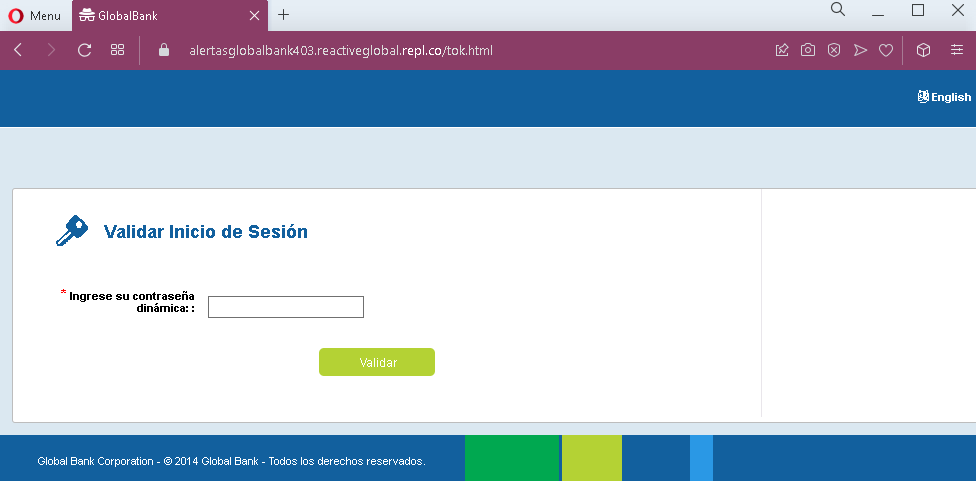
Banco Agromercantil phishing pages detected


Threat Analysis: Bam (Banco Agrícola) Phishing – Username Harvesting (First Stage)

This phishing campaign targets customers of Bam – Banco Agrícola, a major bank in Central America (particularly El Salvador). The page mimics the bank’s “Bamvirtual Personas” login interface. It only asks for a username at this stage, but the captured username will be used in subsequent fake pages to request the password and potentially a second factor (such as a token or SMS code).

How it works:
The victim receives a phishing email, SMS, or other message claiming a security alert, account issue, or the need to verify their information. The message includes a link to this fake Bamvirtual login page. After entering their username and clicking “CONTINUAR”, the victim is taken to a second fake page (not shown in these screenshots) that asks for their password. In many such kits, a third page then captures a two‑factor authentication code, giving the attacker full access.

The goal:
The attacker aims to steal the victim’s online banking credentials (username and password) and, if applicable, any two‑factor authentication codes. With these, they can log into the victim’s real bank account, view balances, transfer funds, and commit fraud.

Red flags to watch for:

  • Suspicious URL: The pages are hosted on domains that are not the official bank domain. Legitimate Bamvirtual login is accessed through the bank’s official website (e.g., bancoagricola.com). Always check the address bar.
  • Unsolicited login request: Banco Agrícola does not send emails or messages with links requiring customers to log in to resolve account issues. Customers should always access online banking by typing the official URL directly or using the official mobile app.
  • Inconsistent design elements: While the pages use the bank’s logo and color scheme, the layout and text contain small inconsistencies (e.g., the repeated headers, slightly different phrasing in each screenshot) that are not present on the legitimate site.
  • Multi‑page flow with only username first: Legitimate banking portals often combine username and password on a single page or use a security image after username entry. This separate, sequential flow is a common phishing‑kit pattern.
  • “Grupo Bancolombia” copyright: The footer mentions Grupo Bancolombia, which is correct for Banco Agrícola, but the presence of this copied text does not make the page legitimate.

What to do if you encounter this:

  • Do not enter your username on this page. If you have already done so, do not proceed to enter your password on any subsequent page.
  • If you are a Banco Agrícola customer, always access online banking by typing the official bank URL directly into your browser (e.g., bancoagricola.com) or by using the official mobile app.
  • If you have already entered your username and suspect you may have been phished, contact Banco Agrícola immediately through their official customer service to change your password and secure your account.
  • Report the phishing pages to the bank’s fraud department.

Why this scam is effective:
Banco Agrícola (Bam) is a well‑known bank in Central America, and “Bamvirtual” is its standard online banking platform. The page uses the bank’s logo and familiar branding, and the two‑stage process (username first, then password) mirrors the real login flow used by many banks. The footer with “Grupo Bancolombia” adds an extra layer of perceived legitimacy. Victims who are not paying close attention to the URL may enter their username without suspicion.

Protective measures:

  • Bookmark the official Bamvirtual login page and use that bookmark to access online banking—never click links in emails or messages.
  • Use a password manager: It will autofill only on legitimate bank domains, not on phishing sites.
  • Enable two‑factor authentication (2FA) on your bank account if available, to add an extra layer of protection.
  • Be suspicious of any unsolicited message that creates urgency and asks you to log in to your bank account.
  • Check the URL carefully: Legitimate Banco Agrícola domains end with bancoagricola.com (or country‑specific variations). Look for misspellings, extra words, or unusual top‑level domains.
  • If in doubt, contact Banco Agrícola directly using a phone number from your bank statement or the official website—never use contact information provided in a suspicious message.
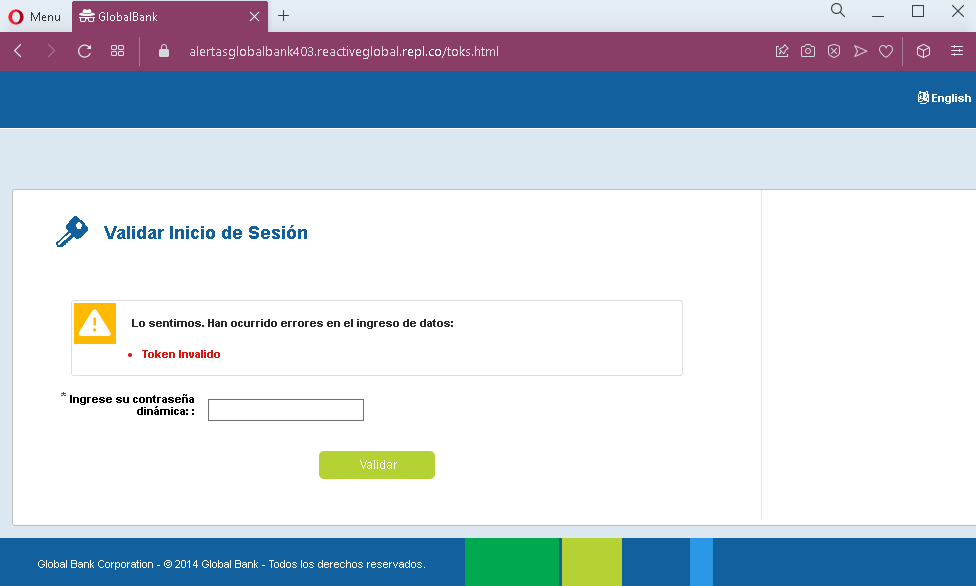
Google phishing page with fake BG Vapes authorization detected

Then user will be redirected to the true Vapes.bg website:

These three screenshots show a Google account phishing attack combined with a post‑phishing redirection to a Bulgarian vape shop page. The attacker uses a fake Google sign‑in flow to steal the victim’s email and password, then redirects to a legitimate‑looking online store to reduce suspicion.


Threat Analysis: Google Account Phishing with Fake Age‑Verification Pretext

This phishing campaign uses a fake “verify your age” screen impersonating Google to steal victims’ Google account credentials. After the victim enters their email and password, they are redirected to a Bulgarian vape products site (likely to make the phishing attempt less obvious and to avoid immediate suspicion).

How it works:

  1. The victim receives a link—often via email, SMS, or social media—claiming they need to verify their age to access a restricted site (in this case, “BG Vapes”).
  2. Clicking the link opens a fake Google sign‑in page (first screenshot) asking for an email or phone number.
  3. After entering an email, the victim is taken to a second fake Google page that requests the password (second screenshot).
  4. Once the credentials are submitted, the attacker captures them. The victim is then redirected to a real Bulgarian online vape shop (third screenshot), which appears normal and unrelated to the login—so the victim may not realize their account was compromised.

The goal:
The attacker aims to steal Google account credentials. With these, they can:

  • Access the victim’s Gmail (to reset passwords for other services)
  • Compromise linked services (Google Drive, Photos, etc.)
  • Use the account to spread further phishing messages
  • Sell the credentials on criminal marketplaces

Red flags to watch for:

  • Suspicious URL: The pages are hosted on a domain that is not google.com. Always check the address bar before entering credentials.
  • Unusual context: Google does not ask you to “verify your age” to visit a third‑party website. Age verification is handled by the site itself, not by Google.
  • Generic design: The fake pages imitate Google’s sign‑in interface but lack the proper security indicators (e.g., the correct URL, a valid SSL certificate showing google.com, etc.).
  • Post‑login redirection: After entering credentials, the victim is taken to an unrelated vape shop. Legitimate Google sign‑ins do not redirect to commercial sites.

What to do if you encounter this:

  • Do not enter your email or password on such pages.
  • If you have already entered your credentials, change your Google password immediately and enable two‑factor authentication (2FA). Also check your Google account for any unauthorized forwarding rules, connected apps, or recent activity.
  • Report the phishing page to Google (via safe.google.com).

Why this scam is effective:
The fake Google sign‑in page looks convincing and uses the “age verification” excuse to make the request seem plausible. The final redirection to a real, functional vape site lowers the victim’s suspicion—they may assume the login “worked” and continue browsing the store without realizing their credentials were stolen.

Protective measures:

  • Always check the URL before signing into any Google service. The legitimate Google login page is accounts.google.com.
  • Use a password manager: It will autofill only on the real Google domain.
  • Enable two‑factor authentication (2FA) on your Google account to prevent unauthorized access even if your password is stolen.
  • Be suspicious of any unsolicited link that asks you to sign in to Google, especially if it claims to be for age verification or to access a third‑party site.

PayPal phishing page in French detected


These four screenshots show a multi‑step phishing campaign targeting French users, likely impersonating a payment service or online marketplace. The scam uses a fake “pending payment” lure to harvest the victim’s login credentials, full personal details, and credit card information.


Threat Analysis: Fake Payment Pending Phishing – Credential, Personal & Card Data Harvesting

This phishing campaign is built on a simple but effective pretext: the victim is told that a payment is waiting for them. To “receive” the money, they must log in and then “confirm” their identity by providing personal and card details. The pages are hosted on a free website builder (WIX), a common indicator of throwaway phishing sites.

How it works:
The victim receives an email, SMS, or message claiming that a payment is pending and they need to log in to claim it.

Step 1 – Fake Login Page (First Screenshot)
A minimal page asks for an email address and password. No branding is shown, but the promise of a payment makes victims believe they are logging into a legitimate service.

Step 2 – Fake Payment Confirmation Page (Second Screenshot)
After submitting credentials, the victim sees a page stating that the payment has been approved by the bank and they must “confirm” to receive it. This creates a false sense of progress.

Step 3 – Personal & Card Number Page (Third Screenshot)
The victim is asked to “confirm their account” by providing:

  • First name & last name
  • Home address
  • Phone number
  • Full credit/debit card number

Step 4 – Expiration & CVV Page (Fourth Screenshot)
The final page asks for the expiration date and cryptogram (CVV) . With the card number from Step 3, the attacker now has all information needed to make online purchases or clone the card.

The goal:
The attacker aims to:

  • Steal the victim’s email and password (likely for a specific platform or general reuse)
  • Obtain full identity and contact information
  • Capture complete credit card details (number, expiration, CVV) for fraud

Red flags to watch for:

  • Suspicious URL: All pages are hosted on a free WIX subdomain (visible in the browser address bar). Legitimate payment services use their own domains.
  • “WIX.com” banner: The blue “Ce site a été conçu sur la plateforme WIX.com” banner appears on every page, a clear sign this is not a professional or legitimate service.
  • Illogical flow: A platform that already has your login credentials would not ask for your full card details and CVV to “release” a payment.
  • No branding: No company name or logo is shown. The victim is left guessing which service they are logging into.
  • Multiple requests for sensitive data: Asking for full name, address, phone, card number, expiration, and CVV in one flow is a classic carding/phishing pattern.

What to do if you encounter this:

  • Do not enter any information on pages hosted on free website builders (WIX, Weebly, etc.) unless you are absolutely certain they are legitimate (which they almost never are for banking/payment services).
  • If you have already entered your email and password, change that password immediately, especially if you reuse it elsewhere.
  • If you entered card details, contact your bank immediately to block the card and dispute any unauthorized charges.
  • Report the phishing page to the legitimate company being impersonated (if identifiable) and to the platform hosting the site (WIX has a reporting mechanism for phishing).

Why this scam is effective:
The promise of “money waiting” exploits eagerness and urgency. The multi‑step flow makes the process seem thorough and official. The use of a familiar free website builder can actually lower suspicion for users who associate WIX with small legitimate businesses, but in this case it is being abused for fraud.

Protective measures:

  • Never log in to a service via a link sent in an unsolicited message. Type the official URL directly.
  • Check the address bar carefully. Legitimate payment services do not use free hosting platforms like WIX.
  • Never enter your full card number, expiration, and CVV on a page that claims to be “verifying” or “releasing” funds. This is a standard card‑harvesting tactic.
  • Use a password manager – it will not autofill on fake domains.
  • Enable two‑factor authentication on your email and financial accounts.

Nets fake page in Danish detected

These two screenshots show a phishing campaign impersonating Nets, a major Danish payment service provider. The scam uses a fake “refund” pretext to trick victims into providing their email address, full name, phone number, and full credit/debit card details.


Threat Analysis: Nets Refund Phishing – Card & Personal Data Harvesting

This phishing campaign impersonates Nets, a widely used payment processor in Denmark (and other Nordic countries). The victim is led to believe they are receiving a refund for a debited amount. To “process” the refund, they are asked to provide personal and card information.

How it works:

  1. The victim receives a phishing email, SMS, or other message claiming a refund is available due to a transaction error or cancellation.
  2. The first page asks for an email address and full name.
  3. The second page, branded with Nets logos, asks for:
  • Phone number (pre‑fixed with +45, the Danish country code)
  • Name on card
  • Card number
  • Expiration date
  • CVV

The button on the second page is labelled “Annuller transaktionen” (Cancel the transaction), which is a deceptive trick—clicking it actually submits the stolen data.

The goal:
The attacker aims to collect:

  • The victim’s full name, email address, and phone number (for identity theft or follow‑up scams)
  • Complete card details (card number, expiry, CVV) to make fraudulent purchases or clone the card

Red flags to watch for:

  • Suspicious URL: The first page is hosted on a subdomain of myclickempurl.host, a domain completely unrelated to nets.eu or nets.dk. Legitimate Nets services are accessed through official domains.
  • Request for full card details for a refund: A legitimate refund does not require the customer to enter their card number, expiry date, and CVV. Refunds are processed automatically to the original payment method.
  • Misleading button text: The button says “Cancel the transaction,” but the page is designed to capture card data. This is a social engineering trick to make victims click without realizing they are submitting their details.
  • Poor design and mismatched branding: While the second page uses Nets logos, the overall design is simple and lacks the security features (e.g., proper SSL certificate, consistent navigation) of the real Nets site.
  • Unsolicited refund offer: Nets does not send unsolicited emails or messages asking customers to enter card details to receive a refund.

What to do if you encounter this:

  • Do not enter your email, name, phone number, or card details on these pages.
  • If you are a Nets user or a customer of a merchant using Nets, always check your transactions through your bank or the official Nets portal—never through links in messages.
  • If you have already entered your card details, contact your bank immediately to block the card and dispute any unauthorized charges.
  • Report the phishing pages to Nets’ fraud team and to the relevant authorities (e.g., the Danish police cybercrime unit).

Why this scam is effective:
Nets is a trusted name in Denmark and the Nordic region. Refund scams are common because people expect to receive money back after a transaction error. The multi‑step flow (first personal info, then card details) makes the process seem legitimate. The deceptive “Cancel the transaction” button may actually reassure victims that they are not “confirming” a payment but rather stopping one—while in fact they are handing over their card information.

Protective measures:

  • Never click links in unsolicited messages claiming a refund or payment issue. Instead, log into your bank or the relevant service directly via a bookmarked URL.
  • Check the URL carefully: Legitimate Nets domains end with nets.eu or nets.dk. Look for misspellings, extra words, or unusual top‑level domains.
  • Never enter your card number, expiry, and CVV on a page that claims to be processing a refund. Legitimate refunds happen automatically without re‑entering card details.
  • Use a password manager – it will not autofill on fake domains.
  • Enable two‑factor authentication on your bank and email accounts to add an extra layer of security.

Netflix fake page detected

These four screenshots show a multi‑step Netflix phishing campaign designed to harvest full payment card details, personal information, and the SMS verification code (two‑factor authentication) needed to authorize fraudulent charges or take over an account.


Threat Analysis: Netflix Phishing – Complete Card & 2FA Code Harvesting

This phishing campaign impersonates Netflix’s subscription sign‑up process. The victim is led to believe they need to “complete account configuration” to start a premium subscription. The scam uses a multi‑page flow to collect:

  • Full card details (number, expiration date, CVV)
  • Personal information (name, address, city, state, zip, phone number)
  • SMS verification code (a 2FA code sent to the victim’s phone, presumably by the real bank or card issuer)

How it works:
The victim receives a phishing email, SMS, or social media message claiming their Netflix account needs updating, or they are eligible for a free trial. The link leads to a fake Netflix page.

Step 1 – Introductory Page (First Screenshot)
A simple page claims the victim needs to “complete account configuration” to continue. It provides no details but directs the victim to proceed.

Step 2 – Card Details Page (Second Screenshot)
The victim is asked to enter:

  • First and last name
  • Full card number
  • Expiration date (MM/YY)
  • Security code (CVV)

A monthly fee (USD11.99) is displayed to make the page look like a legitimate subscription checkout.

Step 3 – Billing Address & Phone Page (Third Screenshot)
The third page requests:

  • First and last name (again)
  • Address, city, state, zip code
  • Phone number

This completes the personal and contact information needed for identity theft.

Step 4 – SMS Code Page (Fourth Screenshot)
The final page claims a code has been sent “to the phone number linked to your bank card.” The victim is asked to enter that code to “verify” the payment method. This is a classic 2FA code capture step. The attacker, having the card details, has likely already initiated a real transaction or attempted to add the card to a digital wallet, triggering the SMS code from the actual bank or card provider. When the victim enters the code, the attacker uses it to authorize the fraudulent transaction.

The goal:
The attacker aims to:

  • Steal full credit/debit card details (number, expiry, CVV)
  • Obtain the victim’s full identity (name, address, phone)
  • Capture the SMS two‑factor authentication code to complete an unauthorized transaction or add the card to a payment service

With this data, the attacker can make online purchases, create cloned cards, or use the card for fraud.

Red flags to watch for:

  • Suspicious URL: The pages are hosted on a domain that is not netflix.com. Legitimate Netflix billing is always handled on official Netflix domains.
  • Unusual setup flow: Netflix does not ask new subscribers for card details, billing address, and SMS codes in a four‑step manual process. Account creation is done in one or two simple screens.
  • SMS code request: A legitimate Netflix subscription does not require entering a code sent by your bank. This is a clear sign of a phishing kit attempting to intercept 2FA.
  • Inconsistent branding: While the pages use the Netflix logo and red theme, the layout and phrasing differ from the official Netflix interface.
  • Excessive data collection: Asking for both card details and a separate billing address, plus phone, is redundant for a real subscription.
  • Unsolicited offer: Netflix does not send emails or messages with links to “complete configuration” or “update payment” without prior notification through the official account dashboard.

What to do if you encounter this:

  • Do not enter any card details, personal information, or SMS codes on these pages.
  • If you have already entered your card details, contact your bank immediately to block the card and dispute any unauthorized charges.
  • If you have entered an SMS code, the attacker may have already used it. Contact your bank’s fraud department immediately.
  • Always access Netflix by typing netflix.com directly into your browser and checking your account status from the official dashboard.
  • Report the phishing pages to Netflix’s security team (e.g., by forwarding the original message to [email protected]).

Why this scam is particularly dangerous:
This is a full payment card and 2FA harvesting kit. The multi‑step flow mimics a real subscription process, making it convincing. The final SMS code page is especially dangerous because it allows the attacker to bypass two‑factor authentication on the victim’s card or bank account. Victims often assume the code is a normal part of signing up for Netflix and enter it without suspicion.

Protective measures:

  • Bookmark the official Netflix login page and never click links in emails or messages claiming account issues.
  • Use a password manager: It will not autofill on fake domains.
  • Never enter your card’s CVV or an SMS verification code on a page you reached via a link.
  • Enable two‑factor authentication on your Netflix account (available in some regions) and on your email account.
  • Check the URL carefully: Legitimate Netflix domains end with netflix.com. Look for misspellings, extra words, or unusual top‑level domains.
  • If in doubt, contact Netflix support directly via the official website—never use contact information from a suspicious message.