
TymeBank phishing campaigns target South African customers through SMS and email alerts claiming account suspension, directing victims to a fake portal designed to steal ID numbers, PINs, and real-time OTPs. These attacks deceptive tactic the bank’s digital-only model, urging users to use official applications and ignore suspicious links.
Incident Report: This malicious interface was intercepted, verified, and locked down firsthand by the
Antiphishing.bizsecurity team during our daily link moderation procedures. To protect the public, the phishing source domain has been completely disabled within our infrastructure. We document and analyze these live visual patterns to help security researchers and users spot lookalike phishing methods before financial damage occurs.
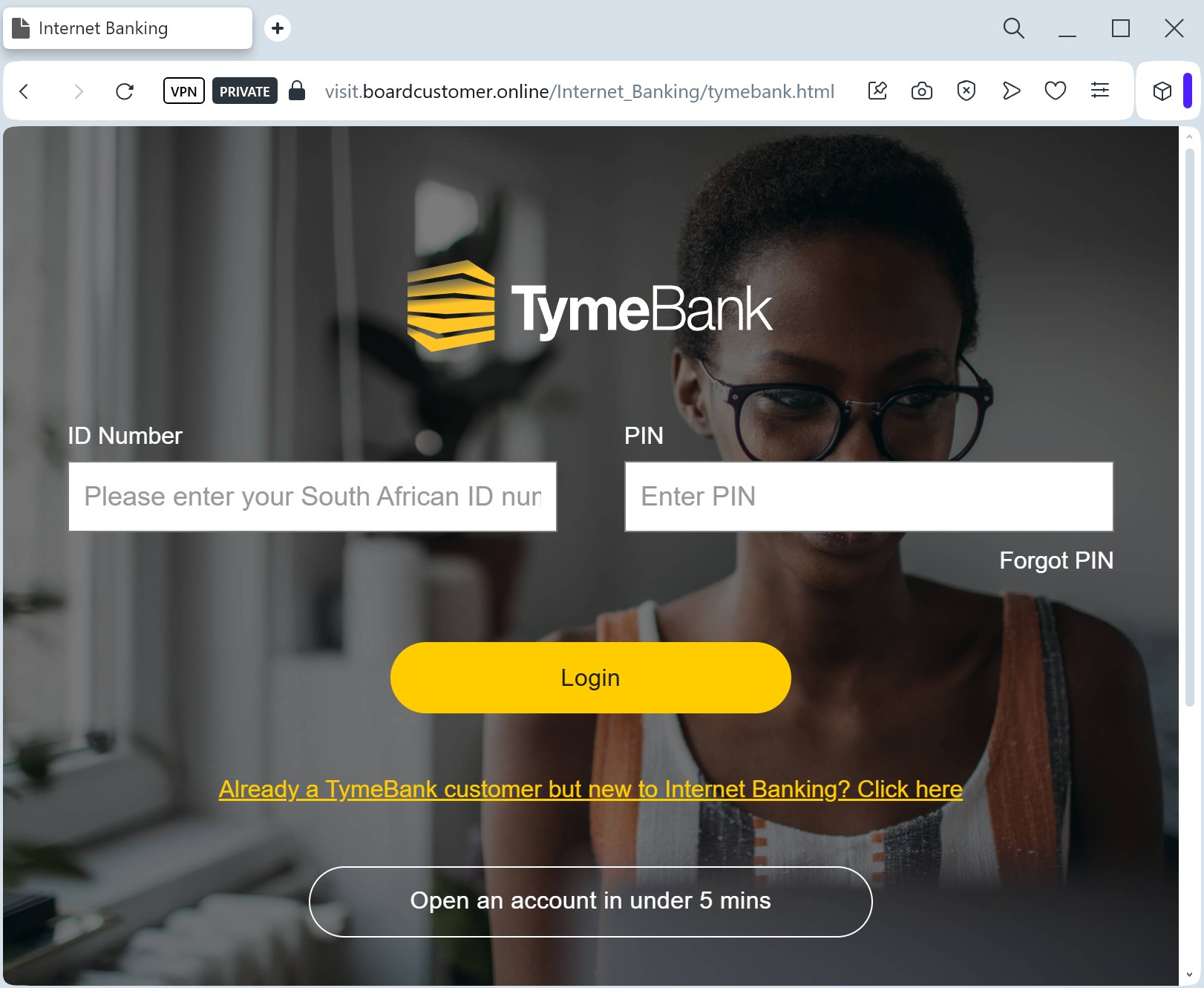
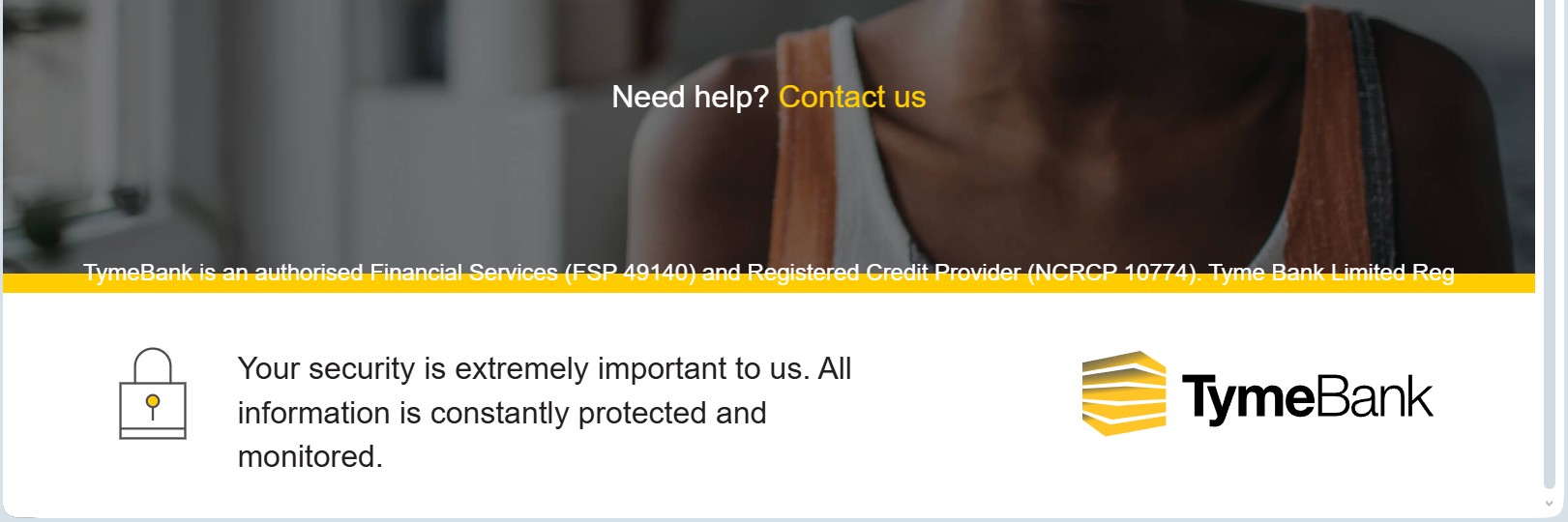
Target: Customers of TymeBank (South Africa)
Threat Level: High (Digital Banking Access & Identity Theft)
Phishing Method Description
This attack targets users of TymeBank, a leading digital-only bank in South Africa. Scammers deceptive tactic the bank’s paperless nature by sending SMS (Smishing) or emails claiming that the user’s “Smart ID” verification has failed or that their “Everyday Account” requires an urgent security update.
The fraudulent page is a sophisticated clone of the TymeBank web login. It is specifically designed to harvest:
South African ID Number
Mobile Phone Number (linked to the account)
Internet Banking Password / PIN
OTP (One-Time PIN): The fake site intercepts the SMS code in real-time to authorize fraudulent transfers or link a new device to the account.
Red Flags to Watch For
Deceptive Domain: The official domain is tymebank.co.za. Phishing sites often use variations like tymebank-login.com, secure-tyme.net, or free hosting URLs like tyme-portal.web.app.
Unexpected OTP Prompts: If the website asks for an OTP (One-Time PIN) immediately after you enter your password — without you performing a transaction — it is a sign that a threat actor is trying to log in simultaneously.
Insecure Connection: While many phishing sites use HTTPS, always check if the certificate is actually issued to “Tyme Bank Limited.” If it’s a generic “Let’s Encrypt” certificate for a random domain, it’s a scam.
How to Protect Yourself
Use the TymeBank App: Always perform banking through the official TymeBank App from the Google Play Store, Huawei AppGallery, or Apple App Store. The app uses secure device binding which is much harder to phish.
Never Share Your PIN: TymeBank will never ask for your secret PIN or OTP over the phone, via SMS, or through a link in an email.
The “Official Channel” Rule: If you receive a suspicious alert, log out and call the official TymeBank support line at 0860 TymeBank (896 3226) to verify the status of your account.
Public Kiosks: Be extra cautious if you recently used a TymeBank kiosk in a retail store (like Pick n Pay or Boxer). Scammers sometimes time their attacks to coincide with physical interactions.