
A Bank of America phishing campaign utilizes a multi-stage “identity verification” process to harvest full user credentials, including Social Security numbers, card details, and email passwords. Scammers use high-pressure SMS and emails directing users to fake sites designed to steal full identities rather than just login credentials.
Incident Report: This spoofed page was detected, analyzed, and contained firsthand by the
Antiphishing.bizsecurity team during our standard URL vetting operations. To protect the public, the phishing source domain has been completely disabled within our infrastructure. We document and analyze these live visual patterns to help security researchers and users spot lookalike phishing methods before financial damage occurs.
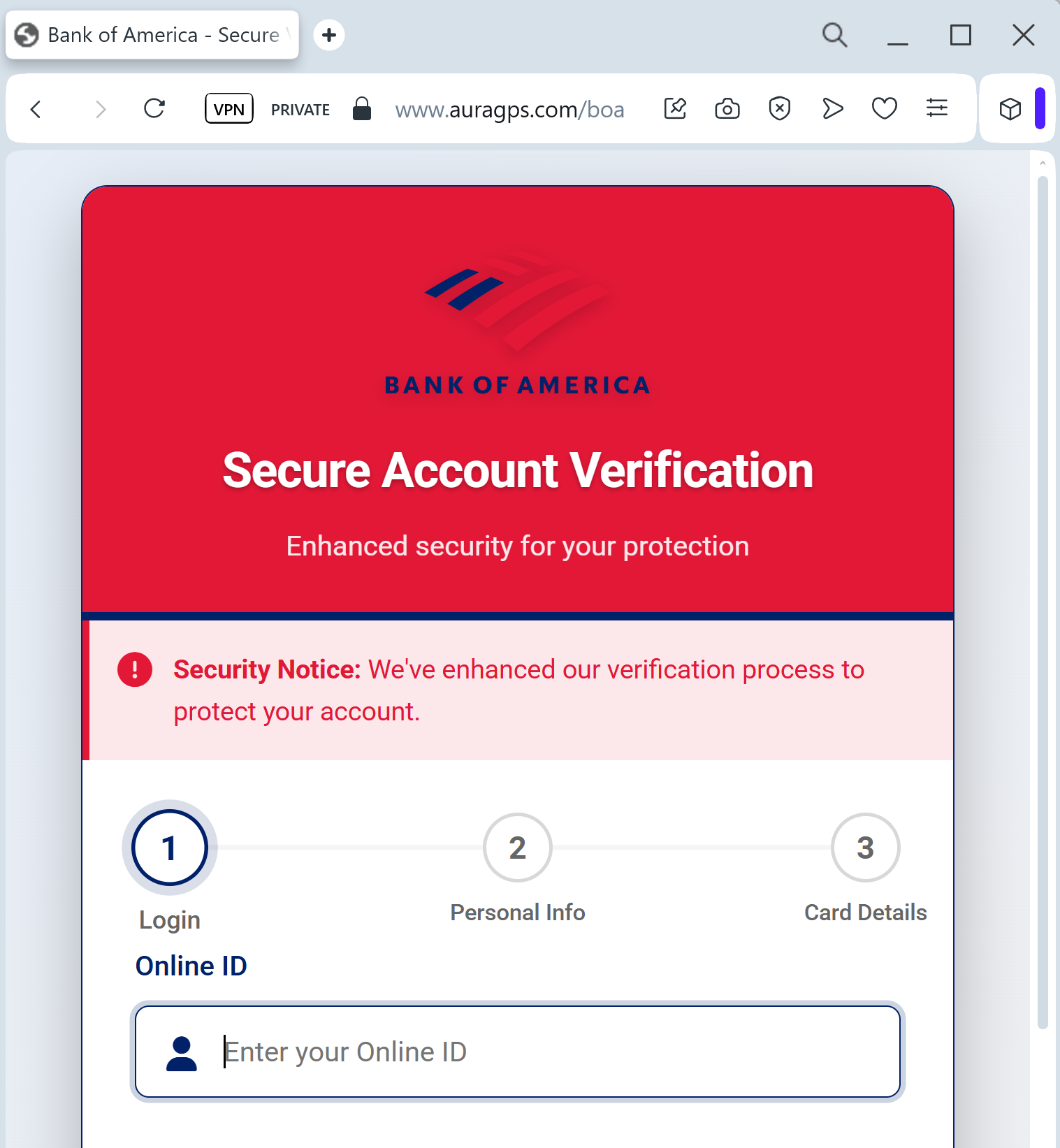
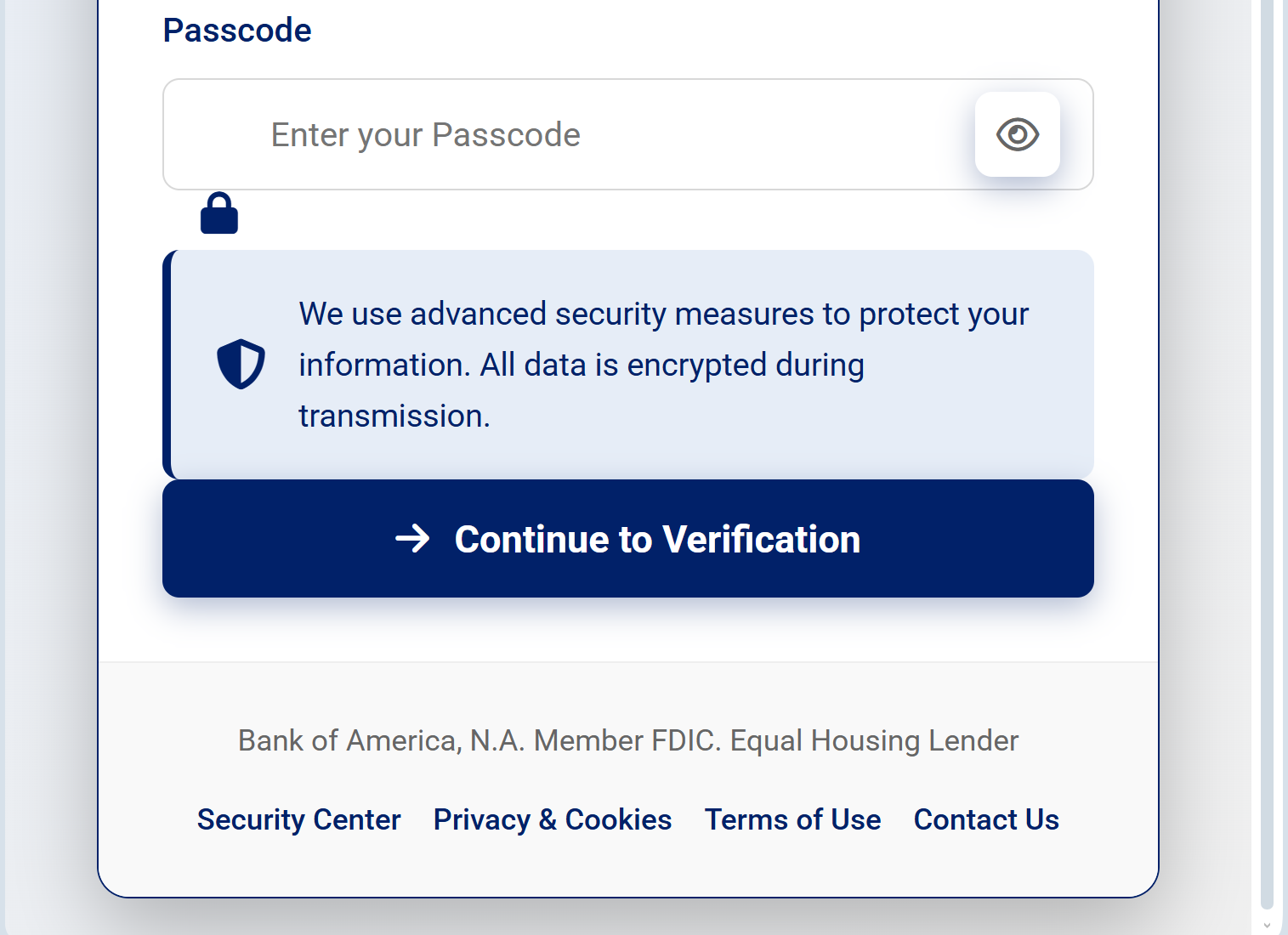
Target: Bank of America Customers (USA)
Threat Level: Critical (Full Identity & Financial Takeover)
Phishing Method Description
This attack utilizes a “Social Engineering” pretext, where the victim is told their account access has been limited due to a “missing regulatory update” or “unusual activity.” Unlike simple login phishers, this kit leads the user through a series of official-looking screens to build trust.
The malicious site is a high-fidelity clone of the Bank of America portal, specifically designed to harvest:
Online ID & Passcode
Social Security Number (SSN) (Full or last 4 digits)
Date of Birth
Credit/Debit Card Details (Number, CVV, and Expiration Date)
ATM PIN: The ultimate red flag, as banks never ask for your physical ATM PIN on a website.
Red Flags to Watch For
The URL Mask: The official domain is strictly bankofamerica.com. Phishing sites often use deceptive addresses like bofa-update-center.net, bankofamerica-support.org, or compromised third-party domains ending in .xyz or .info.
Requesting the ATM PIN: This is a definitive sign of fraud. A legitimate bank website will never ask you to type your 4-digit ATM PIN into a web form for “verification.”
Inconsistent Branding: Look for small details—if the logo is slightly blurry, the fonts look “off,” or the footer links (Privacy, Security) don’t work, it’s a fake.
How to Protect Yourself
Ignore SMS/Email Links: Bank of America will never send you a link directly to a sensitive verification page. Always go to the official site by typing the address manually.
The PIN Rule: Your ATM PIN is for ATMs and point-of-sale terminals only. Never enter it on any website, regardless of how official it looks.
Use the Mobile App: If there is a real issue with your account, a notification will appear inside the secure Bank of America Mobile Banking app.
Immediate Action: If you have already entered your information on such a page, call the official Bank of America fraud department immediately at 1.877.388.5030 to freeze your accounts.