
An Interac phishing campaign, often targeting Canadian bank customers, uses a sophisticated gateway to impersonate the instant money transfer system and harvest banking credentials, security questions, and OTP codes. Victims are lured via SMS or email to fake portals that perfectly clone major financial institutions to facilitate account takeovers.
Security Notice: This spoofed page was logged, cross-checked, and neutralized firsthand by the
Antiphishing.bizsecurity team during our automated link scanning workflows. To protect the public, the dangerous destination URL has been fully defanged within our infrastructure. We document and analyze these live visual patterns to help security researchers and users detect replica fraud techniques before financial damage occurs.
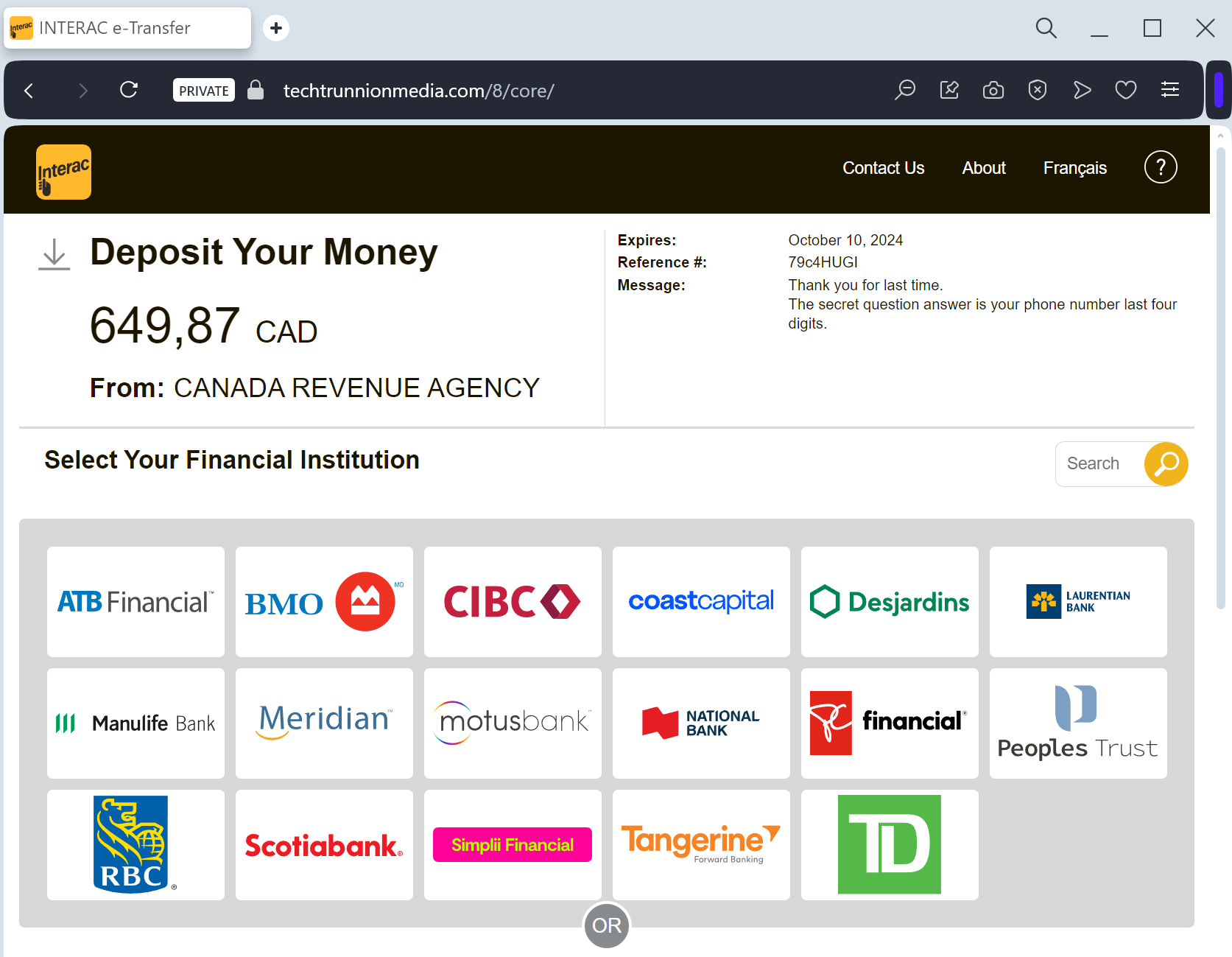
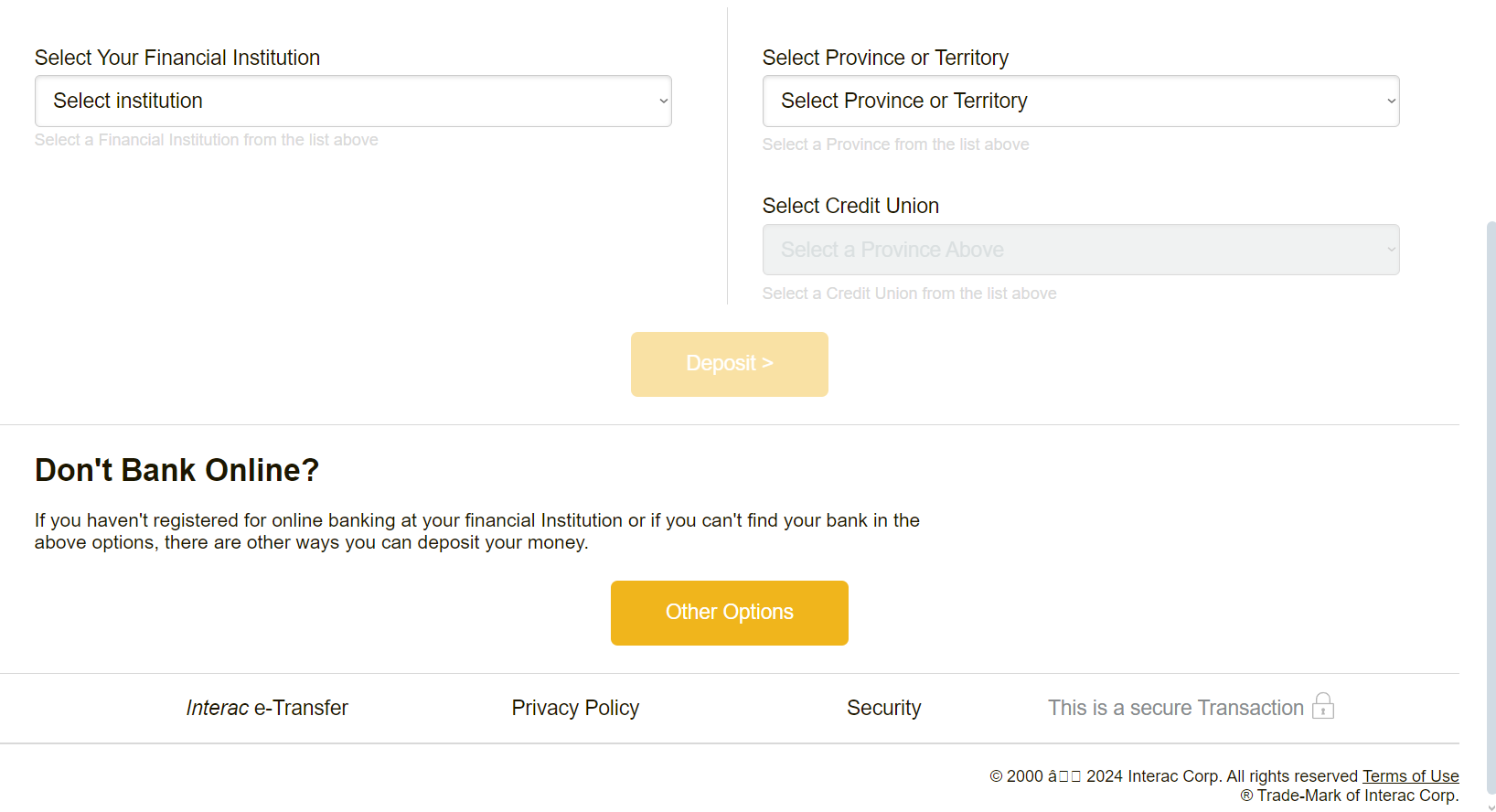
This phishing campaign targeting Canadian bank customers, particularly through Interac e-Transfers, lures victims with fake “unexpected money” notifications via SMS or email to harvest credentials. Victims are directed to a spoofed “Interac e-Transfer” portal that clones major Canadian bank login pages, allowing attackers to steal User IDs, passwords, security answers, and 2FA codes in real-time. Users are advised to enable Autodeposit and avoid clicking links in unexpected transfer notifications to avoid this credential harvesting attack.
Interac e-Transfer “Deposit Notification” Phishing
Target: Canadian Bank Customers (RBC, TD, Scotiabank, BMO, CIBC, etc.)
Threat Level: Critical (Bank Account Takeover & Identity Theft)
Phishing Method Description
This attack uses Financial Bait. Victims receive an SMS (Smishing) or Email claiming that an “Interac e-Transfer” is waiting for them (e.g., a tax refund, a utility rebate, or a payment from a contact).
The link leads to a fake Interac Gateway page that looks identical to the real portal. It presents a list of major Canadian banks. Once the victim selects their bank, they are redirected to a pixel-perfect clone of that bank’s login page. This kit is designed to harvest:
Online Banking Credentials (Card Number/Username and Password)
Security Challenge Questions & Answers
Mobile Phone Number (for intercepting 2FA codes in real-time)
Red Flags to Watch For
The URL Trap: Official Interac transfers use domains like
interac.ca or links directly from your bank’s official domain. Phishing sites use interac-deposit-mobile.com, e-transfer-notify.net, or free subdomains like interac.web.app.Unexpected Money: If you aren’t expecting a transfer, any “surprise” money notification is a scam.
Direct Bank Selection: Real Interac notifications usually allow you to select your bank, but phishing sites often have “broken” buttons for all but the major banks they are targeting.
Expert Security Tip:
The “Autodeposit” DefenseThe Method:
This case highlights a Credential & Security Question Harvesting attack. Scammers are not just trying to log in; they want the answers to your secret questions so they can bypass future security checks and change your contact information.
The Trap:
By clicking “Deposit,” you are voluntarily walking into a trap designed to steal your entire banking identity. Once they have your credentials and security answers, they can drain your account in minutes.
How to Protect Yourself:
Enable Interac Autodeposit: This is your best defense. If you have Autodeposit enabled in your official banking app, any legitimate e-Transfer will go straight into your account without you ever needing to click a link or answer a security question. If you have Autodeposit on and you still get a link to “deposit” money, it is 100% a scam.
Never Click SMS Links: If you receive an e-Transfer notification via SMS, ignore the link. If you think it’s real, log into your official banking app directly to see if the funds are there.
Identity is Key: Your bank will never ask you to “verify your identity” by answering all your security questions just to receive a deposit.