
A phishing campaign targeting easybank (a German direct bank), based on the two screenshots.
Threat Analysis: easybank Phishing – Fake Online Banking Login with Fake Waiting Page
This phishing campaign impersonates easybank, a German online bank. The attack is designed to steal the victim’s online banking credentials (username and password) and then use a fake “processing” page to reduce suspicion.
How it works:
Step 1 – Fake Login Page (First Screenshot)
The victim receives a phishing email, SMS, or other message claiming a security alert, account issue, or the need to log in. The link leads to this page, which mimics the easybank Online‑Banking login portal. The page asks for:
Incident Report: This deceptive layout was intercepted, verified, and locked down firsthand by the
Antiphishing.bizsecurity team during our daily link moderation procedures. To protect the public, the hostile origin link has been safely deactivated within our infrastructure. We document and analyze these live visual patterns to help security researchers and users recognize deceptive clone designs before financial damage occurs.
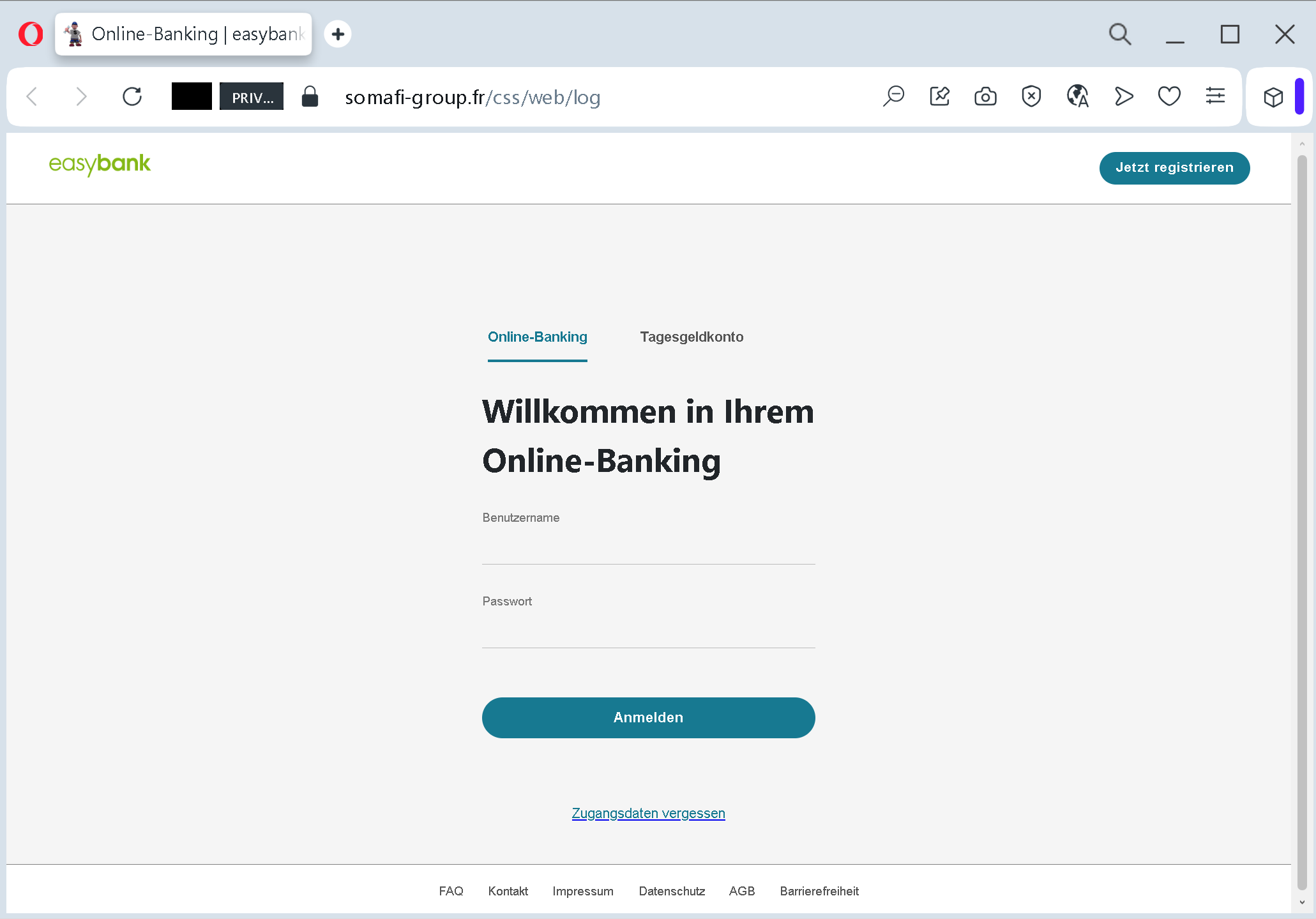
- Benutzername (username)
- Passwort (password)
A link for “Zugangsdaten vergessen” (forgotten credentials) is added to appear legitimate. The page also includes a “Jetzt registrieren” (register now) option and references to “Tagesgeldkonto” (overnight money account) – all copied from the real bank’s website.
Step 2 – Fake Waiting Page (Second Screenshot)
After the victim submits their credentials, they are taken to this page. It claims that the request is being processed and asks the victim not to leave the page to avoid interruption. This serves two purposes:
- It buys time for the attacker to use the stolen credentials to log into the real easybank portal.
- It reduces suspicion – the victim believes the login was successful and that the system is working normally.
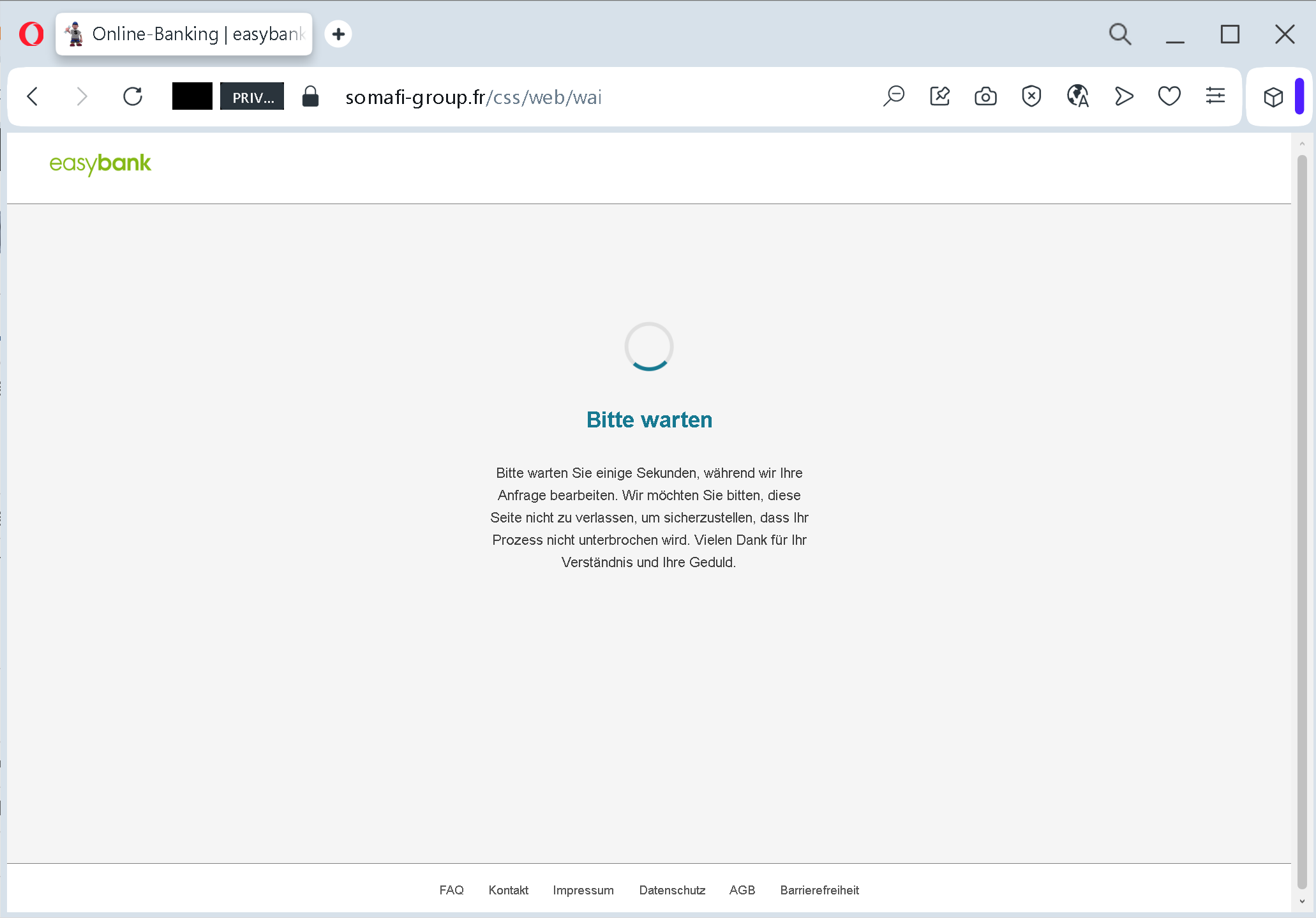
In reality, the credentials have already been captured, and the attacker may be using them to access the victim’s real account, transfer funds, or change settings.
The goal:
The attacker steals easybank login credentials to:
- Access the victim’s bank account
- View balances, transfer money, and make unauthorized payments
- Commit fraud or identity theft
Red flags to watch for:
- Suspicious URL: The login page is hosted on a domain that is not
easybank.desomafi-group.fr - Unsolicited login request: easybank does not send links requiring customers to log in to resolve account issues. Always type the official URL directly.
- Generic waiting page: A legitimate online banking system does not display a simple “please wait” page after login – the user is either logged in or shown an error. This waiting page is a classic phishing tactic to stall while the attacker works.
- Minimal design / missing security features: The fake login page lacks the full branding, security notices, and multi‑factor authentication prompts (e.g., chipTAN, pushTAN) that would appear on the real easybank site.
What to do if you encounter this:
- Do not enter your username or password.
- If you have already entered your credentials, contact easybank immediately to block your account and change your access data.
- Always access online banking by typing
easybank.de - Report the phishing page to easybank’s fraud department.
Protective measures:
- Bookmark the official easybank login page and use that bookmark.
- Use a password manager – it will autofill only on legitimate domains.
- Enable two‑factor authentication (chipTAN, pushTAN, or mobileTAN) – but be aware that attackers may also try to intercept these codes if they have already captured your credentials.
- Be suspicious of any unsolicited message that asks you to log in via a link.
- Check the URL carefully – look for misspellings, extra words, or unusual top‑level domains.