
A Bank of America phishing campaign utilizes a multi-stage “identity verification” process to harvest full user credentials, including Social Security numbers, card details, and email passwords. Scammers use high-pressure SMS and emails directing users to fake sites designed to steal full identities rather than just login credentials.
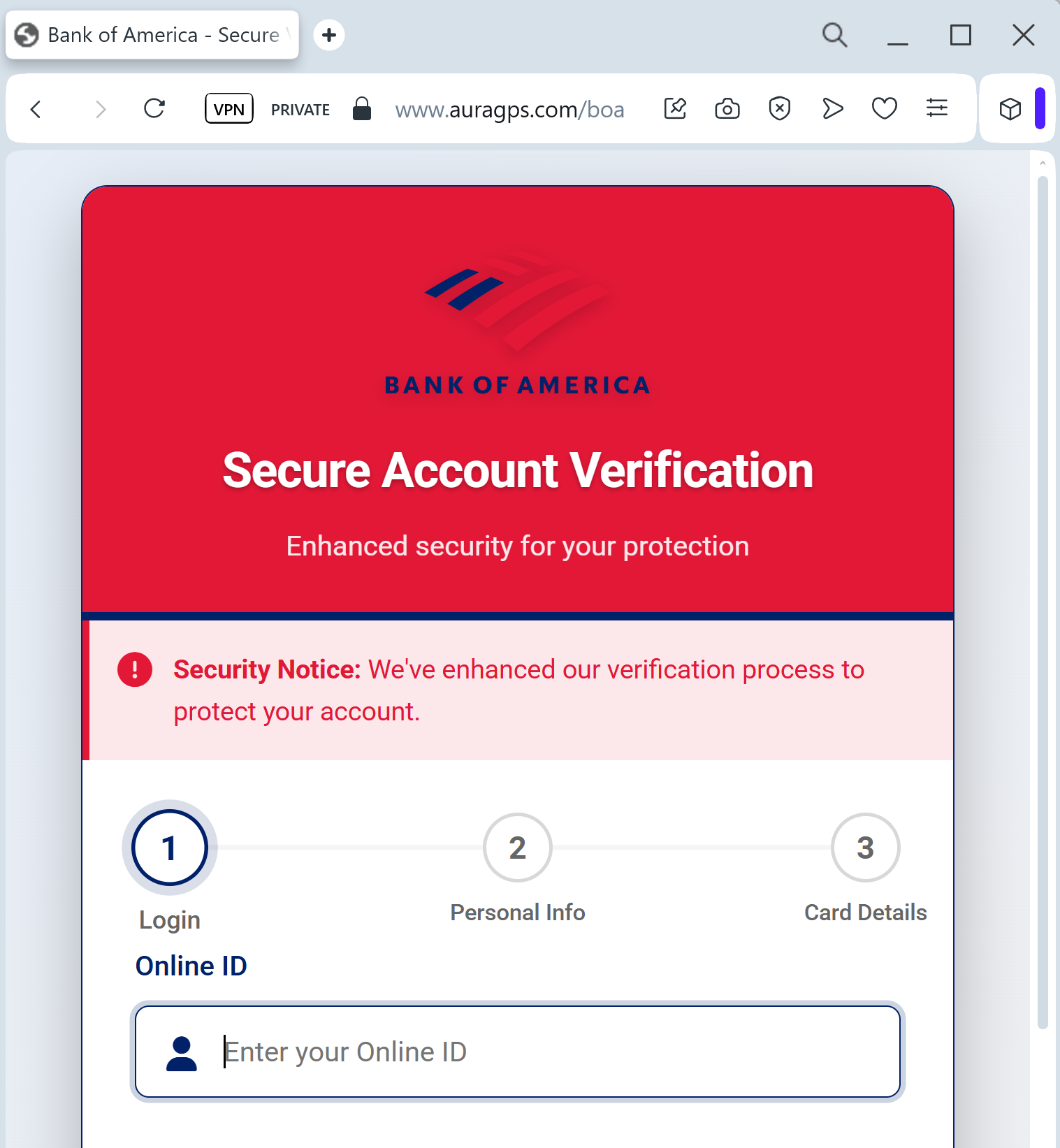
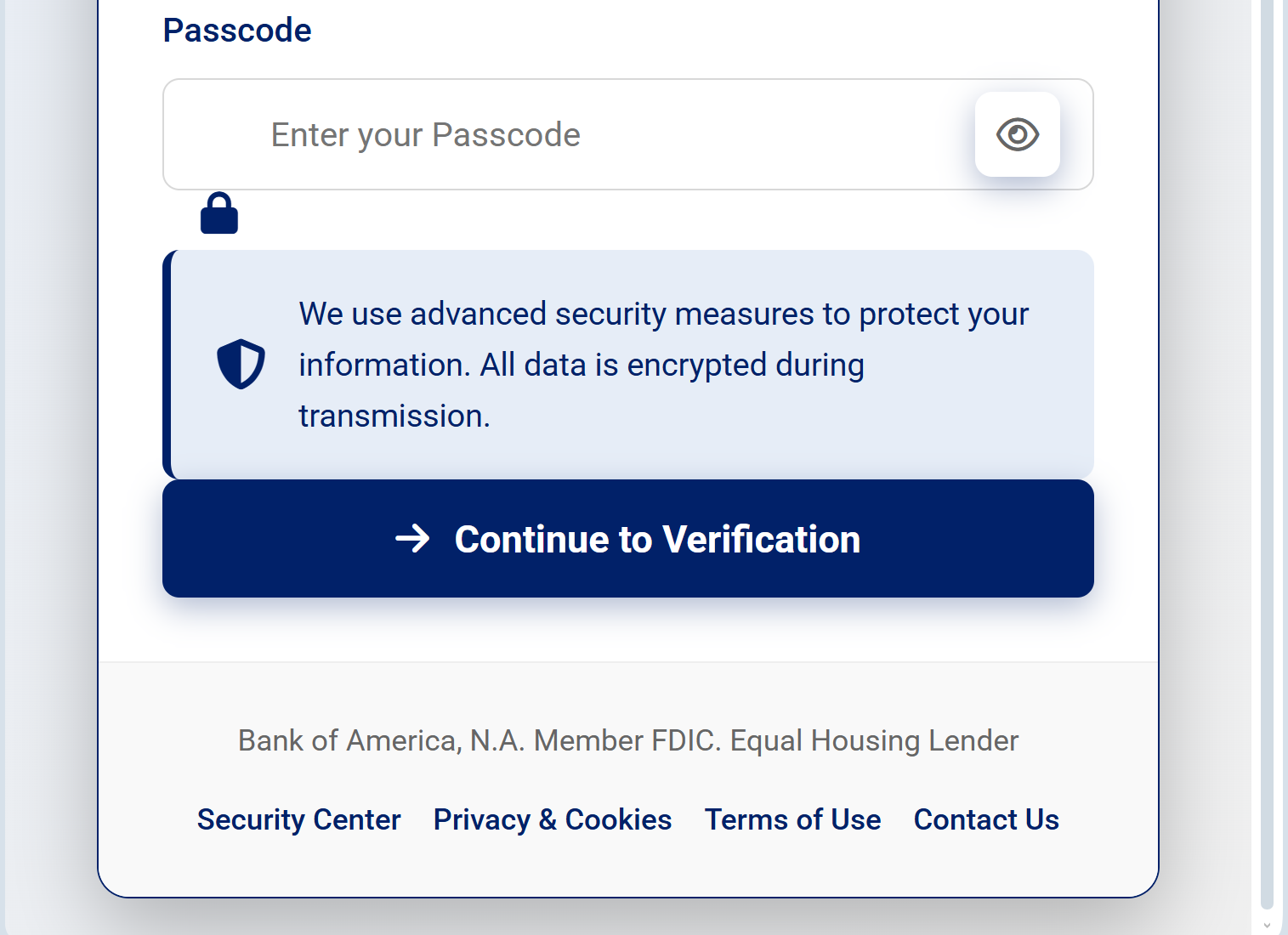
Target: Bank of America Customers (USA)
Threat Level: Critical (Full Identity & Financial Takeover)
Phishing Method Description
This attack utilizes a “Social Engineering” pretext, where the victim is told their account access has been limited due to a “missing regulatory update” or “unusual activity.” Unlike simple login phishers, this kit leads the user through a series of official-looking screens to build trust.
The malicious site is a high-fidelity clone of the Bank of America portal, specifically designed to harvest:
Online ID & Passcode
Social Security Number (SSN) (Full or last 4 digits)
Date of Birth
Credit/Debit Card Details (Number, CVV, and Expiration Date)
ATM PIN: The ultimate red flag, as banks never ask for your physical ATM PIN on a website.
⚠️ Red Flags to Watch For
The URL Mask: The official domain is strictly bankofamerica.com. Phishing sites often use deceptive addresses like bofa-update-center.net, bankofamerica-support.org, or compromised third-party domains ending in .xyz or .info.
Requesting the ATM PIN: This is a definitive sign of fraud. A legitimate bank website will never ask you to type your 4-digit ATM PIN into a web form for “verification.”
Inconsistent Branding: Look for small details—if the logo is slightly blurry, the fonts look “off,” or the footer links (Privacy, Security) don’t work, it’s a fake.
🛡️ How to Protect Yourself
Ignore SMS/Email Links: Bank of America will never send you a link directly to a sensitive verification page. Always go to the official site by typing the address manually.
The PIN Rule: Your ATM PIN is for ATMs and point-of-sale terminals only. Never enter it on any website, regardless of how official it looks.
Use the Mobile App: If there is a real issue with your account, a notification will appear inside the secure Bank of America Mobile Banking app.
Immediate Action: If you have already entered your information on such a page, call the official Bank of America fraud department immediately at 1.877.388.5030 to freeze your accounts.