
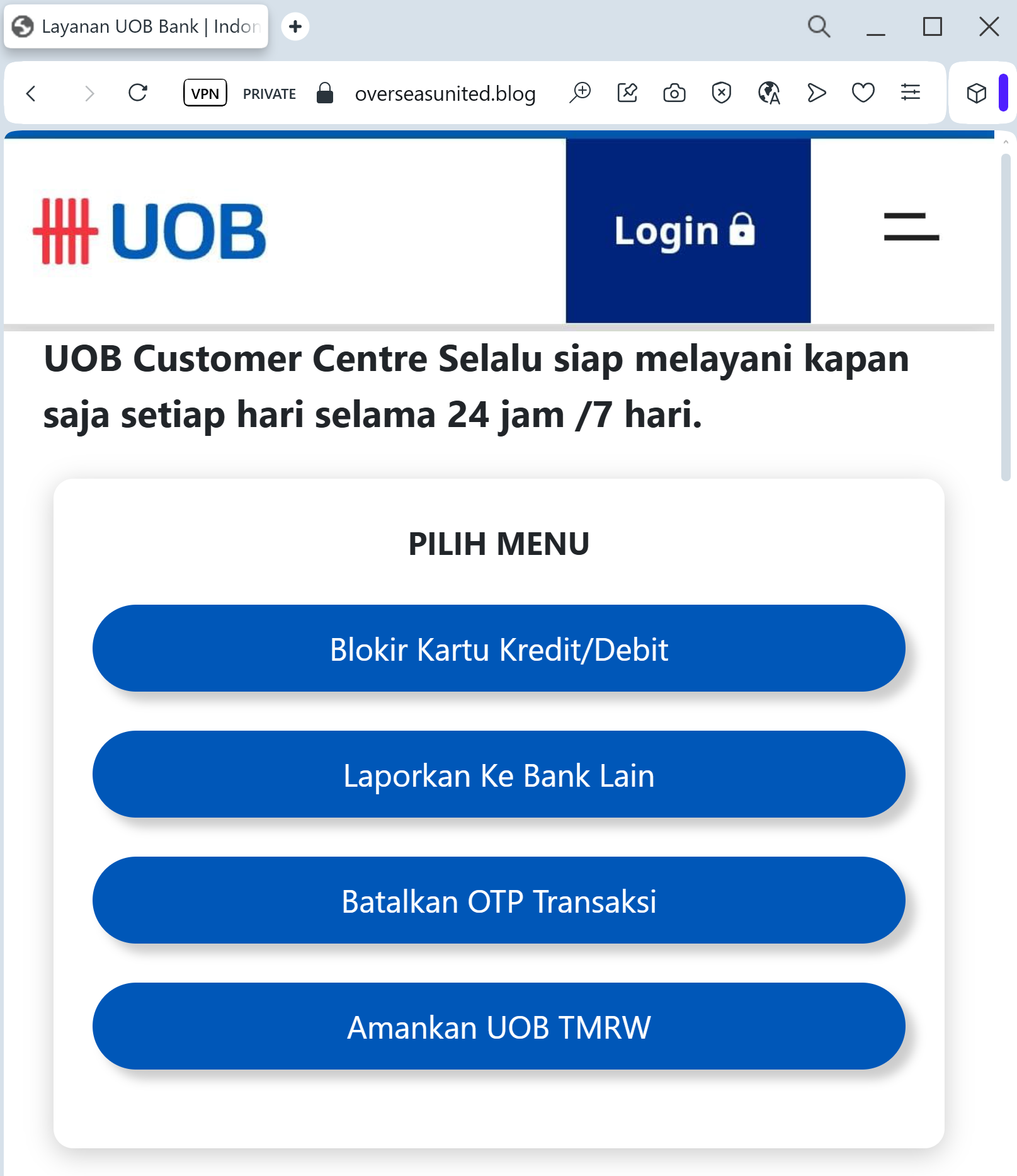
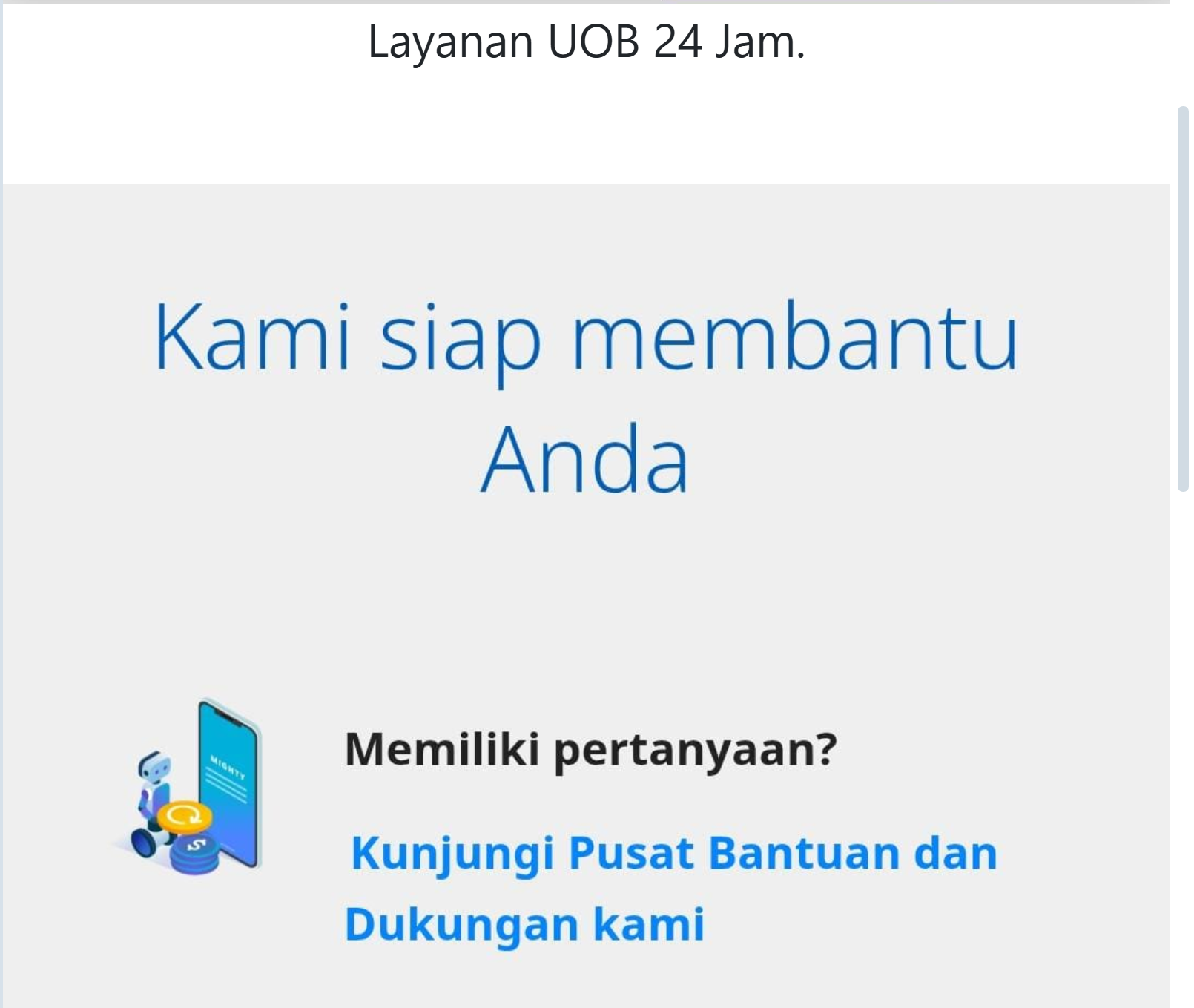
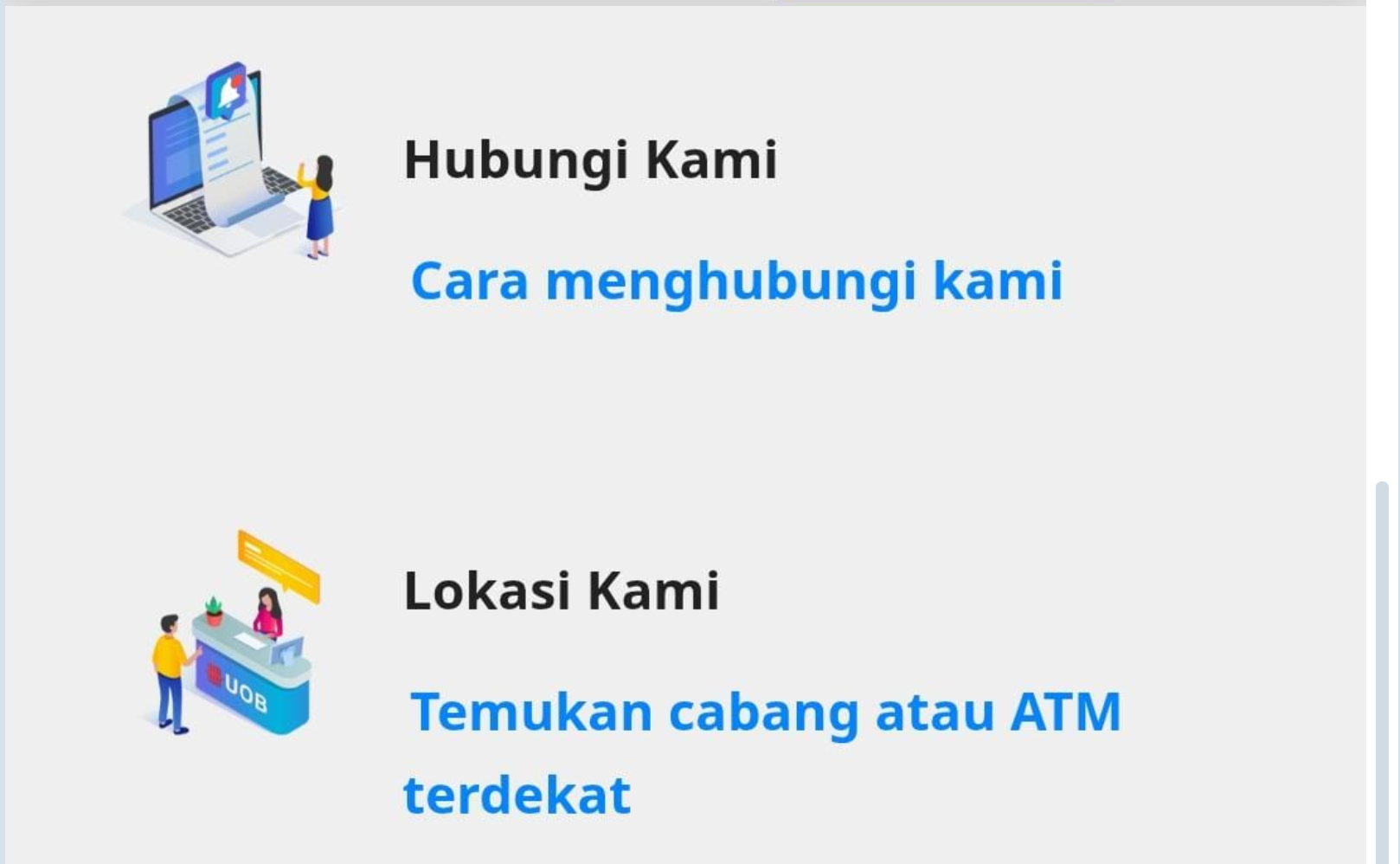
A high-fidelity phishing campaign targeting United Overseas Bank (UOB) users in Southeast Asia utilizes fraudulent SMS and email links to harvest login credentials and SMS OTPs through cloned websites. These sites, often using lookalike domains like “uob-security-update.com,” aim to steal credentials and authorize fraudulent transactions by mimicking the UOB TMRW app or web portal. The scam uses urgency, claiming “digital token synchronization” or account suspension, and is aimed at stealing funds from personal internet banking accounts. Users are advised to never click links in UOB SMS messages, as the bank does not send them, and to only use the official TMRW app to verify alerts.
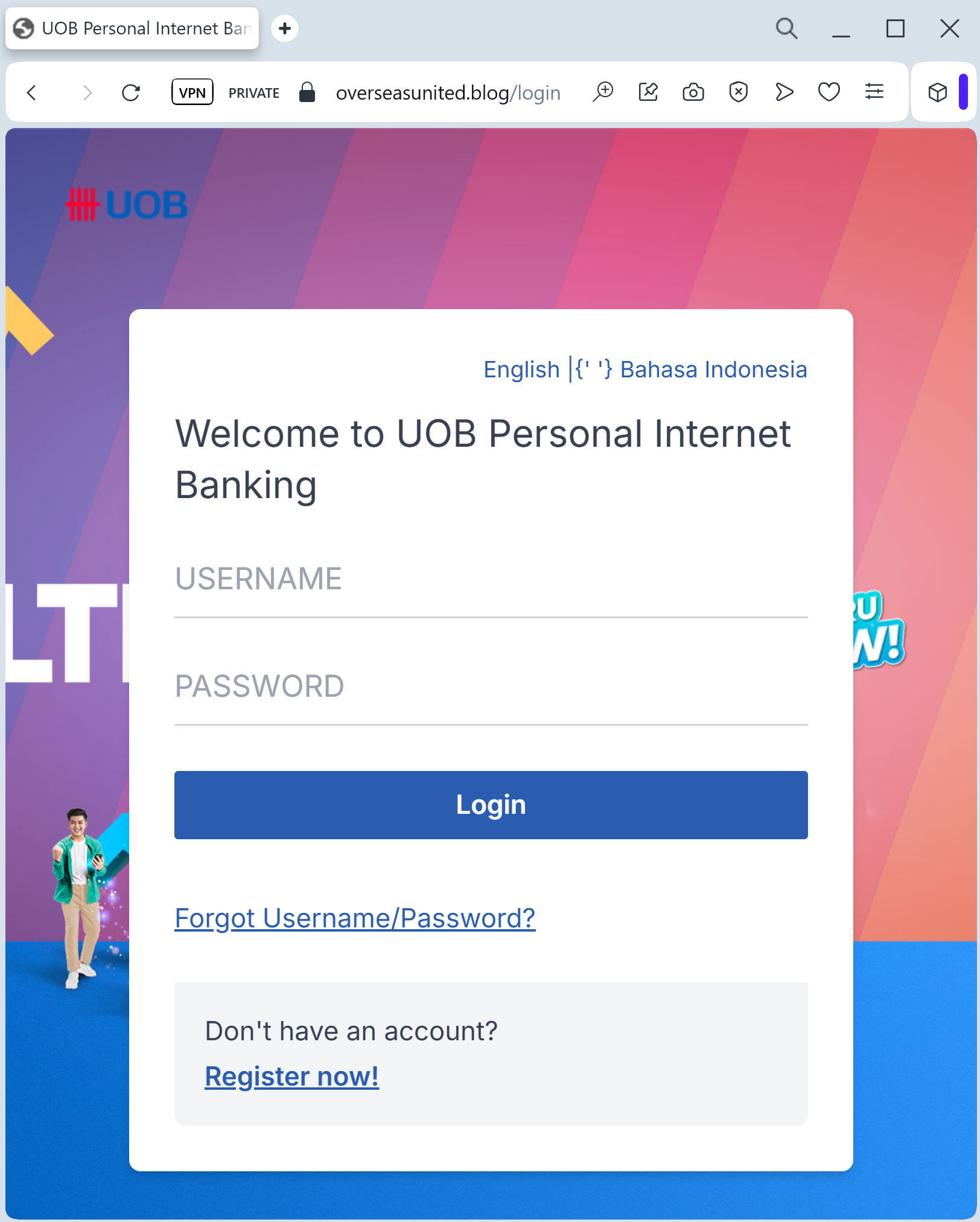
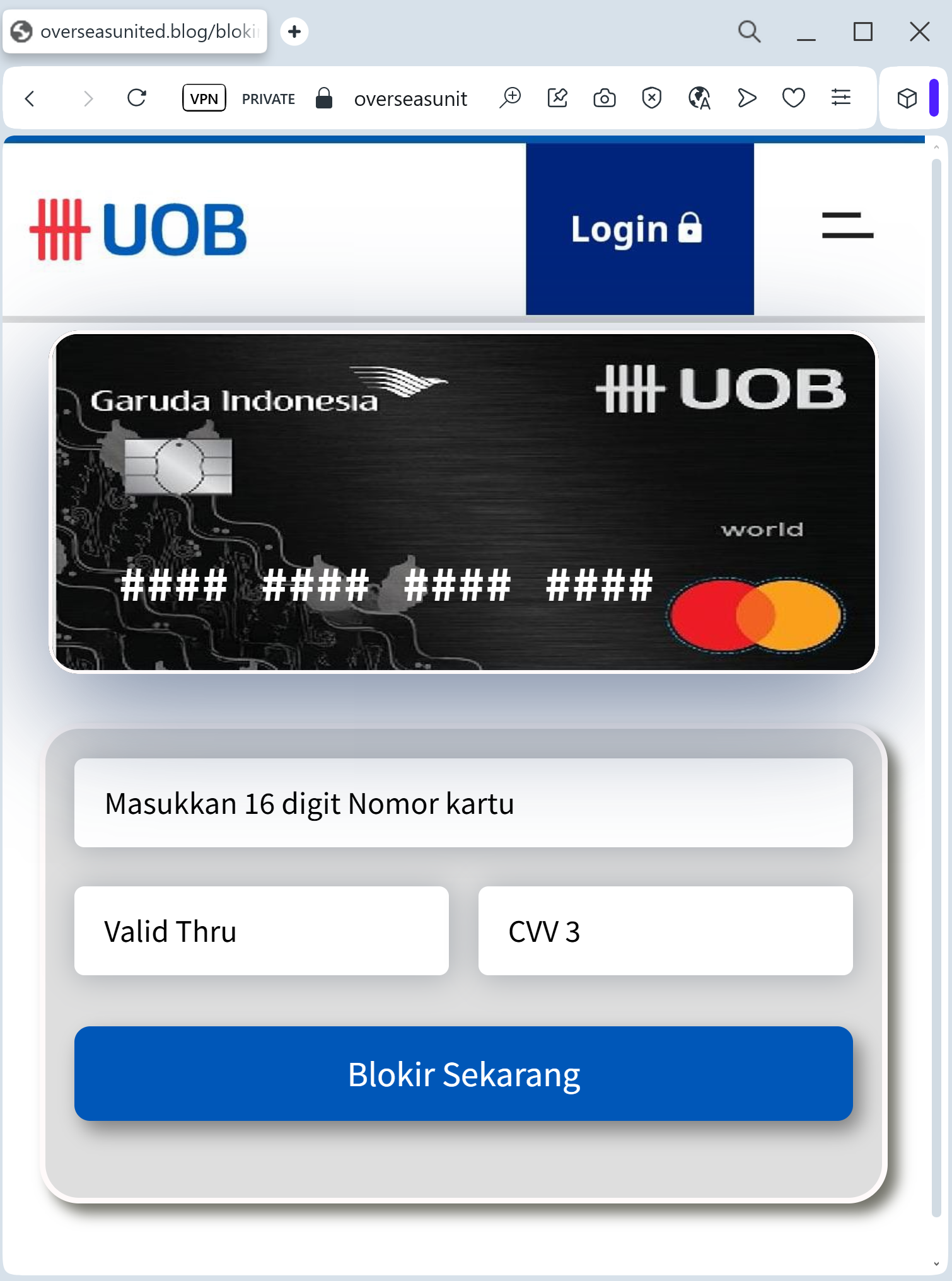
Target: Customers of United Overseas Bank (UOB) in Singapore and Southeast Asia
Threat Level: Critical (UOB TMRW App & Transaction Authorization Theft)
Phishing Method Description
This attack targets users of the UOB Personal Internet Banking and UOB TMRW mobile app. Scammers distribute fraudulent links via Smishing (SMS) or Phishing Emails, often claiming that the user’s “UOB Mighty/TMRW Digital Token” has expired or that an “unauthorized device” is attempting to access their account.
The link leads to a high-fidelity clone of the UOB “Login” portal. The phishing kit is specifically designed to harvest:
Username / NRIC / Passport Number
SecurePIN / Password
Mobile Phone Number
One-Time Password (OTP): The fake page intercepts the SMS OTP in real-time, allowing the attacker to link their device to the victim’s account as the primary Digital Token.
⚠️ Red Flags to Watch For
Lookalike URL: The official domain is uob.com.sg. Phishing sites often use deceptive addresses like uob-online-security.com, secure-uob.net, uob-verification.online, or free subdomains like ://firebaseapp.com.
Direct Link in SMS: UOB has officially stated they will never include clickable links in SMS messages sent to customers. Any SMS containing a link to a login page is 100% a scam.
Grammatical Errors: Often, the fake pages or the initial messages contain subtle English grammar mistakes or use “Dear Customer” instead of your specific name.
🛡️ How to Protect Yourself
Use the UOB TMRW App: Always perform banking and authorize transactions directly through the official UOB TMRW app. Never enter codes or credentials on a website you reached via a link.
The “No Link” Policy: If you receive an SMS alert, ignore the link. Manually type ://uob.com.sg into your browser or open the official app to check for any notifications.
Verify the Sender: Official banking SMS in Singapore usually come from a registered “UOB” sender ID. If the message comes from a standard mobile number or an unknown ID, it is a fraud.
Reporting: You can report suspicious UOB phishing by calling the official 24-hour fraud hotline at 1800 222 2121 (Singapore) or forwarding emails to [email protected].
💡 Expert Security Tip:
This case clearly demonstrates how fraudsters attempt to hijack your Digital Token. Remember, your Digital Token acts as your personal digital signature for authorizing high-value transactions. Never attempt to activate, synchronize, or share your token through a link received via SMS or email. Legitimate banks will only manage token security within their official mobile app or through their verified website that you have accessed manually.