
A phishing campaign targeting BBVA customers uses urgent SMS alerts warning of blocked accounts to steal login credentials and real-time 2FA codes. The scam directs victims to sophisticated clones of the official mobile banking portal, bypassing security measures by prompting users for immediate action. To stay safe, ignore unexpected security SMS messages with links and only use the official BBVA App or the bank’s official website to check for alerts.
BBVA “Security Key Synchronization” Smishing
Target: BBVA Bank Customers (Spain and Mexico)
Threat Level: Critical (Real-time OTP & Digital Token Theft)
Phishing Method Description
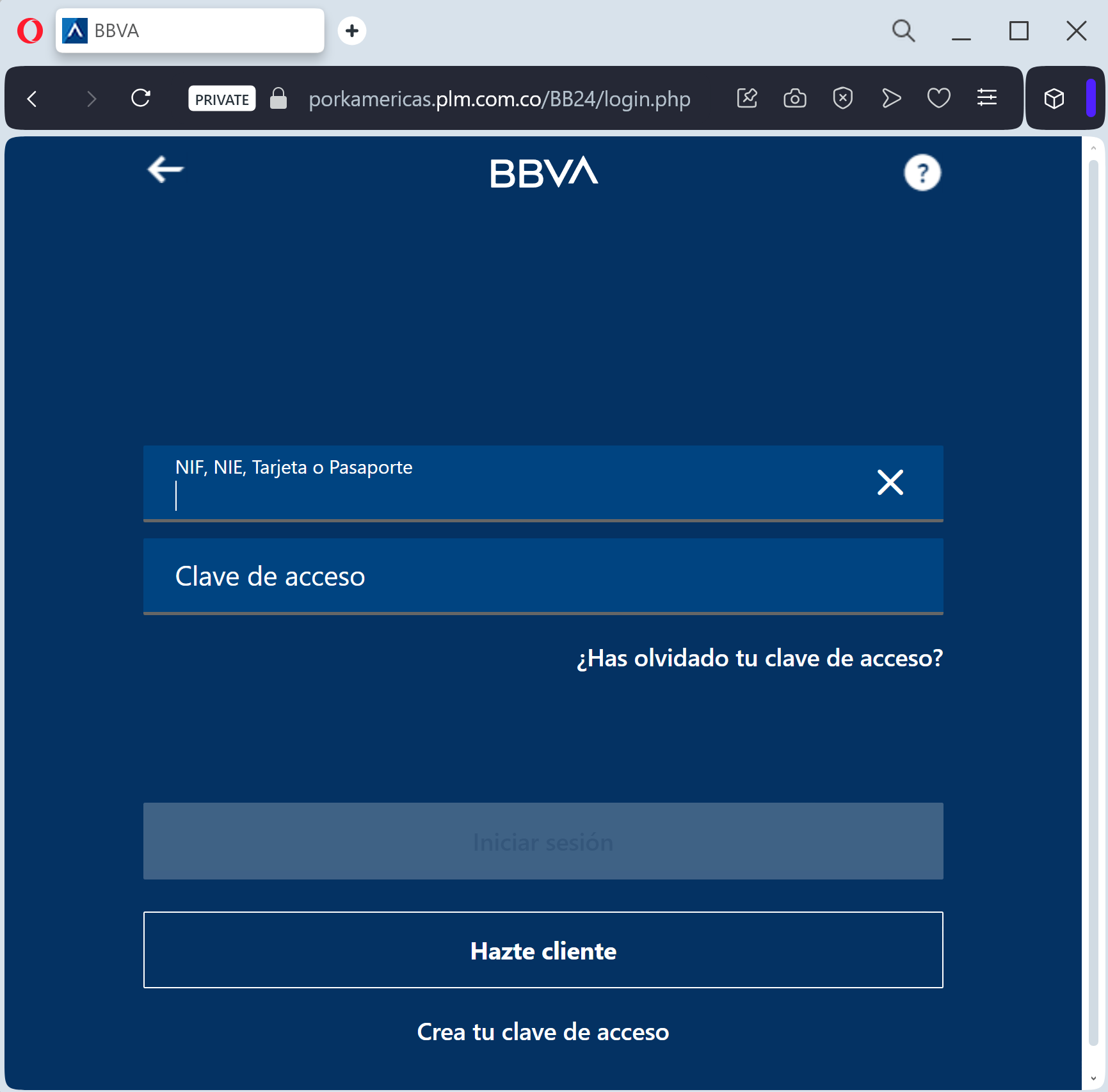
This attack is a highly effective Mobile-First Phishing campaign. Scammers send a “Smishing” (SMS) alert claiming that your “Clave de Acceso” (Access Key) has been blocked or that a “New Security Regulation” requires you to synchronize your account immediately.
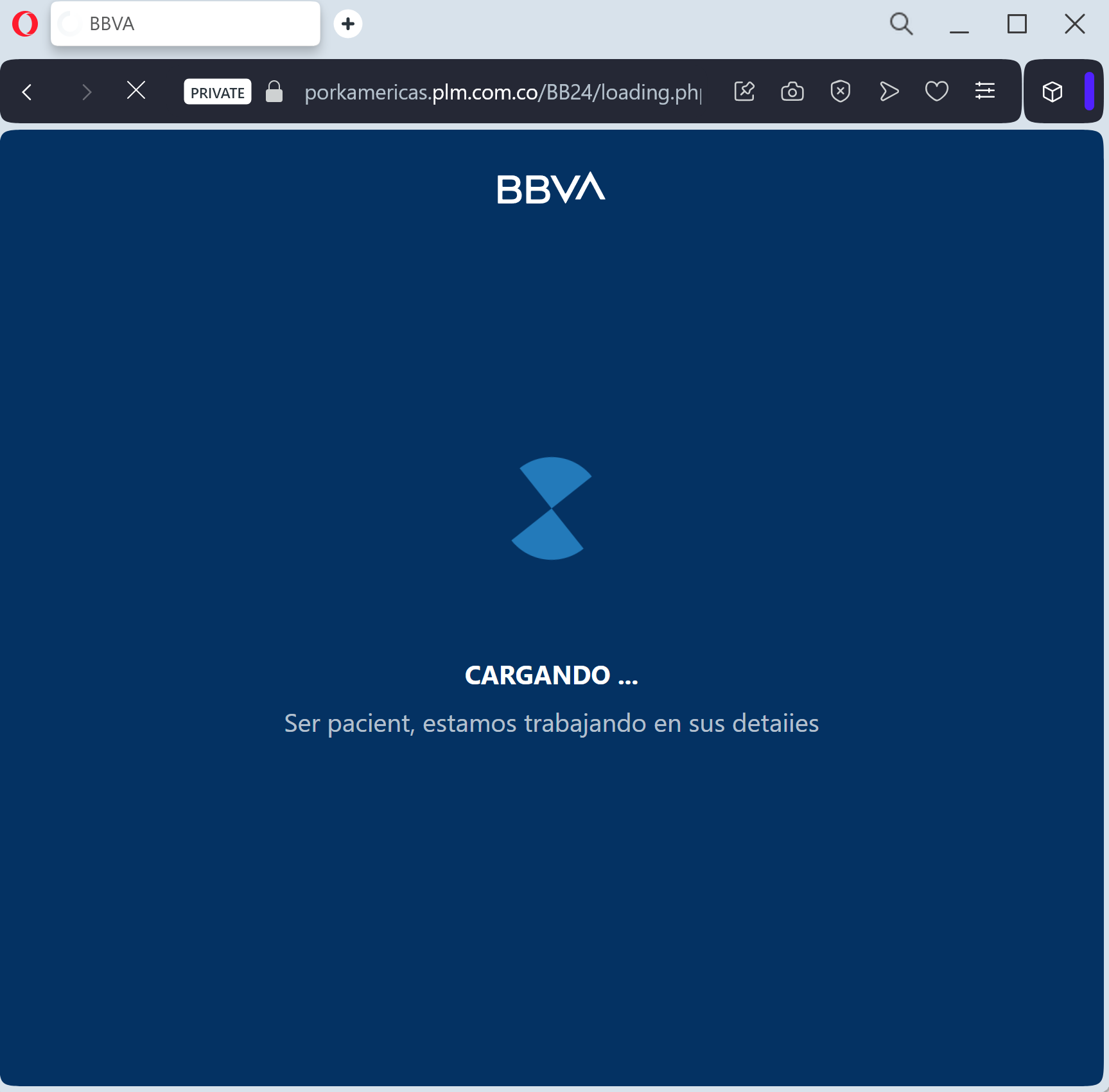
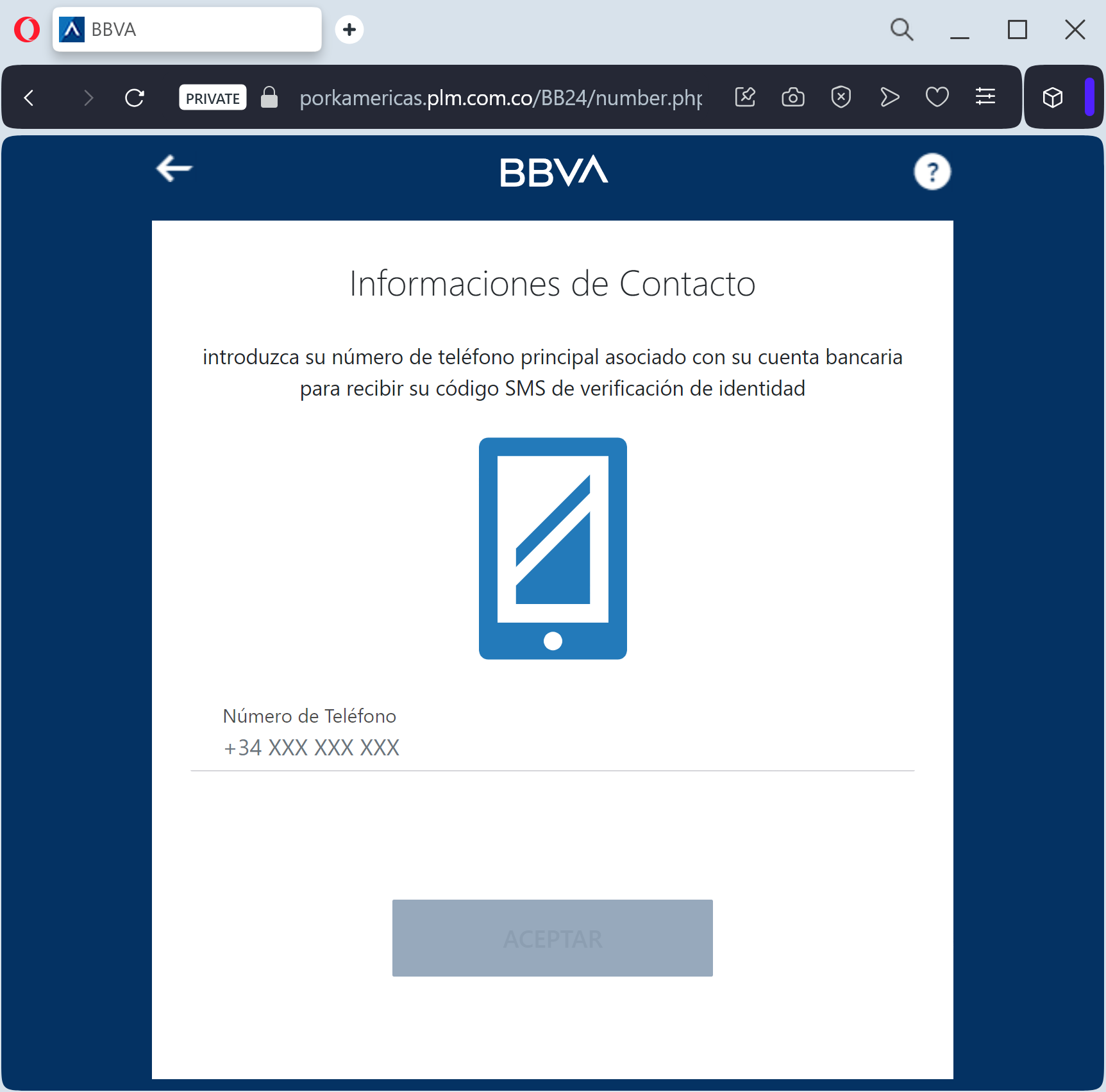
The link leads to a mobile-optimized clone of the BBVA login portal. The phishing kit is specifically designed to perform a Man-in-the-Middle (MitM) attack, harvesting:
User ID / NIF / DNI
Access PIN / Password
Mobile Phone Number
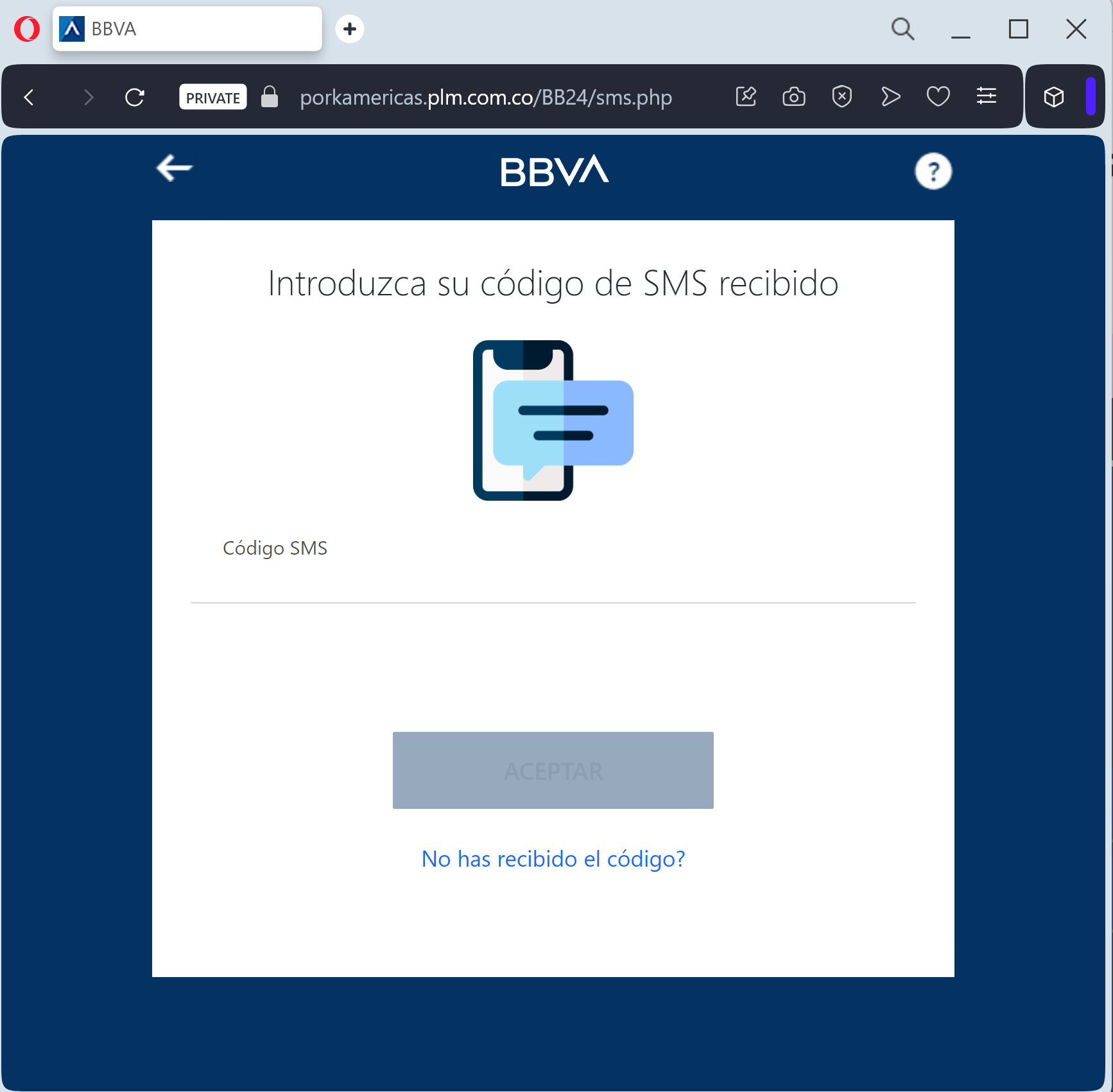
SMS One-Time Password (OTP): The fake site prompts the victim to enter the security code in real-time. The attacker immediately uses this code on the actual BBVA server to authorize a fraudulent transfer or to register a new “Trusted Device.”
⚠️ Red Flags to Watch For
The Lookalike URL: The official domain is bbva.es. Phishing sites use deceptive addresses like seguridad-cliente-bbva.online, verificar-acceso-pib.net, asistencia-bbva.com, or free subdomains like bbva-login.web.app.
Links in Security SMS: BBVA has a strict policy: they will never include clickable links in SMS messages regarding account security or “blocked” access.
Requesting OTP to “Synchronize”: A real bank will never ask you to enter an SMS code to synchronize or unblock an account through a link. SMS codes are strictly for authorizing transactions you started yourself.
🛡️ How to Protect Yourself
Use the BBVA App: Always manage your security settings and notifications through the official BBVA App. It uses biometric login and secure push notifications which are much harder to phish.
The “No Link” Rule: If you receive a suspicious SMS, ignore the link. Open your browser and manually type www.bbva.es to log in safely.
Check the SMS Content: Read the text of the SMS containing the code. If it says “Code to authorize a payment” but you are just trying to “log in,” close the page immediately.
Immediate Action: If you have entered your credentials on a suspicious site, call the official BBVA fraud line at 900 102 801 (Spain) immediately.
💡 Expert Security Tip:
This is a Session Hijacking attempt. Scammers create a fake “security problem” to make you panic. Remember: your SMS OTP is a digital signature. Never enter it on a website reached via a link. If you didn’t initiate a transaction, any request for a code is 100% a scam.