
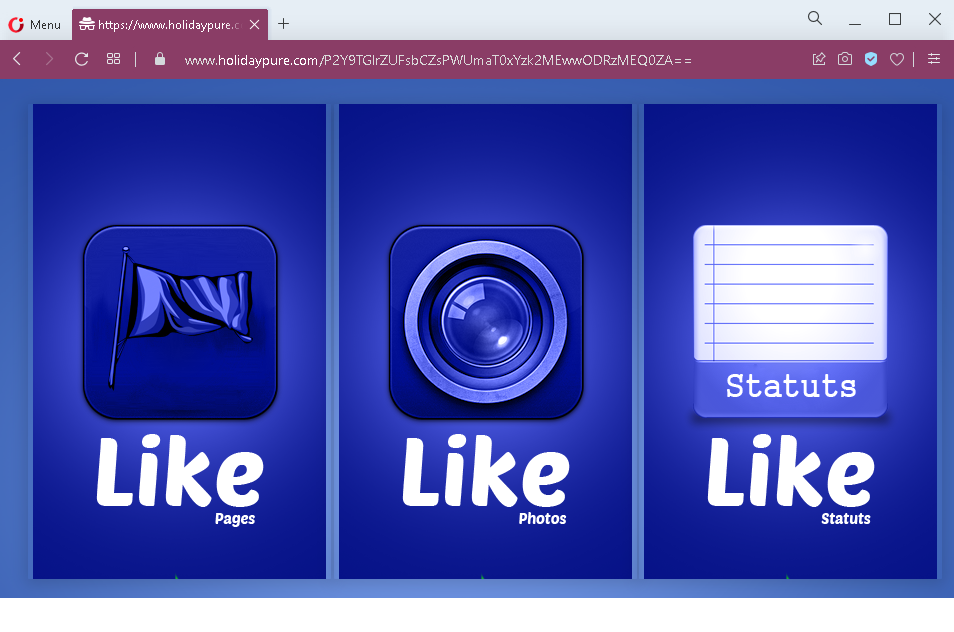
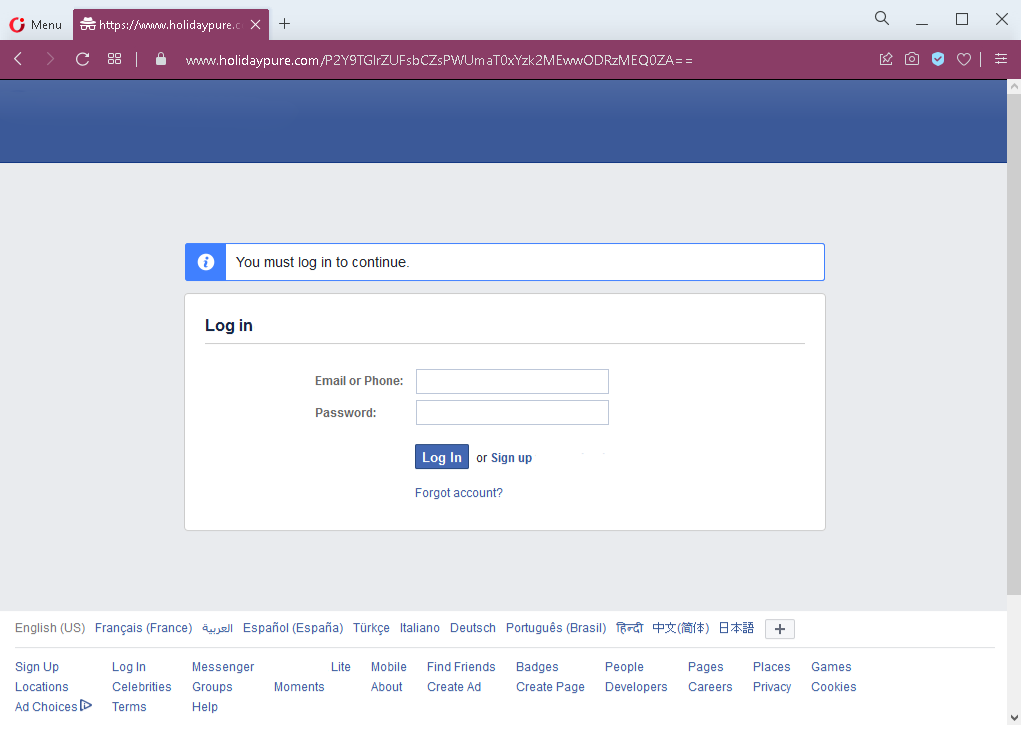
These two screenshots show a Facebook engagement scam (“like boosting”) combined with a fake Facebook login page. The scam promises to increase likes, views, or engagement on social media posts, but instead steals the victim’s Facebook credentials.
Threat Intel: This malicious interface was intercepted, verified, and locked down firsthand by the
Antiphishing.bizsecurity team during our automated link scanning workflows. To protect the public, the dangerous destination URL has been fully defanged within our infrastructure. We document and analyze these live visual patterns to help security researchers and users detect replica fraud techniques before financial damage occurs.
Threat Analysis: Facebook “Like Booster” Scam – Credential Harvesting
How it works:
The victim encounters a link (via social media, email, or messaging app) promising free or cheap likes, followers, or engagement for their Facebook posts. The first screenshot shows a page with “Statuts” and “Like” buttons – a typical interface for a fake engagement service. The victim is told they need to log in to Facebook to activate the likes or to connect their account. Clicking the login button leads to a fake Facebook login page (second screenshot), which asks for:
- Email or phone number
- Password
After the victim enters their credentials and clicks “Log In,” the information is captured and sent to the attacker. The victim may then be redirected to a fake “processing” page or a survey wall, but no likes are ever delivered.
The goal:
The attacker steals Facebook credentials to:
- Take over the victim’s Facebook account
- Use the account to post spam, scams, or malicious links
- Sell the account or its data on criminal markets
- Launch further phishing attacks from a trusted account
Red flags to watch for:
- Suspicious URL: The link leads to
holidaypure.comfacebook.com - Promise of free likes / engagement: Facebook does not allow third‑party services to boost likes via a simple login. Any such offer is a scam.
- Login required on a third‑party site: A legitimate engagement service would not ask for your Facebook password. You would grant permissions via Facebook’s official OAuth (which does not require entering your password on the service’s site).
- Unsolicited offer: Receiving a link promising free likes is almost always a phishing attempt.
- Fake Facebook login page: The second screenshot mimics Facebook’s interface but is missing security indicators (e.g., proper URL, two‑factor prompt).
What to do if you encounter this:
- Do not enter your Facebook email/phone or password.
- If you have already entered your credentials, change your Facebook password immediately and enable two‑factor authentication (2FA). Also check for any unauthorized activity or connected apps.
- Never use third‑party services that ask for your Facebook password – use only official Facebook tools or legitimate marketing platforms that authenticate via OAuth.
- Report the phishing page to Facebook.
Protective measures:
- Bookmark the official Facebook login page and use that bookmark.
- Use a password manager – it will not autofill on fake domains.
- Enable two‑factor authentication on your Facebook account.
- Be suspicious of any service that promises free likes, views, or followers in exchange for your login credentials.