
A phishing campaign targeting TF Bank customers in Germany, Austria, and Scandinavia uses “security update” phishing emails and SMS to harvest login credentials and real-time OTPs. The attack, often involving fake “Meine Karte” portals, aims to steal personal data and access credit lines by mimicking legitimate brand identity
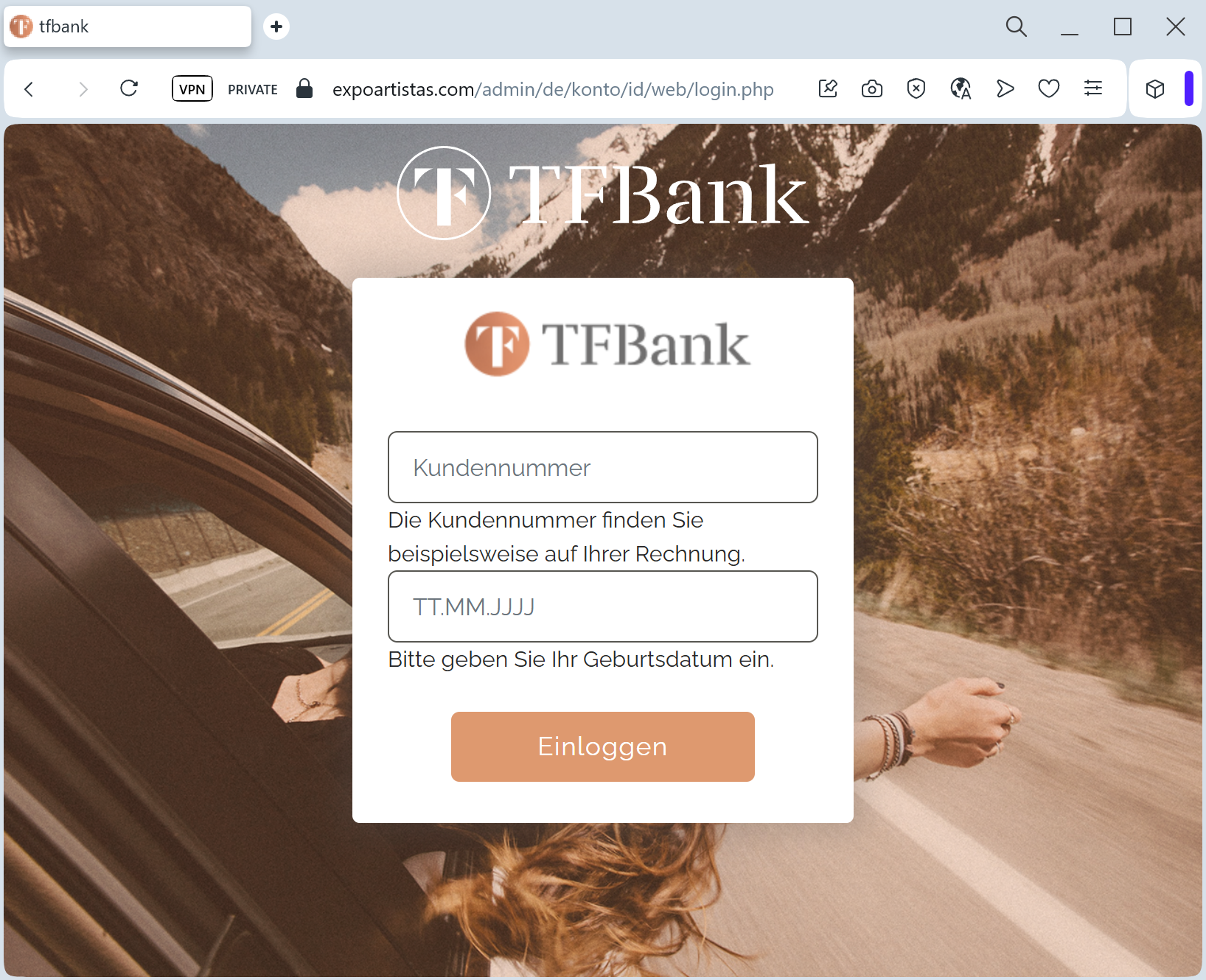
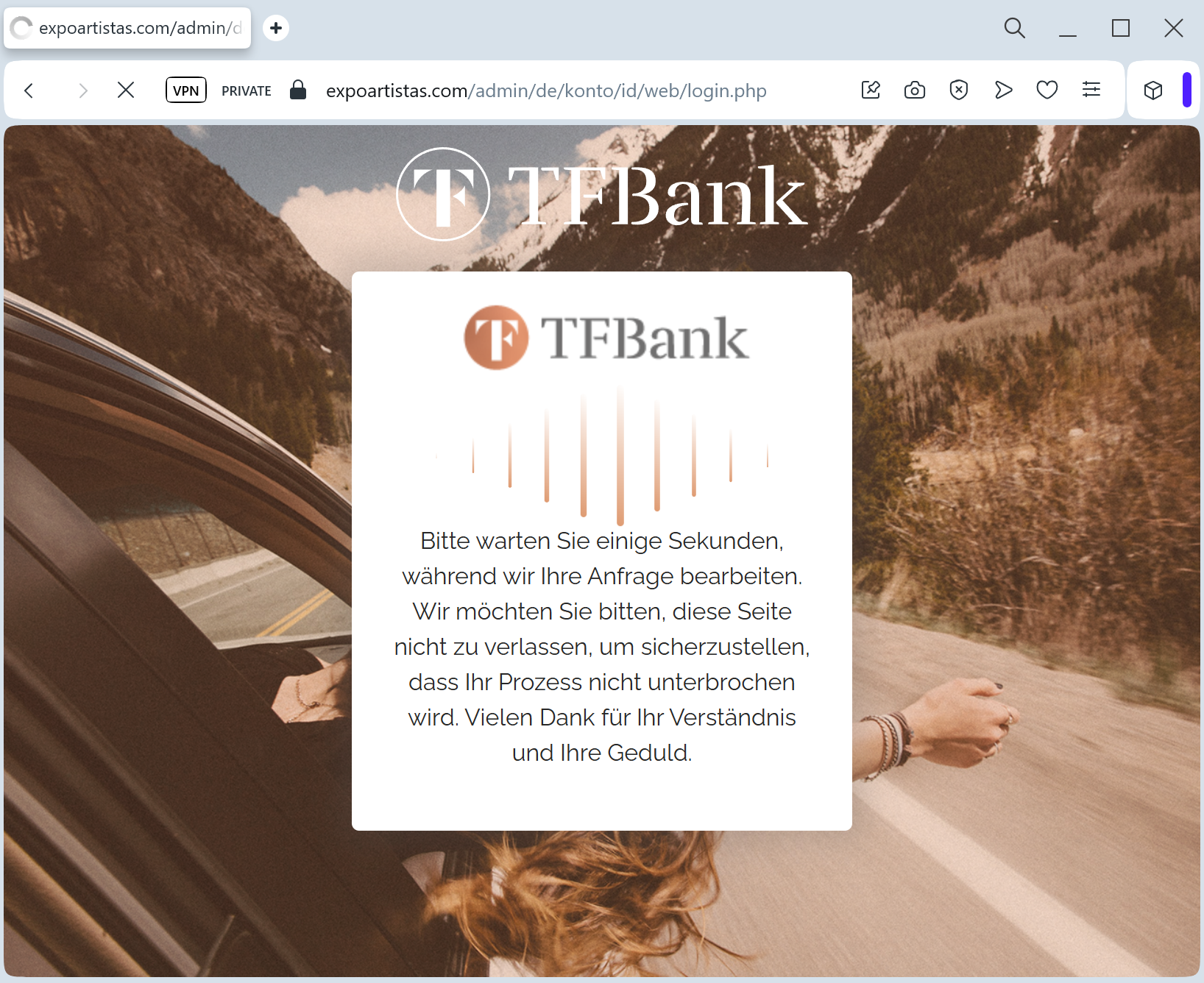
Target: TF Bank Customers (Germany, Austria, Sweden, Norway)
Threat Level: High (Credit Card & Mastercard Identity Check Theft)
Phishing Method Description
This attack focuses on Credit Card Credential Harvesting. Scammers send out Phishing Emails or SMS (Smishing) claiming that the user’s “Meine Karte” online access or “Mastercard Identity Check” needs to be updated to prevent account suspension.
The link leads to a high-quality clone of the TF Bank login portal. The phishing kit is specifically designed to harvest:
Customer ID / Email
Online Banking Password
Full Credit Card Details (Number, Expiry, CVV)
Mobile Phone Number
One-Time Password (OTP): The fake site attempts to intercept the SMS code in real-time, allowing the attacker to authorize a fraudulent transaction or add the card to a mobile wallet (Apple Pay/Google Pay).
⚠️ Red Flags to Watch For
Deceptive Domain: The official domain is tfbank.de (or .at, .se). Phishing sites use lookalikes like tfbank-meinekarte.online, sicherheit-tfbank.net, or tf-kunden-service.com.
Urgent Verification: Messages claiming “Unusual activity detected” or “Mandatory security update” are used to create a sense of panic.
Generic Salutations: Official bank communications usually include your name. Phishing emails often start with “Dear Customer” or “Guten Tag.”
🛡️ How to Protect Yourself
Use the Official App: Manage your TF Bank Mastercard only through the official TF Bank Mobile App. Authentic security updates will be handled within the secure app environment.
The “No Link” Rule: TF Bank states they will never ask you for sensitive data (like your PIN or CVV) via an email link. Always type the address manually into your browser.
Check the SMS Content: If you receive an OTP, read the text carefully. If the SMS says “Code for adding card to Apple Pay” but you are just trying to “log in,” it is a scam.
Report Phishing: You can report TF Bank phishing by forwarding suspicious emails to [email protected].
💡 Expert Security Tip:
Scammers use TF Bank phishing to bypass 3D Secure (Mastercard Identity Check). Your 6-digit SMS code is a “digital signature” for a transaction. Never enter an OTP on a website reached via a link. If a site asks for your CVV and an OTP at the same time during a “login” or “update,” close the tab immediately.