
Analysis Memo: This malicious interface was intercepted, verified, and locked down firsthand by the
Antiphishing.bizsecurity team during our standard URL vetting operations. To protect the public, the phishing source domain has been safely deactivated within our infrastructure. We document and analyze these live visual patterns to help security researchers and users spot lookalike phishing methods before financial damage occurs.
Updated 2021-09-17.
New phishing attack detected:
Below are the descriptions for the two phishing screenshots.
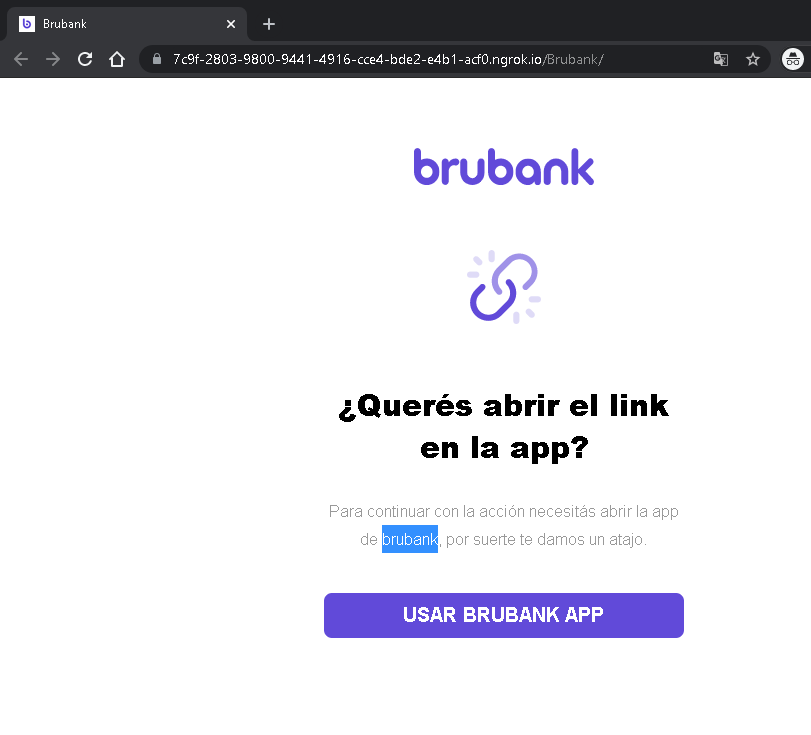
1. Brubank Phishing – Fake “Open in App” Redirect
Threat Analysis:
This page impersonates Brubank, a digital bank in Argentina. The victim is shown a prompt claiming they need to open the link in the Brubank mobile app to continue an action. The URL contains a subdomain of ngrok.io
How it works:
The victim receives a phishing message (SMS, email, or chat) stating that an action requires app confirmation. The link leads to this page, which mimics Brubank’s interface. Clicking the button may open a fraudulent website designed to steal the victim’s banking credentials, one-time passwords (OTP), or session tokens.
Red flags:
- The domain is
ngrok.io - Legitimate banking apps do not ask users to click external links to “open the app” for verification.
- The page is minimal and lacks official branding beyond a copied logo.
What to do:
- Do not click any button.
- Always access your bank by typing the official URL directly or using the official app from a trusted store.
- If you already clicked and entered credentials, contact Brubank immediately.
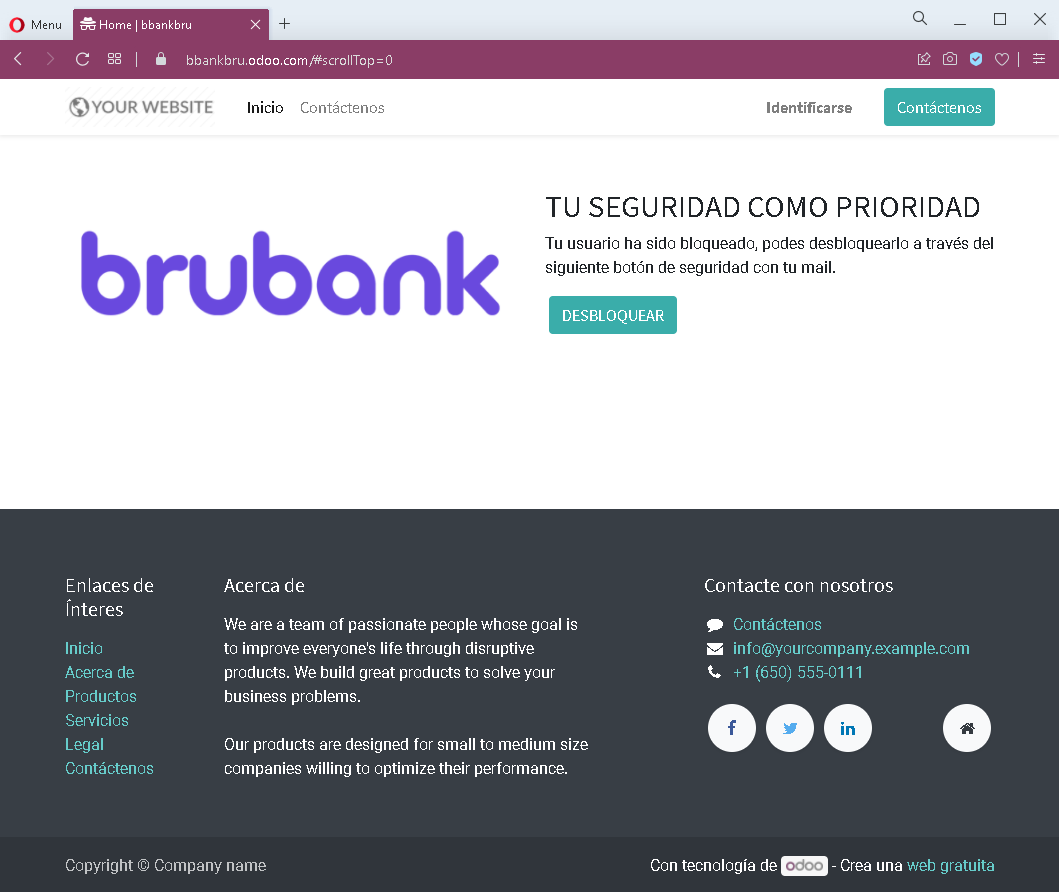
2. Generic Account Blocked Phishing – Fake Security Alert
Threat Analysis:
This page uses a fake security alert claiming that the user’s account has been blocked. A button labelled “DESBLOQUEAR” (Unlock) is presented. Clicking it leads to a credential‑harvesting page, likely asking for email address, password, or other personal information.
How it works:
The victim receives an unsolicited email or message stating their account is blocked due to suspicious activity. The link leads to this page. The victim is pressured to click the unlock button, which redirects to a fake login portal that steals credentials.
Red flags:
- Generic branding (“YOUR WEBSITE”) and template text copied from a free website theme.
- No legitimate company name or logo is displayed.
- Threat of account blockage is a classic fear tactic.
- The “Contact us” section contains placeholder information (e.g.,
[email protected]).
What to do:
- Do not click any button.
- Legitimate security alerts from real companies will not ask you to unlock your account via an external link.
- Always log in directly through the official website of the service in question.
- If you have already entered credentials, change your passwords immediately and enable two‑factor authentication.