
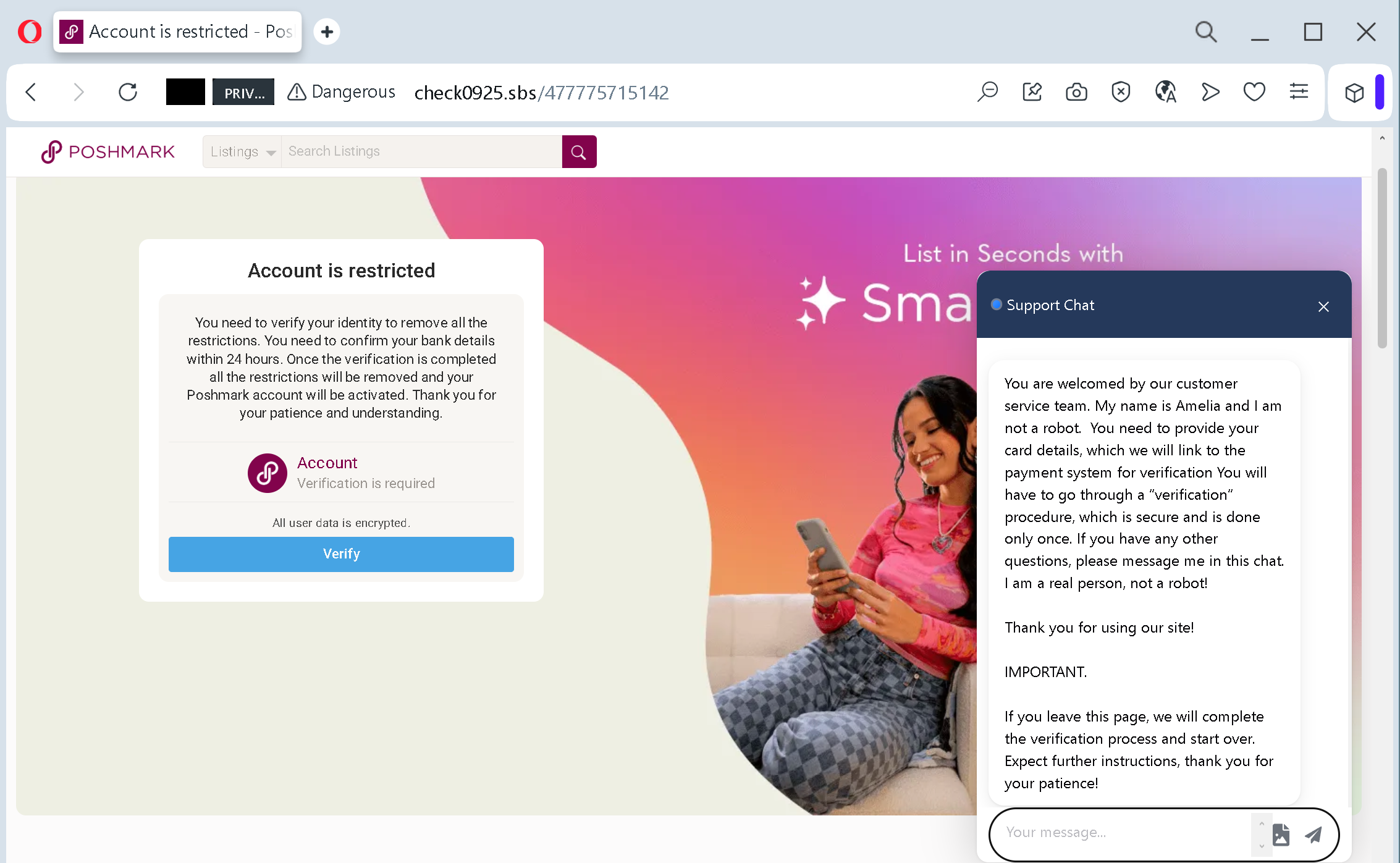
This set of screenshots shows a phishing campaign impersonating Poshmark, a popular online marketplace for second‑hand goods. The scam uses a fake “account restricted” notification and a fake support chat to pressure victims into providing full credit/debit card details, personal information, and contact details.
Threat Analysis:
How the scam works (multi‑step flow):
- Fake Account Restriction Page – The victim receives a link (via email, SMS, or social media) claiming their Poshmark account is restricted. The page shows a countdown or threat that the account will be deactivated within 24 hours. A “Verify” button is prominently displayed. A fake live chat window appears, with a “support agent” (e.g., “Amelia”) explaining that the victim must provide card details for verification.
- Card Details Harvesting Page – The victim is asked to enter card details and billing information. Fake assurances about encryption and GDPR compliance are added:
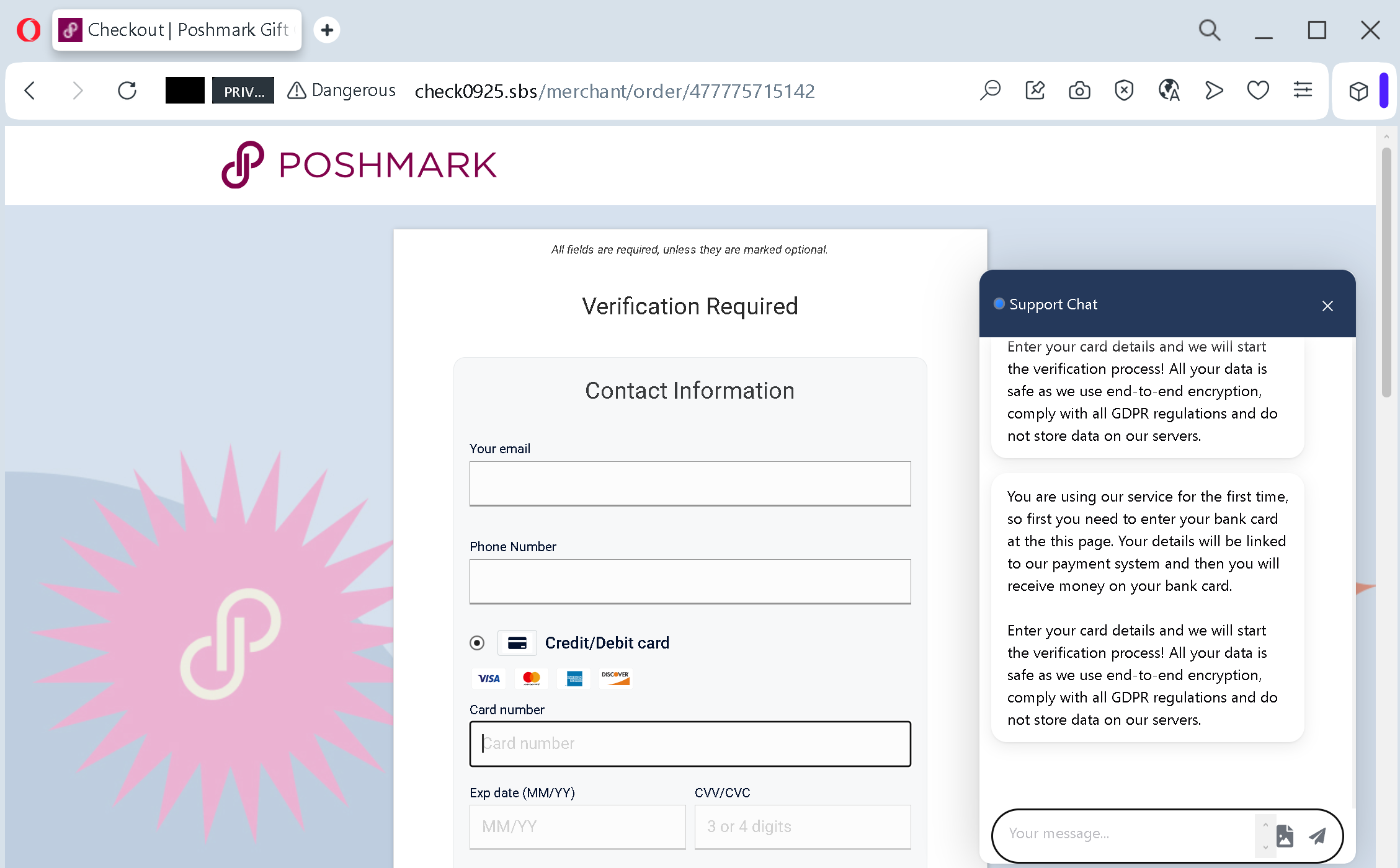
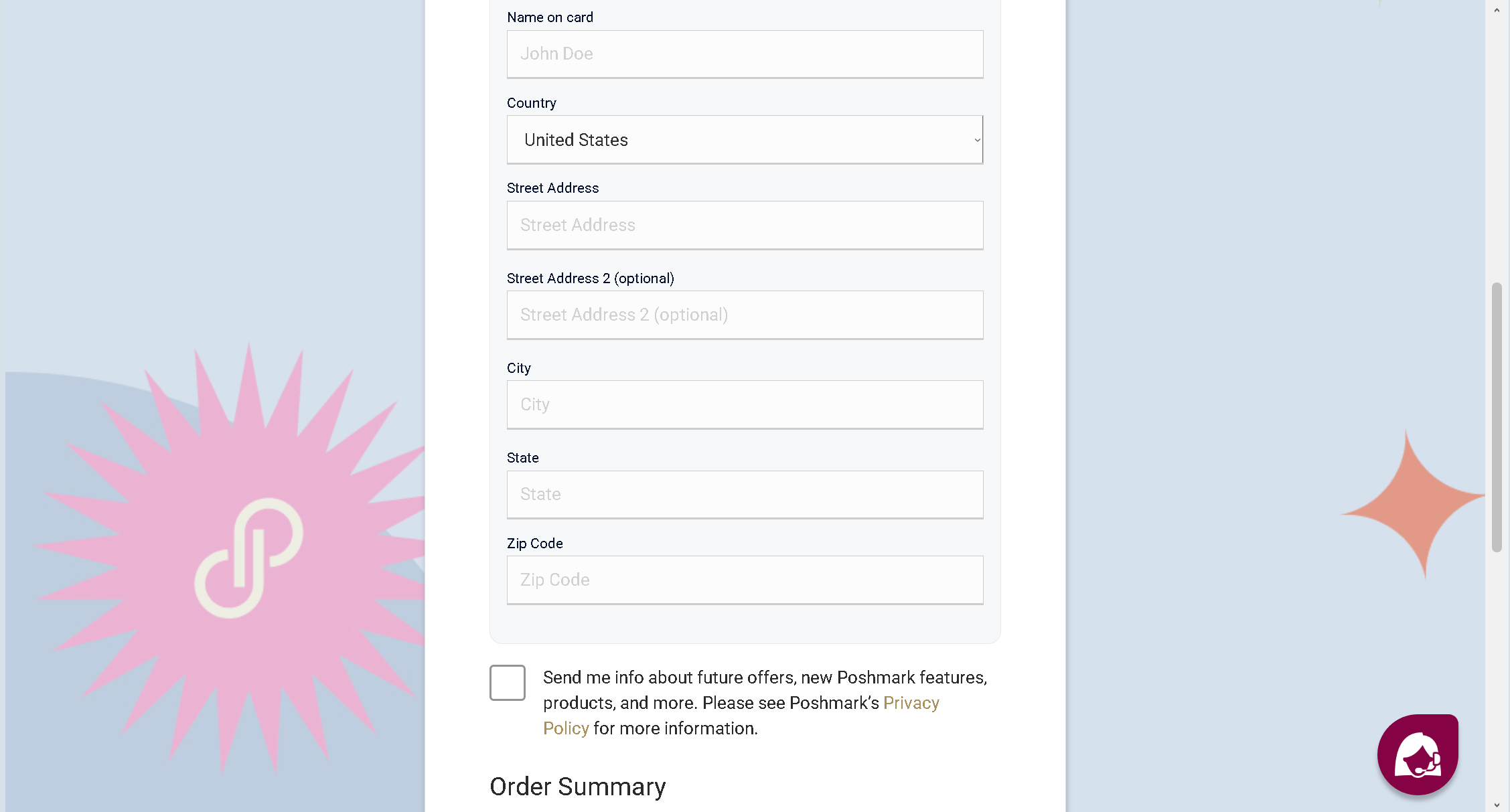
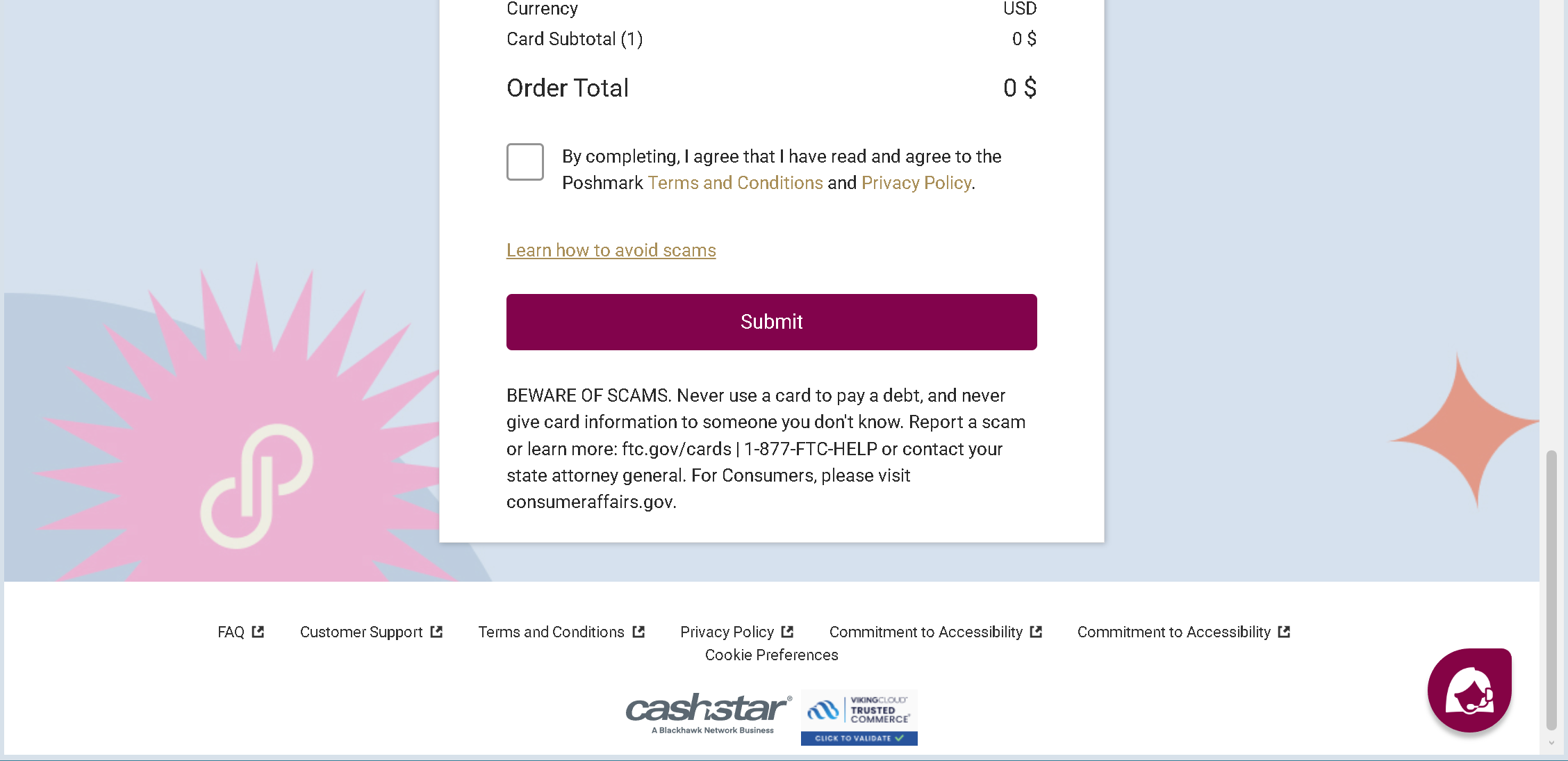
Fake Order Summary & Submit Page – A final page shows an order summary (often with a small amount or zero) and a “Submit” button. The victim is told that completing this will “validate” their card and restore the account.
The goal:
The attacker collects:
- Full credit/debit card details (number, expiry, CVV)
- Personal information (full name, address, email, phone number)
With this data, the attacker can:
- Make fraudulent online purchases
- Clone the card or sell the information on criminal markets
- Use the personal details for identity theft
Red flags to watch for:
- Suspicious URL: The page is hosted on a domain like
check0925.sbs, notposhmark.com. Legitimate Poshmark pages are only on official domains. - Request for CVV and full card details for “account verification”: Poshmark never asks for your card security code to verify or unblock an account.
- Fake live chat support: The chat window is not a real support function – it is a scripted message designed to pressure victims. Legitimate customer support does not ask for card details via chat.
- Threat of account restriction / 24‑hour deadline: Classic urgency and fear tactics.
- Fake order summary and “Submit” button: There is no actual purchase; this is designed to mimic a checkout process and make the victim believe they are completing a legitimate transaction.
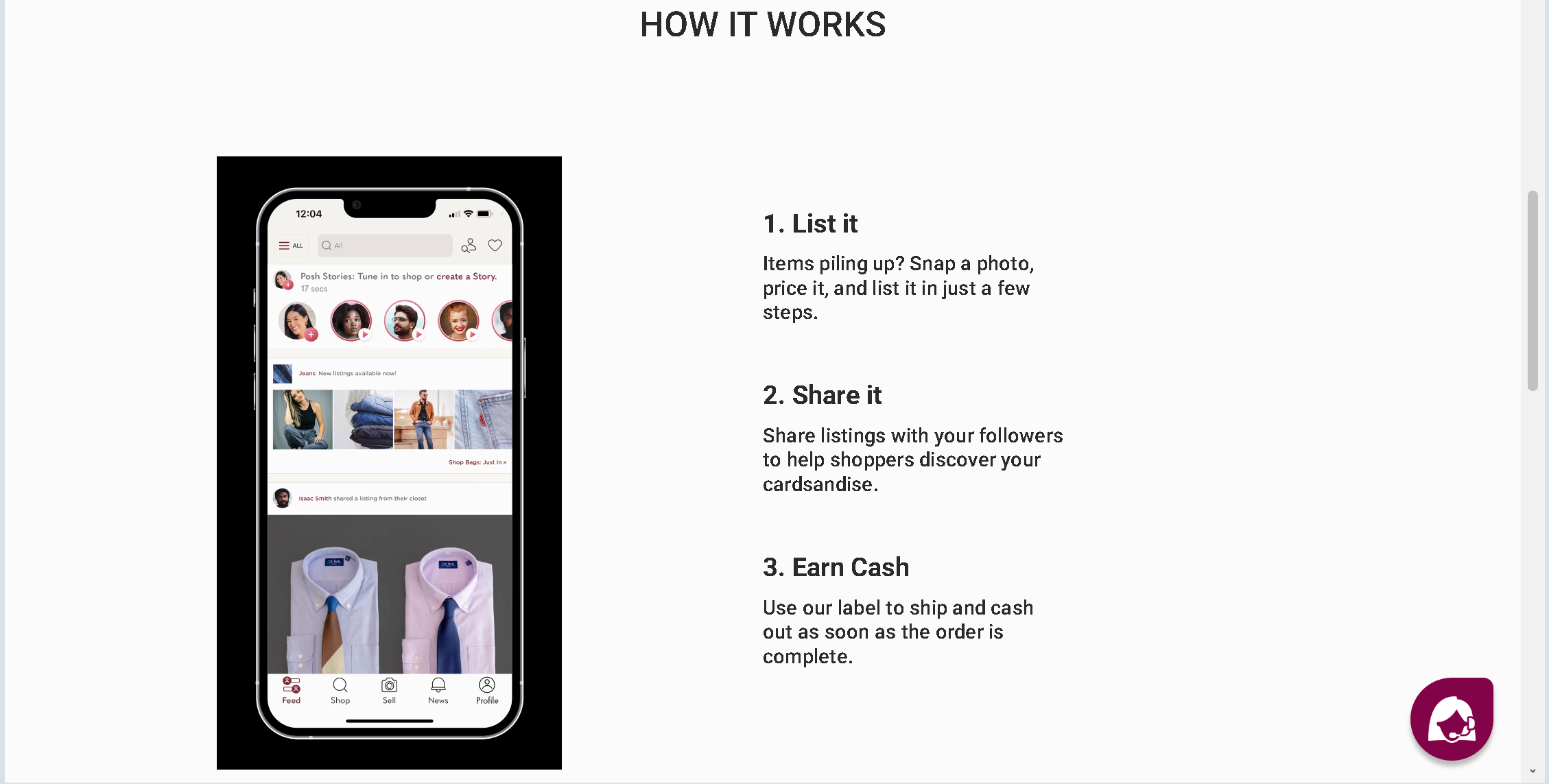
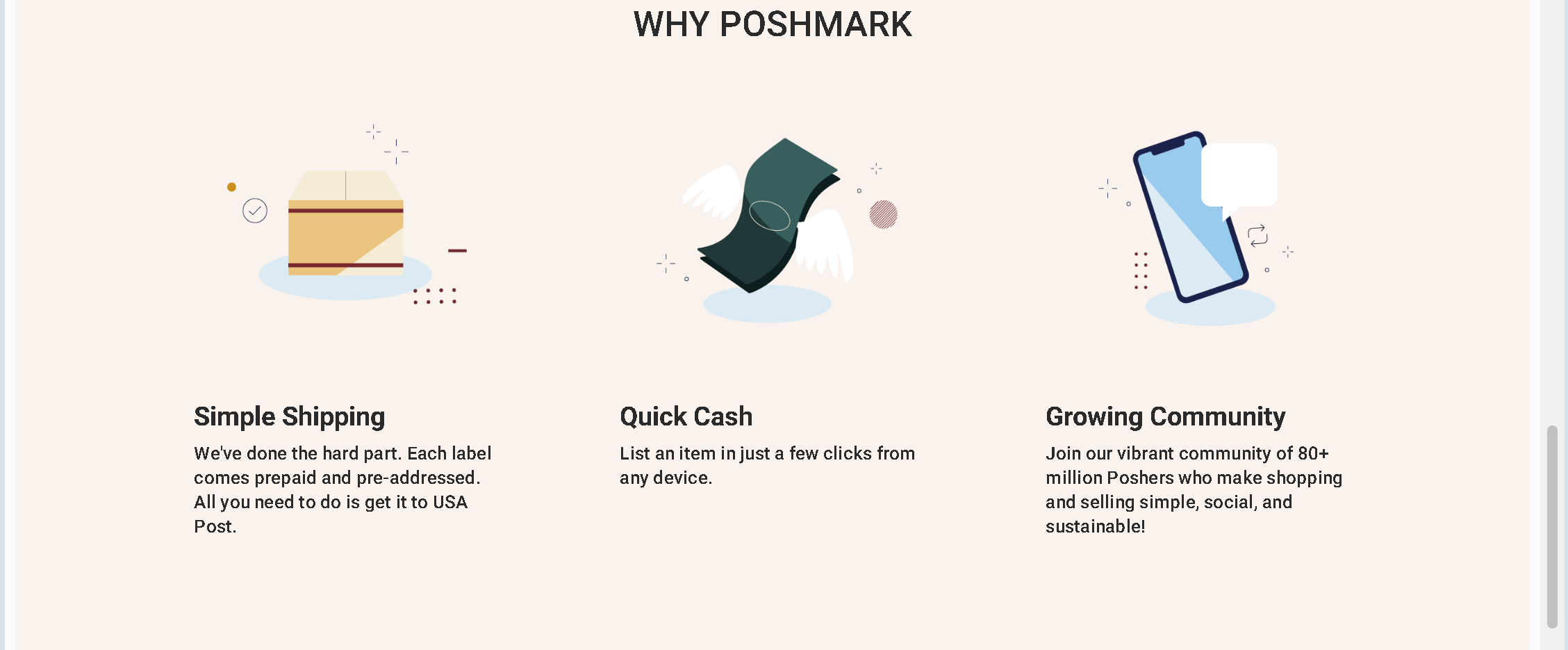
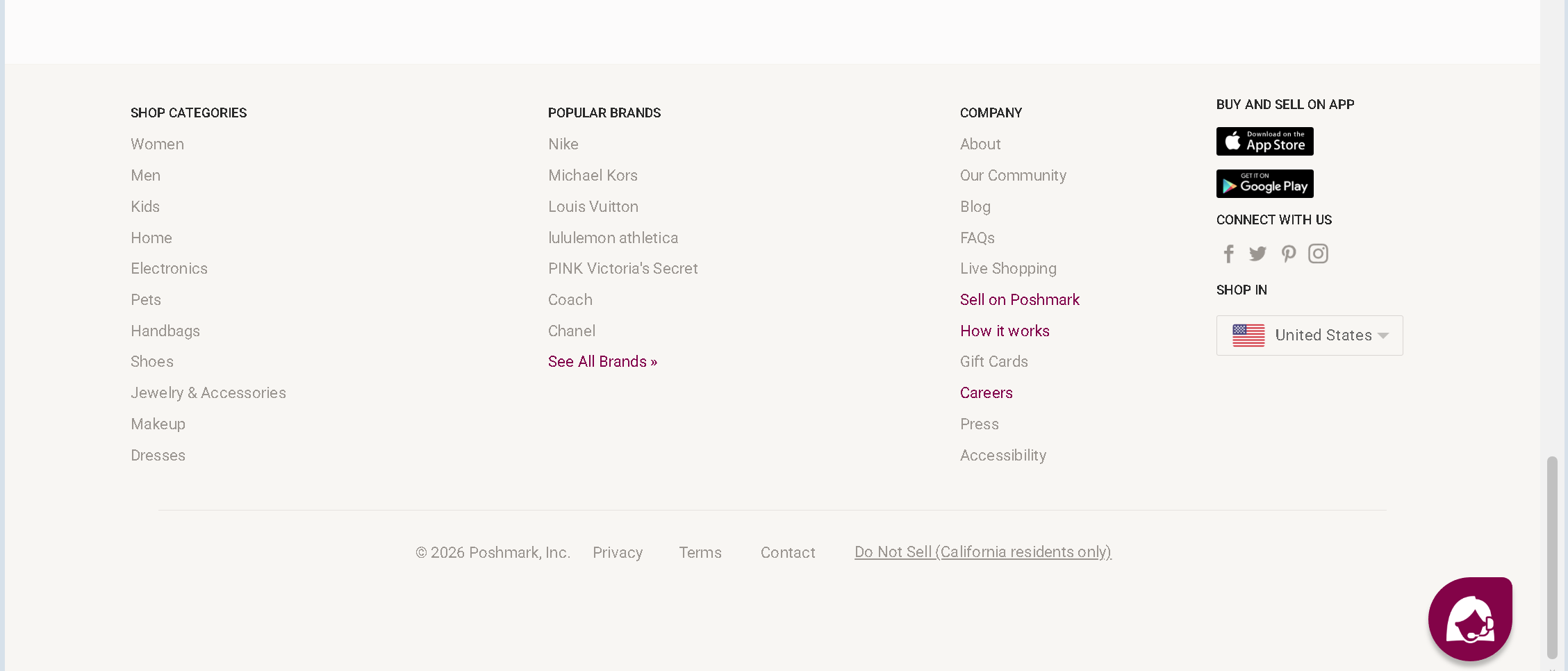
- Copied branding: The pages use Poshmark’s logos, categories, and footer links, but these are stolen from the real site.
- Warnings about scams on the page itself: Ironically, the page includes a generic warning about scams – this is copied text and does not make the page legitimate.
What to do if you encounter this:
- Do not enter any personal or card information.
- Do not interact with the fake chat or click any buttons.
- If you are a Poshmark user, always log in directly by typing
poshmark.cominto your browser. Check your account status from the official dashboard. - If you have already entered card details, contact your bank immediately to block the card and dispute any unauthorized charges.
- Report the phishing page to Poshmark’s security team and to the hosting provider.
Protective measures:
- Never click links in unsolicited messages claiming your account is restricted.
- Always type the official website URL directly into your browser.
- Never provide your card CVV or expiration date for “account verification” – legitimate businesses do not need this information to confirm your identity.
- Enable two‑factor authentication on your Poshmark account and email.
- Be suspicious of any page with a live chat that immediately asks for card details – this is almost always a scam.
- Check the URL carefully – look for misspellings, extra words, or unusual top‑level domains (
.sbs,.top,.xyz).